
1. Introduction
This manual provides detailed instructions for the installation, operation, and maintenance of your Samsung SHP-DS705 Digital Smart Lock. Please read this manual thoroughly before installation and use to ensure proper function and safety. Keep this manual for future reference.
2. Safety Information
- Do not attempt to disassemble or repair the lock yourself. This may void the warranty and cause damage.
- Use only specified batteries (AA Alkaline). Do not mix old and new batteries or different types of batteries.
- Avoid exposing the lock to direct sunlight, rain, or extreme temperatures.
- Keep the lock away from water and other liquids.
- Ensure the door is properly aligned and closes smoothly before installing the lock.
- Change the master PIN and user PINs regularly for enhanced security.
3. Package Contents
Verify that all components are present in the package:
- Samsung SHP-DS705 Digital Lock (Front and Rear Units)
- Installation Guide
- Installation Kit (screws, mounting plates, etc.)
- 4 x AA Batteries
- 2 x RFID Cards
4. Product Overview
The Samsung SHP-DS705 is a digital smart lock offering multiple access methods and enhanced security features.
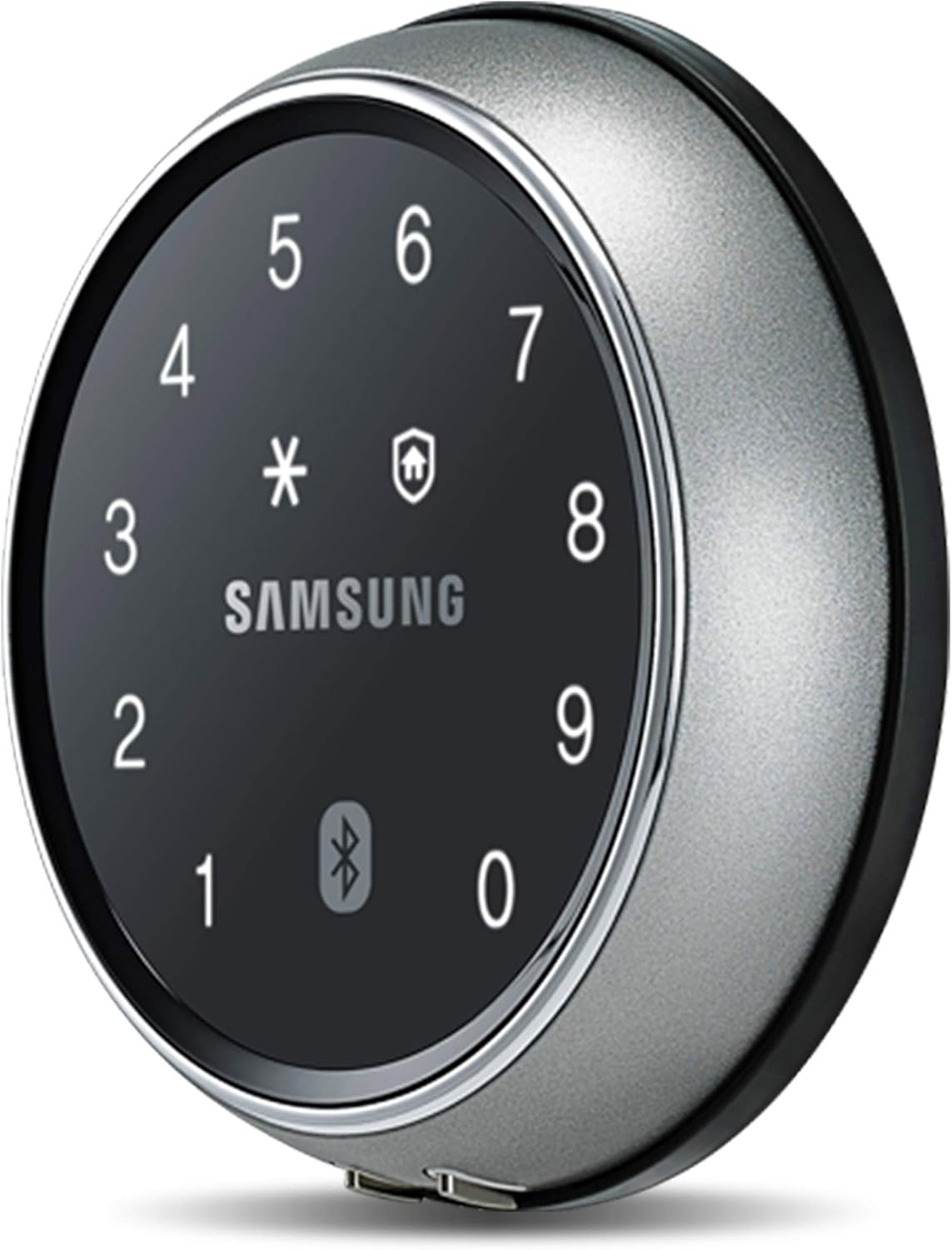
Figure 4.1: Front view of the Samsung SHP-DS705 Digital Smart Lock, showing the circular keypad with numbers 0-9, asterisk, shield icon, and Bluetooth symbol, centered with the Samsung logo.
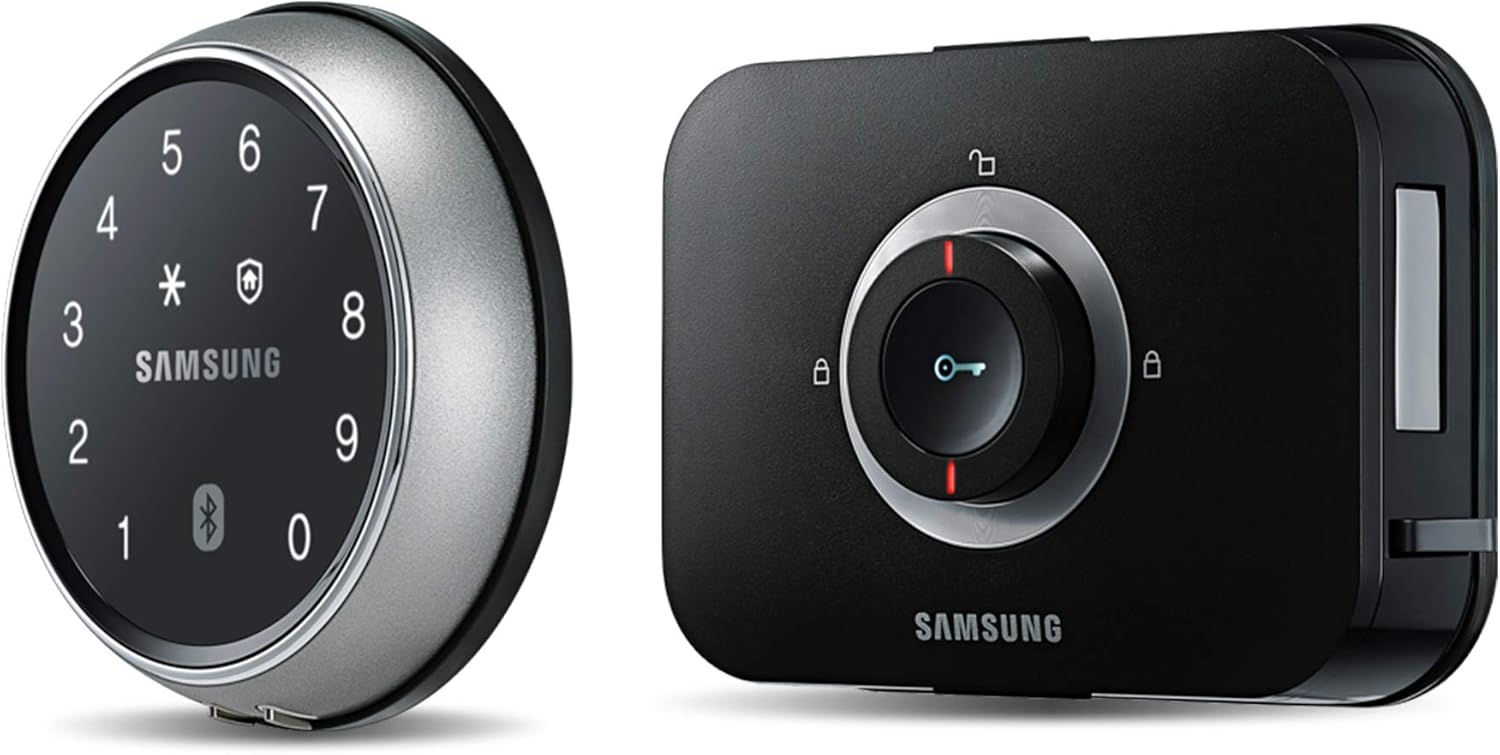
Figure 4.2: The Samsung SHP-DS705 Digital Smart Lock, displaying both the circular exterior keypad unit and the rectangular interior unit with a manual lock knob.
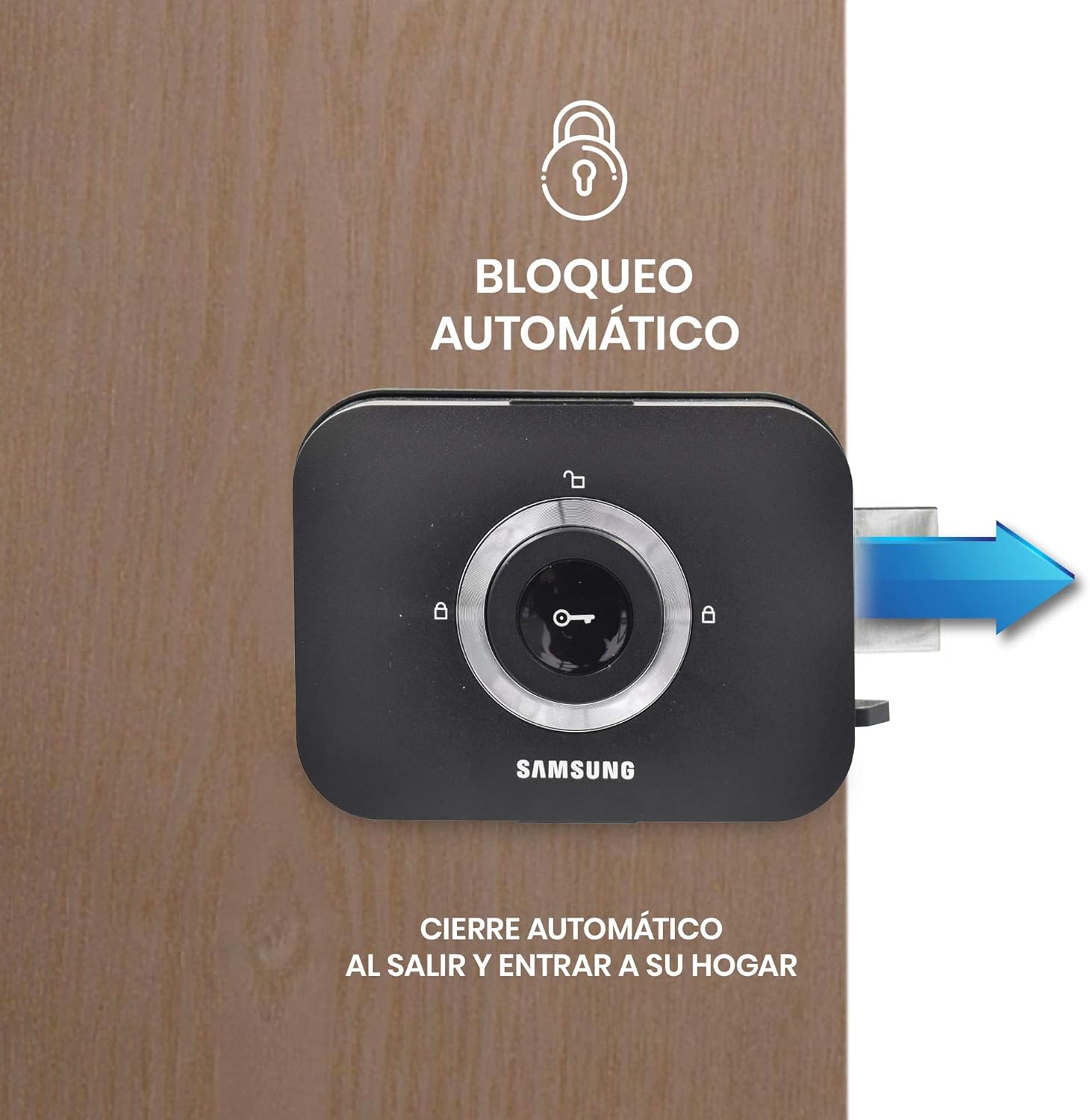
Figure 4.3: Labeled diagram of the Samsung SHP-DS705 lock components. Key features include (1) Touch Panel for master password, random security code, and proximity sensor; (2) Bluetooth Connection for up to 8 app users, real-time notifications, and access logs; (3) Emergency Power for 9V battery; (4) AA Battery compartment for approximately 10 months of use; (5) Automatic Lock mechanism; and (6) Manual Lock for interior control.

Figure 4.4: Dimensional diagram of the Samsung SHP-DS705 lock. The exterior unit measures 83mm in diameter and 19mm in depth. The interior unit measures 140mm in width and 106mm in height. The total depth of the lock mechanism within the door is 44mm.
5. Installation
The Samsung SHP-DS705 lock is designed for easy installation. Refer to the included Installation Guide for detailed, step-by-step instructions and diagrams. Professional installation is recommended if you are unfamiliar with door hardware installation.
5.1. Door Compatibility
- Compatible with door thicknesses ranging from 4 cm to 6 cm.
- Can be installed on doors up to 10 cm thick with an optional extender piece (sold separately).
5.2. Pre-Installation Checks
- Ensure the door frame and door are clean and free of obstructions.
- Verify that the door closes and latches smoothly without resistance.
- Confirm all necessary tools are available as listed in the Installation Guide.
6. Operating Instructions
6.1. Entry Methods
The SHP-DS705 offers multiple ways to unlock your door:
- Numeric Password: Enter your registered PIN code on the touch panel. The random security code system helps prevent fingerprint residue patterns.
- RFID Card: Present a registered RFID card to the card reader area on the lock's exterior unit. The lock supports up to 20 RFID cards.
- Bluetooth Access (Mobile App): Use the dedicated mobile application (compatible with iOS and Android) to unlock the door via Bluetooth when within range.

Figure 6.1: A person using a smartphone app to unlock the Samsung SHP-DS705 Digital Smart Lock, demonstrating Bluetooth access functionality.
6.2. User Management
- Master PIN: One master numeric PIN can be set for administrative functions, including registering and deleting user PINs and RFID cards.
- User PINs: Multiple user numeric PINs can be registered for daily access.
- RFID Cards: Up to 20 RFID cards can be registered for convenient access. Two cards are included with the product.
- App Users: Up to 8 users can be registered via the mobile application for Bluetooth access and monitoring.
6.3. Security Features
- Random Security Code: Before entering your PIN, the lock displays random numbers to prevent others from guessing your code based on fingerprint smudges.
- Automatic Locking: The lock automatically secures the door after it closes, eliminating the need to manually lock it.
- Intruder Alarm: An alarm will sound if unauthorized attempts are made to open the door or if the lock detects forced entry.
- Failed Entry Attempts Alarm: If an incorrect PIN is entered multiple times, the lock will trigger an alarm and temporarily disable the keypad.
Figure 6.2: The interior unit of the Samsung SHP-DS705 lock illustrating the automatic locking mechanism, which engages the bolt when the door is closed.
6.4. Mobile Application Features
The Samsung SHP-DS705 connects to a mobile application via Bluetooth, offering additional functionalities:
- Remote Access (Bluetooth Range): Unlock your door when within Bluetooth range using your smartphone.
- Real-time Notifications: Receive alerts on your phone regarding lock status and access events.
- Access Log: View a history of entries and exits, showing who accessed the door and when.

Figure 6.3: A smartphone screen displaying the "History" section of the Samsung smart lock application, showing a log of "In/Out history" with user names and timestamps for door access.
7. Maintenance
7.1. Battery Replacement
- The lock operates on 4 AA alkaline batteries, providing an average duration of 10 months (based on 10 openings per day).
- Replace all four batteries simultaneously when the low battery indicator appears or when the lock's performance degrades.
- To replace, open the battery cover on the interior unit and insert new AA batteries, ensuring correct polarity.
- In case of complete battery depletion, an emergency 9V battery can be used to temporarily power the lock from the exterior unit.
7.2. Cleaning
- Clean the lock's exterior with a soft, dry cloth. Do not use abrasive cleaners, solvents, or chemical sprays.
- Avoid spraying water directly onto the lock.
8. Troubleshooting
| Problem | Possible Cause | Solution |
|---|---|---|
| Lock does not respond. | Dead batteries. | Replace all 4 AA batteries. Use a 9V emergency battery if completely drained. |
| PIN code not working. | Incorrect PIN entered; PIN not registered; Keypad temporarily disabled due to multiple incorrect attempts. | Ensure correct PIN is entered. Re-register PIN if necessary. Wait for keypad to reactivate after an alarm. |
| RFID card not working. | Card not registered; Card damaged. | Register the RFID card. Try another registered card. |
| Bluetooth app not connecting/working. | Out of Bluetooth range; App not properly paired; App malfunction. | Ensure you are within Bluetooth range. Re-pair the app with the lock. Check for app updates or reinstall the app. |
| Automatic lock not engaging. | Door not fully closed; Sensor obstruction; Lock mechanism issue. | Ensure the door closes completely. Check for any obstructions around the latch. Consult the Installation Guide for sensor alignment. |
9. Specifications
- Model: SHP-DS705
- Brand: Samsung
- Part Number: SHP-DS705MK/EN
- Color: Gray
- Finish: Black
- Material: Acrylonitrile Butadiene Styrene, Aluminum, Zinc
- Power Source: 4 x AA Alkaline Batteries (included)
- Battery Life: Approximately 10 months (based on 10 openings/day)
- Emergency Power: 9V Battery (not included)
- Entry Methods: Numeric Password, RFID Card, Bluetooth (Mobile App)
- User Capacity: Up to 1 Master PIN, multiple User PINs, 20 RFID Cards, 8 App Users
- Door Thickness Compatibility: 4 cm to 6 cm (up to 10 cm with extender)
- Product Dimensions (Exterior Unit): 83mm (Diameter) x 19mm (Depth)
- Product Dimensions (Interior Unit): 140mm (Width) x 106mm (Height) x 44mm (Depth)
- Weight: 900 Grams
- Special Features: Random Security Code, Automatic Locking, Intruder Alarm, Failed Entry Attempts Alarm, Real-time Notifications, Access Log.
10. Warranty and Support
For warranty information and technical support, please refer to the documentation included with your purchase or visit the official Samsung support website. Keep your proof of purchase for warranty claims.