
D-Link DCS-8000LH
D-Link DCS-8000LH Mini HD Wi-Fi Camera User Manual
Model: DCS-8000LH
Introduction
This manual provides detailed instructions for the D-Link DCS-8000LH Mini HD Wi-Fi Camera. Designed for indoor use, this compact camera offers high-definition video surveillance, night vision, and intelligent alerts to help you monitor your home effectively. Please read this manual thoroughly before operating your device to ensure proper setup and functionality.
What's in the Box
The D-Link DCS-8000LH/2PK-US package includes the following items:
- 2 x DCS-8000LH Devices
- 2 x Power Adapters (5V/1A)
- Quick Install Guide

Image: The D-Link DCS-8000LH Mini HD Wi-Fi Camera 2-pack, showing two white cylindrical cameras and their retail box.
Product Overview
The D-Link DCS-8000LH is a compact indoor Wi-Fi camera designed for discreet placement and effective home monitoring. Key features include:
- HD Resolution: Captures clear 720p video with a 120-degree field of view.
- Night Vision: Built-in infrared LED provides visibility up to 16 feet in complete darkness.
- Motion and Sound Detection: Triggers automatic push notifications to your mobile device upon detecting activity.
- Cloud Recording: Offers free and paid options for storing video recordings via the mydlink cloud.
- Smart Home Integration: Compatible with Amazon Alexa and Google Assistant for voice control and live video streaming to compatible devices.
- Compact Design: Small and inconspicuous, blending easily with various home decors.

Image: Front view of two D-Link DCS-8000LH cameras, highlighting the lens and indicator lights.
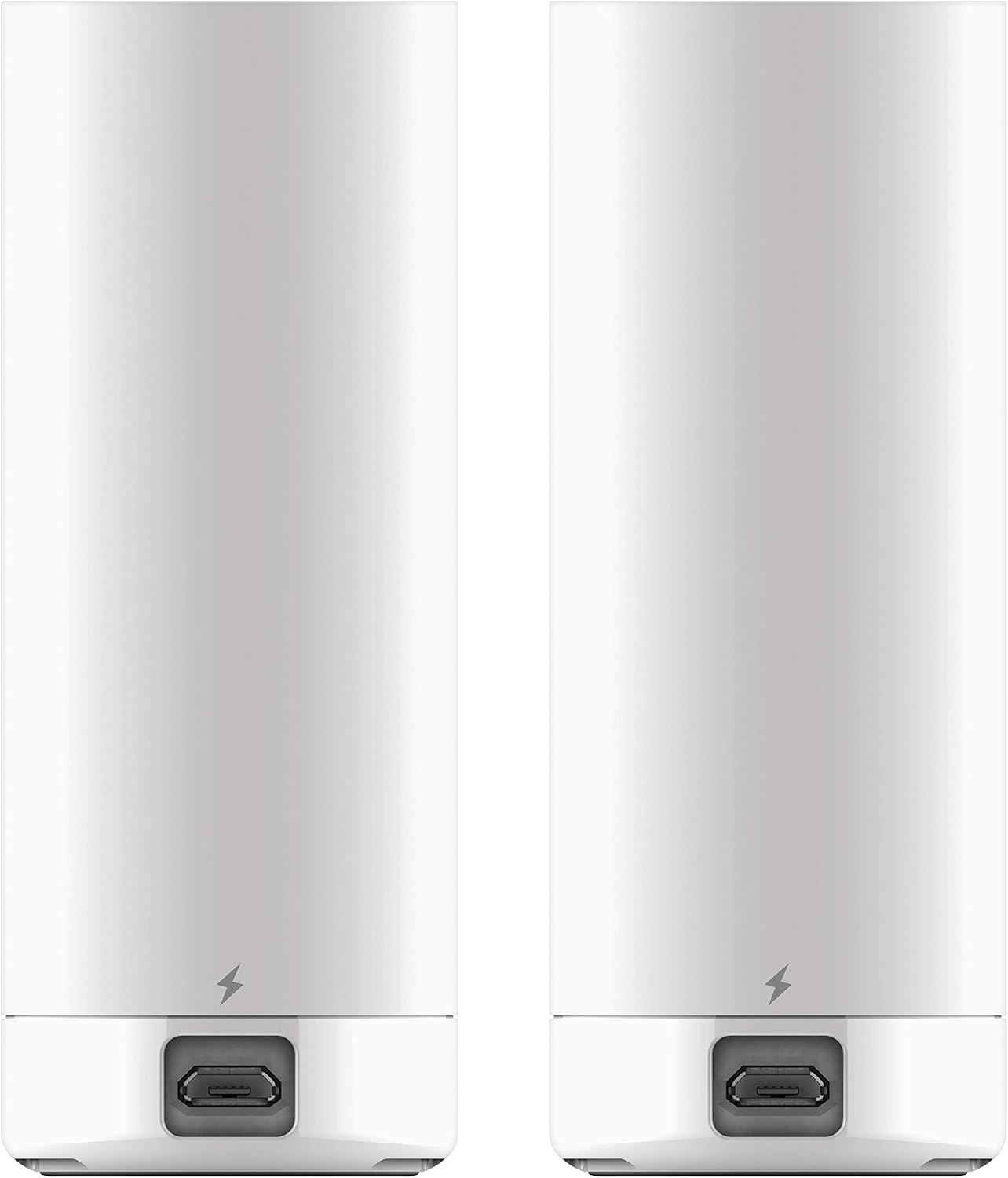
Image: Back view of two D-Link DCS-8000LH cameras, showing the micro USB power port at the base.
Setup Instructions
Follow these steps to set up your D-Link DCS-8000LH camera using the mydlink app:
- Download the mydlink App: Search for "mydlink" in your smartphone's app store (iOS or Android) and download the official D-Link app.
- Power On the Camera: Connect the camera to a power outlet using the provided adapter. Wait for the power LED on the camera to blink orange, indicating it's ready for setup.
- Launch the App and Create/Log In: Open the mydlink app. If you are a new user, create a mydlink account. Existing users can log in.
- Add a New Device: In the app, select the option to "Add a New Camera" or "Add a New Device."
- Scan QR Code: The app will prompt you to scan the QR code located on the bottom of your DCS-8000LH camera. Ensure your phone's camera has permission to access the QR code.
- Connect to Wi-Fi: Follow the on-screen instructions to connect your camera to your home Wi-Fi network. Ensure you select a stable Wi-Fi network with a strong signal.
- Setup Completion: Once connected, the app will confirm "Setup Completed." You can then access live view and adjust settings.
For a visual guide on the setup process, refer to the video below:
Video: A demonstration of the D-Link Mini HD Wi-Fi Camera setup process using the mydlink app, showing steps like scanning the QR code and connecting to Wi-Fi.
Operating Instructions
Live View and Recording
After successful setup, open the mydlink app to access your camera's live feed. You can:
- View Live Video: Tap on your camera from the device list to see the real-time video stream.
- Record Video: Tap the record button within the live view interface to manually save footage to your mobile device or cloud account.
- Take Snapshots: Capture still images from the live feed.
- Adjust Resolution: Switch between 720p and lower resolutions (e.g., 240p) for different viewing needs or network conditions.
Night Vision
The camera automatically switches to night vision mode in low-light conditions. You can also manually control this setting:
- Toggle Night View: Within the live view, tap the Night View button to switch between Night Mode, Day Mode, and Automatic mode.
- The camera's infrared LEDs provide clear black-and-white video up to 16 feet in total darkness.
Motion and Sound Detection
Configure alerts to be notified of activity:
- Enable Alerts: Access camera settings in the mydlink app to enable motion and sound detection.
- Receive Notifications: When motion or sound is detected, the camera will send push notifications to your mobile device.
- Review Events: Recorded events triggered by motion or sound can be reviewed via your mydlink cloud account.
Video: An overview of the D-Link Mini HD Wi-Fi Camera, highlighting its compact size, 720p HD quality, sound and motion detection, and one-way audio listening capabilities.
Maintenance
- Cleaning: Use a soft, dry cloth to clean the camera lens and body. Avoid abrasive cleaners or solvents.
- Placement: Ensure the camera is placed in a stable, indoor location away from direct sunlight, heat sources, and moisture. For optimal performance, avoid placing it directly against glass if monitoring outdoors, as this can affect night vision and image clarity due to reflections.
- Power Supply: Always use the original D-Link power adapter. The camera requires continuous power and does not operate on batteries.
- Firmware Updates: Regularly check the mydlink app for available firmware updates to ensure your camera has the latest features and security enhancements.
Troubleshooting
Connectivity Issues
- No Wi-Fi Detected: Ensure your camera is within range of your Wi-Fi router. Try moving the camera closer to the router or reducing interference from other electronic devices.
- Connection Drops: Verify your Wi-Fi network is stable. Restart your router and the camera.
Image Quality
- Blurry/Unclear Video: Clean the camera lens with a soft cloth. Ensure there are no obstructions in front of the lens.
- Poor Night Vision: Ensure the camera's night vision mode is set to "Automatic" or "Night Mode" in the app. Remove any reflective surfaces close to the camera that might interfere with infrared light.
Alerts Not Working
- No Motion/Sound Alerts: Check the mydlink app settings to ensure motion and sound detection are enabled and sensitivity levels are appropriately configured. Verify that app notifications are enabled on your mobile device.
Smart Home Integration
- Alexa/Google Assistant Issues: Ensure your D-Link account is correctly linked within the Alexa or Google Home app. Verify that the camera is online and accessible through the mydlink app.
Specifications
| Model Name | DCS-8000LH/2PK-US |
| Indoor/Outdoor Usage | Indoor |
| Video Capture Resolution | 720p |
| Field Of View | 120 Degrees |
| Night Vision Range | 16 Feet |
| Connectivity Technology | Wi-Fi |
| Power Source | Corded Electric (5V/1A Adapter) |
| Controller Type | Amazon Alexa, Google Assistant, Vera |
| Alert Type | Audio and Motion |
| Product Dimensions | 1.38 x 1.5 x 3.62 inches |
| Item Weight | 2.08 ounces |
| Color | White |
Warranty and Support
For warranty information, technical support, or further assistance with your D-Link DCS-8000LH Mini HD Wi-Fi Camera, please visit the official D-Link support website or refer to the contact information provided in your Quick Install Guide.
You can also visit the D-Link Store on Amazon for more product information and resources.
Related documentsDCS-8000LH


Ask a question about this manual
Ask about setup, troubleshooting, compatibility, parts, safety, or missing instructions. Manuals+ will review the question and use this page’s manual context to help answer it.