
Introduction
This manual provides essential instructions for the proper use, setup, and maintenance of your USARemote Car Key Fob Keyless Entry Remote. This product is designed as a replacement for specific Toyota and Scion vehicle models, offering convenient keyless entry functionality.
Product Overview
The USARemote Key Fob is a complete electronic assembly with a pre-installed battery, ready for programming and key cutting. It features a durable construction designed for long-lasting use.

Image: The USARemote Car Key Fob, featuring lock, unlock, and panic buttons, with an uncut key blade.
Key Features:
- Complete electronic assembly with battery.
- Durable construction.
- Replacement for Part Numbers: MOZB41TG, 2584A-B41TG.
Vehicle Compatibility:
- Toyota Yaris: 2007, 2008, 2009, 2010, 2011, 2012, 2013
- Scion TC: 2005, 2006, 2007, 2008, 2009, 2010
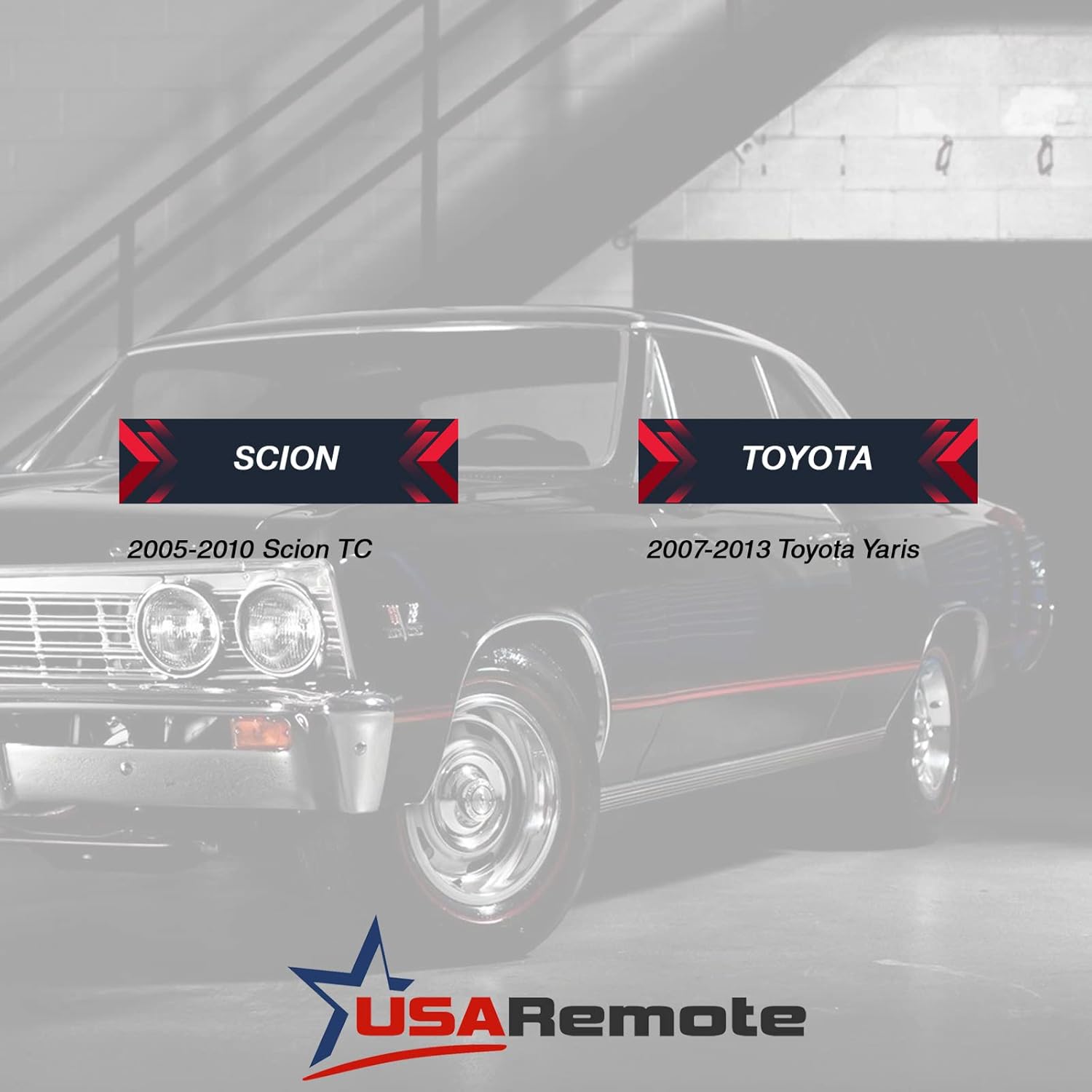
Image: Visual confirmation of compatible vehicle models and years.
Setup
The USARemote Key Fob requires professional programming and key cutting to function with your vehicle. Self-programming is not supported for this model.
Steps for Setup:
- Key Cutting: Take the new key fob to a qualified locksmith or dealership to have the key blade cut to match your vehicle's ignition.
- Remote Programming: The locksmith or dealership will then program the key fob's remote functions (lock, unlock, panic) and the transponder chip to communicate with your vehicle's immobilizer system. This step is crucial for both keyless entry and engine start functionality.
It is recommended to confirm the key fob's functionality with the locksmith or dealership immediately after programming and cutting.
Video: A brief overview of USARemote products. While not a programming guide, it introduces the brand's offerings.
Operating Instructions
Once your key fob has been professionally cut and programmed, you can use its functions as follows:
- Lock Button (Closed Padlock Icon): Press once to lock all vehicle doors.
- Unlock Button (Open Padlock Icon): Press once to unlock the driver's door. Press twice within a few seconds to unlock all vehicle doors.
- Panic Button (Red 'HOLD' Icon): Press and hold for approximately 3 seconds to activate the vehicle's alarm system. Release the button to deactivate the alarm.
Maintenance
Your key fob is designed for durability, but proper care can extend its lifespan.
Battery Replacement:
The key fob comes with a pre-installed battery. When the remote's range decreases significantly or it stops responding, the battery may need replacement. The battery type is typically a coin cell (e.g., CR2032), but refer to a professional locksmith or the vehicle's owner's manual for the exact type and replacement procedure, as improper replacement can damage the unit.
General Care:
- Avoid exposing the key fob to extreme temperatures, direct sunlight for extended periods, or moisture.
- Do not drop the key fob or subject it to strong impacts.
- Clean the exterior with a soft, dry cloth if necessary. Avoid using harsh chemicals.
Troubleshooting
If you experience issues with your USARemote Key Fob, consider the following:
Remote Functions Not Working:
- Check Battery: A weak or dead battery is a common cause. Consider professional battery replacement.
- Reprogramming Needed: In rare cases, the key fob may lose its programming. Contact a professional locksmith or dealership for reprogramming.
- Vehicle Compatibility: Ensure the key fob is compatible with your specific vehicle make, model, and year.
Key Blade Not Working:
- Improper Cut: If the key blade does not turn in the ignition or door locks, it may have been cut incorrectly. Return to the locksmith or dealership for inspection.
For persistent issues, it is recommended to consult with a certified automotive locksmith or your vehicle's dealership.
Specifications
| Feature | Detail |
|---|---|
| Brand | USARemote |
| Model Number | t-moz-67 (MOZB41TG) |
| Part Numbers | MOZB41TG, 2584A-B41TG |
| Material | Plastic |
| Button Quantity | 4 (Lock, Unlock, Hold/Panic) |
| Item Weight | 1 Ounce |
| Item Dimensions (L x W) | 2"L x 1.25"W |
| Vehicle Service Type | Car |
| Automotive Fit Type | Vehicle Specific Fit |
Warranty Information
Specific warranty details for this product are not provided in the available information. Please refer to the retailer's return policy or contact USARemote directly for warranty inquiries.
Support
For further assistance, technical support, or questions regarding your USARemote Key Fob, please utilize the following resources:
- Retailer Support: Contact the retailer from whom you purchased the product for assistance with returns or initial troubleshooting.
- Professional Assistance: For programming and cutting services, consult a certified automotive locksmith or your local Toyota/Scion dealership.
- USARemote Website: Visit the official USARemote website for potential FAQs or contact information.