
LilGadgets Connect+ Pro (LGCR)
LilGadgets Connect+ Pro Wired Kids Headphones User Manual
Model: Connect+ Pro (LGCR)
Introduction
Welcome to the LilGadgets Connect+ Pro Wired Kids Headphones user manual. These headphones are designed specifically for children, offering a safe and comfortable listening experience with features like volume limiting and SharePort Technology. This manual provides essential information for setting up, operating, maintaining, and troubleshooting your new headphones.
Key Features
- Volume Limiting: Equipped with 40mm drivers and a maximum volume of 93dB to ensure quieter, safer listening levels for children.
- Passive Noise Reduction: Helps to block out external noise, allowing for clearer audio even at lower volumes.
- SharePort Technology: Allows multiple headphones to connect to a single device without the need for a splitter, perfect for shared listening experiences.
- Comfortable Design: Features SoftTouch padding and an adjustable headband for a comfortable fit during extended use.
- Durable Construction: Built with metal extenders and flexible, strong plastics to withstand daily use by children.
- In-line Microphone: Integrated microphone for clear communication during online classes or calls.
- Detachable Cable: A 4-foot braided nylon cable that is detachable to prevent damage from tugs and for easy storage.
- Universal Compatibility: Standard 3.5mm audio jack ensures compatibility with a wide range of devices, including iPads, tablets, phones, and computers.
- Travel Pouch: Includes a convenient travel pouch for portability and protection.
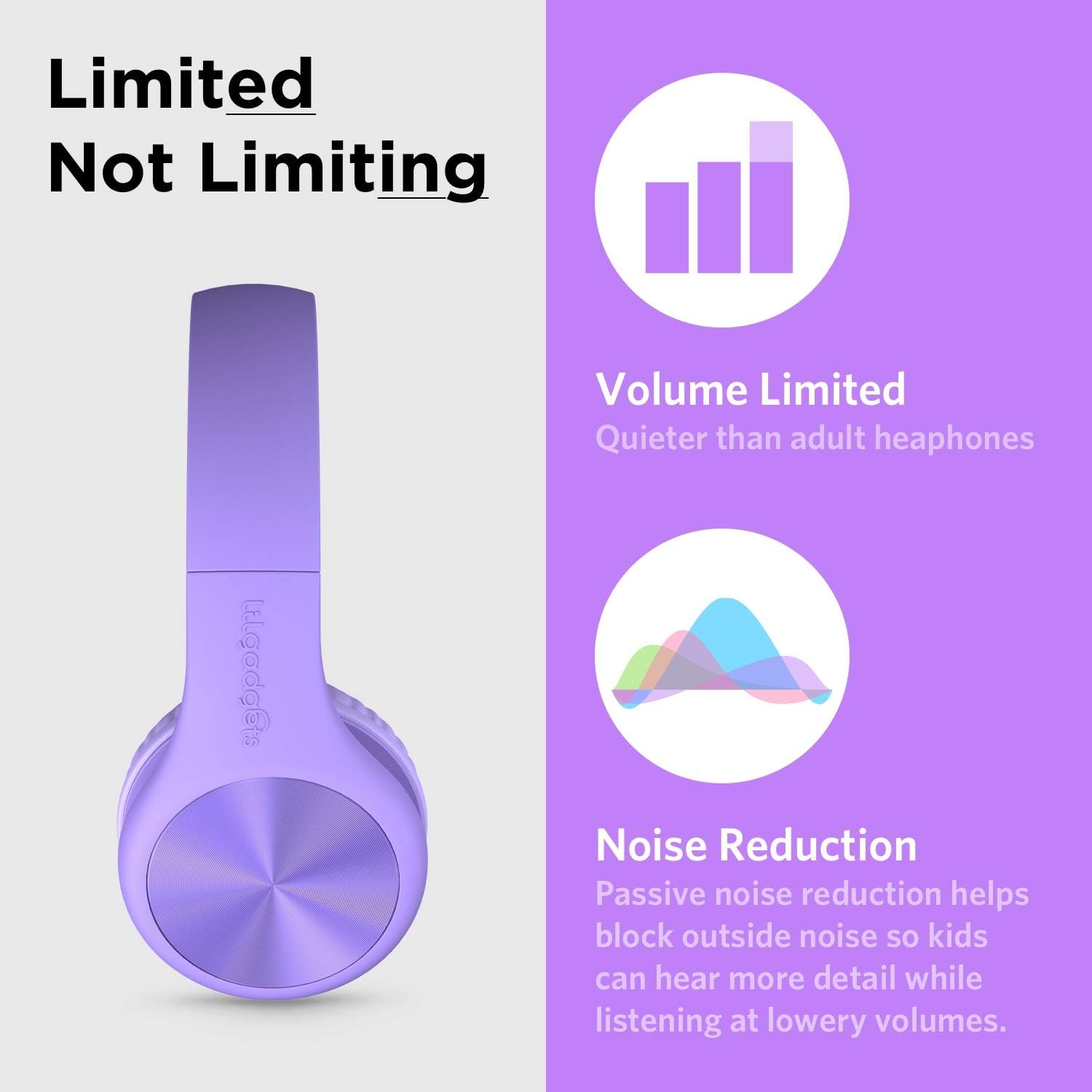
The headphones feature volume limiting and passive noise reduction for safe listening.

SharePort Technology allows multiple headphones to connect to a single device.
Setup
- Unpack: Carefully remove the headphones, detachable audio cable, and travel pouch from the packaging.
- Connect Audio Cable: Insert the smaller end of the detachable 3.5mm audio cable into the audio jack located on the left earcup of the headphones. Ensure it is securely plugged in.
- Connect to Device: Insert the other end of the 3.5mm audio cable into the audio output jack of your device (e.g., tablet, smartphone, computer).
- Adjust Headband: Gently extend or retract the headband on both sides to fit the user's head comfortably. The SoftTouch padding on the earcups should fully cover the ears.

The headphones come with a detachable audio cable for easy connection.
Operating Instructions
- Power On/Off: As these are wired headphones, there is no power button. They operate when connected to an audio source.
- Volume Control: Adjust the volume directly on your connected device. The headphones have a built-in volume limit to protect hearing.
- Using the Microphone: The in-line microphone will automatically activate when connected to a device that supports microphone input (e.g., for calls or online meetings).
- SharePort Functionality: To share audio, plug the audio cable from a second pair of LilGadgets headphones into the empty 3.5mm jack on either earcup of the first pair. This allows two users to listen to the same audio source simultaneously.
- Folding for Storage: The headphones can be folded inward for compact storage. Gently fold the earcups towards the headband.
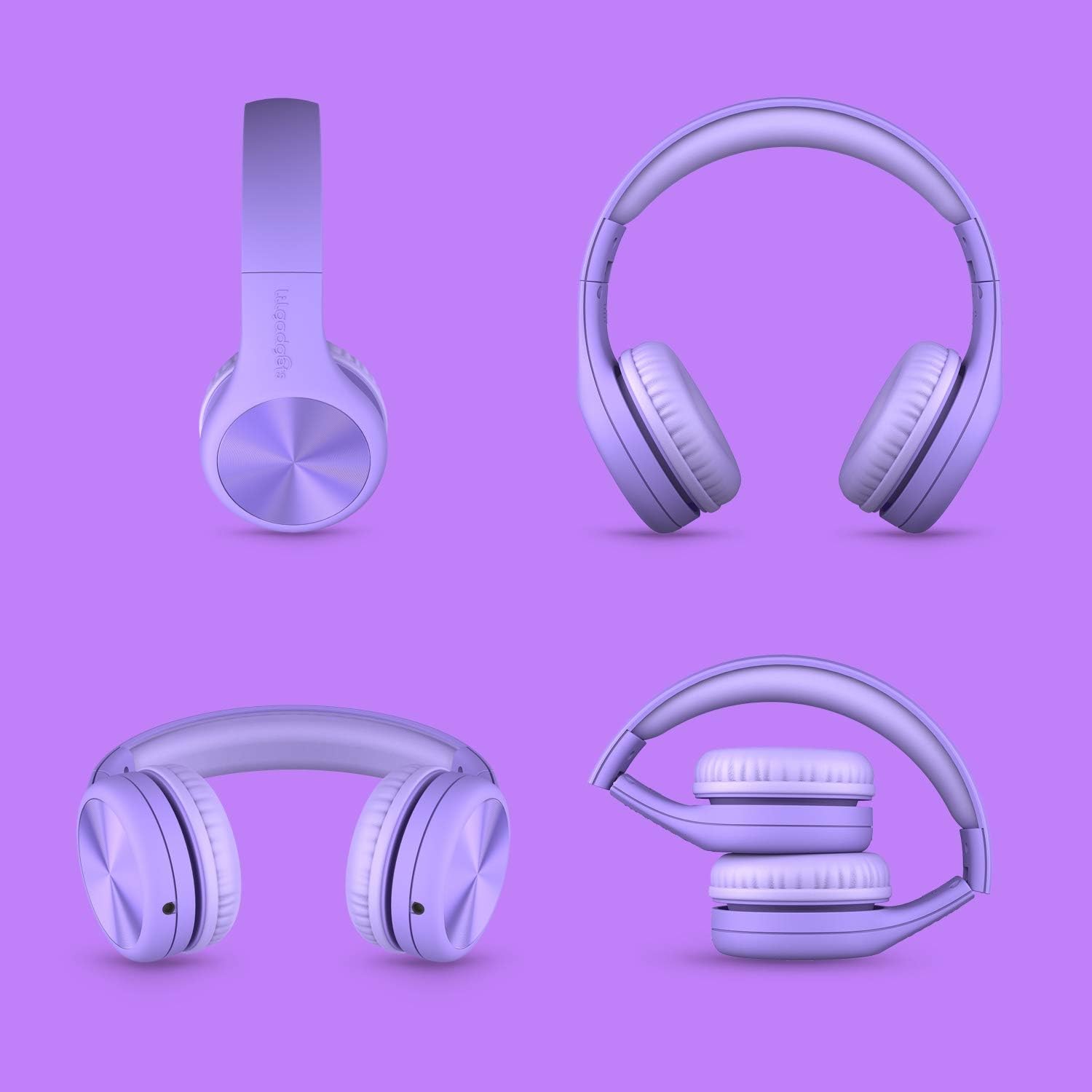
The headphones feature a foldable design for easy storage and portability.
Maintenance
- Cleaning: Use a soft, dry cloth to wipe down the headphones. For the SoftTouch padding, a slightly damp cloth can be used, but avoid excessive moisture. Do not use harsh chemicals or abrasive cleaners.
- Storage: When not in use, store the headphones in the included travel pouch to protect them from dust and scratches. Avoid storing them in extreme temperatures.
- Cable Care: Always grasp the plug, not the cable, when disconnecting from a device or the headphones to prevent damage to the cable or jacks.
- Avoid Tugging: While durable, avoid excessive tugging or pulling on the cable or earcups to prolong the lifespan of the headphones.
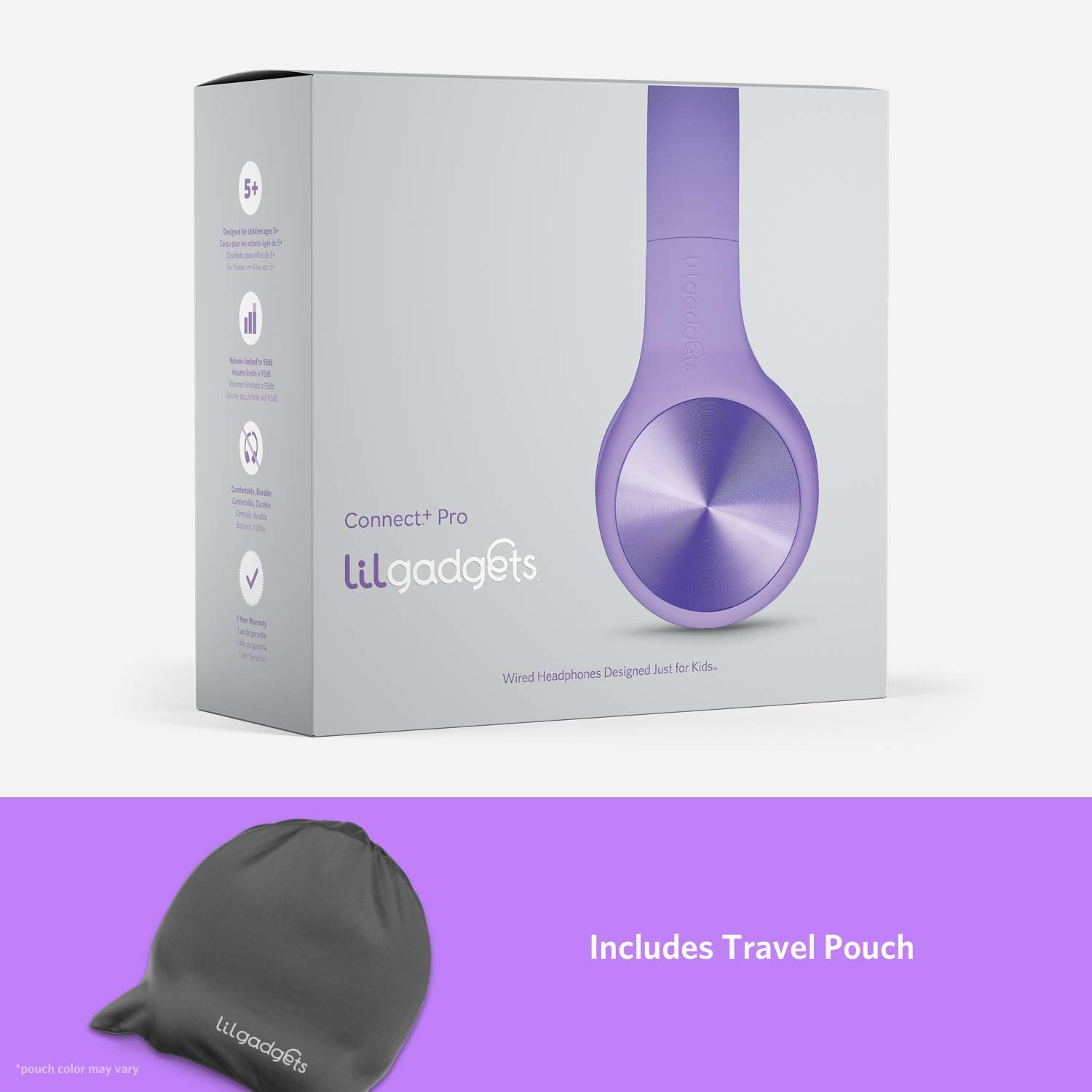
Store your headphones in the included travel pouch for protection.
Troubleshooting
| Problem | Possible Cause | Solution |
|---|---|---|
| No sound from headphones. | Cable not fully plugged in; device volume too low; incorrect audio output selected on device. | Ensure both ends of the 3.5mm cable are securely connected. Increase volume on the connected device. Check device audio settings to ensure output is directed to the headphone jack. Try with another device to rule out headphone issue. |
| Sound is distorted or intermittent. | Loose cable connection; damaged cable; dirty audio jack on device. | Re-seat the audio cable firmly. Inspect the cable for any visible damage; if damaged, replace it. Clean the device's audio jack gently with a dry cotton swab. |
| Microphone not working. | Device does not support in-line microphone; microphone input not selected on device. | Verify your device supports a 3.5mm jack with microphone input. Check your device's audio input settings to ensure the external microphone is selected. |
| Headphones feel uncomfortable. | Headband not adjusted correctly. | Adjust the headband length to ensure the earcups sit comfortably over the ears without excessive pressure. |
Specifications
| Feature | Detail |
|---|---|
| Model Name | Connect+ PRO |
| Model Number | LGCR |
| Connectivity Technology | Wired (3.5 mm Jack) |
| Driver Size | 40mm |
| Maximum Volume | 93dB |
| Frequency Response | 20Hz - 20kHz |
| Impedance | 32 Ohm |
| Cable Length | 4-foot (braided nylon) |
| Ear Placement | Over Ear |
| Included Components | Detachable Cable, Travel Pouch / Case |
| Product Dimensions | 6.1 x 2.36 x 7.09 inches |
| Item Weight | 8.8 ounces (0.25 Kilograms) |
| Color | Purple |
Warranty and Support
LilGadgets is committed to providing high-quality products and excellent customer satisfaction. While specific warranty details are not provided in this manual, LilGadgets stands strongly behind its products. For any questions, concerns, or support needs regarding your Connect+ Pro headphones, please visit the official LilGadgets website or contact their customer service directly.
You can find more information and contact details by visiting the LilGadgets Store on Amazon.
Ask a question about this manual
Ask about setup, troubleshooting, compatibility, parts, safety, or missing instructions. Manuals+ will review the question and use this page’s manual context to help answer it.