
Introduction
The Philips Sonicare DiamondClean Smart 9300 electric power toothbrush is designed to provide comprehensive oral care. This manual provides essential information for setting up, operating, maintaining, and troubleshooting your device to ensure optimal performance and longevity.

Image: Philips Sonicare DiamondClean Smart 9300 Electric Power Toothbrush in white.
Key Features
- Sonic technology for effective cleaning.
- 4 brushing modes and 3 intensity settings for personalized care.
- Smart brush head mode pairing technology.
- Visual pressure sensor to prevent excessive brushing force.
- Real-time feedback and personalized coaching via the Sonicare app.
- Up to 62,000 brush movements per minute.

Image: Close-up of a Philips Sonicare brush head cleaning teeth, highlighting improved gum health.
Text Description: This image illustrates the effectiveness of the Sonicare toothbrush, showing how it contributes to up to 7 times healthier gums compared to a manual toothbrush.

Image: A smiling woman with bright, clean teeth, representing stain removal benefits.
Text Description: This image emphasizes the toothbrush's ability to remove up to 100% more stains in just 3 days, leading to a brighter smile.
What's Included
Your Philips Sonicare DiamondClean Smart 9300 package includes the following components:
- 1 Philips Sonicare DiamondClean Smart 9300 Handle (Old White)
- Multiple Brush Heads (specific types may vary, typically includes Premium Plaque Control, Premium Gum Care, and Premium White brush heads)
- 1 Charging Glass
- 1 Travel Case with integrated USB charging
- 1 USB Charging Cable
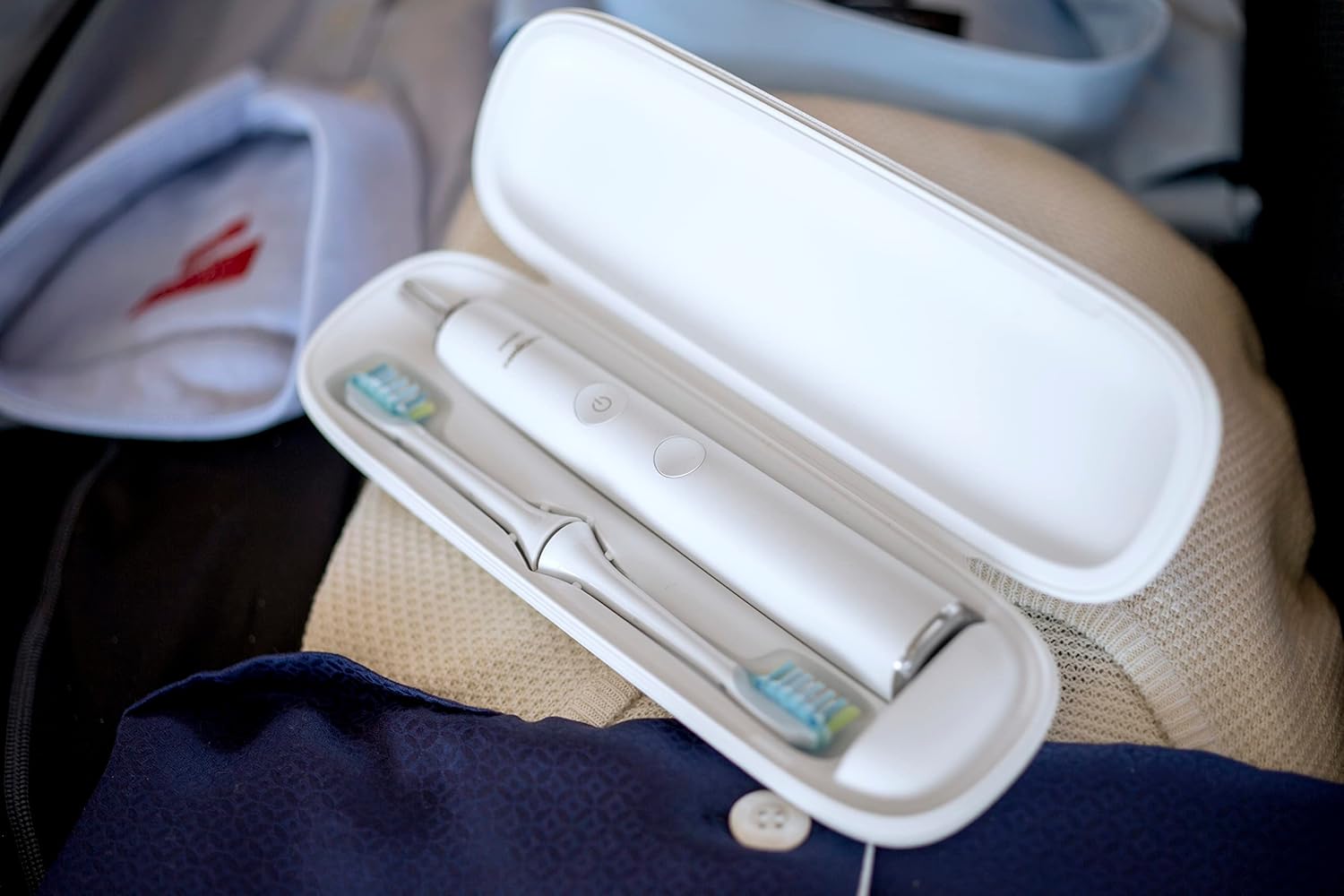
Image: The Philips Sonicare DiamondClean Smart 9300 toothbrush and two brush heads stored neatly in its white travel case.
Text Description: This image displays the compact and convenient travel case, designed to hold the toothbrush handle and two brush heads, making it ideal for travel.
Setup
1. Charging the Toothbrush
Before first use, fully charge your Philips Sonicare DiamondClean Smart 9300 for 24 hours. The battery indicator lights will show the charging progress.
- Using the Charging Glass: Place the toothbrush handle into the charging glass. Ensure the glass is placed on the charging base, which is plugged into a power outlet. The light ring at the bottom of the handle will illuminate and pulse to indicate charging.
- Using the Travel Case: Place the toothbrush handle into the travel case. Connect the USB charging cable to the travel case and plug it into a USB power adapter or computer.

Image: The Philips Sonicare DiamondClean Smart 9300 toothbrush handle placed in its charging glass, with a charging icon indicating power.
Text Description: This image demonstrates the elegant charging method using the included glass, which doubles as a rinsing cup and wirelessly charges the toothbrush when placed on its base.
2. Attaching the Brush Head
Align the brush head with the handle so the bristles face the same direction as the front of the handle. Push the brush head down firmly onto the metal shaft until it stops.
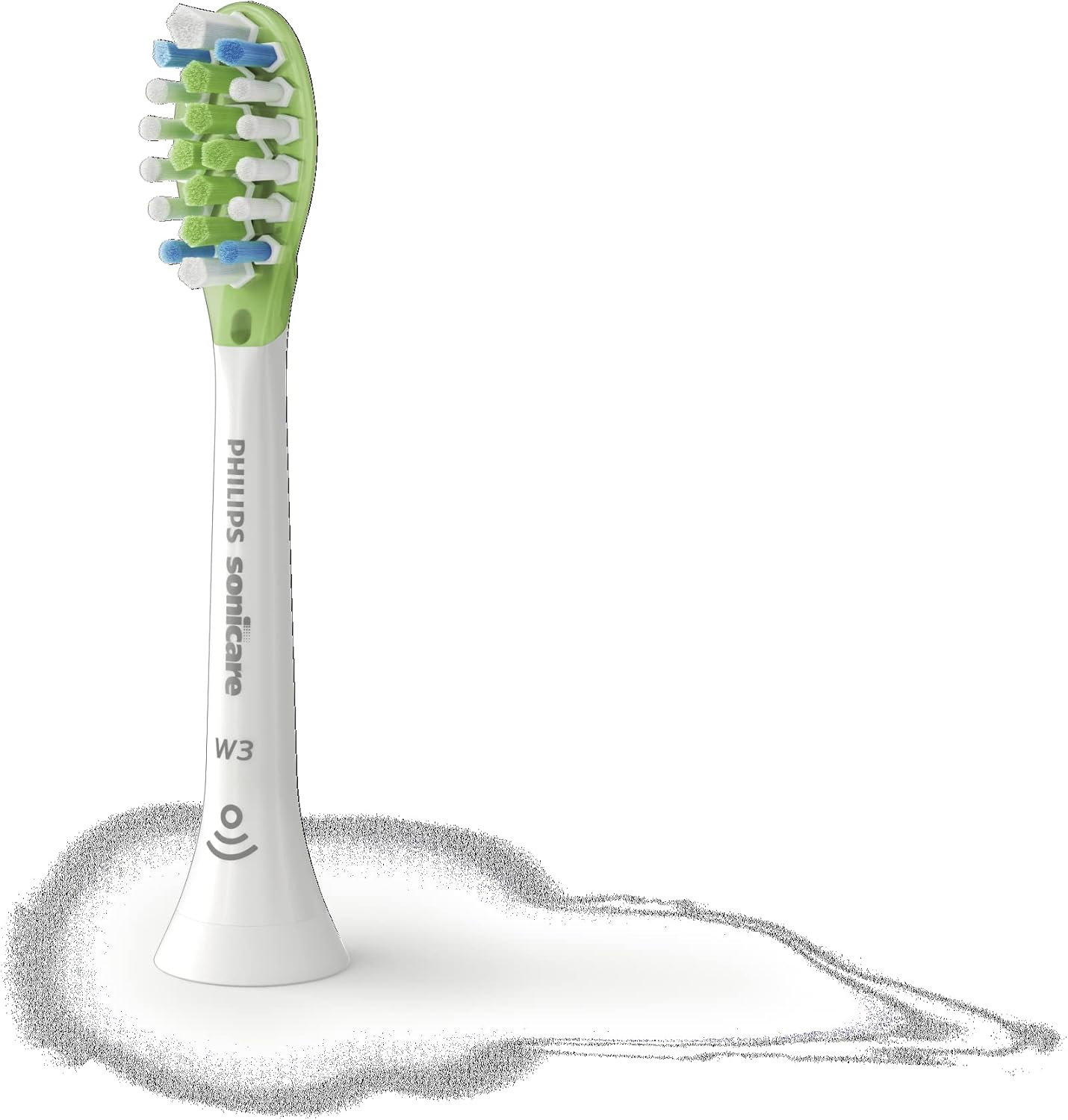
Image: The Philips Sonicare DiamondClean Smart 9300 toothbrush handle, showing the power button and mode/intensity indicators.
Text Description: This image highlights the sleek design of the toothbrush handle, featuring intuitive controls for power, mode selection, and intensity adjustment.

Image: A Philips Sonicare W3 Premium White brush head, showing its bristles and the Smart brush head recognition icon.
Text Description: This image displays a brush head, emphasizing its design for effective cleaning and its compatibility with the Smart features of the toothbrush.
Operating Instructions
1. Brushing Your Teeth
- Wet the bristles and apply a small amount of toothpaste.
- Place the brush head against your teeth at a slight angle towards the gum line.
- Press the power button to turn on the toothbrush.
- Gently move the brush head slowly across your teeth in small back-and-forth motions, allowing the sonic action to do the work.
- The toothbrush will pause briefly every 30 seconds to indicate when to move to the next quadrant of your mouth. After 2 minutes, the toothbrush will automatically turn off.
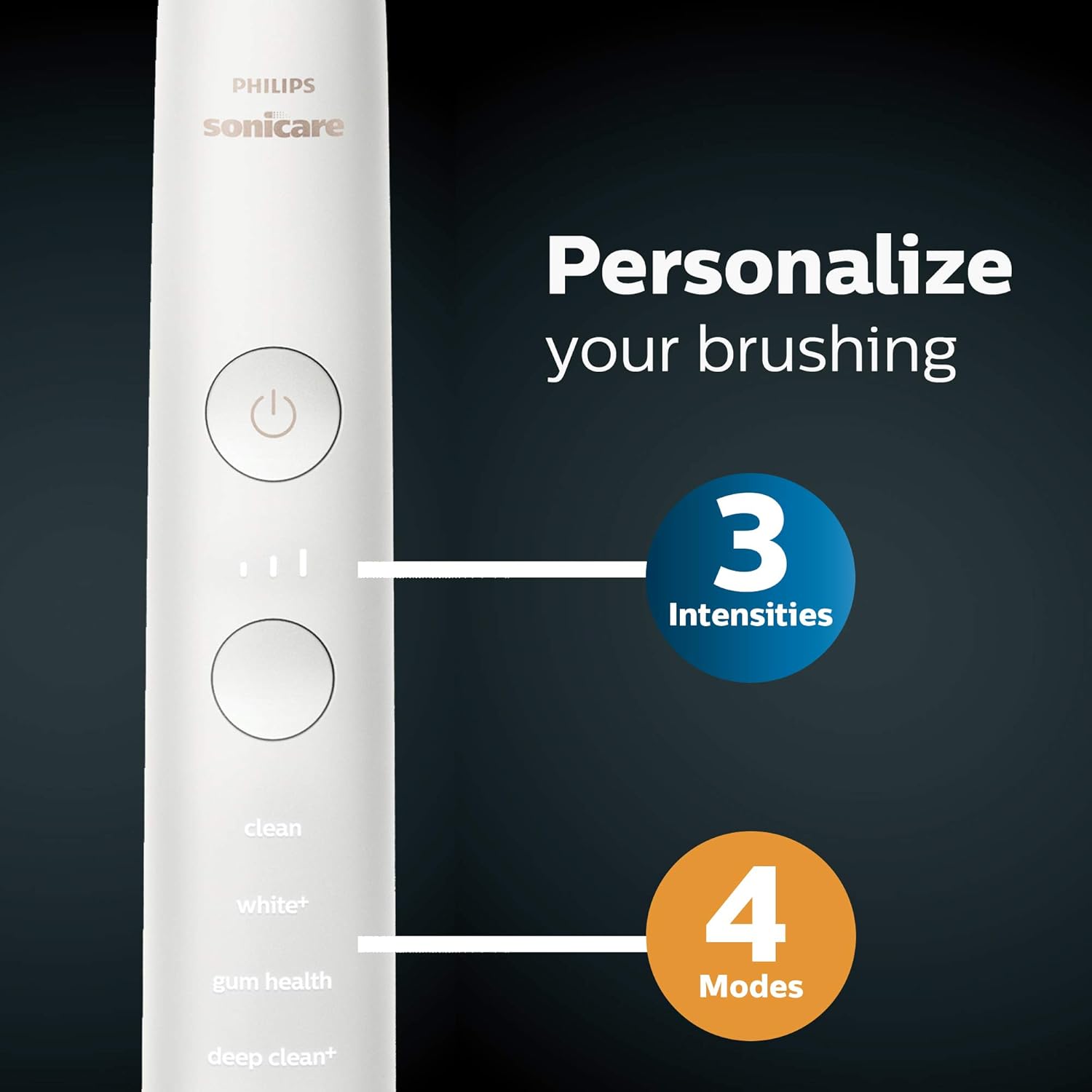
Image: Close-up of the Philips Sonicare DiamondClean Smart 9300 handle showing the 4 modes (Clean, White+, Gum Health, Deep Clean+) and 3 intensity levels.
Text Description: This image highlights the customizable brushing experience offered by the toothbrush, with various modes and intensity settings to suit individual needs.
2. Brushing Modes and Intensity Settings
Your DiamondClean Smart 9300 offers 4 modes and 3 intensity settings. Press the mode button to cycle through the modes. The toothbrush will automatically select the optimal intensity for the chosen mode, but you can adjust it using the intensity button.
- Clean: For exceptional everyday clean.
- White+: To remove surface stains.
- Gum Health: Provides a gentle yet effective clean for gums.
- Deep Clean+: For an invigorating deep clean.

Image: A hand holding a smartphone displaying the Philips Sonicare app with real-time brushing feedback.
Text Description: This image illustrates the real-time feedback feature of the Sonicare app, which guides users to improve their brushing technique and ensure comprehensive coverage.
3. Using the Sonicare App
Download the Philips Sonicare app to your smartphone. The app connects to your toothbrush via Bluetooth and provides real-time guidance, personalized coaching, and tracks your brushing habits. It helps identify missed spots, alerts you to excessive pressure, and monitors brush head performance.

Image: A screenshot of the Philips Sonicare app showing a 'Progress' screen with a 3D mouth map indicating brushing coverage and areas to improve.
Text Description: This app screen provides a visual representation of brushing progress, highlighting areas that may need more attention for a complete clean.

Image: A screenshot of the Philips Sonicare app displaying a 'Use less motion' alert during brushing.
Text Description: This app feature provides immediate feedback to users, advising them to reduce excessive motion for more effective and gentle brushing.

Image: A screenshot of the Philips Sonicare app displaying a 'Reduce pressure' alert during brushing.
Text Description: This app feature provides immediate feedback to users, advising them to reduce excessive pressure to protect gums and teeth from damage.
4. Pressure Sensor
The toothbrush features a visual pressure sensor. If you apply too much pressure while brushing, the light ring at the bottom of the handle will illuminate to alert you. Reduce pressure to prevent damage to your teeth and gums.
Video: A detailed guide on how to effectively use the Philips Sonicare DiamondClean 9300 Electric Toothbrush.
Text Description: This video provides comprehensive instructions on the proper usage of the Philips Sonicare DiamondClean 9300, covering various brushing techniques and features to maximize cleaning efficiency.
Maintenance
1. Cleaning the Toothbrush
- After each use, rinse the brush head and bristles thoroughly under running water.
- Wipe the handle with a damp cloth. Do not immerse the handle in water.
- Clean the charging glass and base regularly with a damp cloth.
2. Brush Head Replacement
Replace your brush head every 3 months, or sooner if the bristles become splayed or worn. The toothbrush handle will provide a customized reminder when it's time to replace the brush head.
Troubleshooting
- Toothbrush not turning on: Ensure the toothbrush is fully charged. If the issue persists, contact customer support.
- Pressure sensor light constantly on: You may be applying too much pressure. Adjust your brushing technique.
- App not connecting: Ensure Bluetooth is enabled on your smartphone and the toothbrush is powered on. Try restarting both devices.
Specifications
| Model Number | HX9903/01 |
| Brand | Philips Sonicare |
| Product Dimensions | 4.37 x 6.85 x 9.92 inches |
| Item Weight | 2.3 Pounds |
| Power Source | Battery Powered |
| Battery Type | 1 A batteries (included) |
| Operation Mode | Electric |
| Number of Settings | 4 modes, 3 intensity settings |
| Bristle Material | Nylon |
| Handle Material | Plastic |
| Color | Old White |
| Special Features | Rechargeable, Travel Size |
Important Safety Information
- Replace brush head when worn out.
- Do not use for purposes other than oral hygiene.
- Avoid excessive brushing pressure and scrubbing.
- Statements regarding dietary supplements have not been evaluated by the FDA and are not intended to diagnose, treat, cure, or prevent any disease or health condition.
Warranty and Support
Your Philips Sonicare DiamondClean Smart 9300 comes with a 2-year manufacturer's warranty. For warranty claims, technical support, or further assistance, please refer to the contact information provided in your product packaging or visit the official Philips Sonicare website.
For additional information and support, visit the Philips Sonicare Store.


