
WWE WrestleMania 33
WWE: WrestleMania 33 (WrestleMania 2017) - Official Product Guide
Your comprehensive guide to enjoying the ultimate thrill ride.
1. Introduction
This guide provides essential information for the WWE: WrestleMania 33 (WrestleMania 2017) DVD set. It covers setup, operation, maintenance, and troubleshooting to ensure an optimal viewing experience of this historic event.
2. Disc Contents
The WWE: WrestleMania 33 DVD set includes the full event from April 2, 2017, held at Camping World Stadium in Orlando, Florida. This 3-disc set features all matches, segments, and the 2017 WWE Hall of Fame Induction Ceremony.
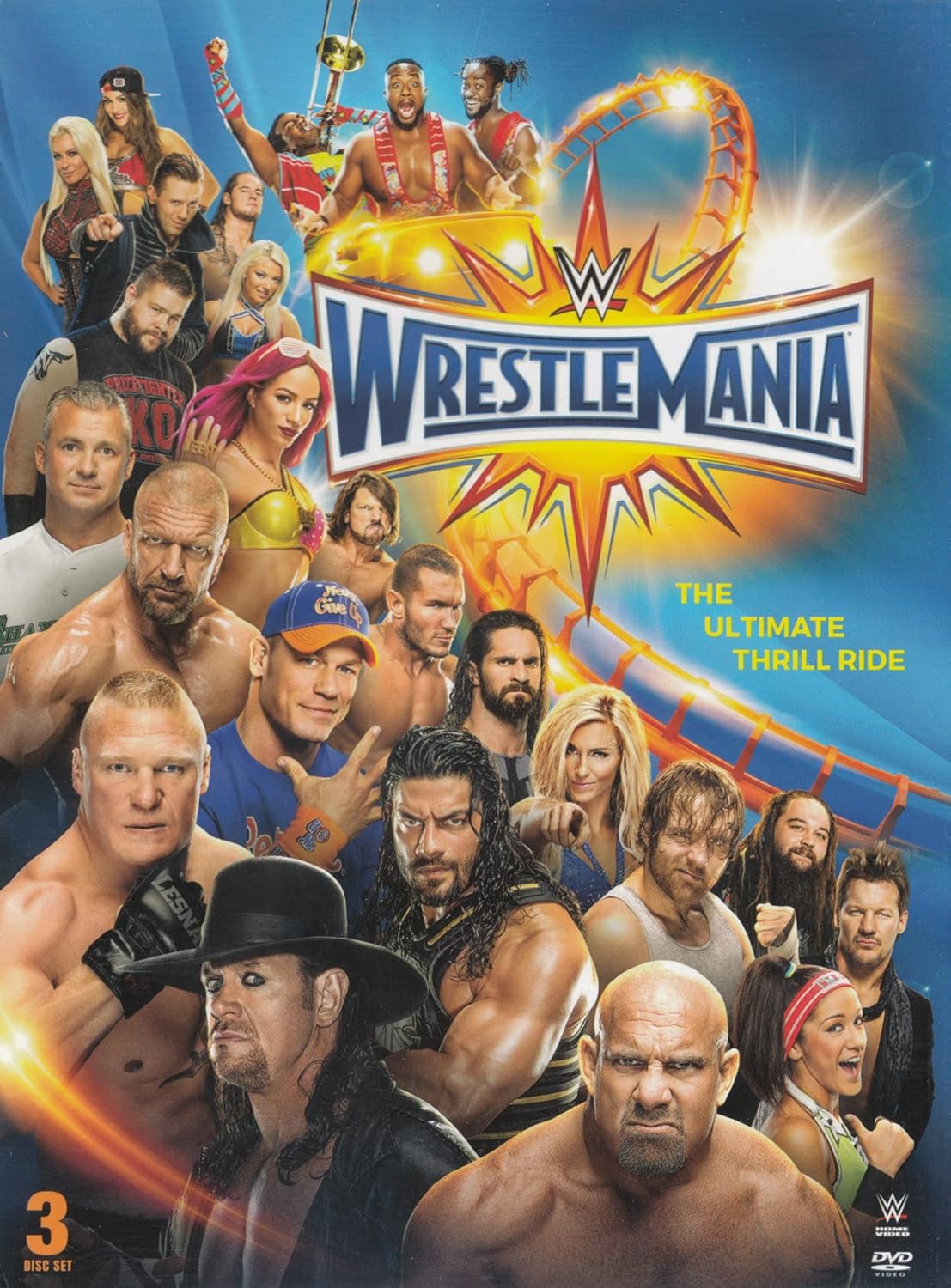
Image: Front cover of the WWE WrestleMania 33 DVD set, showing various WWE Superstars and the event logo.
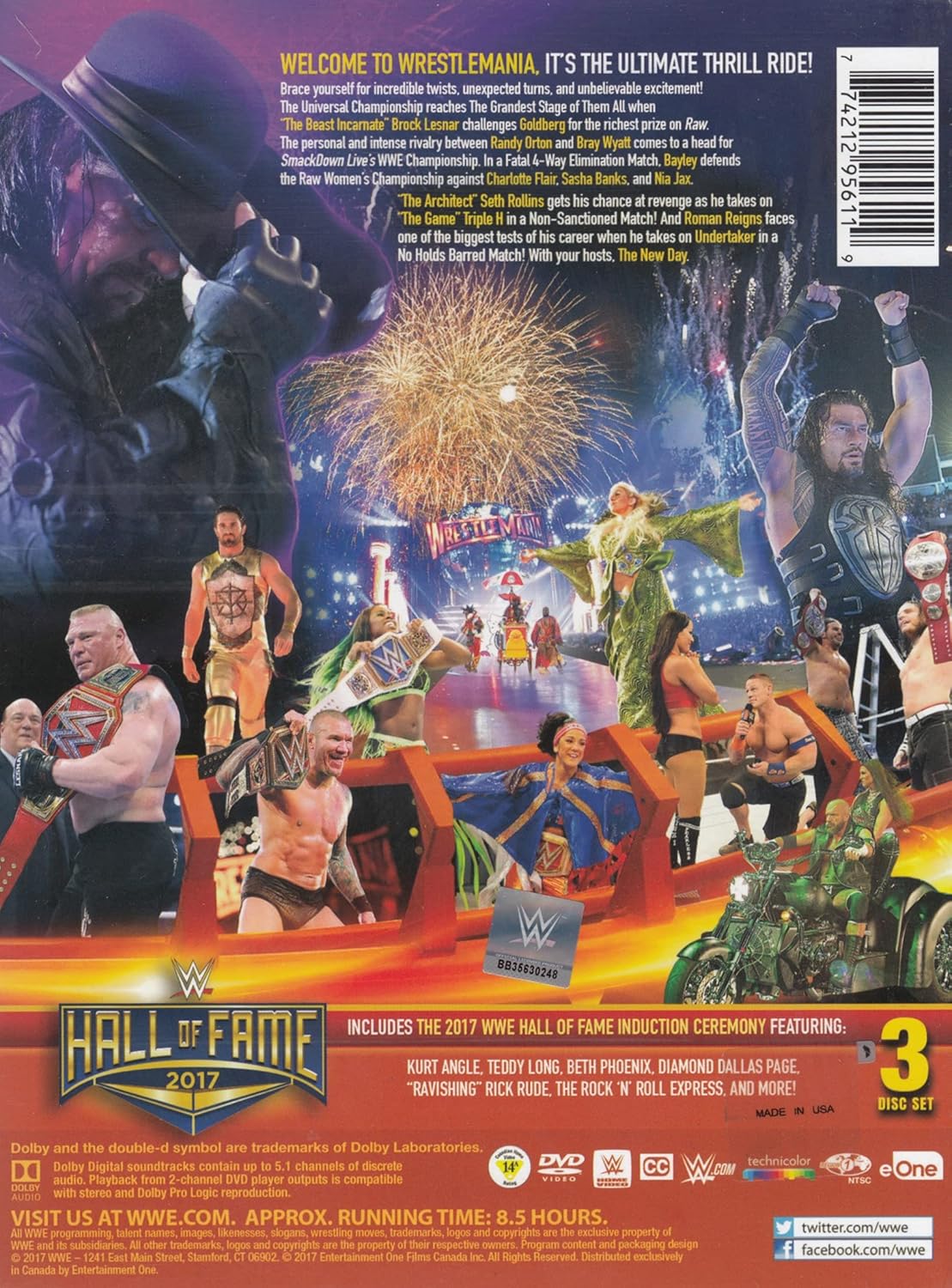
Image: Back cover of the WWE WrestleMania 33 DVD set, detailing the event's tagline, key matches, and bonus features like the Hall of Fame induction.
Key Matches and Segments:
- AJ Styles vs. Shane McMahon
- United States Championship: Chris Jericho vs. Kevin Owens
- RAW Women's Championship Fatal 4-Way Elimination Match
- Triple Threat Ladder Match for the RAW Tag Team Championship (featuring the return of The Hardy Boyz)
- John Cena & Nikki Bella vs. The Miz & Maryse
- Non-Sanctioned Match: Seth Rollins vs. Triple H
- WWE Championship: Bray Wyatt vs. Randy Orton
- Universal Championship: Goldberg vs. Brock Lesnar
- SmackDown Women's Championship Six-Pack Challenge
- Roman Reigns vs. The Undertaker
Bonus Content:
- 2017 WWE Hall of Fame Induction Ceremony, featuring Kurt Angle, Teddy Long, Beth Phoenix, Diamond Dallas Page, "Ravishing" Rick Rude, The Rock 'n' Roll Express, and more.
3. Setup
To begin watching your WWE: WrestleMania 33 DVD, ensure you have a compatible DVD player or Blu-ray player with DVD playback capabilities, and a television or monitor.
- Connect your DVD player: Ensure your DVD player is properly connected to your television or display device using appropriate cables (e.g., HDMI, RCA). Refer to your DVD player's manual for specific connection instructions.
- Power on devices: Turn on your television and your DVD player.
- Select input: Use your television's remote control to select the correct input source (e.g., HDMI 1, Video 1) that corresponds to your DVD player's connection.
- Insert disc: Gently open the DVD player's disc tray and place one of the WWE: WrestleMania 33 discs onto the tray with the label side facing up. Close the disc tray.
4. Operating
Once the disc is inserted, your DVD player should automatically begin reading the disc and display the main menu. If it does not, press the "Play" button on your DVD player or remote.
- Main Menu: From the main menu, you can typically select options such as "Play All," "Scene Selection," "Bonus Features," or "Audio/Subtitle Settings." Use the arrow keys on your remote to navigate and the "Enter" or "OK" button to select.
- Scene Selection: This option allows you to jump to specific matches or segments within the event.
- Audio/Subtitle Settings: Adjust audio tracks (e.g., English commentary) or enable/disable subtitles if available.
- Playback Controls: Use standard DVD remote controls for playback: Play, Pause, Stop, Fast Forward, Rewind, Next Chapter, Previous Chapter.
- Switching Discs: This set contains multiple discs. When prompted, remove the current disc and insert the next disc to continue viewing the full event or bonus features.
5. Maintenance and Care
Proper handling and care will extend the life of your DVD discs and ensure consistent playback quality.
- Handling: Always hold discs by their edges or by placing a finger through the center hole. Avoid touching the shiny playback surface.
- Storage: Store discs in their original case, away from direct sunlight, extreme temperatures, and high humidity. Laying discs flat or stacking them without cases can lead to warping or scratching.
- Cleaning: If a disc becomes dirty or smudged, gently wipe the playback surface with a soft, lint-free cloth (e.g., microfiber) in a straight line from the center to the outer edge. Do not wipe in circular motions. For stubborn marks, use a specialized disc cleaning solution. Avoid abrasive materials or harsh chemicals.
- Avoid Scratches: Be careful when inserting or removing discs from the player or case to prevent scratches. Even minor scratches can affect playback.
6. Troubleshooting
| Problem | Possible Cause | Solution |
|---|---|---|
| Disc does not play or load. | Disc inserted incorrectly, dirty disc, incompatible player, or player malfunction. | Ensure disc is inserted label-side up. Clean the disc. Try the disc in another DVD player. Check player connections. |
| Video or audio skipping/freezing. | Dirty disc, scratched disc, or player lens issue. | Clean the disc thoroughly. Inspect for deep scratches. If other discs play fine, the issue might be with this specific disc. If all discs skip, consider cleaning the player's lens or servicing the player. |
| No sound. | TV/player volume too low, incorrect audio settings, or faulty audio cables. | Increase volume on TV and player. Check audio cable connections. Verify audio settings on the DVD menu. |
| No picture. | Incorrect TV input, loose video cables, or TV/player malfunction. | Ensure TV is on the correct input. Check video cable connections. Try another video source to confirm TV functionality. |
7. Specifications
- Product Title: WWE: WrestleMania 33 (WrestleMania 2017)
- Format: DVD
- Number of Discs: 3
- Approximate Running Time: 8.5 hours
- Language: English
- Aspect Ratio: Standard (typically 1.78:1 widescreen)
- Audio: Dolby Digital
- UPC: 774212956119
- ASIN: B06XHJD99K
- Product Dimensions: 7.09 x 5.43 x 0.59 inches (18.0 x 13.8 x 1.5 cm)
- Item Weight: 2.88 ounces (81.6 grams)
8. Warranty and Support
For issues beyond basic troubleshooting, or for information regarding product defects, please refer to the retailer's return policy or contact the manufacturer directly. As this is a media product, specific warranties may vary.
Additional Support:
- Visit the official WWE website for event information and updates: www.wwe.com
- For customer service related to your purchase, contact your retailer (e.g., Amazon customer service).