
1. Introduction
This manual provides detailed instructions for the safe and efficient operation of your Energy Sistem Tower 3 G2 Bluetooth Speaker. Please read this manual thoroughly before using the device and retain it for future reference.

Figure 1: Front view of the Energy Sistem Tower 3 G2 Bluetooth Speaker.
2. Safety Information
To ensure safe operation and prevent damage, observe the following precautions:
- Do not expose the device to water, moisture, or extreme temperatures.
- Avoid placing the speaker near heat sources or in direct sunlight.
- Do not attempt to disassemble or repair the device yourself. Refer all servicing to qualified personnel.
- Use only the power adapter supplied with the device.
- Keep the speaker away from children and pets.
3. Package Contents
Verify that all items are present in the package:
- Energy Sistem Tower 3 G2 Bluetooth Speaker
- Remote Control
- Power Cable
- Audio Cable (3.5mm Jack)
- User Manual

Figure 2: Packaging of the Energy Sistem Tower 3 G2 Bluetooth Speaker, showing the product and its box.
4. Product Features
The Energy Sistem Tower 3 G2 offers the following features:
- 2.1 stereo system with 45 W output power.
- Wireless music transfer via Bluetooth technology.
- MP3 playback from micro SD cards or USB units (supports up to 64 GB external memories).
- Integrated FM Radio.
- Two USB outputs for charging Bluetooth devices.
- Remote control for convenient function management.

Figure 3: Top panel of the speaker, illustrating the integrated controls and digital display.
Video 1: This video demonstrates various features of the Energy Sistem Tower 3 G2, including touch controls, USB/SD card reader functionality, FM radio, and Bluetooth connectivity, showcasing its versatility in a home environment.
5. Setup
5.1 Unpacking and Placement
- Carefully remove all components from the packaging.
- Attach the base plate to the bottom of the speaker using the provided fasteners. Ensure it is securely fastened for stability.
- Place the speaker on a flat, stable surface.
5.2 Power Connection
- Connect the power cable to the AC input on the rear of the speaker.
- Plug the other end of the power cable into a suitable wall outlet.

Figure 4: Rear panel of the speaker, highlighting the various input ports for connectivity.
6. Operating Instructions
6.1 Power On/Off
Press the power button on the top panel or the remote control to turn the speaker on or off.
6.2 Mode Selection
Press the 'Mode' button on the top panel or remote control to cycle through available input modes: Bluetooth, USB, Micro SD, FM Radio, and Auxiliary Input.
6.3 Bluetooth Pairing
- Switch the speaker to Bluetooth mode. The display will show 'bt' and the Bluetooth indicator will flash.
- Enable Bluetooth on your device (smartphone, tablet, etc.) and search for available devices.
- Select 'Energy Sistem Tower 3 G2' from the list.
- Once paired, the speaker will emit a confirmation sound, and the Bluetooth indicator will stop flashing.
6.4 USB/Micro SD Playback
- Insert a USB drive or Micro SD card (up to 64 GB) containing MP3 files into the corresponding slot on the top panel.
- The speaker will automatically switch to USB or Micro SD mode and begin playing music.
- Use the playback controls (Play/Pause, Next/Previous Track) on the top panel or remote control.
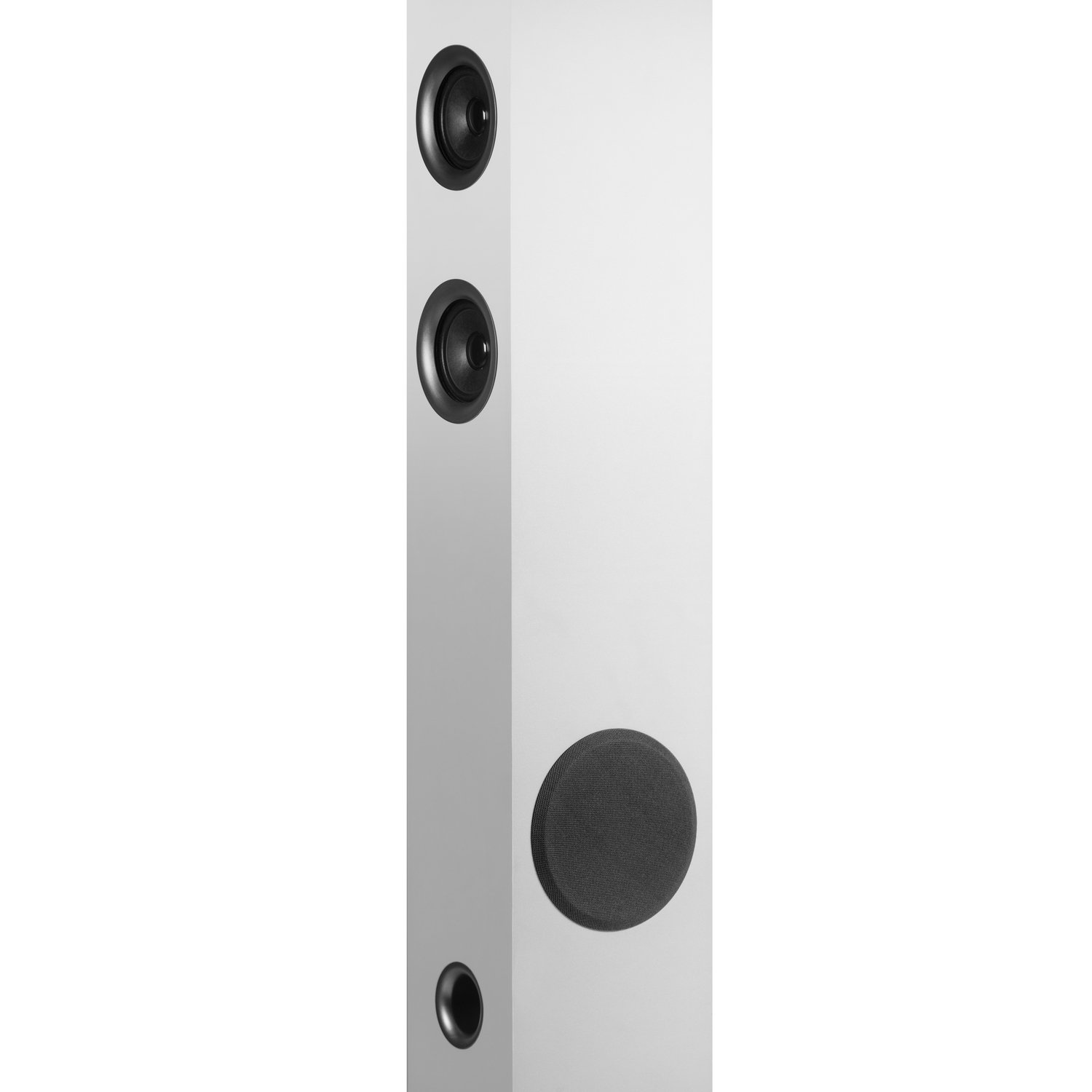
Figure 5: Close-up of the top panel, detailing the USB and Micro SD card input slots.
6.5 FM Radio
- Switch the speaker to FM Radio mode.
- Press and hold the Play/Pause button to initiate an automatic station scan. The speaker will save all found stations.
- Use the Next/Previous Track buttons to navigate through the saved stations.
6.6 Auxiliary Input
Connect an external audio device using the supplied 3.5mm audio cable to the 'Aux In' port on the speaker. Switch the speaker to Auxiliary mode to play audio from the connected device.
6.7 Remote Control Usage
The included remote control allows for convenient operation of all speaker functions from a distance, including power, mode selection, volume, and playback controls.
6.8 Charging External Devices
The speaker features two USB outputs that can be used to charge compatible Bluetooth devices.
7. Maintenance
To maintain the performance and appearance of your speaker:
- Clean the speaker with a soft, dry cloth. Do not use abrasive cleaners or solvents.
- Ensure all ports are free from dust and debris.
- Store the speaker in a cool, dry place when not in use for extended periods.
8. Troubleshooting
If you encounter issues with your speaker, refer to the following table:
| Problem | Possible Cause | Solution |
|---|---|---|
| No power | Power cable not connected; Power outlet not active | Check power cable connection; Try a different power outlet |
| No sound | Volume too low; Incorrect input mode; Audio cable not connected properly | Increase volume; Select correct input mode; Reconnect audio cable |
| Bluetooth not connecting | Speaker not in pairing mode; Device Bluetooth off; Device too far | Ensure speaker is in Bluetooth pairing mode; Enable Bluetooth on device; Move device closer to speaker |
| Remote control not working | Batteries depleted; Obstruction between remote and speaker | Replace remote batteries; Remove any obstructions |
If the problem persists after trying these solutions, contact customer support.
9. Specifications
| Feature | Detail |
|---|---|
| Model Name | Tower 3 G2 |
| Speaker Type | Tower |
| Color | White |
| Output Power | 45 Watts (RMS) |
| Connectivity Technology | Bluetooth, USB, Wireless |
| Wireless Communication | Bluetooth |
| Compatible Devices | Smartphone, Tablet |
| Audio Input | Auxiliary |
| Audio Output Mode | Stereo |
| Surround Sound Channel Configuration | 2.1 |
| Item Weight | 5.21 Kilograms |
| Product Dimensions (LxWxH) | 15 x 15 x 100 cm |
| Includes Remote | Yes |
| Manufacturer | Energy Sistem |
| Model Number | 427239 |
| GTIN | 08432426427239 |
10. Warranty and Support
This product comes with a standard brand warranty. For specific warranty terms, service requests, or additional support, please refer to the official Energy Sistem website or the product detail page on Amazon.
You can also visit the official Energy Sistem Store for more information: Energy Sistem Store