
Timelink TL88192C
Timelink Smartlight Digital Alarm Clock
Model: TL88192C | Brand: Timelink
Introduction
This manual provides essential instructions for the setup, operation, and maintenance of your Timelink Smartlight Digital Alarm Clock. Please read this manual thoroughly before use to ensure proper function and longevity of your device.
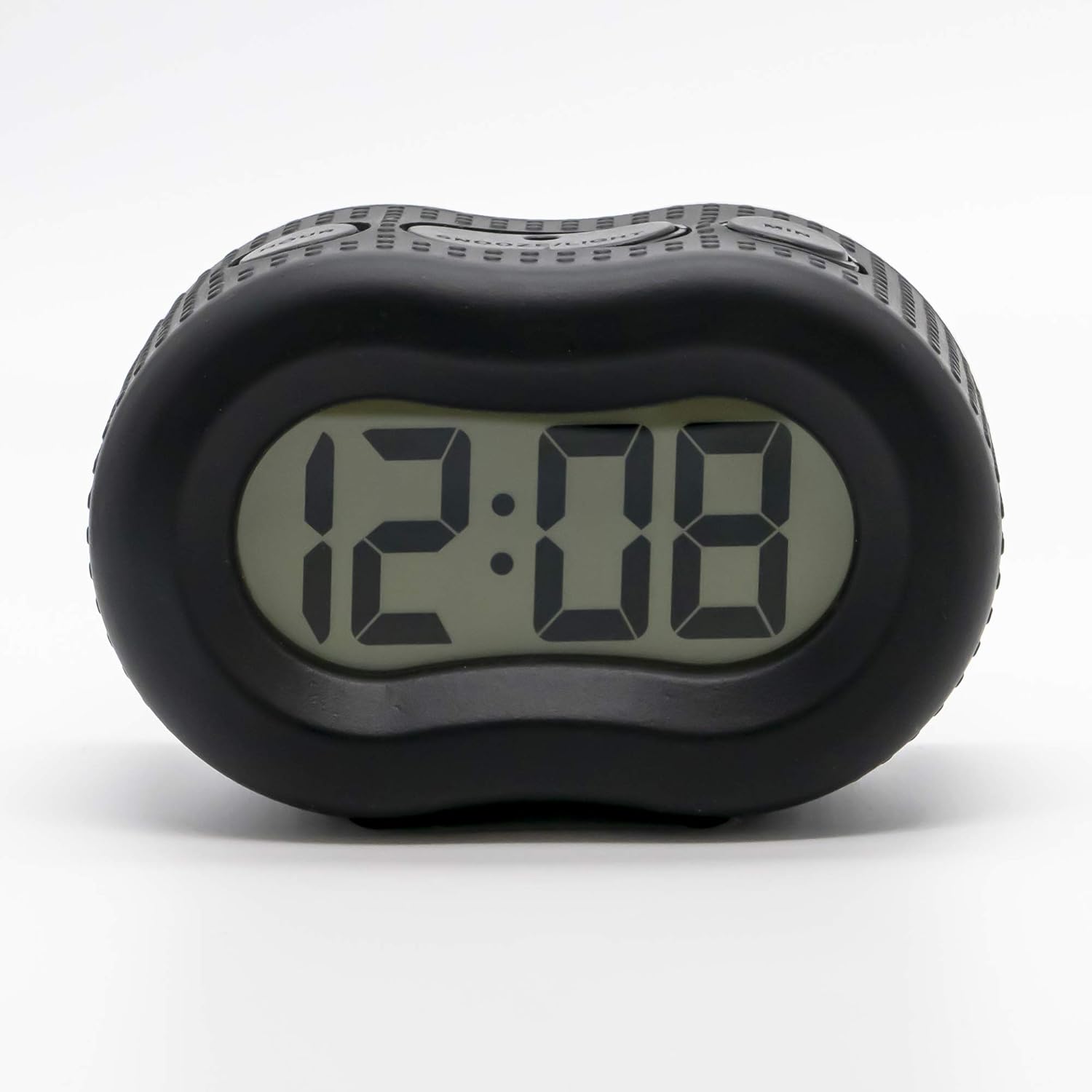
Image: Front view of the Timelink Smartlight Digital Alarm Clock, showcasing its large display and soft rubber casing.
Key Features
- Easy-to-Read Display: Features a large LCD screen with bold time digits for quick and clear visibility.
- Automatic Smart Night Light: Built-in light sensor automatically adjusts brightness, softly illuminating the display in dark rooms and dimming in daylight.
- Soft Rubber Case: Durable silicone rubber housing provides protection against accidental drops.
- Simple Controls & Large Snooze Button: Intuitive settings for effortless time and alarm adjustments, with an oversized snooze button.
- Portable & Versatile Design: Compact, battery-operated design suitable for various environments.
Package Contents
- Timelink Smartlight Digital Alarm Clock (Model: TL88192C)
- Printed Instructions
- Protective Packaging
Setup
1. Battery Installation
- Locate the battery compartment on the back of the alarm clock.
- Slide open the battery compartment cover.
- Insert 2 AA batteries (not included), ensuring correct polarity (+/-).
- Close the battery compartment cover securely.
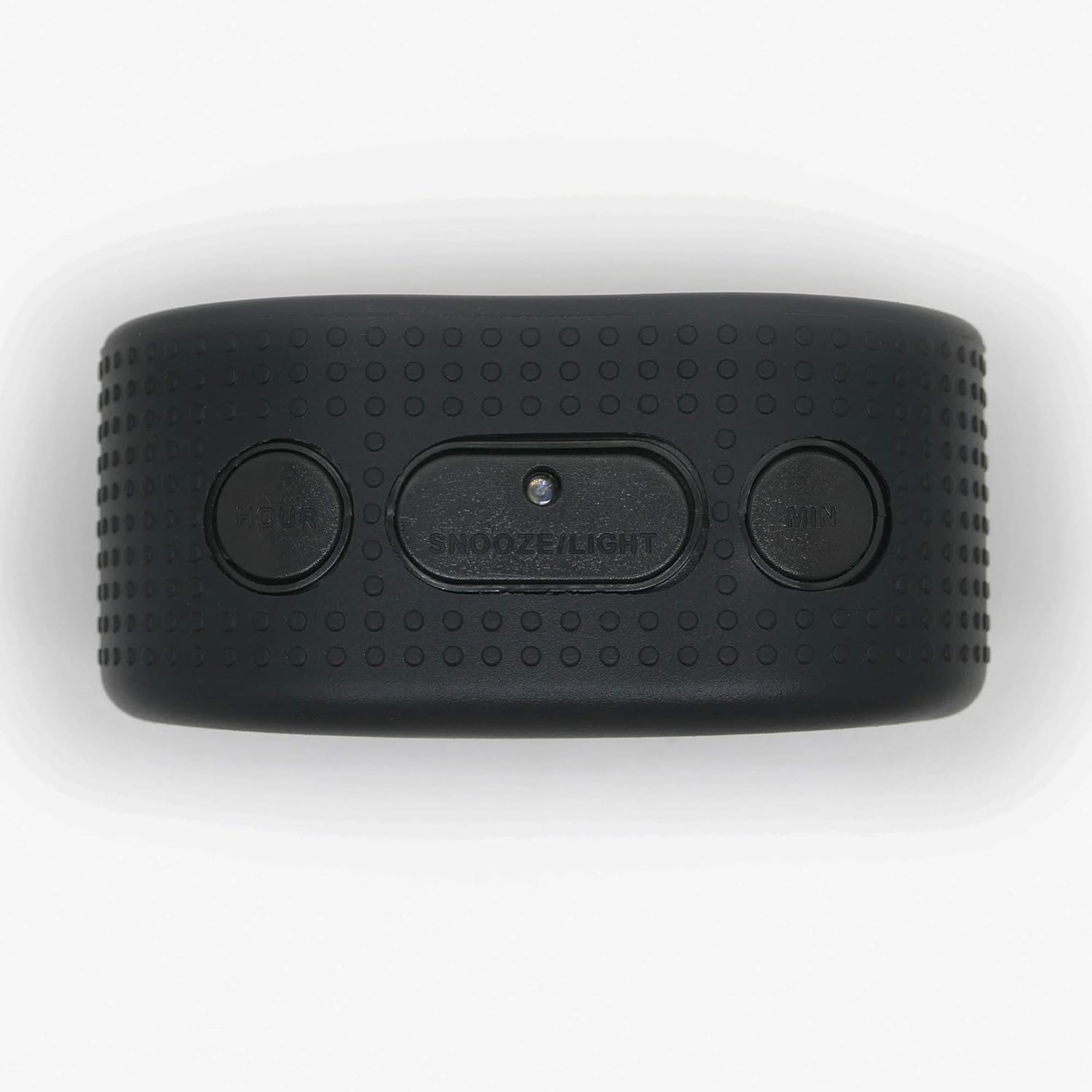
Image: Rear view of the alarm clock, highlighting the battery compartment and various setting buttons.
2. Initial Time Setting
- Locate the 'TIME SET' button on the back of the clock.
- Press and hold 'TIME SET' for 2 seconds until the time digits begin to flash.
- Use the 'HOUR' and 'MIN' buttons on the top of the clock to adjust the time.
- Press 'TIME SET' again to confirm and exit time setting mode.
Operating Instructions
1. Setting the Alarm
- Locate the 'ALARM SET' button on the back of the clock.
- Press and hold 'ALARM SET' for 2 seconds until the alarm time digits begin to flash.
- Use the 'HOUR' and 'MIN' buttons on the top of the clock to set your desired alarm time.
- Press 'ALARM SET' again to confirm and activate the alarm. An alarm icon will appear on the display.
2. Snooze Function
- When the alarm sounds, press the large 'SNOOZE/LIGHT' button on the top of the clock.
- The alarm will pause for approximately 5 minutes before sounding again.
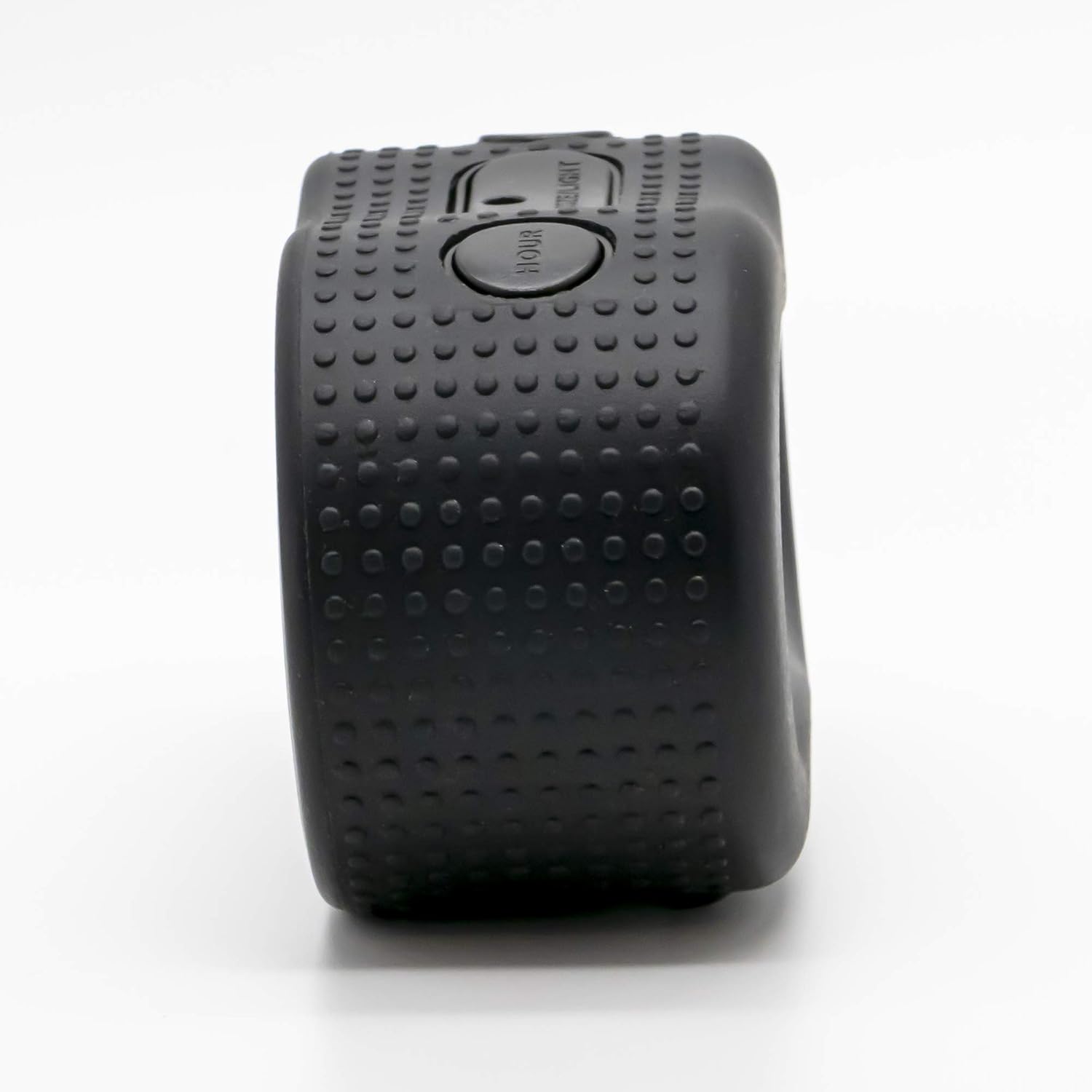
Image: Top view of the alarm clock, highlighting the large 'SNOOZE/LIGHT' button and time adjustment buttons.
3. Automatic Night Light & Manual Backlight
- The clock features an automatic night light that activates in low-light conditions, gradually adjusting its brightness.
- To manually illuminate the display, press the 'SNOOZE/LIGHT' button. The backlight will activate for a few seconds.

Image: Front view of the alarm clock with its green night light feature active, showing clear digits in the dark.
4. Display Dimmer
- Use the 'DISPLAY DIMMER' switch on the back of the clock to adjust the brightness of the display (Low to High).
5. Alarm Volume Adjustment
- Adjust the alarm volume using the 'ALARM VOLUME' switch on the back of the clock (Low to High).
6. Product Overview Video
Video: An official product overview demonstrating the features and functionality of the Timelink Rubber Smartlight Digital Alarm Clock.
Maintenance
1. Battery Replacement
- When the display dims or the clock malfunctions, replace the batteries.
- Follow the battery installation steps in the Setup section.
- Dispose of used batteries responsibly according to local regulations.
2. Cleaning
- Wipe the clock with a soft, dry cloth.
- Avoid using abrasive cleaners or solvents, as these may damage the surface.
Troubleshooting
- Display is dim or blank: Check battery levels and replace if necessary. Ensure the display dimmer is not set to the lowest setting.
- Alarm does not sound: Verify that the alarm is activated (alarm icon visible) and the alarm volume is not set to 'Low'.
- Time is incorrect: Reset the time following the 'Initial Time Setting' instructions.
Specifications
| Feature | Detail |
|---|---|
| Brand | Timelink |
| Model Number | TL88192C |
| Color | Black |
| Display Type | Digital |
| Style | Modern |
| Special Feature | Cordless, Automatic Night Light, Snooze |
| Product Dimensions | 4.25"W x 2.6"H |
| Power Source | Battery Powered (2 AA batteries required) |
| Room Type | Bedroom |
| Material | Plastic, Rubber |
| Frame Material | Rubber |
| Mounting Type | Tabletop |
| Item Weight | 5.3 ounces |
| Operation Mode | Atomic |
| Clock Form | Travel |
Warranty and Support
For warranty information or technical support, please refer to the contact details provided with your product packaging or visit the official Timelink website.