
1. Introduction
This manual provides essential information for the proper use and care of your Fossil Men's Minimalist Quartz Stainless Steel and Leather Three-Hand Watch, Model FS5304. This timepiece features a 44mm case, a blue satin dial with gold-tone Roman numeral and stick indices, and a brown genuine leather strap. It is designed for stylish timekeeping and everyday reliability.

Front view of the Fossil Men's Minimalist Quartz Watch, showcasing the blue dial and brown leather strap.
2. Setup
2.1 Setting the Time
- Pull the Crown: Gently pull the crown (the small knob on the side of the watch case) out to the first position.
- Adjust the Time: Rotate the crown clockwise or counter-clockwise to move the hour and minute hands to the desired time.
- Push the Crown Back: Once the time is set, push the crown back into its original position against the watch case. The watch will begin to run.
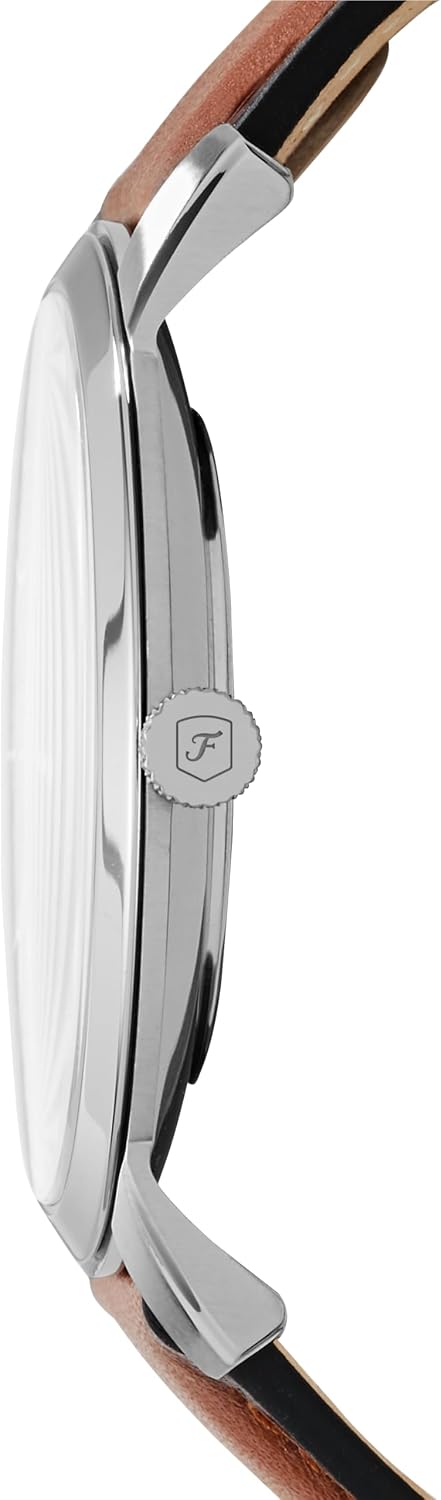
Side view of the watch, highlighting the crown used for time adjustment.
2.2 Adjusting the Leather Strap
The genuine leather strap features a secure adjustable buckle closure. To adjust the fit, simply move the buckle pin to the appropriate hole on the strap that provides a comfortable and secure fit on your wrist. The strap is interchangeable with all 22mm Fossil straps, allowing for customization.
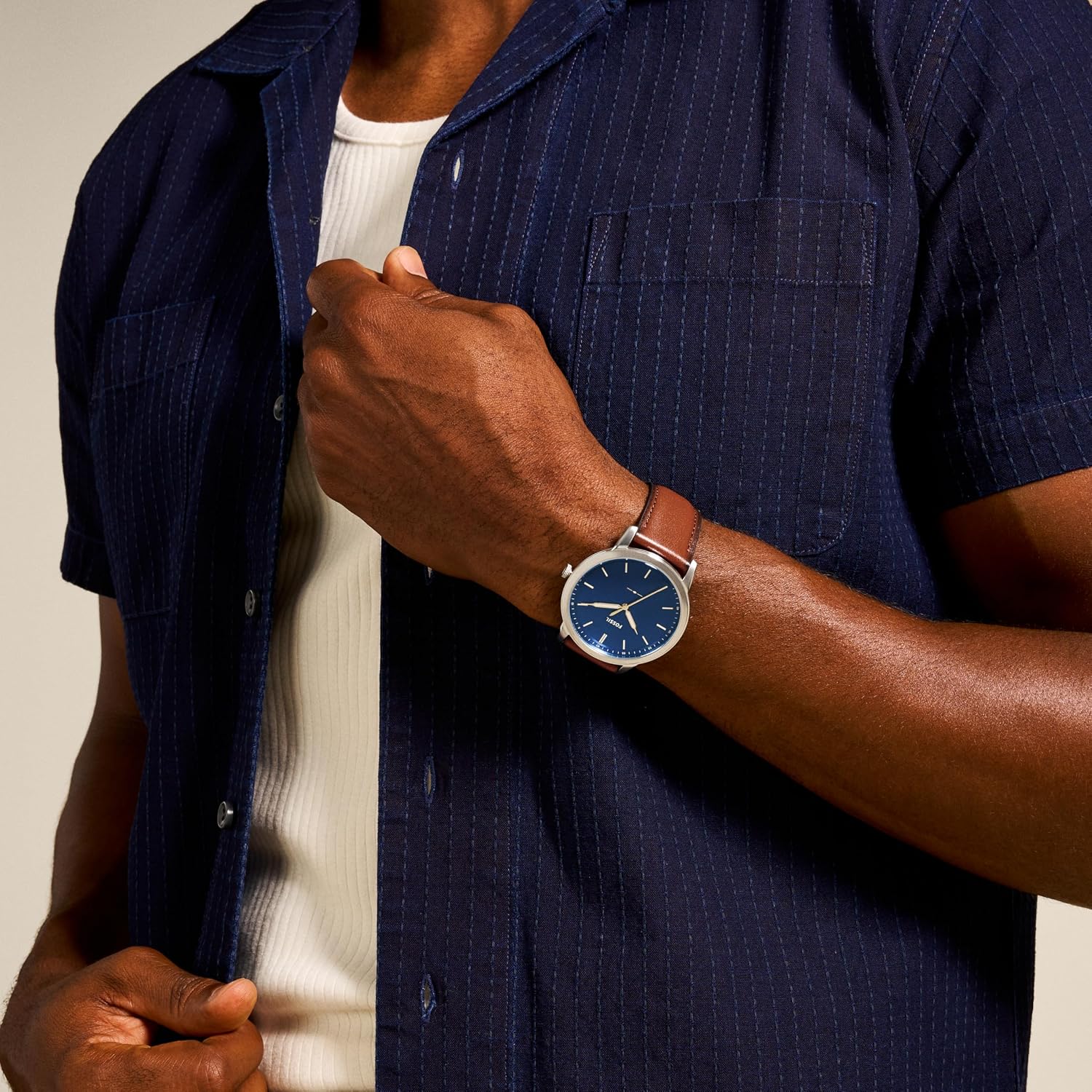
The Fossil watch worn on a wrist, demonstrating the fit of the leather strap.
3. Operation
3.1 Basic Timekeeping
Your Fossil watch is equipped with a precise Quartz movement and a three-hand analog display (hour, minute, and second hands) for accurate timekeeping. Once the time is set, the watch operates continuously.
3.2 Water Resistance
This watch is water-resistant up to 50 meters (165 feet), or 5 ATM. This rating means it is suitable for short periods of recreational swimming and showering. It is not designed for diving, snorkeling, or high-impact water sports. Avoid operating the crown or pushers while the watch is wet to prevent water intrusion.
4. Maintenance
4.1 Cleaning
- Watch Case: Wipe the stainless steel case with a soft, damp cloth. For stubborn dirt, a mild soap solution can be used, followed by thorough drying.
- Leather Strap: Clean the leather strap with a soft, dry cloth. Avoid excessive moisture. For deeper cleaning, use a specialized leather cleaner and conditioner.
4.2 Battery Replacement
The watch is powered by a Lithium Metal battery. When the watch stops running or the second hand begins to skip, it indicates a low battery. Battery replacement should be performed by a qualified watch technician to ensure proper sealing and maintain water resistance.
4.3 General Care
- Avoid exposing the watch to extreme temperatures or direct sunlight for prolonged periods.
- Keep the watch away from strong magnetic fields, as these can affect the accuracy of the Quartz movement.
- Protect the mineral crystal lens from impacts to prevent scratches.
5. Troubleshooting
| Problem | Possible Cause | Solution |
|---|---|---|
| Watch not running | Crown is pulled out; battery is depleted. | Push the crown back in; replace the battery (professional service recommended). |
| Time is inaccurate | Low battery; exposure to strong magnetic fields. | Replace the battery; move away from magnetic sources. |
| Condensation under crystal | Temperature changes; water intrusion. | Seek professional service immediately to prevent damage. |
6. Specifications
- Model Number: FS5304
- Case Size: 44mm
- Band Width: 22mm
- Movement: Quartz, 3-Hand Analog
- Case Material: Stainless Steel
- Dial Color: Blue Satin
- Strap Material: Genuine Leather (Calfskin)
- Water Resistance: 5 ATM (50 meters / 165 feet)
- Lens Material: Hardened Mineral Crystal
- Battery Type: 1 Lithium Metal (included)
- Product Dimensions: 3.07 x 4.17 x 3.7 inches; 1.72 ounces

Visual guide for watch case sizes, ranging from 36mm to 50mm, and case thickness options.
7. Warranty & Support
7.1 Manufacturer's Warranty
Your Fossil watch is covered by a manufacturer's warranty against defects in materials and workmanship. Please refer to the warranty card included with your purchase for specific terms, conditions, and duration of coverage. Keep your proof of purchase for warranty claims.
7.2 Customer Support
For further assistance, service, or to explore additional products and accessories, please visit the official Fossil website or contact their customer service department. You can also visit the Fossil Store on Amazon.
Official product video showcasing the Fossil Men's Minimalist Stainless Steel Slim Casual Quartz Watch.


