
Introduction
Thank you for purchasing the ARCTIC CHEF 6-Can Compact Refrigerator. This versatile appliance is designed to keep your beverages and small items cool or warm, making it ideal for offices, bedrooms, or travel. Please read this manual thoroughly before use to ensure safe and efficient operation.
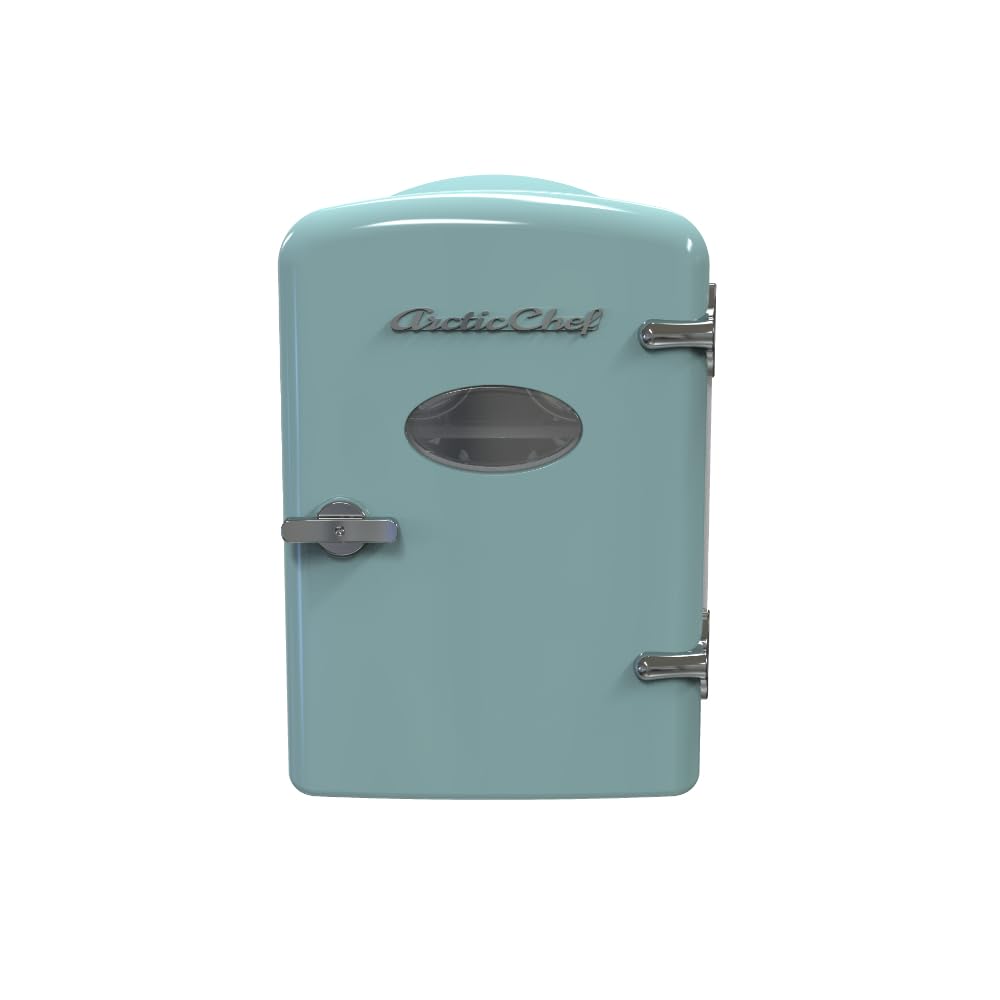
Image: The ARCTIC CHEF 6-Can Compact Refrigerator, showcasing its compact design and blue color.
Important Safety Instructions
- Do not immerse the unit, cord, or plug in water or other liquids.
- Ensure proper ventilation around the unit. Do not block air vents.
- Unplug the unit when not in use or before cleaning.
- Do not operate the appliance with a damaged cord or plug.
- Keep the appliance away from direct sunlight and heat sources.
- This appliance is not intended for use by persons (including children) with reduced physical, sensory, or mental capabilities, or lack of experience and knowledge, unless they have been given supervision or instruction concerning use of the appliance by a person responsible for their safety.
- Children should be supervised to ensure that they do not play with the appliance.
Product Features
- Designed to easily fit on your desk, bookshelf, or other handy spots.
- Holds 6 x 12oz cans or 4 liters.
- Vibration-free thermoelectric cooling system.
- Compact see-through window.
- Slide-out shelf for flexible storage.
- Retractable carrying handle for portability.
- Four feet to prevent scratching furniture.
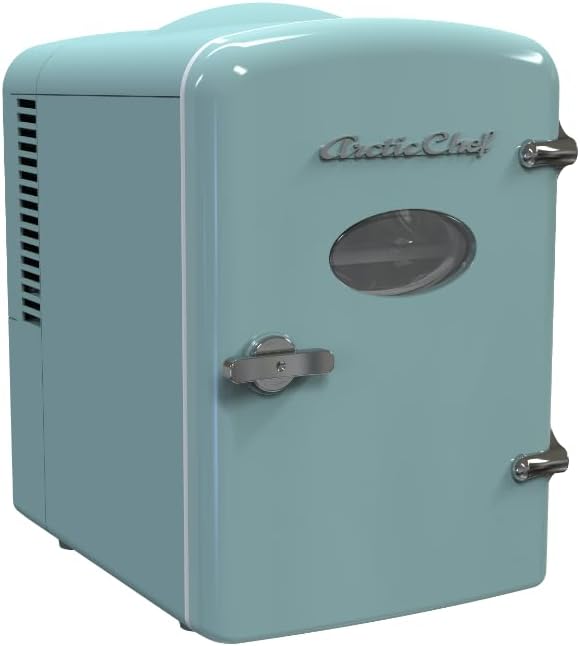
Image: The ARCTIC CHEF 6-Can Compact Refrigerator with its door closed.

Image: The ARCTIC CHEF 6-Can Compact Refrigerator with its door open, revealing space for six standard beverage cans.
Setup Instructions
- Unpacking: Carefully remove the refrigerator from its packaging. Retain packaging materials for future transport or storage.
- Placement: Place the unit on a flat, stable surface. Ensure there is at least 2-3 inches of space around all sides for proper ventilation. Avoid placing it near heat sources or in direct sunlight.
- Power Connection:
- For home/office use (AC 110V): Connect the AC power cord to the unit's AC port and then plug it into a standard wall outlet.
- For car/portable use (DC 12V): Connect the DC power cord to the unit's DC port and then plug it into your vehicle's 12V cigarette lighter socket.
- Initial Use: Allow the refrigerator to sit upright for at least 30 minutes before plugging it in. For optimal cooling, pre-chill items before placing them inside.
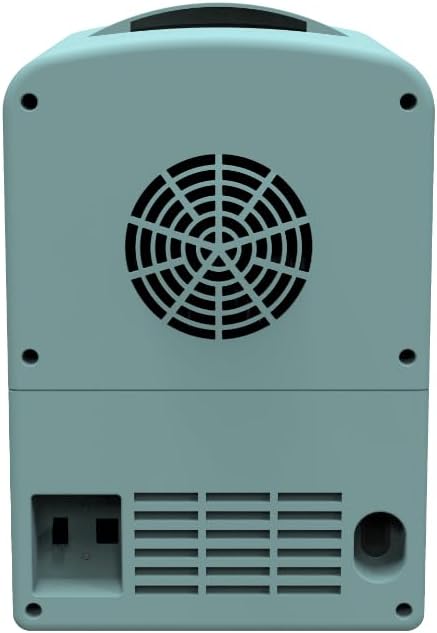
Image: The back of the ARCTIC CHEF 6-Can Compact Refrigerator, highlighting the power input ports and cooling fan.
Operating Instructions
- Power On/Off: Locate the power switch on the back of the unit. Toggle it to the "ON" position to power on the refrigerator.
- Cooling Mode: To cool items, ensure the switch is set to "COOL". The internal temperature will drop to approximately 32°F (18°C) below ambient temperature.
- Warming Mode: To warm items, toggle the switch to "WARM". The internal temperature will rise to approximately 140°F (60°C).
- Loading Items: Open the door using the latch. Place pre-chilled or pre-warmed items inside. The removable shelf can be adjusted or removed to accommodate taller items like water bottles.
- Door Latch: Ensure the door is securely latched after each use to maintain internal temperature.
Video: A product summary demonstrating the features and operation of the mini-fridge, including opening the door and showing the interior.
Care and Maintenance
- Cleaning: Unplug the unit before cleaning. Wipe the interior and exterior with a soft cloth and mild detergent. Do not use abrasive cleaners or immerse the unit in water.
- Defrosting: The thermoelectric cooling system may accumulate frost, especially in humid environments. If frost builds up, turn off and unplug the unit, then allow the frost to melt naturally. Wipe away any excess water. Regular defrosting (e.g., once a week) is recommended to maintain efficiency.
- Ventilation: Regularly check that the air vents on the back and sides of the unit are clear of dust and debris to ensure proper airflow and prevent overheating.
- Storage: When not in use for extended periods, ensure the unit is clean and dry before storing.
Troubleshooting
| Problem | Possible Cause | Solution |
|---|---|---|
| Unit not cooling/warming | Power cord not securely plugged in; Power outlet not working; Switch set to OFF; Vents blocked. | Check power connections; Test outlet with another device; Ensure switch is set to COOL or WARM; Clear any obstructions from vents. |
| Excessive noise | Fan obstruction; Unit not on a stable surface. | Check fan for obstructions and clean if necessary; Ensure unit is on a flat, stable surface. |
| Frost buildup inside | High humidity; Prolonged use in cooling mode. | Defrost the unit by unplugging and allowing frost to melt; Consider more frequent defrosting in humid conditions. |
Specifications
| Feature | Detail |
|---|---|
| Brand | ARCTIC CHEF |
| Model Number | ACMIS129-BLUE_CP4 |
| Capacity | 4 Liters (approx. 6 x 12oz cans) |
| Dimensions (L x W x H) | 10.2 x 7.4 x 10.9 inches |
| Item Weight | 4 Pounds |
| Voltage | 110 Volts (AC), 12 Volts (DC) |
| Cooling System | Thermoelectric (Vibration-free) |
| Defrost System | Manual |
| Color | Blue |
| Material Type | Plastic |
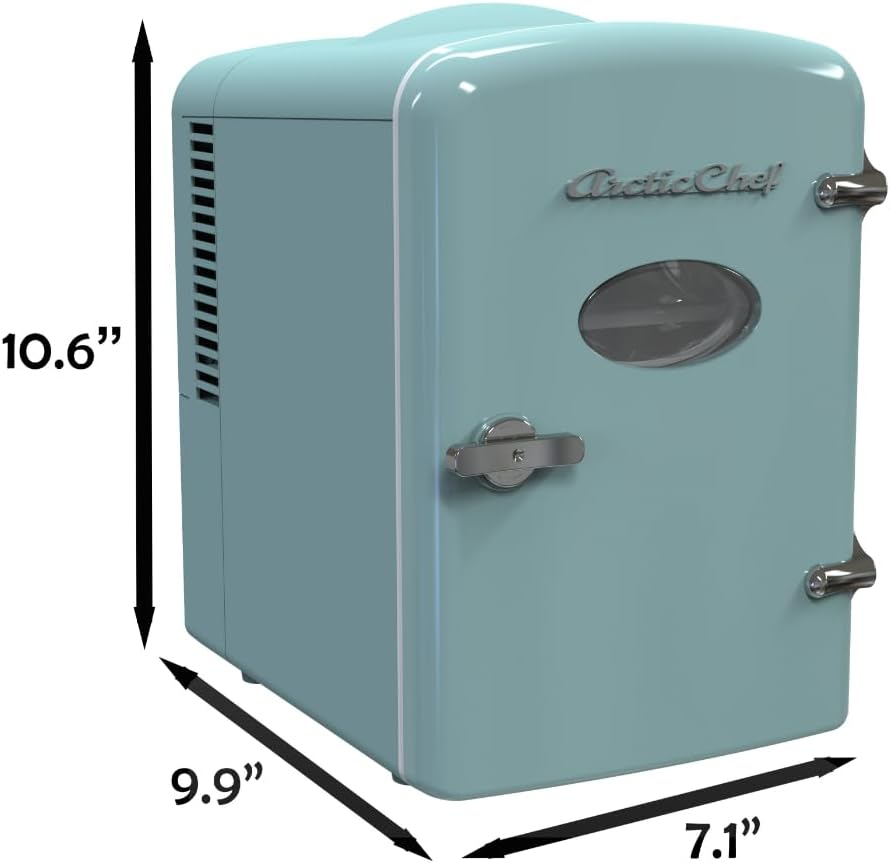
Image: The ARCTIC CHEF 6-Can Compact Refrigerator with key dimensions indicated.
Warranty and Support
For warranty information, product support, or to purchase replacement parts, please refer to the contact information provided with your purchase documentation or visit the official ARCTIC CHEF website. Extended protection plans may also be available for purchase.
