
Introduction
This instruction manual provides essential information for the proper use and maintenance of your Carson MicroMini 20x Pocket Microscope. The MicroMini is a compact, versatile tool featuring 20x magnification, an LED flashlight, and a UV light, designed for detailed examination of various objects.
Product Overview
Familiarize yourself with the components of your MicroMini microscope:

Image: Labeled diagram of the MicroMini microscope highlighting its key features: Eyepiece, LED Light Switch, 20x Focus Knob, Built-in UV Light, Microscope LED, and Flashlight.
- Eyepiece: For viewing magnified objects.
- 20x Focus Knob: Adjusts the focus for clear viewing.
- LED Light Switch: Activates the LED illumination for the microscope and the LED flashlight.
- Microscope LED: Provides direct illumination for the magnified area.
- Built-in UV Light: Emits ultraviolet light for detecting fluorescence.
- Flashlight: General purpose LED light.
- Keychain: For portability and attachment to keys or bags.
Setup
Battery Installation
The MicroMini requires 3 LR41 button cell batteries (included). To install or replace batteries:
- Locate the battery compartment cover on the side of the microscope.
- Carefully remove the cover.
- Insert the 3 LR41 batteries, ensuring correct polarity (+/-).
- Replace the battery compartment cover securely.

Image: The MicroMini with its battery cover removed, revealing the LR41 button cell batteries.
Operating Instructions
Using the Microscope
- Place the microscope directly over the object you wish to examine.
- Press the LED Light Switch to illuminate the object with the Microscope LED.
- Look through the Eyepiece.
- Rotate the 20x Focus Knob slowly until the image appears clear and sharp.

Image: The orange MicroMini microscope demonstrating its 20x magnification capability on various textures.
The following video demonstrates the use of the MicroMini microscope for examining various objects, including a pencil tip, printed text, poppy seeds, and plant leaves.
Video: Overview of the Carson MicroMini Pocket Microscopes, showcasing their 20x magnification on everyday items like a pencil, printed materials, and plant life.
Using the LED Flashlight
To use the LED flashlight, press the LED Light Switch. The flashlight is located on the side of the unit and provides general illumination.
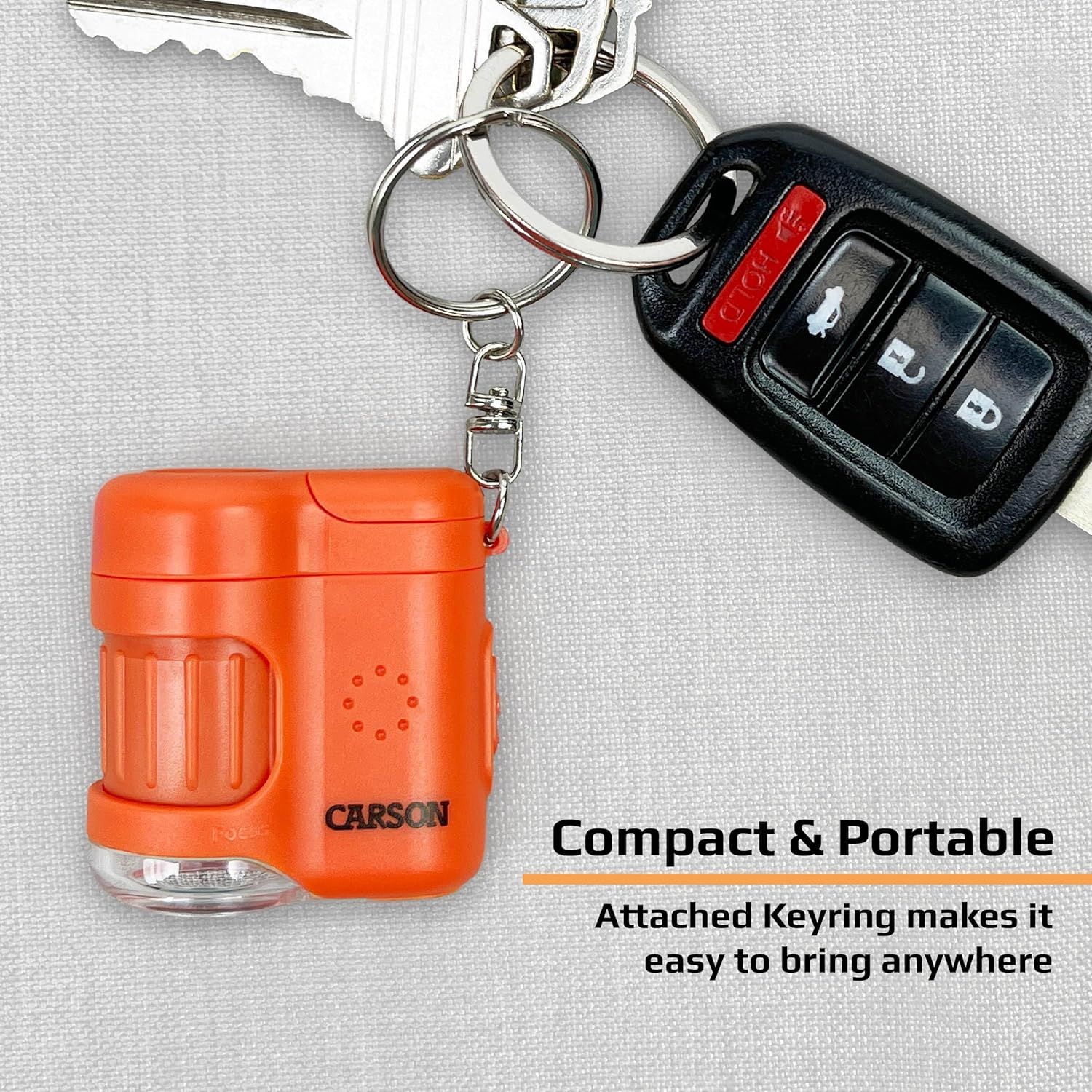
Image: The MicroMini attached to a keychain, demonstrating its portability and use as a compact tool.
Using the UV Light
To activate the UV light, press the dedicated UV button. The UV light is useful for detecting fluorescent properties in objects, such as security features on currency or certain biological specimens.
The following video demonstrates the UV light feature of the MicroMini, specifically its application in verifying currency.
Video: Product Overview Video, highlighting the UV light function for currency verification and the LED flashlight.
Maintenance
- Keep the lenses clean by gently wiping with a soft, lint-free cloth. Avoid abrasive materials.
- Store the microscope in a dry, dust-free environment when not in use.
- Remove batteries if the unit will not be used for an extended period to prevent leakage.
- Avoid dropping the microscope or subjecting it to strong impacts.
Troubleshooting
| Problem | Possible Cause | Solution |
|---|---|---|
| No illumination from LED or UV light. | Dead batteries or incorrect battery installation. | Replace batteries with new LR41 cells, ensuring correct polarity. |
| Image is blurry or out of focus. | Focus knob not adjusted correctly. | Rotate the 20x Focus Knob slowly until the image is sharp. Ensure the microscope is close to the object. |
| Dust or smudges on the lens. | Lenses are dirty. | Gently clean lenses with a soft, lint-free cloth. |
Specifications
- Magnification: 20x
- Light Source: LED (Microscope & Flashlight), UV Light
- Batteries: 3 x LR41 (included)
- Product Dimensions: 1.5"L x 1"W x 1.6"H (3.8 cm x 2.5 cm x 4.1 cm)
- Item Weight: 1.1 ounces (31 grams)
- Material: Plastic
- Model Number: MM-280
Warranty and Support
Carson products are designed to provide reliable performance. For warranty information or technical support, please visit the official Carson website or contact their customer service department. Keep your proof of purchase for any warranty claims.
For additional information and product registration, please visit: Carson Store on Amazon


