
Hewlett Packard Enterprise IAP-305-US
HP Aruba 300 Series Wave 2 Instant Access Point (IAP-305-US) User Manual
Model: IAP-305-US (B01MS8VIX6)
1. Introduction and Overview
The HP Aruba 300 Series Wave 2 Instant Access Point (IAP-305-US) is an entry-level wireless access point designed to deliver high performance and a superb user experience in medium-density environments. This device supports the latest 802.11ac Wave 2 standard, featuring 3x3:3SS MU-MIMO capability for efficient simultaneous data transmission to multiple devices. It integrates Aruba's advanced Client Match radio management and built-in Aruba Beacons, enabling a robust and cost-effective wireless digital work environment.
This manual provides essential information for the proper setup, operation, maintenance, and troubleshooting of your Aruba 300 Series Instant Access Point. Please read it thoroughly before installation and use.
2. Package Contents
Carefully unpack the box and verify that all items are present and in good condition. If any items are missing or damaged, please contact your vendor.
- HP Aruba 300 Series Wave 2 Instant Access Point (IAP-305-US)
- Installation Guide / Documentation
- 2 x Ceiling Mounting Clips

Figure 2.1: Contents of the HP Aruba 300 Series Access Point package, showing the access point unit, an installation guide, and mounting clips.
3. Setup
3.1 Initial Setup
Before powering on the access point, ensure you have a network connection (Ethernet cable) and a power source (PoE or external power adapter, sold separately if not PoE).
- Connect Network Cable: Plug an Ethernet cable from your network switch (preferably PoE-enabled) into the RJ-45 port on the access point.
- Connect Power: If not using PoE, connect a compatible 12V DC power adapter (not included) to the power input jack.
- Power On: The access point will automatically power on once connected to a power source. Observe the status indicators for boot-up sequence.
- Configuration Access: Access the access point's web interface or use Aruba's management tools for initial configuration, including setting up SSIDs, security, and network parameters. Refer to the detailed installation guide for specific IP address and login information.
3.2 Mounting
The Aruba 300 Series Access Point is designed for indoor deployment and can be mounted on ceilings or walls using the included mounting clips.
- Ceiling Mount: Use the two ceiling mounting clips to attach the access point to a standard ceiling tile rail. Ensure the clips are securely fastened.
- Wall Mount: For wall mounting, use appropriate screws and anchors (not included) to secure the mounting bracket (if applicable, or directly using the unit's mounting points) to the wall.
- Optimal Placement: For best wireless coverage, position the access point centrally within the desired coverage area, away from obstructions and sources of interference.
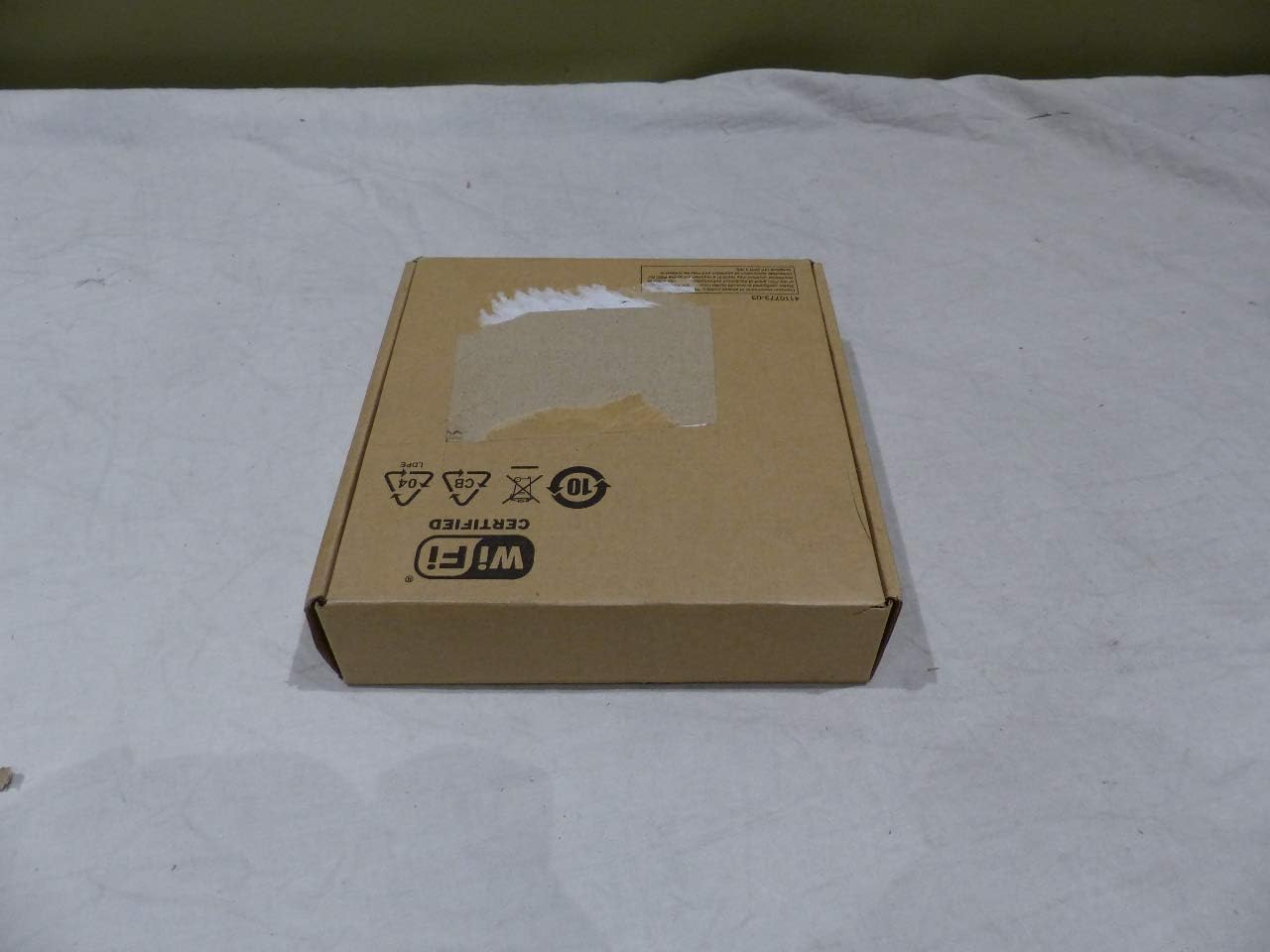
Figure 3.1: The HP Aruba 300 Series Access Point packaging, indicating its Wi-Fi certification.
4. Operating Instructions
4.1 Basic Operation
Once powered on and configured, the Aruba 300 Series Access Point will broadcast wireless networks (SSIDs) as defined in its configuration. Client devices (laptops, smartphones, tablets) can then connect to these networks.
- Dual-Band Operation: The access point operates on both 2.4 GHz and 5 GHz frequency bands, providing flexibility for various client devices and network demands. The 5 GHz band offers higher speeds and less interference, ideal for bandwidth-intensive applications.
- Status Indicators: The device features system and wireless status indicators. Refer to the detailed product documentation for the meaning of different LED states (e.g., solid green for normal operation, blinking for activity).
4.2 Advanced Features
The Aruba 300 Series incorporates advanced technologies to optimize wireless performance and user experience.
- MU-MIMO (Multi-User, Multiple-Input, Multiple-Output): This technology allows the access point to communicate with multiple compatible client devices simultaneously, significantly increasing network efficiency and throughput, especially in high-density environments.
- Client Match: Aruba's Client Match technology intelligently steers clients to the best possible access point and radio band, ensuring optimal performance and seamless roaming. It also has MU-MIMO client awareness, directing capable devices to MU-MIMO enabled APs.
- Integrated Bluetooth Aruba Beacon: The built-in Bluetooth beacon simplifies remote management of large-scale battery-powered Aruba Beacons and enables advanced location services, indoor way-finding, and proximity-based push notifications for enhanced user engagement.
- Quality of Service (QoS): Supports QoS to prioritize critical network traffic, ensuring consistent performance for applications like voice and video.
5. Maintenance
5.1 Firmware Updates
Regularly updating the access point's firmware is crucial for security, performance improvements, and access to new features.
- Check for Updates: Periodically visit the Hewlett Packard Enterprise (HPE) or Aruba support website for the latest firmware versions for your IAP-305-US model.
- Update Procedure: Follow the instructions provided with the firmware update package. Typically, this involves downloading the firmware file and uploading it through the access point's web management interface. Ensure a stable power supply during the update process to prevent interruption.
5.2 Cleaning
To ensure optimal performance and longevity, keep the access point clean.
- Exterior Cleaning: Use a soft, dry, lint-free cloth to wipe the exterior surfaces.
- Avoid Liquids: Do not use liquid cleaners, aerosol sprays, or solvents directly on the device.
- Ventilation: Ensure that ventilation openings are not blocked by dust or debris to prevent overheating.
6. Troubleshooting
6.1 Common Issues and Solutions
| Issue | Possible Cause | Solution |
|---|---|---|
| No Power / No Indicator Lights | Power cable disconnected, faulty power adapter/PoE switch, power outlet issue. | Check power connections. Ensure PoE is active on the switch port. Try a different power outlet. |
| Cannot Connect to Wi-Fi Network | Incorrect Wi-Fi password, SSID not broadcasting, access point not configured, client device issue. | Verify Wi-Fi password. Check access point configuration. Restart client device. Ensure AP is powered on and configured. |
| Slow Wi-Fi Speed / Intermittent Connection | Interference, poor signal strength, network congestion, outdated firmware. | Relocate AP to reduce interference. Check signal strength on client devices. Update firmware. Reduce number of connected devices if overloaded. |
| Access Point Not Accessible via Web Interface | Incorrect IP address, network connectivity issue, firewall blocking access. | Verify AP's IP address. Ensure your device is on the same network segment. Temporarily disable client firewall for testing. |
6.2 Error Indicators
The HP Aruba 300 Series Access Point features LED indicators that provide visual cues about its operational status.
- System LED: Indicates the overall status of the access point (e.g., boot-up, normal operation, error states).
- Radio LEDs: Indicate the status of the wireless radios (e.g., active, disabled, transmitting data).
For a detailed explanation of LED behavior and corresponding troubleshooting steps, please refer to the comprehensive Aruba 300 Series documentation available on the official Hewlett Packard Enterprise support website.
7. Specifications
| Feature | Detail |
|---|---|
| Device Type | Wireless access point |
| Model Number | IAP-305-US |
| Wireless Type | 802.11ac Wave 2 |
| Frequency Band | 2.4 GHz, 5 GHz (Dual-Band) |
| Concurrent Data Rate (5 GHz) | 1300 Mbps |
| Concurrent Data Rate (2.4 GHz) | 400 Mbps |
| Peak Data Rate | 1.7 Gbps (Aggregate) |
| MIMO Technology | 3x3:3SS MU-MIMO |
| Interfaces | 1 x 1000Base-T (RJ-45), 1 x USB 2.0 (Type A) |
| Antenna | Internal, Omni-directional (3 antennas) |
| Dimensions (LxWxH) | 8.25 x 8 x 2.25 inches (20.96 x 20.32 x 5.72 cm) |
| Weight | 16.22 oz (0.46 kg) |
| Power Consumption | 13 Watt (Operational) |
| Operating Temperature | 32°F to 122°F (0°C to 50°C) |
| Humidity Range Operating | 5 - 95% (non-condensing) |
| MTBF | 1,116,000 hours |
8. Warranty and Support
8.1 Warranty Information
The HP Aruba 300 Series Wave 2 Instant Access Point comes with a limited lifetime manufacturer's warranty. This warranty covers defects in materials and workmanship under normal use. For specific terms, conditions, and limitations of the warranty, please refer to the official warranty statement provided with your product or visit the Hewlett Packard Enterprise (HPE) / Aruba official website.
Damage to the product must be reported within 3 days of delivery time. All products are selected and shipped by manufacturer part numbers. Please refer to the manufacturer's website for accurate descriptions of each manufacturer part number.
8.2 Technical Support
For technical assistance, product inquiries, or warranty claims, please contact Hewlett Packard Enterprise (HPE) / Aruba technical support.
- Online Support: Visit the official HPE / Aruba support portal for documentation, FAQs, and support resources.
- Phone Support: Contact numbers for technical support are typically available on the HPE / Aruba website under the 'Support' or 'Contact Us' sections.
- Community Forums: Engage with other users and experts on official Aruba community forums for peer-to-peer support and solutions.
When contacting support, please have your product model number (IAP-305-US) and serial number ready.
Ask a question about this manual
Ask about setup, troubleshooting, compatibility, parts, safety, or missing instructions. Manuals+ will review the question and use this page’s manual context to help answer it.