
Nobsound NS-10G
Nobsound NS-10G Bluetooth 5.0 2 Channel Power Amplifier User Manual
Model: NS-10G | Brand: Nobsound
Introduction
The Nobsound NS-10G is a compact yet powerful Bluetooth 5.0 2-channel power amplifier designed for home audio systems. It delivers 50W x 2 output, suitable for 3-8 inch speakers, and supports multiple audio inputs including AUX, Bluetooth, and USB. This manual provides detailed instructions for setup, operation, and maintenance to ensure optimal performance and longevity of your device.
What's in the Box
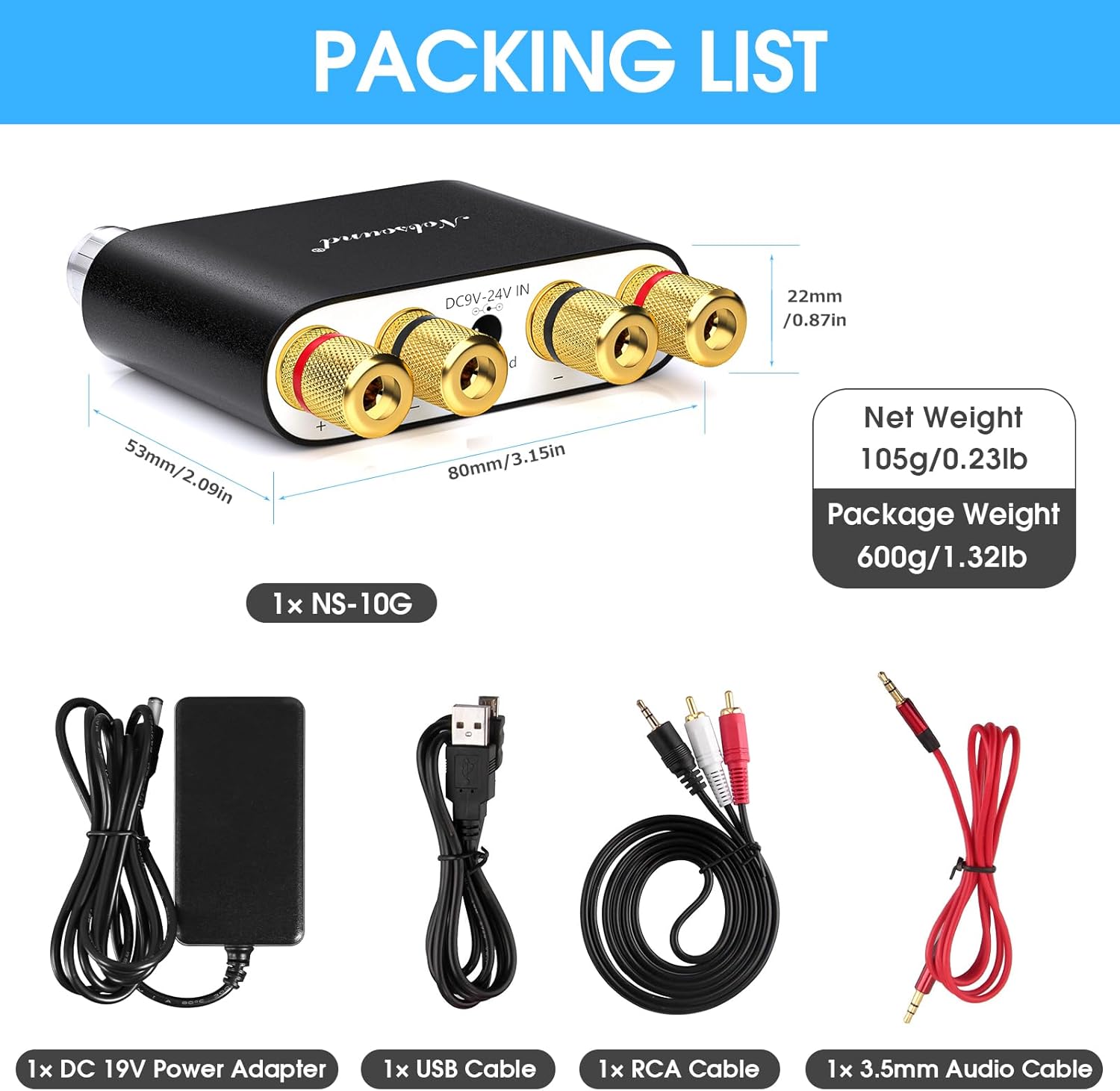
- 1 × Amplifier
- 1 × Power Adapter
- 1 × 3.5mm+RCA+USB Cable
- 1 × Manual
Features
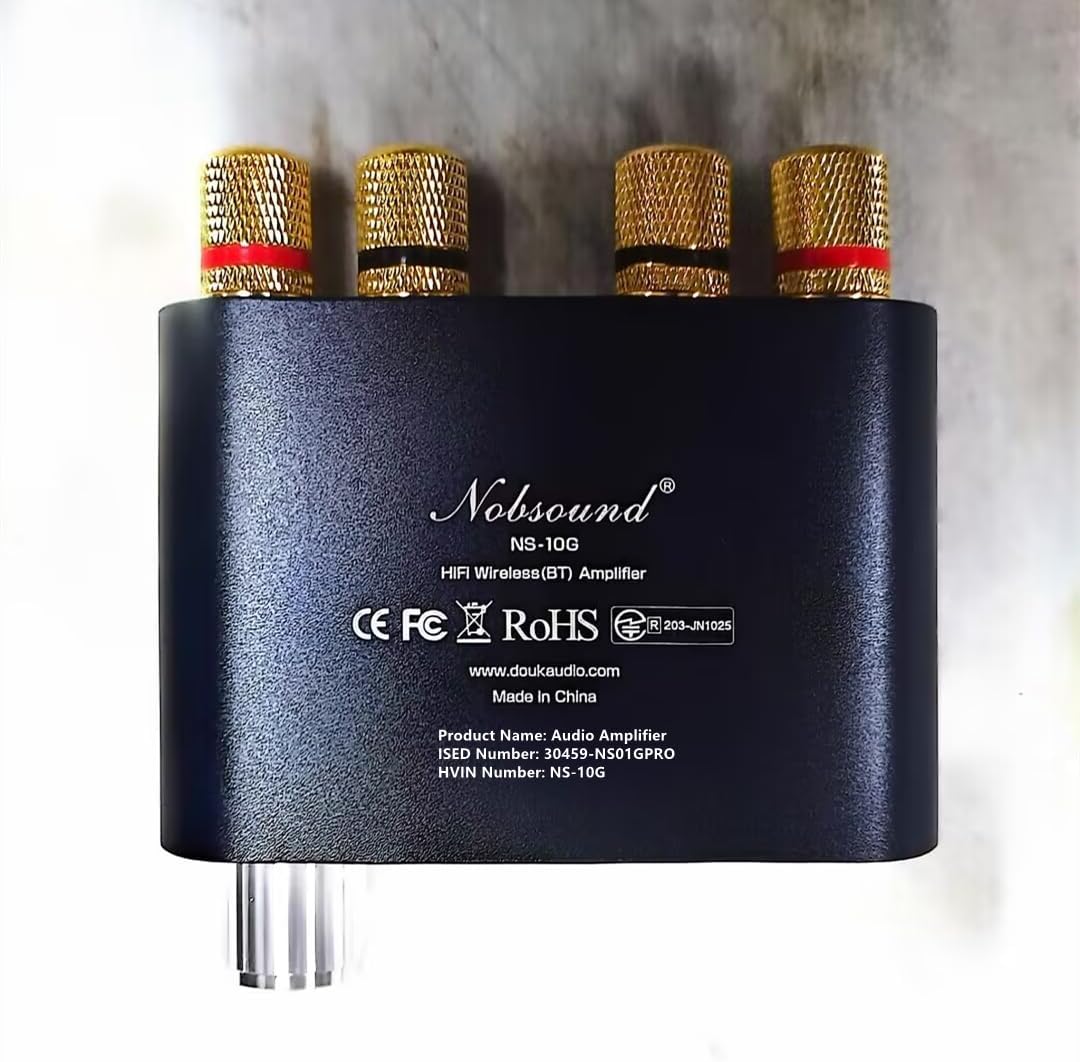
- NS-10G is the upgrade version of our popular NS-01G. It is a 100W Bluetooth power amplifier for 3~8 inch 2.0CH home speakers.
- Support AUX / Bluetooth / USB inputs from various audio devices like phone, TV, Blu-ray player, PC computer, CD player and so on.
- Bluetooth 5.0 can ensure stable wireless transmission (around 30ft). USB port can be used as a computer sound card. No driver needed and easy use.
- With Bass/Mode key. Short press to conveniently switch among different inputs. Long press to choose different sound effects (in Bluetooth mode).
- Super mini size with powerful drive. Clear HiFi sound with no background noise.
Specifications
| Specification | Value |
|---|---|
| Brand | Nobsound |
| Model Number | DZ027 |
| Output Power | 100 Watts (50W x 2) |
| Number of Channels | 2 |
| Voltage | 12 Volts (DC) |
| Minimum Supply Voltage | 9 Volts (DC) |
| Maximum Supply Voltage | 24 Volts (DC) |
| Supply Current | 5 Amps |
| Item Weight | 1.1 pounds |
| Package Dimensions | 6.69 x 5.75 x 2.52 inches |
| Mounting Type | Surface Mount |
Setup
1. Unpacking and Inspection
Carefully remove all components from the packaging. Inspect the amplifier and accessories for any signs of damage. If any items are missing or damaged, contact customer support immediately.
2. Connecting Speakers
Connect your passive speakers to the speaker terminals on the rear of the NS-10G amplifier. Ensure correct polarity: connect the positive (+) terminal of the amplifier to the positive (+) terminal of the speaker, and the negative (-) terminal of the amplifier to the negative (-) terminal of the speaker. Use appropriate gauge speaker wire for optimal performance.

3. Connecting Audio Sources
The NS-10G supports multiple audio input methods:
- AUX Input: Connect your audio device (e.g., smartphone, CD player, TV) to the 3.5mm AUX input jack on the front panel using the provided 3.5mm audio cable.
- USB Input: Connect the amplifier to your computer's USB port using the provided USB cable. The amplifier will function as an external sound card, requiring no additional drivers.
- Bluetooth Input: For wireless connection, ensure no other wired inputs are active. The amplifier will automatically enter Bluetooth pairing mode when selected.


4. Connecting Power
Connect the provided power adapter to the DC 9V-24V IN port on the rear of the amplifier, then plug the adapter into a suitable power outlet. The power indicator light will illuminate.
Operating Instructions
1. Power On/Off
Long press the power button (marked with a power symbol and play/pause icon) on the front panel to turn the amplifier on or off.
2. Input Selection
Short press the "BASS/M" button on the front panel to cycle through the available input modes: AUX, USB, and Bluetooth.
3. Volume Control
Rotate the large knob on the front panel clockwise to increase volume and counter-clockwise to decrease volume.
4. Bluetooth Pairing
When Bluetooth mode is selected, the amplifier will automatically enter pairing mode. On your audio device (e.g., smartphone), search for "Nobsound NS-10G" in the Bluetooth settings and connect. A confirmation sound will indicate successful pairing.
5. Bass Sound Effect
While in Bluetooth mode, long press the "BASS/M" button to toggle different bass sound effects. This feature is only available in Bluetooth input mode.
Maintenance
- Cleaning: Use a soft, dry cloth to clean the exterior of the amplifier. Do not use liquid cleaners or abrasive materials, as they may damage the finish or internal components.
- Ventilation: Ensure the amplifier is placed in a well-ventilated area to prevent overheating. Do not block any ventilation openings.
- Storage: When not in use for extended periods, disconnect the power adapter and store the amplifier in a cool, dry place away from direct sunlight and extreme temperatures.
- Cable Management: Periodically check all connected cables for wear and tear. Replace any damaged cables to prevent signal loss or potential hazards.
Troubleshooting
| Problem | Possible Cause | Solution |
|---|---|---|
| No sound output. |
|
|
| Bluetooth connection issues. |
|
|
| Sound distortion or poor quality. |
|
|
Official Product Video
This video provides a visual overview of the Nobsound NS-10G Mini Bluetooth 5.0 Digital Amplifier, showcasing its design and features. (Source: DoukAudio, Seller)
Warranty and Support
Nobsound products typically come with a standard manufacturer's warranty. For specific warranty details, technical support, or service inquiries, please refer to the warranty card included in your product packaging or visit the official Nobsound website. You may also contact the seller directly for assistance.
For additional support and product information, visit the Nobsound Store on Amazon.
Ask a question about this manual
Ask about setup, troubleshooting, compatibility, parts, safety, or missing instructions. Manuals+ will review the question and use this page’s manual context to help answer it.