
1. Introduction
Thank you for choosing the PureOptics LED Under Cabinet Lighting Kit. This kit provides efficient, high-quality lighting for various workspaces, including kitchens, offices, and cubicles. Featuring a tool-free installation, motion sensor, and adjustable brightness, this lighting solution enhances visibility and comfort.
2. Package Contents
Before beginning installation, please verify that all components are present:

Image: All components included in the PureOptics LED Under Cabinet Lighting Kit.
- 3 x LED Light Bars (with Power Button)
- 1 x Control Box
- 1 x AC Adapter
- 10 x Bar Mounting Clips
- 12 x Magnetic Bar Mounting Clips
- 12 x Wire Mounting Clips
- 6 x Mounting Screws
- 1 x Jumper Extender
- 3 x 4" Jumper Wires
- 1 x 12" Jumper Wire
- 2 x 30" Jumper Wires
3. Setup and Installation
The PureOptics LED Under Cabinet Lighting Kit is designed for tool-free installation using either self-adhesive mounts or magnetic options. Follow these steps for a secure setup:
3.1 Mounting the Light Bars

Image: Step-by-step visual guide for tool-free installation, including plugging in the power adapter, attaching the light bar with clips, and connecting the jumper wire.
- Prepare Surface: Ensure the mounting surface under your cabinet is clean, dry, and smooth for optimal adhesion.
- Attach Mounting Clips: Decide between adhesive or magnetic mounting. For adhesive, peel the backing from the bar mounting clips and press firmly onto the desired location. For metal surfaces, use the magnetic clips.
- Secure Light Bars: Snap the LED light bars into the attached mounting clips. Ensure they are securely fastened.
- Connect Light Bars: Use the provided jumper wires to connect the light bars to each other and to the control box. The kit includes various lengths (4", 12", 30") to accommodate different cabinet layouts.
- Connect Control Box: Plug the control box into the AC adapter.
- Power On: Plug the AC adapter into a standard electrical outlet.
3.2 Hiding and Routing Jumper Wires
For a clean and professional installation, you can route the jumper wires through drilled holes in your cabinet trim. This video demonstrates the process:
Video: Instructions on how to hide and route jumper wires for a seamless under-cabinet lighting installation. This video demonstrates marking drill spots, drilling holes, and feeding wires through to connect light bars.
4. Operating Instructions
4.1 Power On/Off and Brightness Adjustment
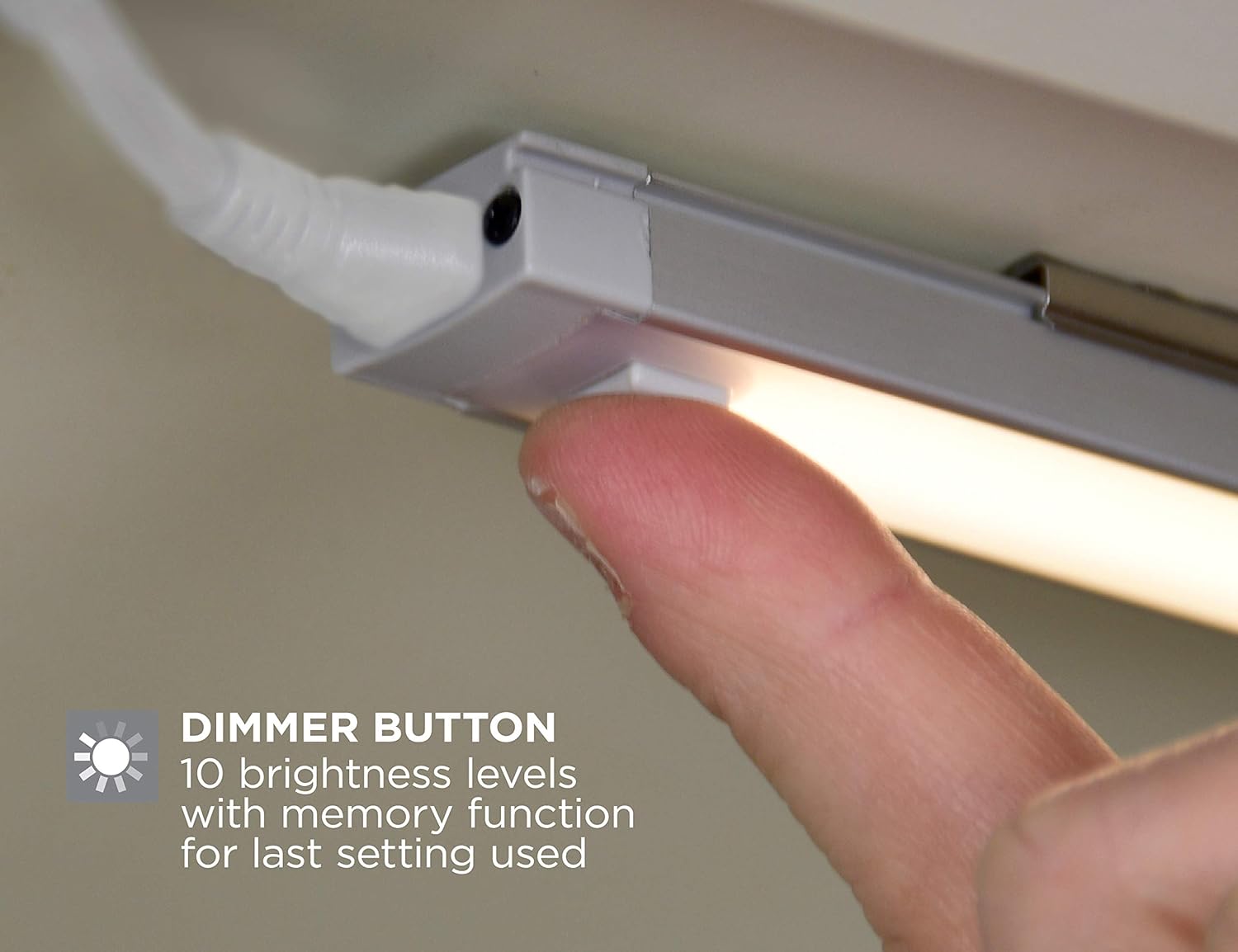
Image: A close-up of a finger pressing the dimmer button on the LED light bar, indicating brightness adjustment.
- Manual Control: Each light bar features a power button. Press the button to turn the light on or off.
- Brightness Levels: The light bars offer 10 adjustable brightness levels. Press and hold the power button to cycle through the brightness settings. Release the button at your desired level. The system includes a memory function that recalls the last brightness setting used.
4.2 Motion Sensor Functionality

Image: A hand activating the motion sensor under an installed LED light bar, illustrating hands-free operation.
- The built-in motion sensor allows for hands-free operation. When enabled, the lights will turn on automatically when motion is detected and turn off after a period of inactivity.
- Refer to the control box or individual light bar instructions for specific details on enabling or disabling the motion sensor feature.
4.3 Automatic Shutoff Timer
- For energy efficiency, the lights feature an optional automatic shutoff after three hours of continuous operation.
- Consult the control box instructions for activating or deactivating this timer function.
5. Maintenance
To ensure the longevity and optimal performance of your PureOptics LED Under Cabinet Lighting Kit, follow these simple maintenance guidelines:
- Cleaning: Gently wipe the light bars and control box with a soft, dry cloth. Avoid using abrasive cleaners, solvents, or excessive moisture, as these can damage the components.
- Inspection: Periodically check all connections and mounting points to ensure they remain secure.
- LED Lifespan: The LEDs are designed for a long lifespan of approximately 50,000 hours and do not require replacement.
6. Troubleshooting
If you encounter any issues with your lighting kit, please refer to the following common solutions:
| Problem | Possible Cause | Solution |
|---|---|---|
| Lights do not turn on. | No power, loose connection, or faulty adapter. | Check if the AC adapter is securely plugged into the outlet and the control box. Ensure all jumper wires are firmly connected. Test the outlet with another device. |
| Lights flicker or are dim. | Loose connection, power supply issue, or incorrect brightness setting. | Verify all connections. Adjust the brightness level using the power button. Ensure the power adapter is functioning correctly. |
| Motion sensor not responding. | Sensor obstructed, incorrect setting, or insufficient motion. | Ensure the motion sensor is not blocked. Check the control box settings to confirm the motion sensor is enabled. Ensure motion is within the sensor's detection range. |
| Automatic shutoff occurs too soon/not at all. | Timer setting configured incorrectly. | Review the control box instructions for adjusting or disabling the automatic shutoff timer. |
If these steps do not resolve the issue, please contact customer support.
7. Specifications
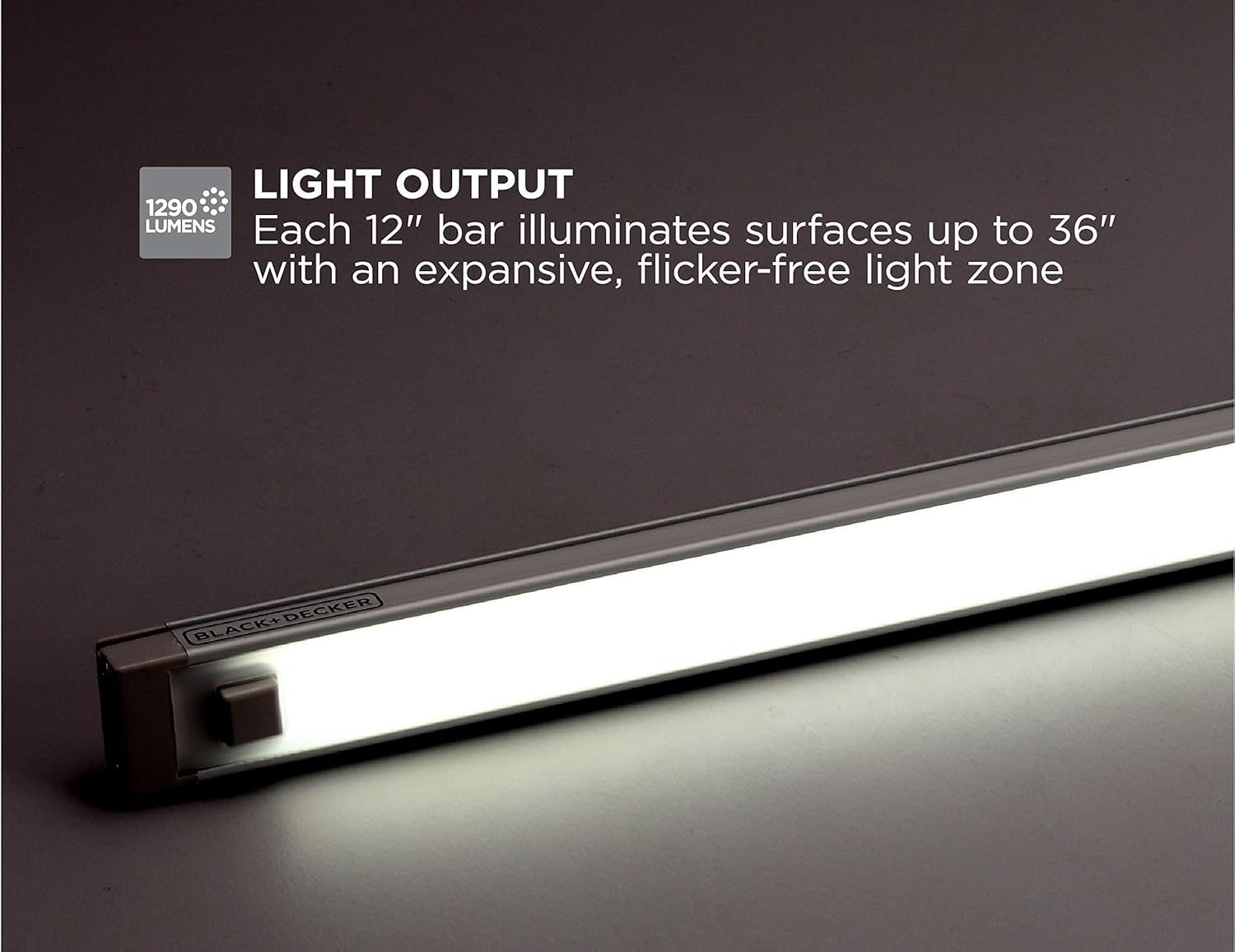
Image: The PureOptics LED light bar demonstrating its light output, providing 1290 lumens of illumination.
| Feature | Detail |
|---|---|
| Model Number | LEDUC12-3DK |
| Light Source | LED |
| Number of Light Bars | 3 |
| Light Bar Length | 12 inches each |
| Brightness | 1290 Lumens (total) |
| Color Temperature | 5000 Kelvin (Daylight) |
| Wattage | 24 watts |
| Voltage | 24 Volts |
| Control Method | Touch (Push Button) |
| Mounting Type | Magnetic Mount, Under Cabinet |
| Special Features | Dimmable, Motion Sensor, Automatic 3-hour Shutoff |
| Material | Aluminum, Metal, Plastic |
| Indoor/Outdoor Usage | Indoor |
| Manufacturer | Amax Inc. |
| UPC | 077914058656 |
8. Warranty and Support
8.1 Manufacturer's Warranty
This PureOptics LED Under Cabinet Lighting Kit (LEDUC12-3DK) is covered by a 3-year manufacturer's warranty from the date of purchase. This warranty covers defects in materials and workmanship under normal use. Please retain your proof of purchase for warranty claims.
8.2 Customer Support
For technical assistance, troubleshooting not covered in this manual, or warranty inquiries, please contact PureOptics LED customer support. Refer to the product packaging or the official PureOptics LED website for the most current contact information.

