
Introduction
Thank you for choosing the Toshiba 49L621U 49-Inch 4K LED Ultra HD TV. This manual provides essential information for setting up, operating, maintaining, and troubleshooting your new television. Please read these instructions carefully before using your TV and retain them for future reference.
The Toshiba 49L621U features a 49-inch 4K Ultra HD display with HDR10 support, offering stunning picture quality. It includes integrated Google Chromecast for seamless streaming and smart TV functionalities like Amazon Instant Video and Netflix.
Setup
1. Unpacking
Carefully remove the TV and all accessories from the packaging. Ensure you have the following items:
- Toshiba 49L621U TV
- TV Stand
- Remote Control
- Power Cord
- Documentation (this manual)
Retain the packaging materials for future transport of your TV.
2. Attaching the Stand
Place the TV face-down on a soft, flat surface to prevent screen damage. Align the TV stand with the mounting holes on the bottom of the TV. Secure the stand using the provided screws. Refer to the diagram below for proper attachment.
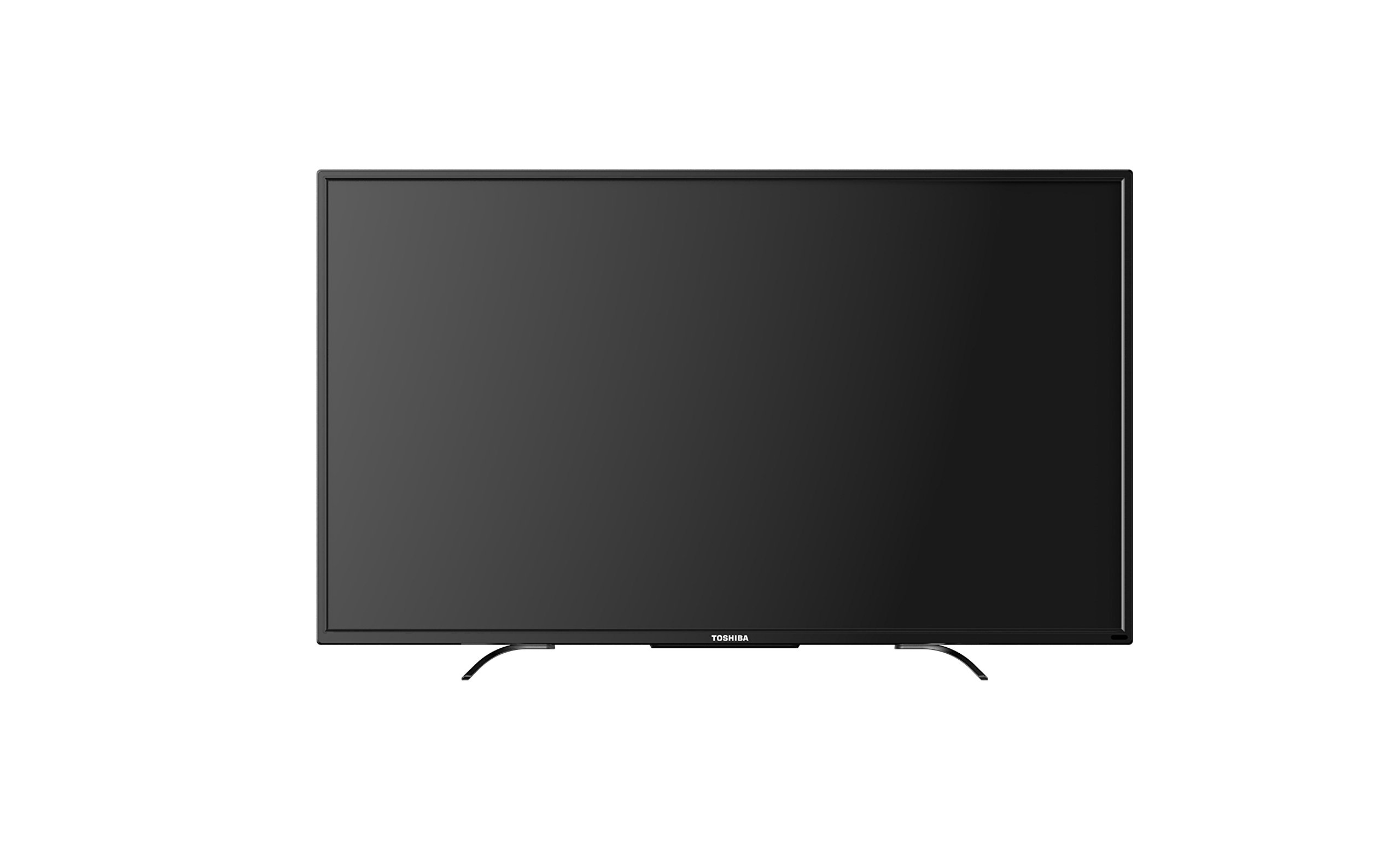
Image: Front view of the Toshiba 49L621U TV with its stand properly attached.
3. Connecting Power
Connect the power cord to the TV's power input, then plug the other end into a wall outlet. The TV will enter standby mode.
4. Connecting External Devices
Your TV is equipped with multiple ports for connecting various devices:
- HDMI Ports (x3): For connecting Blu-ray players, game consoles, cable/satellite boxes, and other HDMI-enabled devices.
- USB Port (x1): For connecting USB storage devices to play media files.
- Ethernet Port: For a wired internet connection.
- Optical Audio Output: For connecting to external audio systems or soundbars.
Ensure all connections are secure before powering on your devices.
5. Initial Setup Wizard
Upon first power-on, the TV will guide you through an initial setup wizard. Follow the on-screen prompts to:
- Select your preferred language.
- Connect to a Wi-Fi network or use the Ethernet connection.
- Scan for available TV channels (if using an antenna/cable).
- Agree to terms and conditions for smart features.
- Set up your Google account for Chromecast and smart TV apps.
Operating the TV
1. Remote Control Functions
The included remote control allows you to navigate menus, change channels, adjust volume, and access smart features. Familiarize yourself with the button layout for optimal use.
Note: Specific button functions may vary slightly. Refer to the on-screen guide for detailed remote control usage.
2. Input Selection
To switch between connected devices (e.g., Blu-ray player, game console), press the Input or Source button on your remote control. Select the desired HDMI or other input from the on-screen menu.
3. Smart TV Features and Chromecast
Your Toshiba 49L621U TV comes with built-in smart functionalities and Google Chromecast. Connect your TV to the internet to access streaming services like Amazon Instant Video and Netflix. Use Chromecast to cast content from your compatible smartphone, tablet, or computer directly to your TV screen.
- Accessing Apps: Navigate to the Smart TV home screen using the remote to launch pre-installed applications.
- Using Chromecast: Ensure your mobile device is on the same Wi-Fi network as your TV. Open a Chromecast-enabled app (e.g., YouTube, Netflix) and tap the Cast icon (typically a rectangle with a Wi-Fi signal) to select your TV.
4. Picture and Audio Settings
Access the TV's settings menu to customize picture and audio preferences. You can adjust brightness, contrast, color, and sharpness. For audio, settings include volume, sound mode (e.g., Standard, Movie, Music), and DTS TruSurround options.
- Picture Modes: Choose from various preset picture modes (e.g., Standard, Dynamic, Movie, Game) or customize your own.
- HDR10: When playing HDR10 content, the TV will automatically optimize picture settings for enhanced dynamic range and color.
- Audio Output: Select between internal TV speakers or external audio systems connected via Optical Audio Output.
Maintenance
1. Cleaning the Screen
To clean the TV screen, first power off the TV and unplug it from the power outlet. Gently wipe the screen with a soft, dry, lint-free cloth. For stubborn marks, lightly dampen the cloth with water or a specialized screen cleaner. Do not use harsh chemicals, abrasive cleaners, or spray liquids directly onto the screen.
2. Software Updates
Your TV may receive software updates to improve performance and add new features. Ensure your TV is connected to the internet. You can usually check for updates manually through the TV's settings menu, or the TV may prompt you automatically.
Troubleshooting
If you encounter issues with your TV, refer to the following common troubleshooting steps:
- No Power: Ensure the power cord is securely plugged into both the TV and the wall outlet. Try a different outlet.
- No Picture/Sound: Verify the correct input source is selected. Check all cable connections (HDMI, antenna). Restart connected devices.
- Poor Picture Quality: Adjust picture settings. Ensure the source content is high resolution. Check antenna/cable signal strength.
- No Internet Connection: Check your Wi-Fi router or Ethernet cable. Re-enter Wi-Fi password. Restart the TV and router.
- Remote Control Not Working: Replace batteries. Ensure there are no obstructions between the remote and the TV's IR sensor.
For more complex issues, consult the Toshiba support website or contact customer service.
Specifications
| Feature | Specification |
|---|---|
| Model Name | 49L621U |
| Screen Size | 49 Inches |
| Resolution | 4K Ultra HD (3840 x 2160) |
| Refresh Rate | 60 Hz |
| HDR Format Supported | HDR10 |
| Connectivity Technology | Ethernet, HDMI, USB |
| Total Number of HDMI Ports | 3 |
| Total USB Ports | 1 |
| Supported Internet Services | Amazon Instant Video, Netflix |
| Integrated Surround Sound Format | DTS TruSurround |
| Product Dimensions (D x W x H) | 9.7"D x 43.7"W x 27.4"H |
| Item Weight | 11.8 Kilograms |
| VESA Mount Standard | 200 x 200 mm |
| Included Components | Stand, TV, Google Chromecast (built-in) |
Warranty and Support
Warranty Information
This Toshiba 49L621U TV comes with a Limited Warranty. Please refer to the warranty card included with your product or visit the official Toshiba website for detailed terms and conditions regarding coverage, duration, and service procedures.
Customer Support
For technical assistance, troubleshooting not covered in this manual, or warranty claims, please contact Toshiba Customer Support. You can find contact information and additional resources on the official Toshiba website:


