
Introduction
This manual provides comprehensive instructions for the CakCity Boys Camouflage LED Sport Watch, Model 1197-10. Please read this manual carefully to ensure proper use and maintenance of your watch. This digital watch is designed for active use, featuring multiple functions and a durable construction.

Image: Front view of the CakCity Boys Camouflage LED Sport Watch, displaying the digital time and camouflage pattern.
Product Features
- Multifunctionality: Includes Light, Stopwatch, Waterproofing, Shockproof design, Calendar, EL Backlight, and Alarm Clock.
- Digital Display: Features a fashionable sporty dial design with large numbers and a light for clear visibility in the dark.
- Water Resistance: Rated 164Ft/50M, suitable for swimming and bathing in cold water.
- Durable Design: Built for active use, suitable for various sports and daily wear.

Image: Visual representation of the watch's key features: 12/24-hour clock, LED backlight, date/week display, 50M water resistance, alarm clock, and stopwatch.
Watch Interface and Button Display
Familiarize yourself with the watch's buttons and display areas for optimal operation.

Image: A diagram illustrating the watch's interface, labeling the 'LIGHT', 'MODE', 'START/STOP', and 'RESET' buttons, along with display indicators for Week, Date, PM, Alarm, and Time.
Setup Instructions
Initial Setup
Before first use, ensure to remove any protective film from the watch screen.
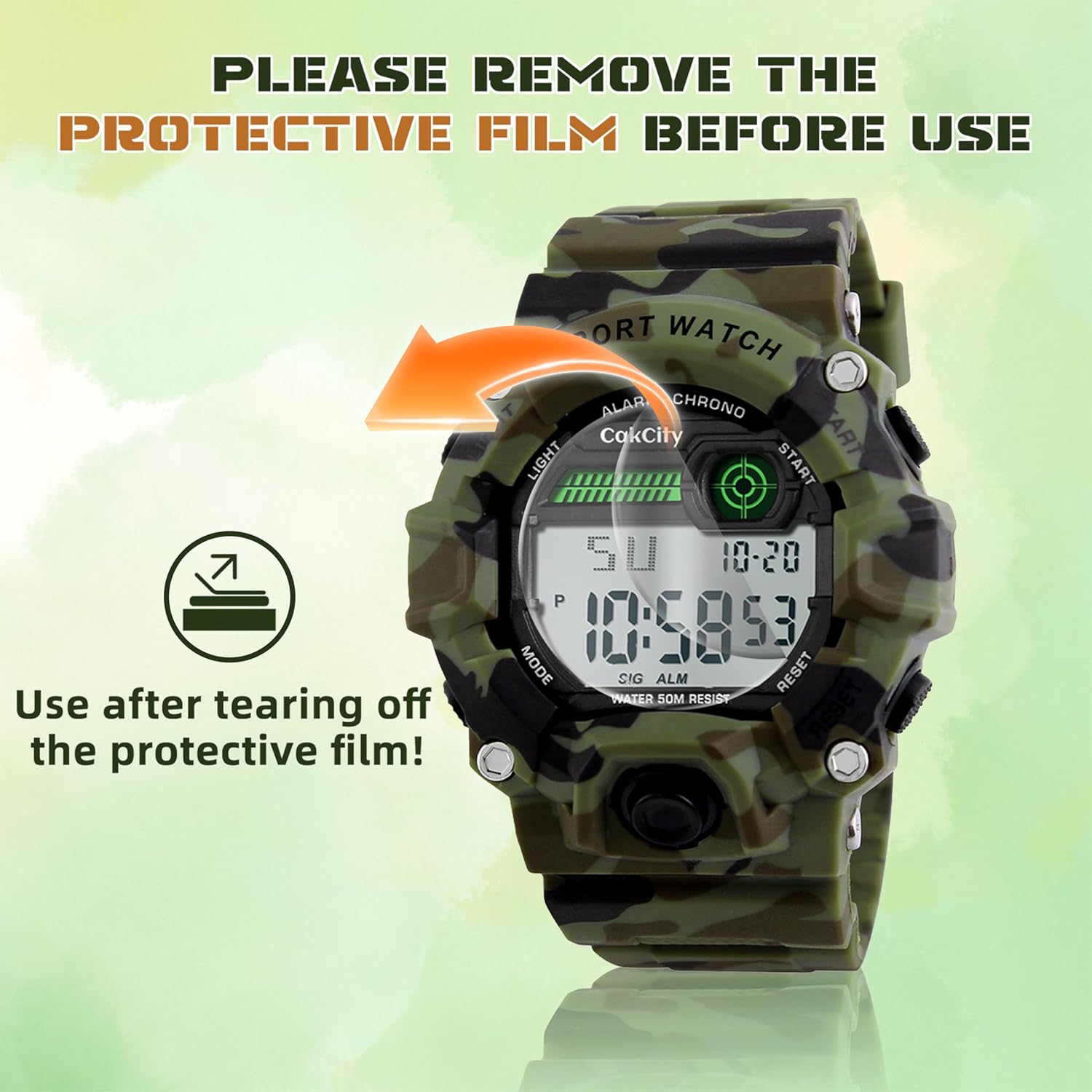
Image: A visual reminder to remove the protective film from the watch face before use.
Setting Time and Date
- In normal time display mode, press the MODE button three times to enter time setting mode. The seconds will flash.
- Press the RESET button to select the item to be adjusted (seconds, hours, minutes, month, date, week).
- Press the START/STOP button to adjust the selected item.
- Press the MODE button once to return to normal time display mode.
Setting the Alarm
- In normal time display mode, press the MODE button twice to enter alarm mode. The hours will flash.
- Press the RESET button to select hours or minutes.
- Press the START/STOP button to adjust the alarm time. Pay attention to AM/PM or 24H display.
- Press the MODE button once to exit alarm setting.
Operating Instructions
Using the EL Backlight
Press the LIGHT button (top-left) to illuminate the display for a few seconds, allowing visibility in low-light conditions.

Image: A comparison showing the watch display in normal light and with the EL backlight activated, highlighting its visibility in the dark.
Using the Stopwatch
- From normal time display, press the MODE button once to enter stopwatch mode.
- Press the START/STOP button to start the stopwatch.
- Press the START/STOP button again to pause the stopwatch.
- Press the RESET button to reset the stopwatch to zero.
- Press the MODE button to return to normal time display.
Switching 12/24-Hour Format
In time setting mode, when adjusting the hours, press the START/STOP button to toggle between 12-hour (AM/PM) and 24-hour formats.
Maintenance and Care
Water Resistance
The watch is water-resistant up to 50 meters (5 ATM), making it suitable for daily use, hand washing, rainy days, and swimming. However, to prevent damage to the waterproof seal:
- DO NOT press any buttons underwater.
- Keep the watch away from steam and hot water.

Image: An illustration demonstrating the 50-meter water resistance of the watch, showing its suitability for activities like washing hands, being in the rain, swimming, and bathing.
Cleaning
Wipe the watch with a soft, dry cloth. For stubborn dirt, a slightly damp cloth can be used. Avoid harsh chemicals or abrasive cleaners.
Troubleshooting
Display is Blank or Faint
- Check if the battery needs replacement. The watch uses 1 CR2 battery.
- Ensure no protective film is obstructing the display.
Buttons Not Responding
- Ensure the watch is not submerged in water when attempting to press buttons.
- If the watch has been exposed to extreme temperatures, allow it to return to normal operating temperature.
Incorrect Time Display
- Follow the "Setting Time and Date" instructions to re-adjust the time.
Specifications
| Feature | Detail |
|---|---|
| Model Number | 1197-10 |
| Product Dimensions | 9.45 x 0.79 x 1.89 inches |
| Item Weight | 3.2 ounces |
| Water Resistance | 50M (5 ATM) |
| Battery Type | 1 CR2 battery (included) |
| Date First Available | October 24, 2016 |
| Manufacturer | CakCity |

Image: A diagram showing the physical dimensions of the CakCity Sport Watch, including face diameter and band length.
Warranty and Support
For any questions, concerns, or support regarding your CakCity Sport Watch, please refer to the seller's contact information or the official CakCity website for assistance. Specific warranty details may vary and are typically provided with your purchase documentation.