
1. Product Overview
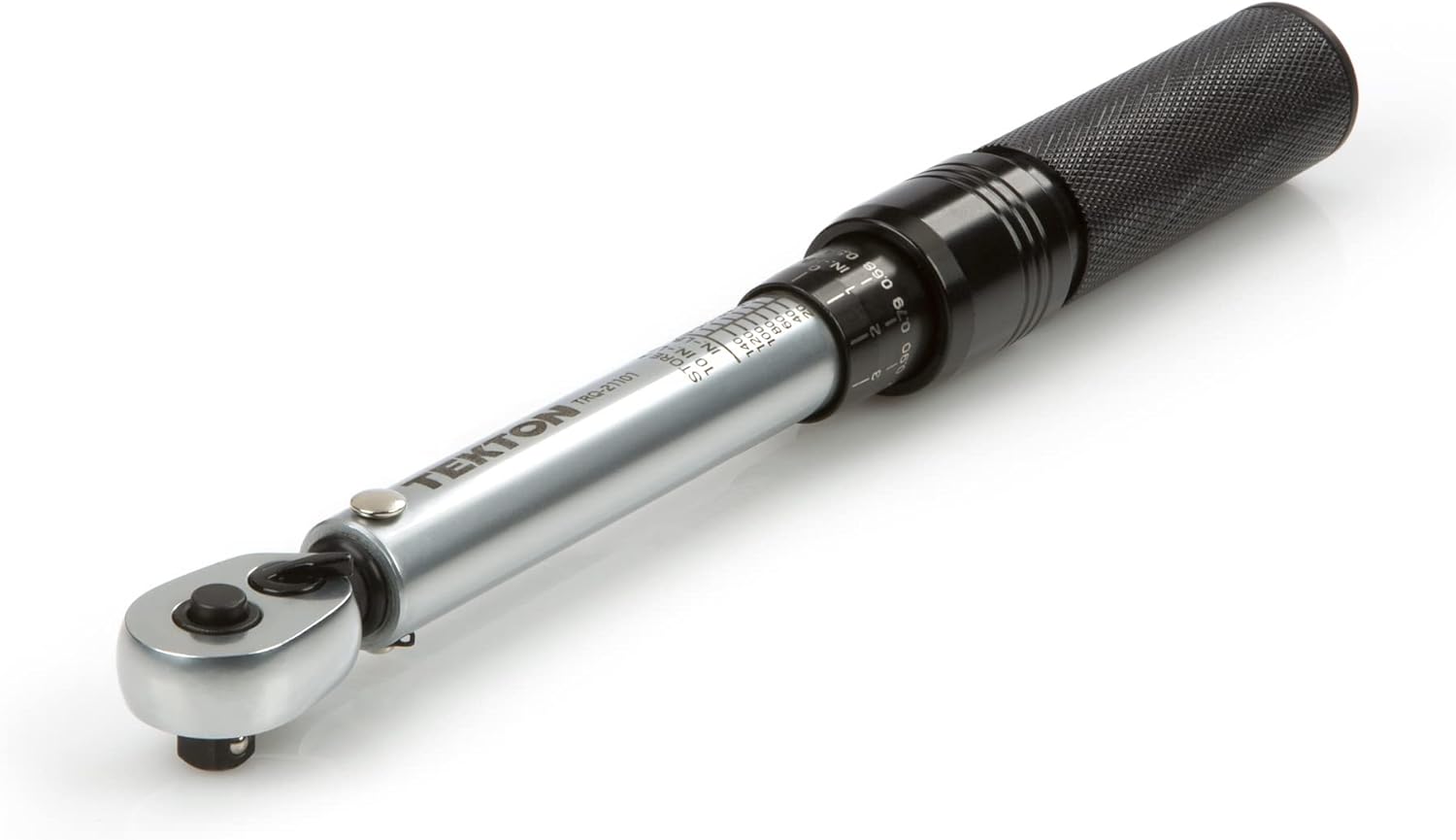
The TEKTON 1/4 Inch Drive Dual-Direction Click Torque Wrench (TRQ21101) is engineered for precision and reliability, ensuring fasteners are tightened to exact manufacturer specifications. This prevents damage from overtightening or under-tightening, crucial for maintaining equipment integrity.
Key features include:
- Calibrated Accuracy: +/- 4% in clockwise direction and +/- 6% in counterclockwise direction.
- Dual-Direction Measurement: Measures torque in both clockwise and counterclockwise directions for versatile use.
- Audible and Tactile Click: A distinct click can be heard and felt when the preset torque value is reached, signaling to stop applying force.
- Secure Adjustment: Spring-loaded adjustment collar locks automatically to prevent accidental changes during use.
- Durable Construction: Built with steel and aluminum, featuring no internal plastic parts for consistent performance and long-term service.
2. Safety Information
IMPORTANT: Always read and understand the operator's manual, including all safety information, before first use. Failure to do so may result in injury or damage to the tool or workpiece.
- Wear appropriate personal protective equipment (PPE), such as safety glasses, when operating the torque wrench.
- Do not use the torque wrench to break loose seized fasteners. This tool is designed for tightening only.
- Ensure the fastener and socket are clean and free of debris to prevent inaccurate torque readings.
- Avoid dropping the torque wrench, as this can affect its calibration and accuracy.
- Keep the torque wrench clean and dry. Store it in its protective case when not in use.
3. Components Included
Your TEKTON 1/4 Inch Drive Dual-Direction Click Torque Wrench package includes:
- 1 x TEKTON 1/4 Inch Drive Dual-Direction Click Torque Wrench
- 1 x Zipper Storage Case
- 1 x Operator's Manual with Torque Conversion Chart

4. Setup
The TEKTON torque wrench is shipped pre-calibrated and ready for immediate use. Before first use, familiarize yourself with the torque setting mechanism.
Setting the Torque Value:
- Locate the spring-loaded adjustment collar on the handle.
- Pull down the adjustment collar to unlock it.
- Rotate the handle to align the desired torque value (in.-lb. or Nm) with the main scale. The main scale shows major increments (e.g., 10, 20, 30 in.-lb.).
- Use the micro-scale on the rotating handle for fine adjustments. Each full rotation of the micro-scale typically represents a major increment on the main scale.
- Once the desired torque is set, release the adjustment collar. It will automatically lock into place, securing your setting.


Video: Setting Torque on TEKTON Wrench
5. Operating Instructions
Attaching Sockets:
The 1/4 inch drive head features a quick-release lock-on drive tang. To attach a socket, simply press the socket onto the drive tang until it clicks into place. To remove, press the button on the ratchet head and pull the socket off.

Applying Torque:
- With the desired torque value set and locked, attach the appropriate socket to the drive tang.
- Place the socket onto the fastener.
- Apply force to the wrench handle in a slow and controlled motion.
- Continue applying force until you hear and feel a distinct