
Edifice EQS-500DB-1A1
Instruction Manual
Casio EDIFICE EQS-500DB-1A1 Chronograph Wristwatch
1. Introduction
Thank you for choosing the Casio EDIFICE EQS-500DB-1A1 Chronograph Wristwatch. This manual provides essential information regarding the setup, operation, maintenance, and troubleshooting of your new timepiece. Please read this manual thoroughly to ensure proper use and to maximize the lifespan of your watch.
The EQS-500DB-1A1 model features a sophisticated chronograph, Tough Solar power system, and 10-bar water resistance, designed for precision and durability.

Figure 1: Front view of the Casio EDIFICE EQS-500DB-1A1 Chronograph Wristwatch. This image displays the watch's main dial, sub-dials, and the metal bracelet, highlighting its elegant design and functional layout.
2. Safety Precautions
- Water Resistance: This watch is water resistant to 10 bar (100 meters). It is suitable for everyday use, swimming, and snorkeling. Do not operate buttons or the crown while the watch is wet or submerged. Avoid exposing the watch to strong streams of water or sudden temperature changes.
- Temperature Exposure: Avoid exposing the watch to extreme temperatures, both hot and cold, as this can affect its accuracy and lifespan.
- Impact: Protect the watch from strong impacts. While durable, excessive force can damage internal components.
- Chemicals: Avoid contact with gasoline, cleaning solvents, aerosol sprays, adhesives, paints, etc. These chemicals can cause discoloration, deterioration, or damage to the resin case, band, or other parts.
- Magnetic Fields: Keep the watch away from strong magnetic fields, as they can interfere with the watch's operation and accuracy.
3. Setup and Initial Configuration
3.1 Charging the Watch (Tough Solar)
Your EDIFICE EQS-500DB-1A1 is equipped with a Tough Solar power system, which converts light into electrical energy to power the watch. To ensure optimal performance, expose the watch to light regularly.
- Place the watch where its face is exposed to bright light (e.g., near a window).
- Avoid placing the watch in direct sunlight for prolonged periods in extremely hot environments, as this can cause damage.
- A full charge can last for several months in total darkness, but regular exposure to light is recommended.
3.2 Setting the Time and Date
The watch automatically adjusts for daylight saving time (DST) and receives time calibration signals. However, manual adjustment may be necessary in certain situations or for initial setup.
- Pull out the crown: Gently pull the crown (located on the right side of the watch) out to the first click for date adjustment, or to the second click for time adjustment.
- Adjusting Time: Rotate the crown to set the hour and minute hands. Ensure the AM/PM indicator is correct if your model has one.
- Adjusting Date: Rotate the crown in the opposite direction (if applicable) or push it in one click to adjust the date.
- Push in the crown: Once set, push the crown back in to its normal position to start the watch.
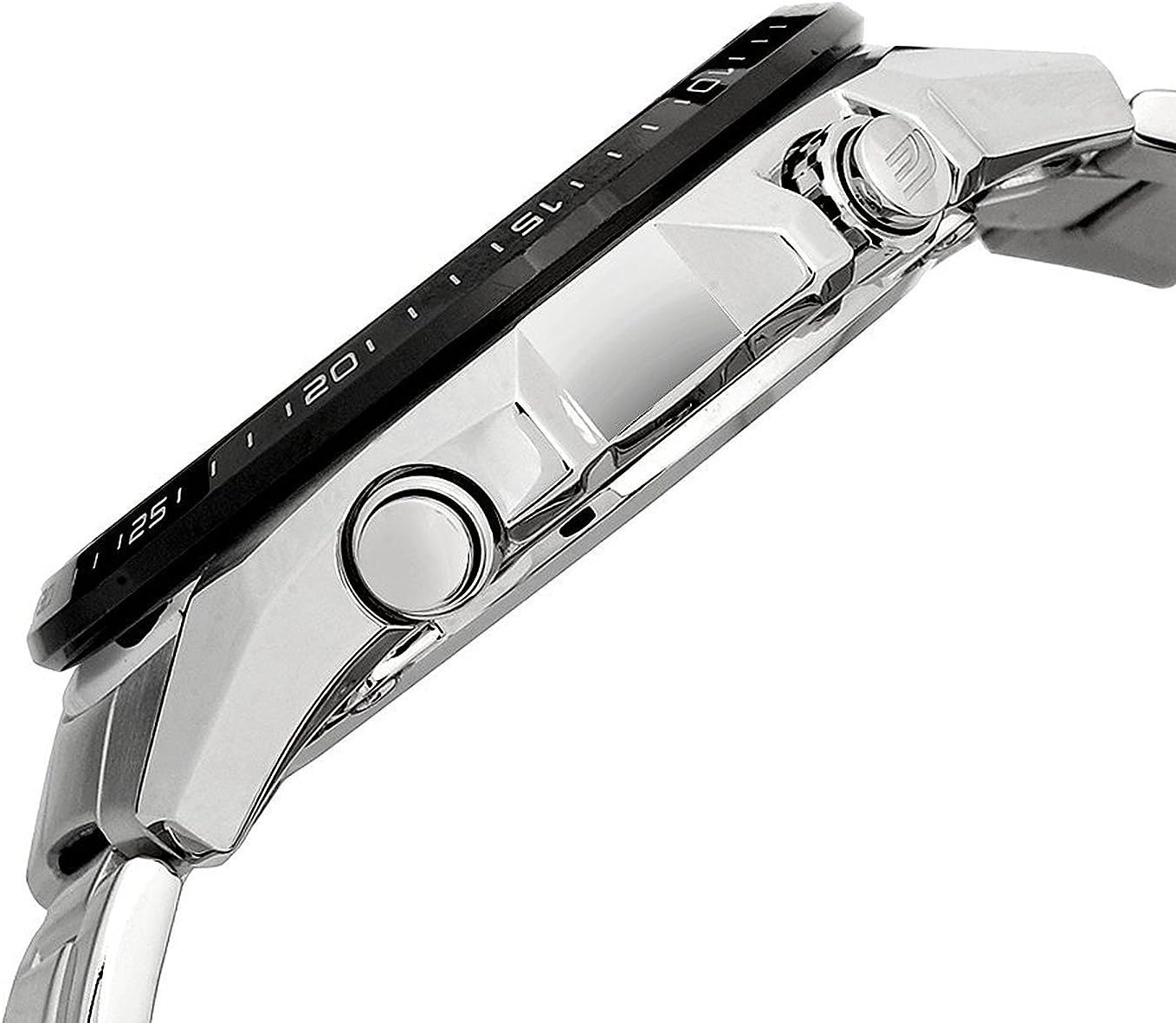
Figure 2: Side view of the Casio EDIFICE EQS-500DB-1A1, illustrating the position of the crown and function buttons. These components are used for setting the time, date, and operating the chronograph.
4. Operating the Watch
4.1 Using the Chronograph
The chronograph function allows you to measure elapsed time with precision.
- Start/Stop: Press the upper right button (A) to start the chronograph. Press it again to stop.
- Reset: While the chronograph is stopped, press the lower right button (B) to reset the chronograph hands to the 12 o'clock position.
- Split Time: Some models allow for split time measurement. Consult the detailed module manual for specific instructions if this feature is desired.
4.2 World Time Function
The EQS-500DB-1A1 features a world time function, allowing you to view the current time in various major cities around the globe.
- Selecting City: Use the lower left button (C) to cycle through the different city codes displayed on the watch face.
- Viewing Time: The sub-dial will indicate the current time for the selected city.
5. Maintenance and Care
- Cleaning: Wipe the watch regularly with a soft, dry cloth to remove dirt and moisture. For metal bands, use a soft brush with mild soapy water, then rinse thoroughly and dry.
- Water Resistance Check: It is recommended to have the water resistance seals checked by an authorized service center every 2-3 years, especially if the watch is frequently exposed to water.
- Battery (Solar Cell) Care: Ensure the watch receives adequate light exposure to keep the solar cell charged. Avoid prolonged storage in dark places.
- Storage: When not in use for extended periods, store the watch in a dry, cool place away from direct sunlight and strong magnetic fields.
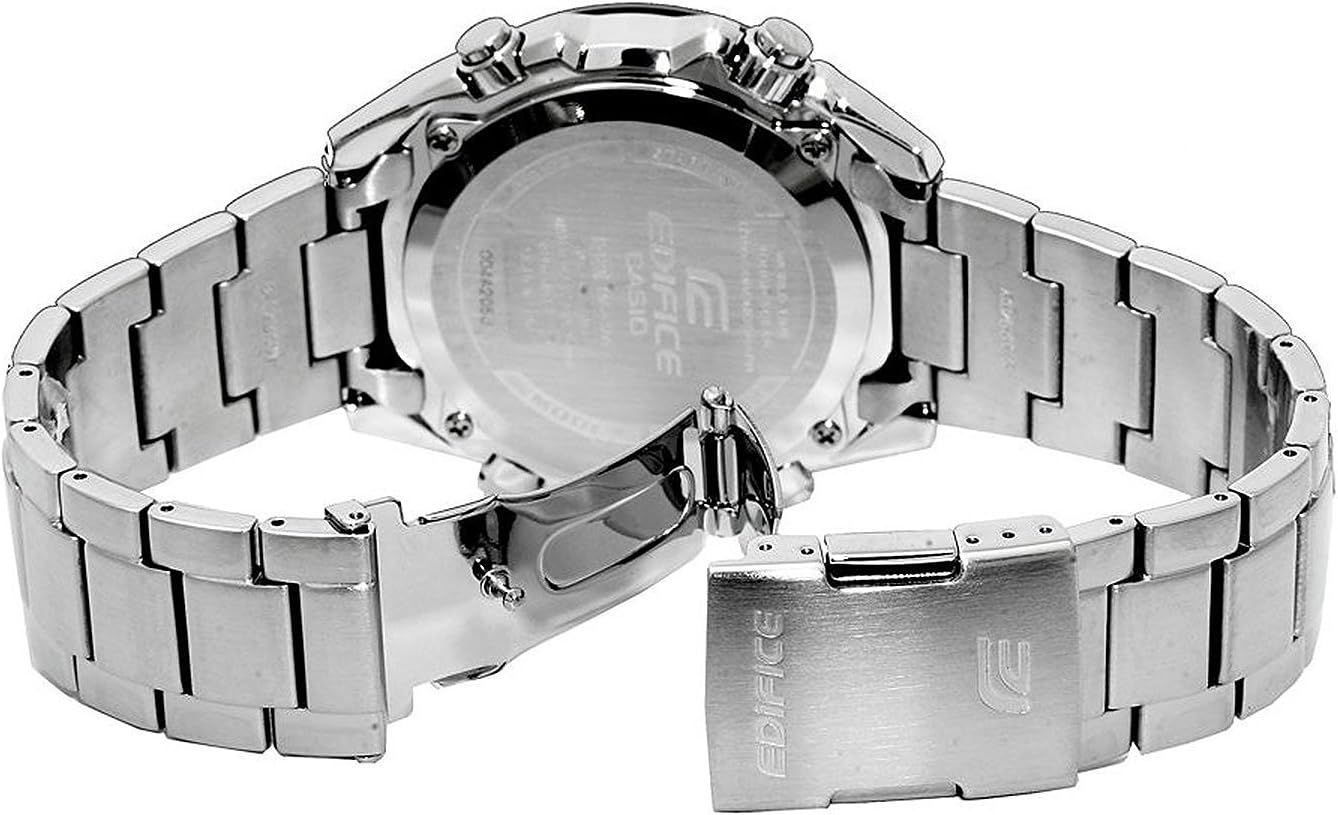
Figure 3: Rear view of the Casio EDIFICE EQS-500DB-1A1, displaying the stainless steel case back and the deployment clasp of the bracelet. This view highlights the watch's robust construction and secure fastening mechanism.
6. Troubleshooting
| Problem | Possible Cause | Solution |
|---|---|---|
| Watch is not running or hands are stopped. | Insufficient charge (Tough Solar). | Expose the watch face to bright light for several hours. |
| Time is incorrect. | Time not set correctly, or magnetic interference. | Manually set the time (refer to Section 3.2). Keep watch away from strong magnetic fields. |
| Chronograph hands do not reset to zero. | Hands misalignment. | Perform a hand home position correction. Refer to the detailed module manual for your specific model for instructions on this advanced setting. |
| Date is incorrect. | Date not set correctly, or month with fewer than 31 days. | Manually adjust the date (refer to Section 3.2). The watch does not automatically adjust for months with fewer than 31 days. |
7. Specifications
- Model Number: EQS-500DB-1A1
- Module: (Specific module number not provided, typically 5123 for EQS-500 series)
- Water Resistance: 10 Bar (100 meters)
- Power Source: Tough Solar (Solar powered)
- Functions: Chronograph, World Time, Date Display, Low Battery Alert
- Accuracy: ±15 seconds per month (without time calibration signal reception)
- Dimensions (approx.): 12.4 x 12 x 11 cm (Parcel Dimensions)
- Weight (approx.): 260 g (Parcel Weight)
- Case Material: Stainless Steel
- Band Material: Stainless Steel
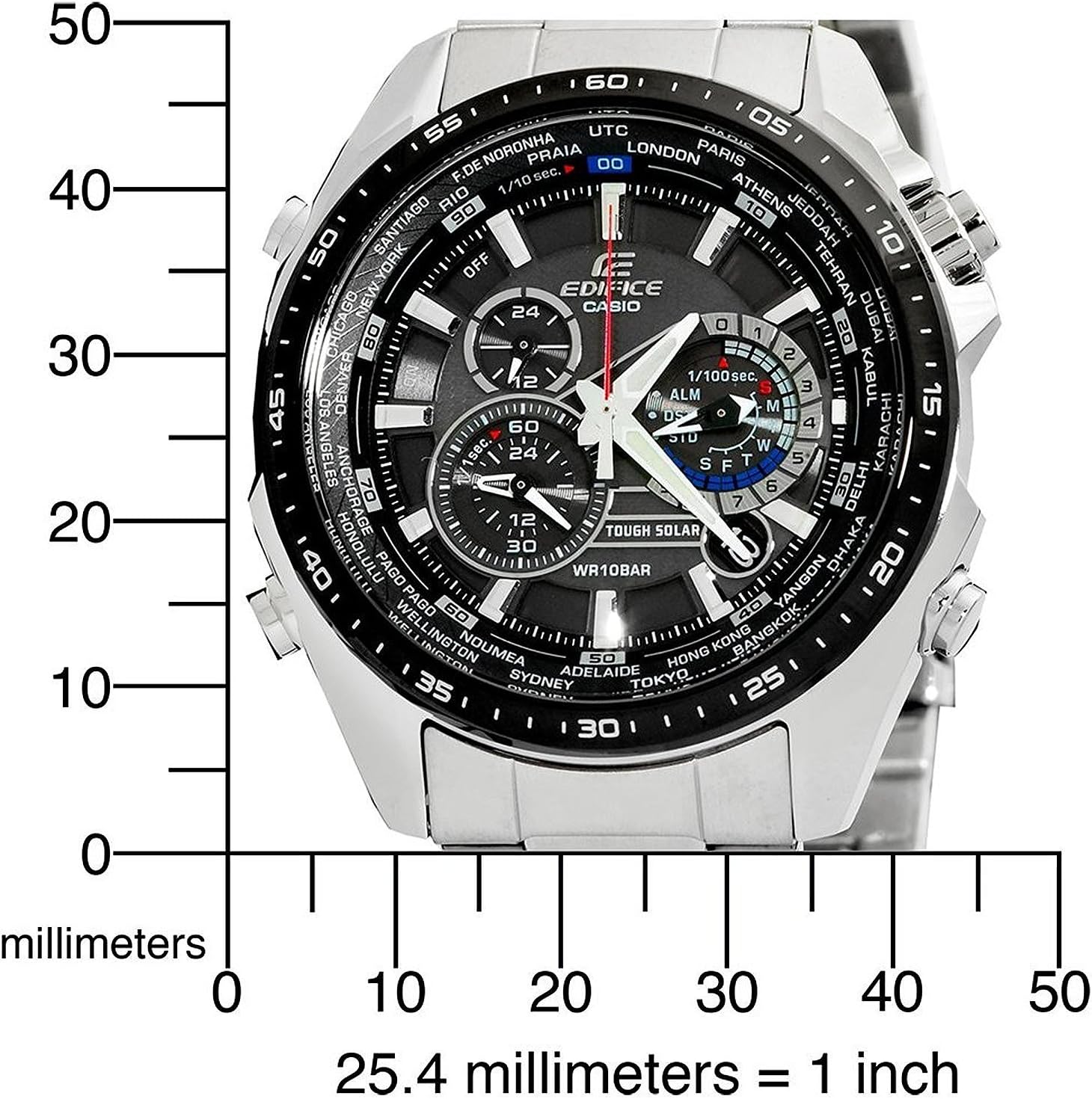
Figure 4: Measurement diagram of the Casio EDIFICE EQS-500DB-1A1, showing its approximate dimensions in millimeters. This image provides a visual reference for the watch's size.
8. Warranty Information
This Casio EDIFICE watch is covered by a limited warranty against manufacturing defects for a period of one (1) year from the original date of purchase. The warranty covers the watch movement, hands, and dial. It does not cover:
- Damage resulting from improper handling, lack of care, accidents, or normal wear and tear.
- Water damage if the watch was not used according to its water resistance rating.
- Damage to the case, crystal, strap, or bracelet.
- Unauthorized repair or modification.
To obtain service under this warranty, please contact an authorized Casio service center. Proof of purchase is required.
9. Customer Support
For further assistance, detailed module-specific instructions, or service inquiries, please visit the official Casio website or contact their customer support:
- Casio Official Website: www.casio.com
- Service Center Locator: Refer to the Casio website for a list of authorized service centers in your region.
- Module Manuals: Specific module manuals (e.g., Module No. 5123 for EQS-500 series) can often be downloaded from the Casio website by searching for your watch's model or module number.