
Introduction
This manual provides essential information for the proper use and care of your Synergy Digital 64GB microSDXC Class 10 Extreme Memory Card with SD Adapter. Please read these instructions carefully to ensure optimal performance and longevity of your product.
Product Overview
The Synergy Digital 64GB microSDXC Class 10 Extreme Memory Card is designed for high-speed data storage and transfer, suitable for various compatible devices. It comes with an SD adapter for broader compatibility.
- Capacity: 64GB microSDXC
- Speed Class: Class 10, ensuring fast read and write speeds.
- Compatibility: Designed for use with all SDXC compatible devices.
- Included: Micro SD Card and an SD Adapter.

Image: The Synergy Digital 64GB microSDXC memory card shown alongside its included SD adapter. The microSD card is small and gray, while the adapter is black with the Synergy Digital logo and 'micro SD ADAPTER' text.

Image: The Synergy Digital microSD card and SD adapter, with text overlays emphasizing 'Highest Quality,' 'Stability,' 'Reliability,' and 'Durability.'
Setup and Installation
Inserting the microSD Card:
- Locate the microSD card slot on your device (e.g., smartphone, drone, camera).
- Orient the microSD card correctly, with the gold contacts facing the device's contacts.
- Gently push the card into the slot until it clicks into place. Do not force the card.
Using the SD Adapter:
- Insert the microSD card into the designated slot on the side of the SD adapter. Ensure it is fully seated.
- Locate the SD card slot on your device (e.g., laptop, DSLR camera, card reader).
- Insert the SD adapter (with the microSD card inside) into the SD card slot until it is fully seated.

Image: A hand inserting a Synergy Digital microSD card, likely within an adapter, into a laptop's USB port, illustrating high-speed data transfer.
Operating Instructions
Data Storage and Transfer:
Once installed, your device should recognize the memory card as an external storage medium. You can then save photos, videos, documents, and other files directly to the card or transfer existing files from your device's internal storage.
- Saving Files: When using a camera or drone, ensure the device's settings are configured to save media to the external memory card.
- Transferring Files: Connect your device (or the SD adapter with the microSD card) to a computer. The card will appear as a removable drive, allowing you to drag and drop files.
- Speed: The Class 10 rating ensures efficient recording of Full HD video and rapid transfer of large files.
Compatibility:
This microSDXC card is compatible with devices that support the SDXC standard. Always verify your device's specifications for memory card compatibility before use.
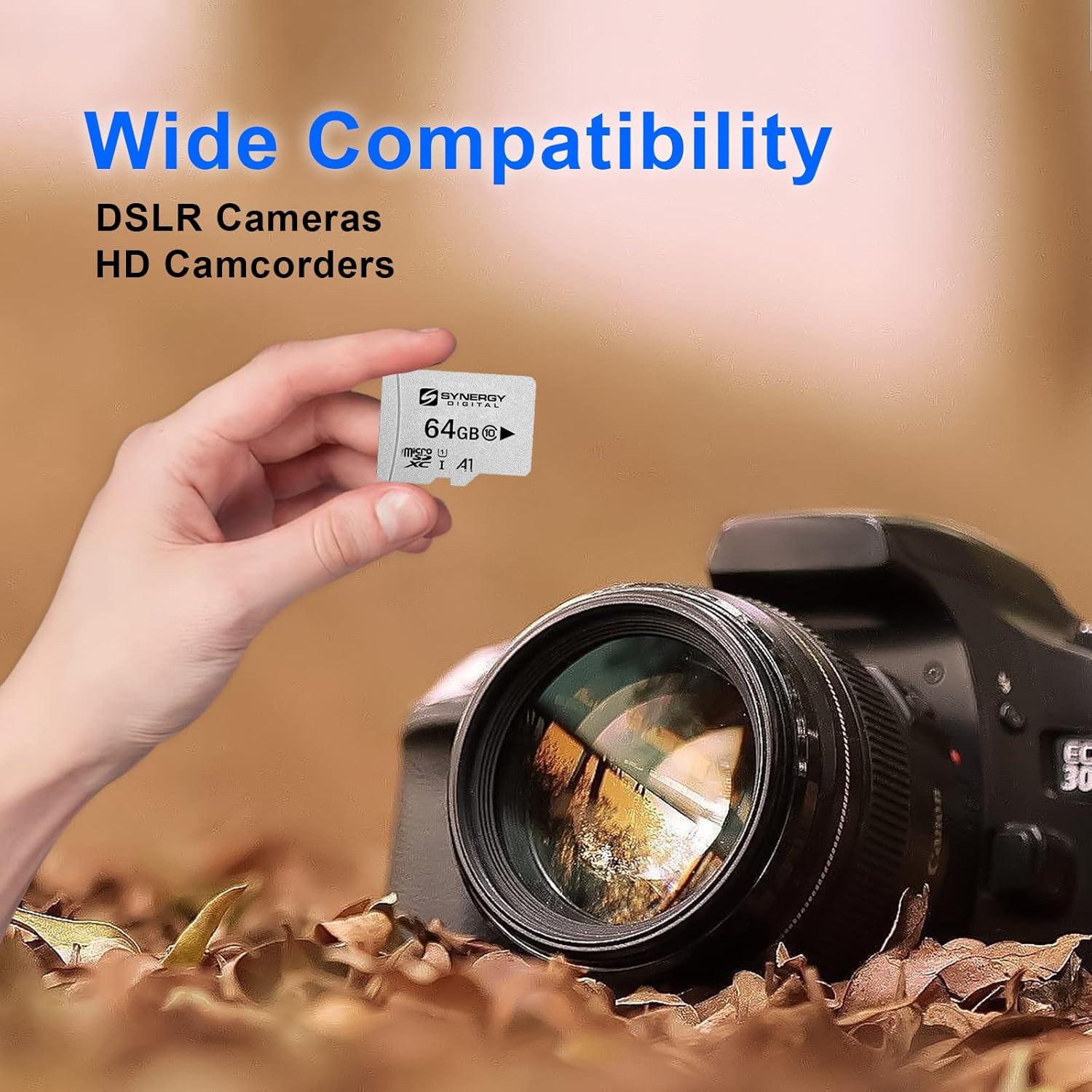
Image: A hand holding the Synergy Digital microSD card, with a DSLR camera and an HD camcorder in the background, illustrating its wide compatibility.
Maintenance and Care
- Handle with Care: Avoid bending, dropping, or exposing the card to excessive force.
- Keep Dry: Protect the card from moisture and liquids.
- Temperature: Store and use the card within recommended temperature ranges (typically -25°C to 85°C for operation, -40°C to 85°C for storage).
- Clean Contacts: If necessary, gently clean the gold contacts with a soft, lint-free cloth. Avoid abrasive materials.
- Eject Safely: Always safely eject the memory card from your device or computer before removing it to prevent data corruption.
Troubleshooting
- Card Not Recognized:
- Ensure the card is fully and correctly inserted into the slot.
- Check if your device supports microSDXC cards. Older devices may only support microSD or microSDHC.
- Try the card in another compatible device or card reader to rule out a device-specific issue.
- If using the SD adapter, ensure the microSD card is properly seated within the adapter.
- Data Transfer Errors:
- Ensure the card is not write-protected (check the lock switch on the SD adapter).
- Verify that there is sufficient free space on the card.
- Safely eject the card and reinsert it.
- Try formatting the card (Note: This will erase all data. Back up important files first).
- Slow Performance:
- Ensure your device supports Class 10 speeds.
- Avoid filling the card to its absolute maximum capacity, as this can sometimes affect performance.
- Check for background processes on your computer or device that might be slowing down transfers.
Specifications
| Feature | Detail |
|---|---|
| Brand | Synergy Digital |
| Model Number | AP11-SY-MSD64GB |
| Memory Storage Capacity | 64 GB |
| Flash Memory Type | SD (microSDXC) |
| Secure Digital Association Speed Class | Class 10 |
| Hardware Interface | MicroSD, SDXC, microSDXC |
| Compatible Devices | Camera (and other SDXC compatible devices) |
| Item Weight | 6.1 ounces |
| Product Dimensions | 2 x 2 x 2 inches (packaging dimensions) |
Warranty and Support
Synergy Digital provides a 5-year limited manufacturer warranty for this memory card. For warranty claims or technical support, please refer to the contact information provided with your purchase or visit the official Synergy Digital website.
It is recommended to register your product, if applicable, to facilitate warranty service.


