Introduction
Sniper Elite 4 is a third-person tactical shooter that immerses players in the World War Two setting across the diverse landscapes of the Italian peninsula. As covert agent and elite marksman Karl Fairburn, your mission is to aid the Italian Resistance in their fight against Fascism and a new, formidable threat. The game emphasizes genre-defining ballistics and emergent stealth tactics, offering a rich and engaging experience.
The game features various modes, including 1-2 player campaigns, dedicated co-operative missions, and competitive adversarial multiplayer modes, providing extensive replayability and diverse gameplay opportunities.
Setup
To begin playing Sniper Elite 4 on your PlayStation 4 console, follow these simple steps:
- Ensure your PlayStation 4 console is powered off or in rest mode.
- Carefully insert the Sniper Elite 4 game disc into the disc drive of your PlayStation 4 console, with the label facing upwards.
- Power on your PlayStation 4. The system will automatically detect the game disc and begin the installation process.
- Follow any on-screen prompts to complete the installation and download any available game updates. An internet connection may be required for updates.
- Once installation is complete, you can launch the game from your PlayStation 4 home screen.

Insert the Sniper Elite 4 game disc into your PlayStation 4 console.
Operating and Gameplay Basics
Sniper Elite 4 offers a blend of long-range combat, stealth, and tactical decision-making. Understanding the core mechanics is crucial for success.
Sniping Mechanics
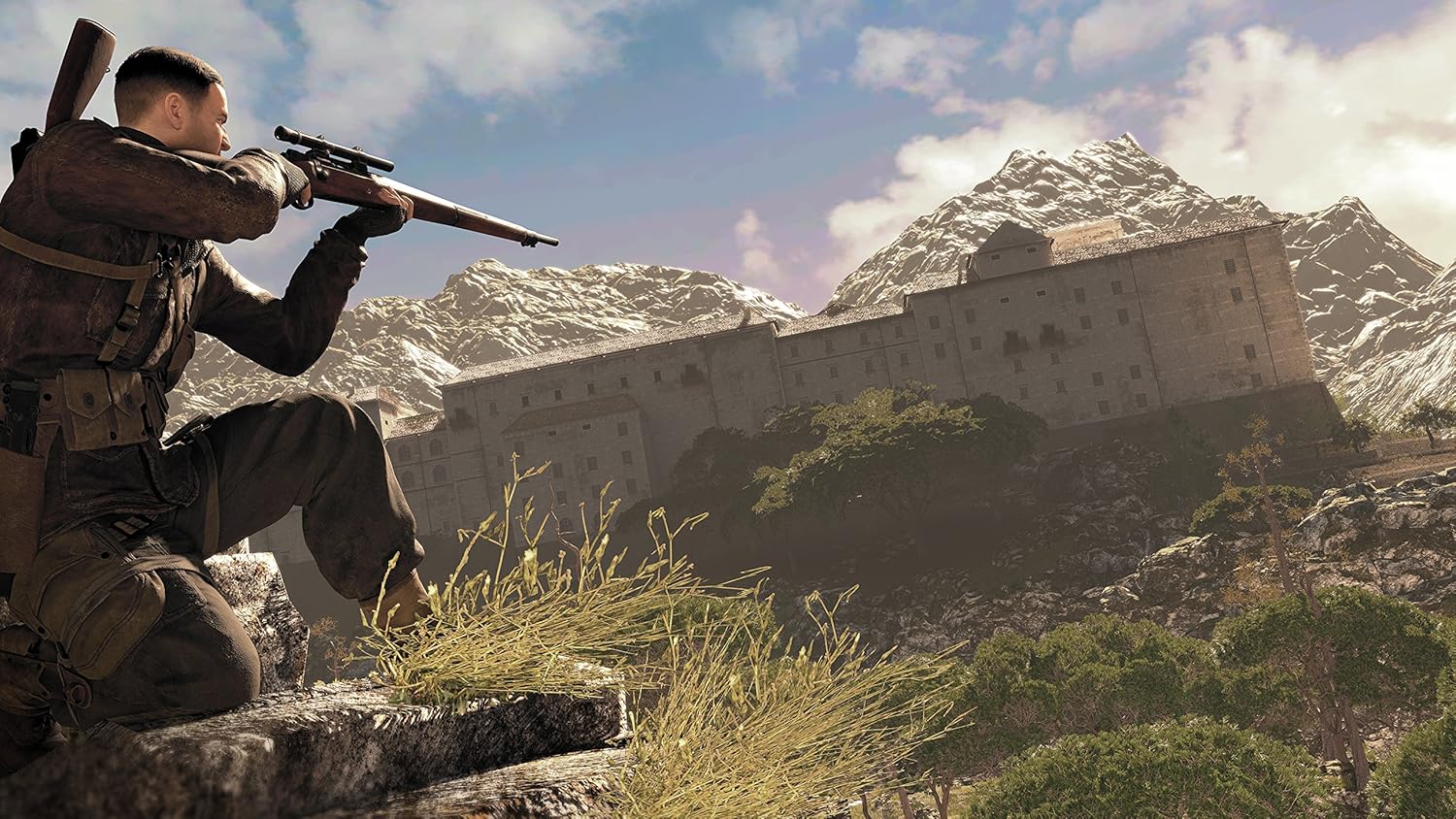
The game's signature feature is its realistic ballistics system. When taking a shot, factors such as bullet drop due to gravity and wind direction/speed must be considered, especially over long distances. The game provides visual aids, which can be adjusted based on difficulty settings, to assist with aiming.

Mastering sniping involves accounting for bullet drop and wind, especially over long distances.
Stealth and Takedowns
Stealth is a vital component of gameplay. Players can utilize cover, environmental sounds, and silent takedowns to eliminate enemies without raising an alarm. Observing enemy patrol routes and using distractions are key to remaining undetected.

Utilize stealth to eliminate enemies quietly and avoid detection.
Mission Environments
Missions take place in large, open environments that encourage exploration and multiple approaches to objectives. Players can choose to engage enemies head-on, or meticulously plan their route using stealth and long-range engagements.

Each mission presents unique objectives within large, open environments.
Advanced Tactics
Beyond basic gameplay, Sniper Elite 4 offers advanced tactical options to enhance your effectiveness.
Sound Masking
Use loud environmental noises, such as generators, passing aircraft, or explosions, to mask the sound of your sniper shots. This allows you to take down enemies without immediately alerting others to your position.
Explosives and Traps
Utilize grenades, mines, and tripwires to create diversions, eliminate groups of enemies, or secure your flanks. Explosives can also be used to destroy vehicles or create environmental hazards.
Targeting vehicle weak points, such as fuel tanks or radiators, can lead to explosive results.
Maintenance
Proper care of your game disc and console can help ensure optimal performance and longevity.
- Always handle the game disc by its edges to avoid fingerprints and scratches on the data side.
- Store the disc in its original case when not in use to protect it from dust and damage.
- If the disc becomes dirty, gently wipe it with a soft, lint-free cloth from the center outwards. Do not use abrasive cleaners.
- Ensure your PlayStation 4 console has adequate ventilation to prevent overheating during extended gameplay sessions.
Troubleshooting
If you encounter issues while playing Sniper Elite 4, consider the following common solutions:
- Game Not Loading or Freezing: Ensure the game disc is clean and free of scratches. Try restarting your PlayStation 4 console. Check for available game updates and system software updates.
- Performance Issues: Close any other applications running in the background on your console. Ensure your console is well-ventilated.
- Network Connectivity Problems: Verify your internet connection is stable. Check your PlayStation 4 network settings. For online multiplayer, ensure PlayStation Network services are operational.
If problems persist, consult the official PlayStation support resources or contact the game's publisher for further assistance.
Specifications
| Feature | Detail |
|---|---|
| Computer Platform | PlayStation 4 |
| Compatible Video Game Console Models | Sony PlayStation 4 |
| UPC | 812303010576 |
| Item Model Number | 10576 |
| Release Date | February 14, 2017 |
| Item Weight | 2.4 ounces |
| Product Dimensions | 0.6 x 5.3 x 6.7 inches |
| Manufacturer | Sold Out |
Warranty and Support
For information regarding product warranty, please refer to the documentation included with your game purchase or visit the official website of the game's publisher, Sold Out. Warranty terms and conditions may vary by region.
For technical support, gameplay assistance, or any other inquiries, please contact the customer support channels provided by Sold Out or the PlayStation support team. Up-to-date contact information can typically be found on their respective official websites.


