
Philips GC9650/80
Philips PerfectCare Elite GC9650/80 Steam Iron User Manual
Model: GC9650/80
Important Safety Information
Please read this user manual carefully before you use the appliance and save it for future reference. Always follow the basic safety precautions when using any electrical appliance.
- Electrical Safety: Ensure the voltage indicated on the appliance corresponds to your local mains voltage before you connect the appliance. Do not use the appliance if the plug, the mains cord, or the appliance itself shows visible damage.
- Hot Surfaces: The soleplate of the iron and the steam generator base can become extremely hot during operation and remain hot for some time after use. Always handle with care and avoid direct contact.
- Water Tank: Only fill the water tank with tap water or demineralized water. Do not add perfume, vinegar, starch, descaling agents, or other chemicals to the water tank, as this may cause water leakage, brown staining, or damage to the appliance.
- Children and Pets: Keep the appliance and its cord out of reach of children and pets when it is switched on or cooling down.
- Storage: Always allow the appliance to cool down completely before storing it. Secure the iron to the base using the carry lock before moving or storing.
Product Overview

The Philips PerfectCare Elite GC9650/80 steam iron system, featuring a purple and black design with a large transparent water tank and a separate steam generator base.
The Philips PerfectCare Elite GC9650/80 is a powerful steam generator iron designed for efficient and safe ironing. Its key features include:
- OptimalTEMP Technology: Guarantees no burns on any ironable fabric, eliminating the need for temperature adjustments.
- Powerful Steam Output: Continuous steam up to 150 g/min and a powerful steam boost of up to 500 g to tackle stubborn creases.
- Large Water Tank: A 1.8-liter detachable water tank allows for over an hour of continuous ironing.
- Vertical Steaming: Conveniently refresh clothes directly on the hanger or curtains.
- ECO Mode: Energy-saving mode for efficient ironing without compromising results.
- Safe Carry Lock: Securely attaches the iron to the base for safe transport and storage.
Setup
1. Unpacking
Carefully remove all packaging materials from the appliance. Keep packaging for future storage or recycling.
2. Filling the Water Tank
The large 1.8-liter water tank is easily accessible for refilling.
- Remove the detachable water tank from the base unit.
- Open the filling cap.
- Fill the water tank with tap water up to the 'MAX' indication. For prolonged appliance life, especially in areas with hard water, it is recommended to use demineralized or distilled water.
- Close the filling cap securely and place the water tank back into the base unit until it clicks into place.
Operating Instructions
1. Powering On
- Place the steam generator on a stable, heat-resistant surface, such as an ironing board designed for steam generators.
- Plug the mains cord into a grounded wall socket.
- Press the on/off button. The blue power light will start blinking, indicating the appliance is heating up.
- The appliance is ready for use when the blue power light stops blinking and stays on (approximately 2 minutes).
2. Ironing with OptimalTEMP Technology

The iron's OptimalTEMP technology allows for safe ironing of various fabrics without manual temperature adjustment.
Thanks to OptimalTEMP technology, you can iron all ironable fabrics from denim to silk without adjusting the temperature. The iron is designed to be safe on all fabrics that can be ironed. You can even leave the hot soleplate on the ironing board cover without causing damage.
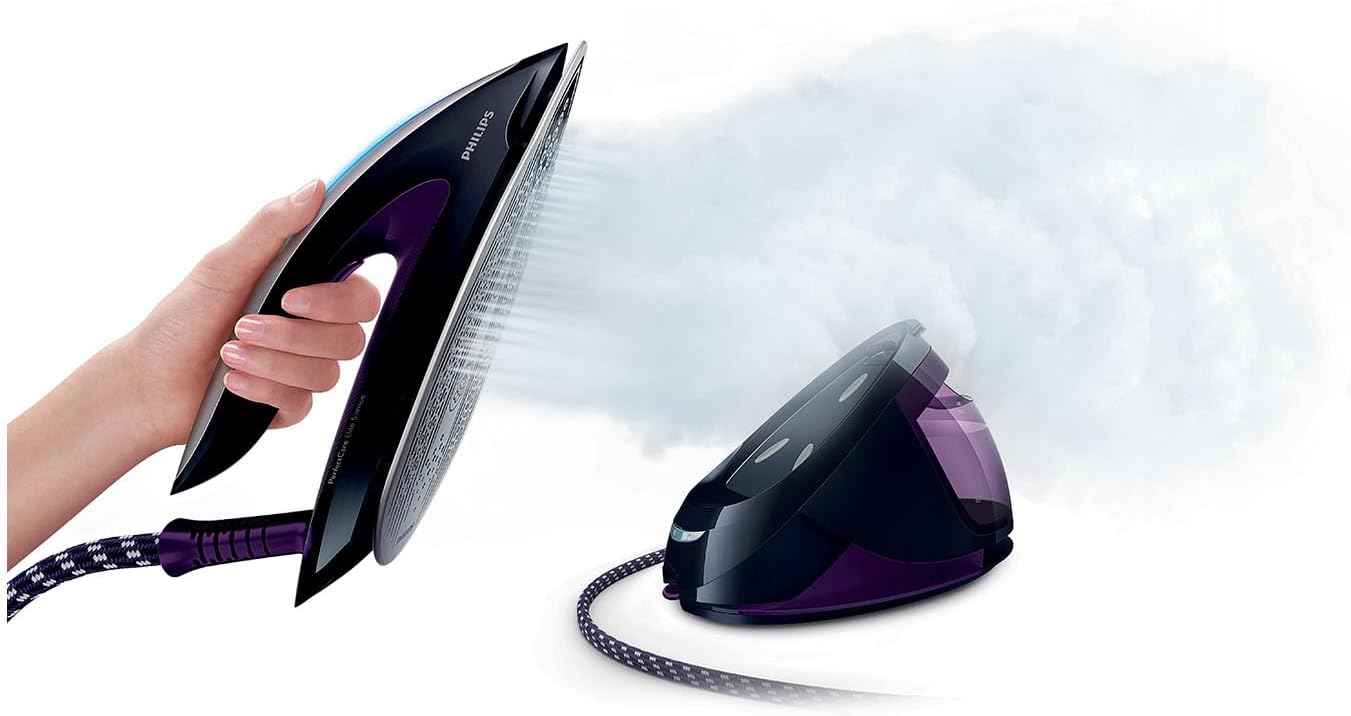
A hand demonstrates the iron's comfortable grip and steam output.
3. Using Steam Boost
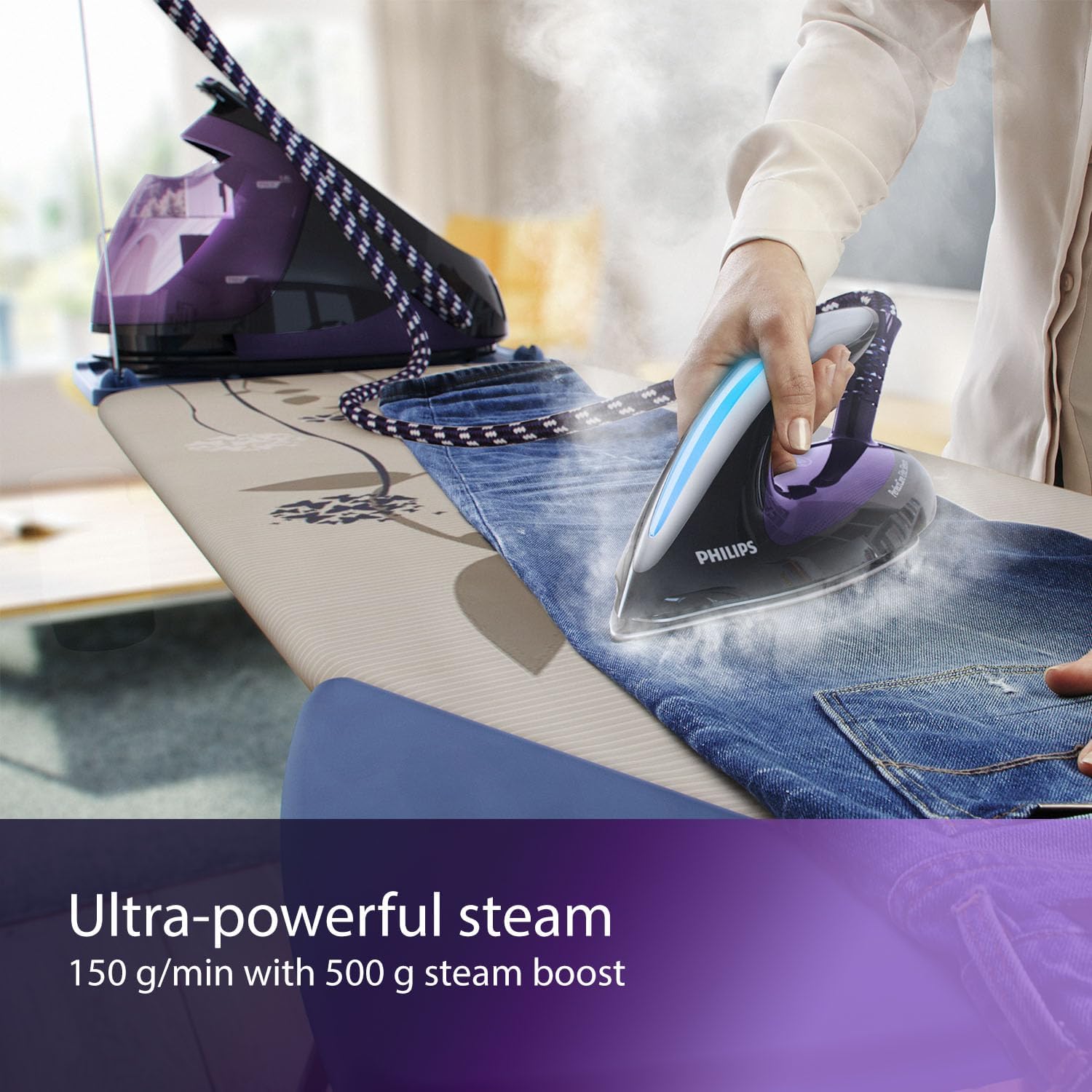
The iron effectively removes creases from denim using its powerful steam boost function.
For stubborn creases, press the steam trigger twice quickly to activate the powerful steam boost (up to 500 g). This provides an extra burst of steam to penetrate deep into fabrics and remove difficult wrinkles.
4. Vertical Steaming

A woman uses the iron to vertically steam a dress hanging in a closet, demonstrating its versatility.
The appliance can also be used for vertical steaming to refresh hanging garments, curtains, or delicate fabrics. Hold the iron in a vertical position a few centimeters away from the fabric and press the steam trigger.
5. ECO Mode
To save energy, you can select the ECO mode. This mode provides sufficient steam for most garments while consuming less power. To activate, press the ECO button on the base unit. The ECO indicator light will illuminate.
Maintenance
1. Cleaning the Soleplate
To keep the soleplate clean, wipe it with a damp cloth and a non-abrasive liquid cleaner after it has cooled down. Do not use abrasive scouring pads or harsh cleaners, as these can damage the soleplate.
2. Descaling (Calc-Clean)
The appliance features a Calc-Clean system to remove scale buildup. When the Calc-Clean light blinks and the appliance beeps, it's time to perform the descaling process. Refer to the full manual for detailed instructions on the Calc-Clean procedure.
3. Storage
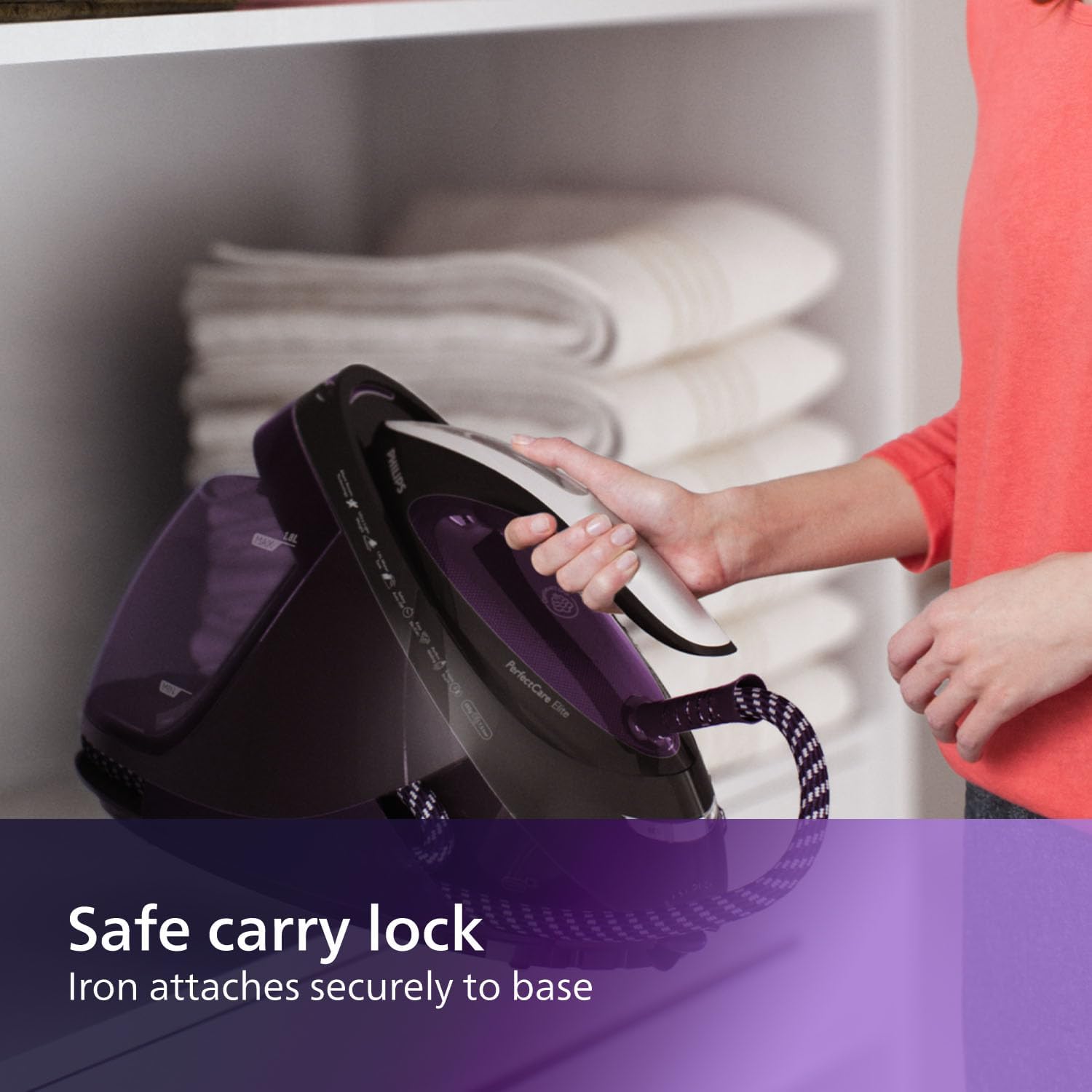
The safe carry lock ensures the iron is securely attached to the base unit for easy and safe transport or storage.
After use, switch off the appliance and unplug it. Allow the iron and base unit to cool down completely. Secure the iron to the base unit using the safe carry lock. Wrap the steam hose and mains cord around the base unit for tidy storage.
Troubleshooting
If you encounter issues with your Philips PerfectCare Elite GC9650/80, please refer to the table below for common problems and their solutions.
| Problem | Possible Cause | Solution |
|---|---|---|
| No steam is coming out. | Water tank is empty or not properly inserted. Appliance not heated up. | Fill the water tank and ensure it is correctly placed. Wait for the blue power light to stop blinking. |
| Water drips from the soleplate. | Ironing temperature is too low for steam. | Ensure the appliance has fully heated up. The OptimalTEMP technology automatically sets the correct temperature. |
| Calc-Clean light is blinking. | Appliance needs descaling. | Perform the Calc-Clean procedure as described in the full user manual. |
| Iron is not heating up. | Appliance not plugged in or power switch not pressed. | Check power connection and ensure the on/off button is pressed. |
Specifications
| Feature | Detail |
|---|---|
| Brand | Philips |
| Model Number | GC9650/80 |
| Color | Violet |
| Product Dimensions (L x W x H) | 23.3 x 28.5 x 45.3 cm |
| Weight | 5.1 Kilograms |
| Water Tank Capacity | 1.8 Liters |
| Power | 2400 Watts |
| Voltage | 240 Volts |
| Soleplate Material | Ceramic |
| Steam Boost | Up to 500 g |
| Continuous Steam | Up to 150 g/min |
| Pressure | 7.5 bar |
| Special Features | OptimalTEMP Technology, Vertical Steam, ECO Mode, Auto Shut-off |
Warranty and Support
Philips offers a warranty for this product in accordance with the legal requirements of the country of purchase. For detailed warranty terms and conditions, please refer to the warranty card included with your product or visit the official Philips website.
Spare Parts Availability: Spare parts for the Philips PerfectCare Elite GC9650/80 are available for 5 years from the date of purchase.
For further assistance, product registration, or to find authorized service centers, please visit the official Philips support website or contact Philips customer service in your region. You can often find support information by searching for "Philips support" and your country.
Note: Always use genuine Philips spare parts and accessories to ensure optimal performance and to maintain your warranty.
Ask a question about this manual
Ask about setup, troubleshooting, compatibility, parts, safety, or missing instructions. Manuals+ will review the question and use this page’s manual context to help answer it.