
Introduction
The Rockville APM10B is an active studio subwoofer designed to deliver powerful and accurate bass for studio monitoring and music production environments. This manual provides essential information for setting up, operating, and maintaining your subwoofer to ensure optimal performance and longevity.
Key features include a 10-inch woofer, 400W peak power, 200W RMS output, and a robust MDF wood enclosure. It offers versatile connectivity options and precise controls for seamless integration into various audio setups.
Features
- Powerful Bass Output: 10" active studio subwoofer with 400W peak power and 200W RMS, delivering deep, punchy bass perfect for studio monitoring and music production.
- Enhanced Sound Design: Front-firing port minimizes turbulence for distortion-free bass, while rubber woofer surrounds improve sound quality and reduce distortion.
- Class-D Amplification: Built-in Class-D amplifier featuring STA309 audio processing and STA516 amplification for efficient, crystal-clear sound.
- Versatile Connectivity: Equipped with RCA, XLR, and ¼" TRS inputs/outputs, plus crossover frequency control (50Hz-150Hz) for seamless integration with studio setups.
- Premium Build Quality: High-grade 0.7" MDF wood construction with a 1.34" thick front board, designed for optimal sound performance and durability.
Product Overview
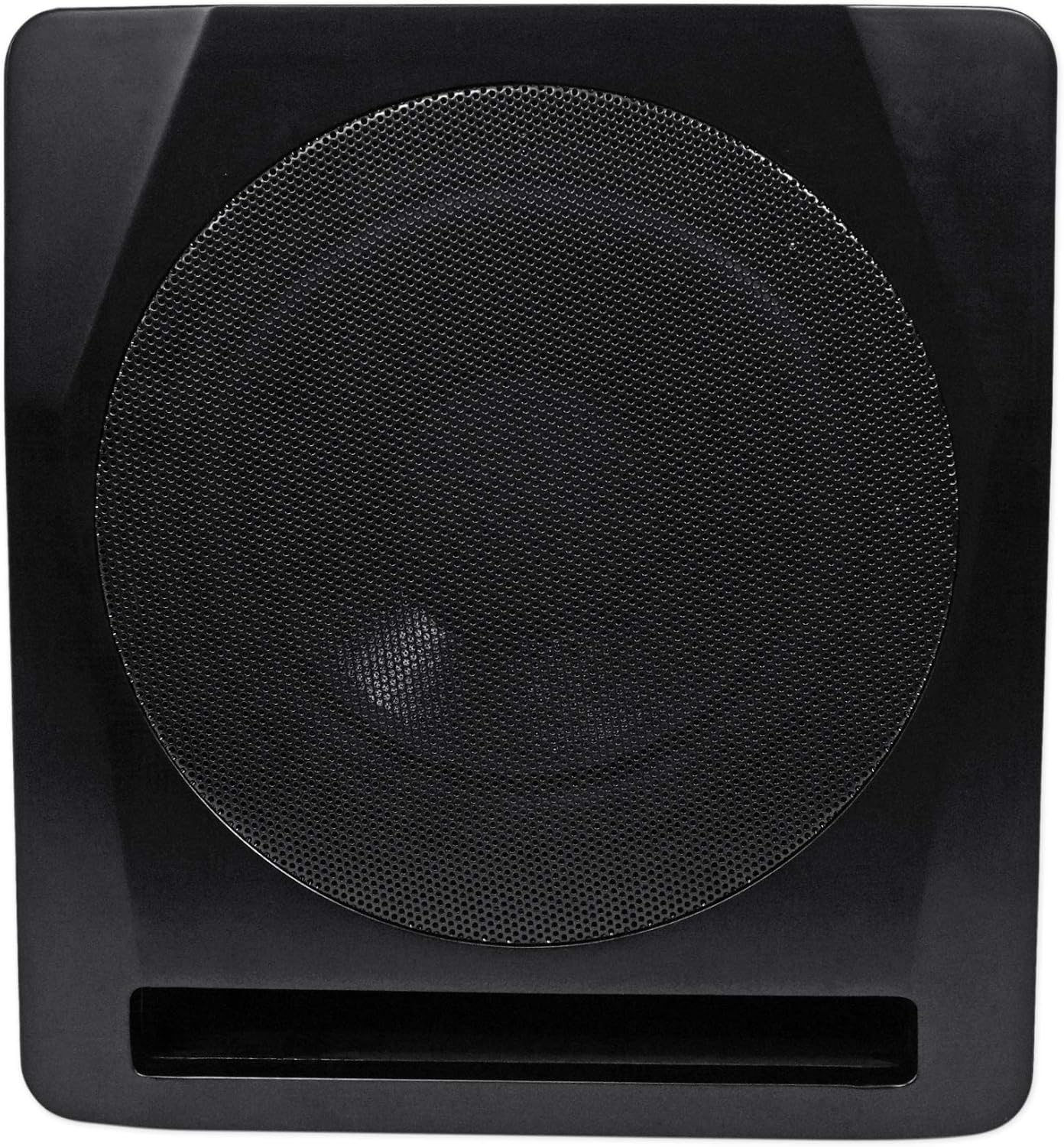
Figure 1: Front view of the Rockville APM10B Active Studio Subwoofer, showcasing its 10-inch driver and front-firing port.
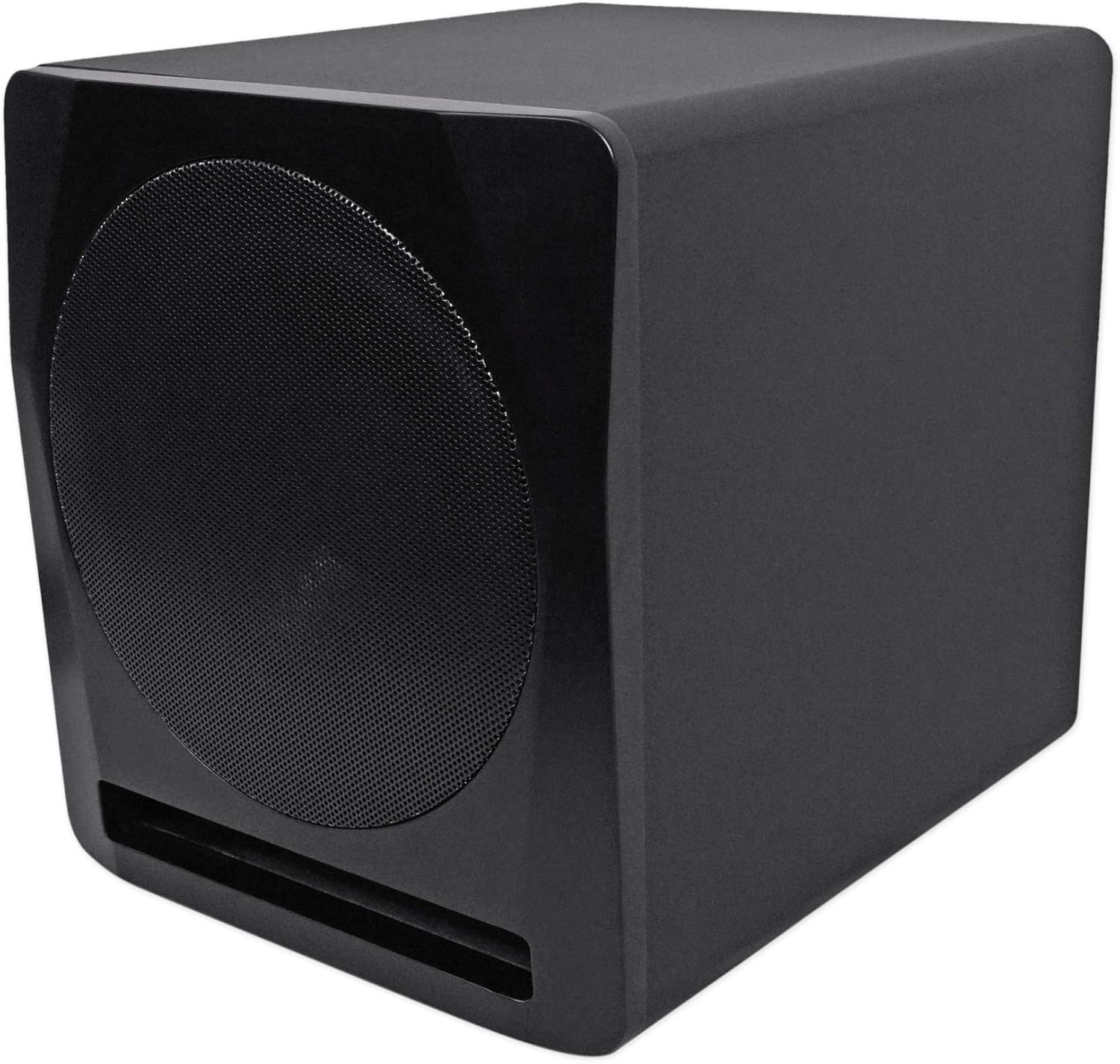
Figure 2: Angled view of the Rockville APM10B Active Studio Subwoofer, highlighting its compact design and MDF wood enclosure.
Video 1: Official video providing a detailed overview of the Rockville APM10 Active Studio Subwoofer, including its design and primary functions.
Setup
Proper placement and connection are crucial for optimizing the performance of your APM10B subwoofer.
1. Placement
- For optimal bass response, place the subwoofer on the floor, ideally in a corner or near a wall. Experiment with different positions to find the best sound for your room.
- Ensure the subwoofer is placed on a stable, level surface to prevent vibrations and unwanted noise.
2. Connections
The APM10B offers various input and output options to integrate with your existing audio equipment.

Figure 3: Rear panel of the Rockville APM10B, showing all input/output options including RCA, XLR, 1/4-inch TRS, and high-level speaker terminals.
- RCA/XLR/TRS Inputs: Connect your audio source (e.g., audio interface, mixer, home theater receiver) to the corresponding RCA, XLR, or 1/4-inch TRS inputs.
- RCA/XLR/TRS Outputs: Use these outputs to pass the audio signal to your main studio monitors or other audio devices.
- High-Level Inputs/Outputs: For receivers without dedicated subwoofer outputs, connect your main speaker wires to the high-level inputs. You can then connect your main speakers to the high-level outputs.
Video 2: Official video demonstrating the various connection options and controls on the Rockville APM10B Active Studio Subwoofer.
3. Power Connection
Connect the included power cable to the AC IN port on the rear panel of the subwoofer and then to a standard 120V AC power outlet.
Operating Instructions
Familiarize yourself with the controls on the rear panel to fine-tune your subwoofer's performance.
- Power Switch: Use the ON/OFF switch to manually power the subwoofer.
- Auto On/Off: Engage the AUTO switch to enable automatic power management. The subwoofer will enter standby mode when no audio signal is detected and power on automatically when a signal is present.
- Volume Control: Adjust the VOLUME knob to set the overall output level of the subwoofer. Start with a low setting and gradually increase it.
- Frequency (Low Pass Filter): The FREQUENCY knob (50Hz - 150Hz) controls the low-pass filter. This determines the highest frequency the subwoofer will reproduce. Adjust it to blend seamlessly with your main speakers.
- Phase Control: The PHASE switch (0°/180°) helps align the subwoofer's output with your main speakers. Experiment with both settings to find the one that provides the most coherent and impactful bass.
Maintenance
To ensure the longevity and optimal performance of your Rockville APM10B subwoofer, follow these maintenance guidelines:
- Cleaning: Use a soft, dry cloth to clean the exterior of the subwoofer. Avoid using abrasive cleaners, solvents, or waxes, as these can damage the finish.
- Placement: Avoid placing the subwoofer in direct sunlight, near heat sources, or in areas with high humidity. Ensure adequate ventilation around the unit to prevent overheating.
- Cable Management: Periodically check all cable connections to ensure they are secure and free from damage. Loose connections can lead to signal loss or interference.
Troubleshooting
If you encounter any issues with your APM10B subwoofer, refer to the following troubleshooting steps:
- No Sound:
- Ensure the subwoofer is powered on and the power LED is illuminated.
- Check all audio cable connections (RCA, XLR, TRS, high-level) to ensure they are securely plugged in.
- Verify that the volume knob on the subwoofer is not set to minimum.
- Confirm that your audio source is sending a signal and its volume is adequate.
- Distorted Sound:
- Reduce the volume on both the subwoofer and your audio source. Gradually increase until distortion is no longer present.
- Check the audio source for distortion. Try a different source if possible.
- Ensure the subwoofer is not placed too close to walls or corners, which can cause excessive bass buildup.
- Hum or Noise:
- Ensure all equipment is properly grounded.
- Try using different audio cables or moving cables away from power cords.
- Move the subwoofer away from other electronic devices that might be causing interference.
- Weak or Muffled Bass:
- Adjust the FREQUENCY (low-pass filter) knob to a higher setting to allow more bass frequencies through.
- Toggle the PHASE switch (0°/180°) to see if it improves bass clarity and impact.
- Experiment with subwoofer placement in the room.
Specifications
| Power Output (Peak) | 400 Watts |
| Power Output (RMS) | 200 Watts |
| Woofer Diameter | 10 Inches |
| Frequency Response | 34Hz - 150 KHz |
| Input Voltage | 120V |
| Product Dimensions (W*H*D) | 13.4'' x 14.5'' x 15.7'' |
| Net Weight | 28.7 LBS |
| Material | MDF Wood |
| Connectivity Technology | Auxiliary (RCA, XLR, 1/4" TRS) |
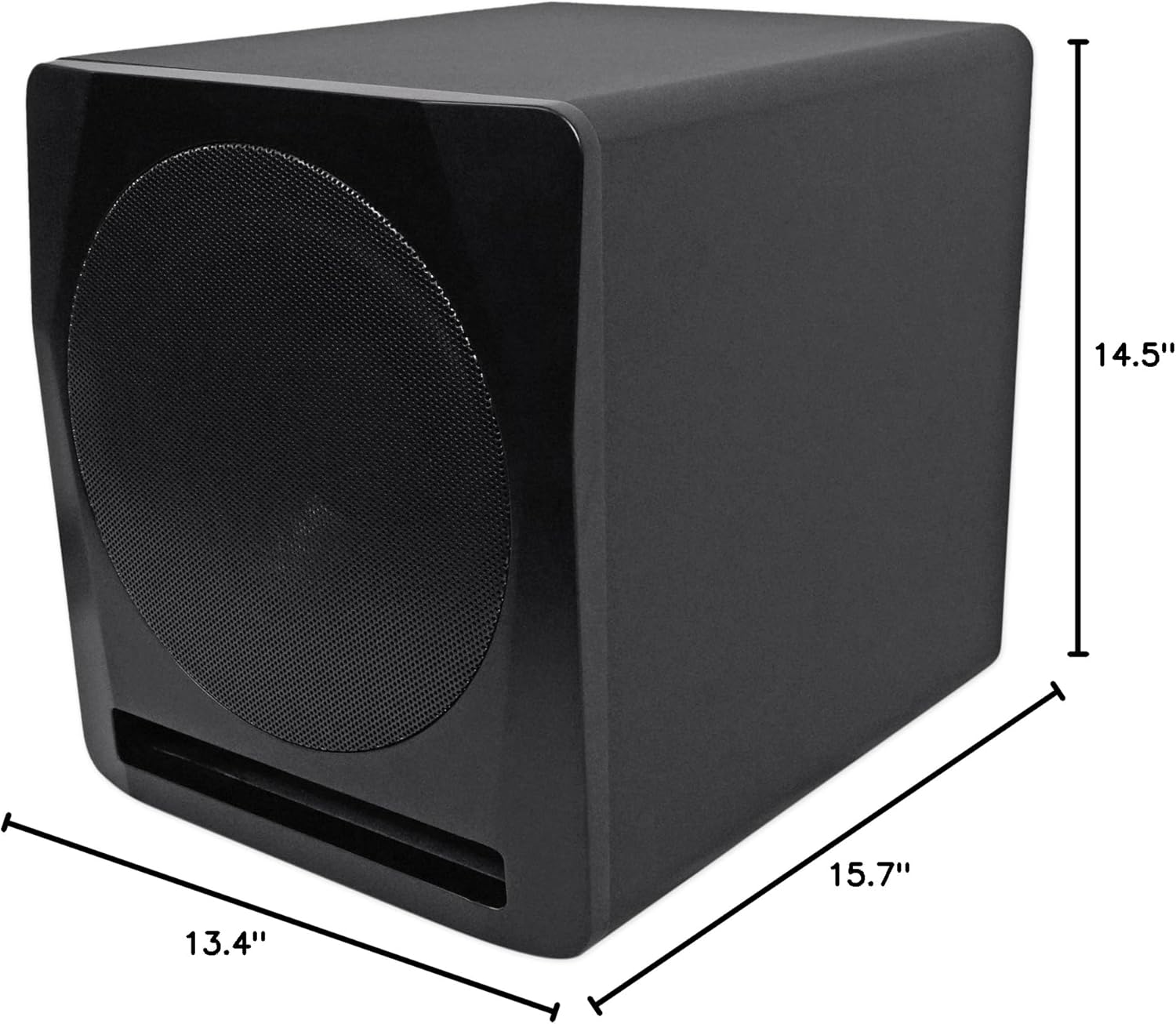
Figure 4: Dimensions of the Rockville APM10B Active Studio Subwoofer.
Warranty and Support
The Rockville APM10B Active Studio Subwoofer comes with a Limited Warranty. For specific details regarding warranty coverage, please refer to the warranty card included with your product or contact Rockville customer support.
For technical assistance, troubleshooting, or any questions regarding your subwoofer, please contact Rockville customer support. Contact information can typically be found on the manufacturer's website or in the product packaging.