
Product Overview
These Quartz Pearl White Envelopes from LCI Paper are designed for various mailing needs, offering a sophisticated and elegant presentation. Made with Stardream Metallic paper, they feature a straight flap and gummed closure, suitable for invitations, greeting cards, and other special correspondence. This pack contains 25 A2 size envelopes.
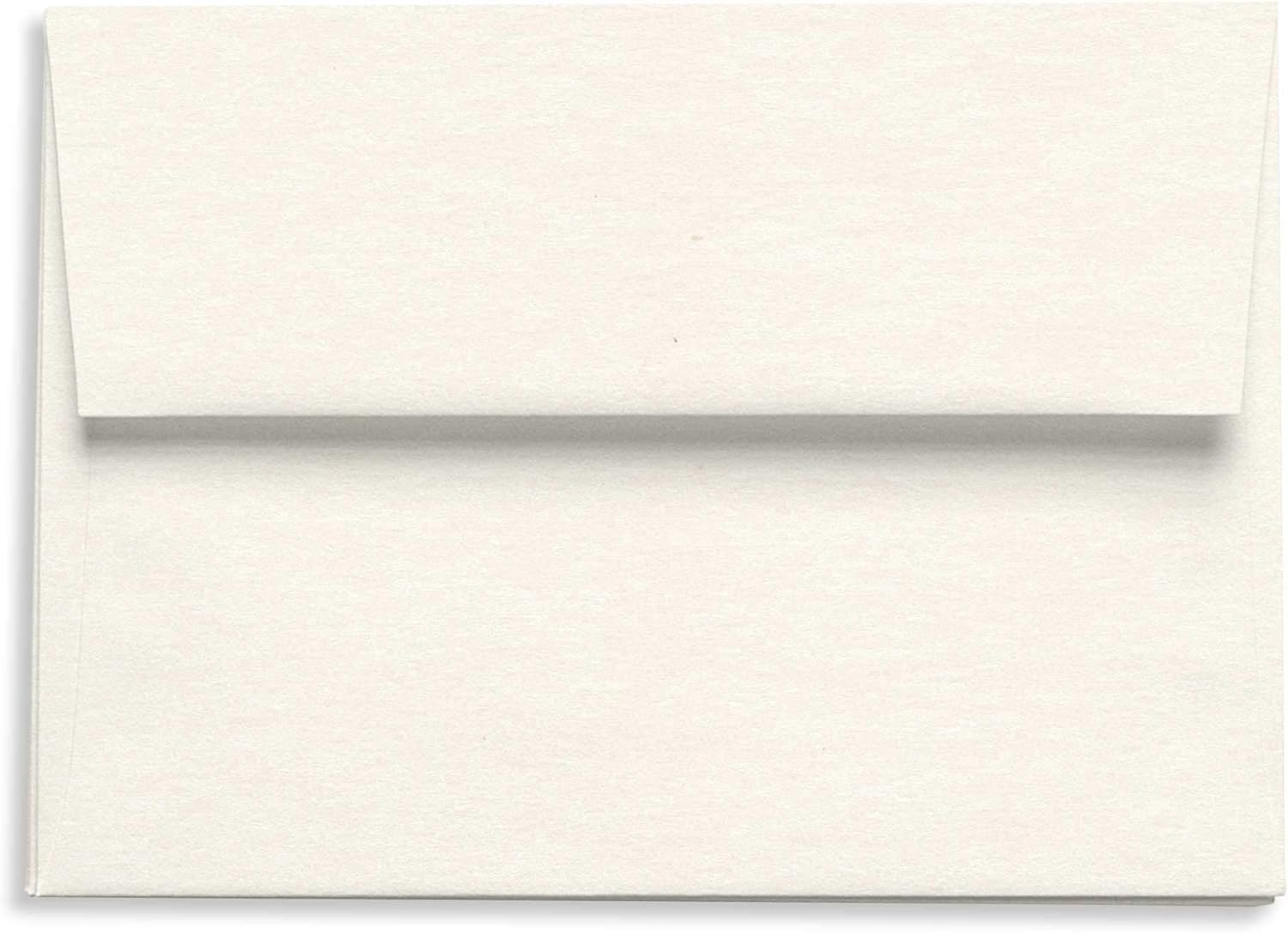
Figure 1: A single Quartz Pearl White Envelope with its flap closed, showcasing its metallic finish and clean design.
Setup and Preparation
Before using your envelopes, ensure they are stored in a dry, cool environment to maintain their quality and prevent warping or damage to the metallic finish. Handle envelopes by the edges to avoid fingerprints or smudges on the surface.
Preparing for Printing (Optional)
If you plan to print directly on the envelopes, consult your printer's manual for recommended paper types and settings for metallic or specialty paper. Always perform a test print on a single envelope to verify alignment and ink compatibility before printing a large batch.
- Check printer specifications for maximum paper thickness and weight.
- Adjust printer settings for "heavy paper" or "cardstock" if available.
- Load envelopes carefully to prevent misfeeds.
Usage Instructions
- Insert Contents: Carefully slide your invitation, card, or document into the envelope. Ensure the contents fit without excessive force to avoid creasing the envelope or its contents.
- Seal the Flap: Moisten the gummed strip on the inside of the straight flap. Apply even pressure across the flap to ensure a secure seal. Allow a few seconds for the adhesive to set.
- Addressing: Address the envelope clearly using a pen or printer. For best results on metallic surfaces, consider using permanent ink or a laser printer.
- Postage: Affix appropriate postage in the upper right corner of the envelope.
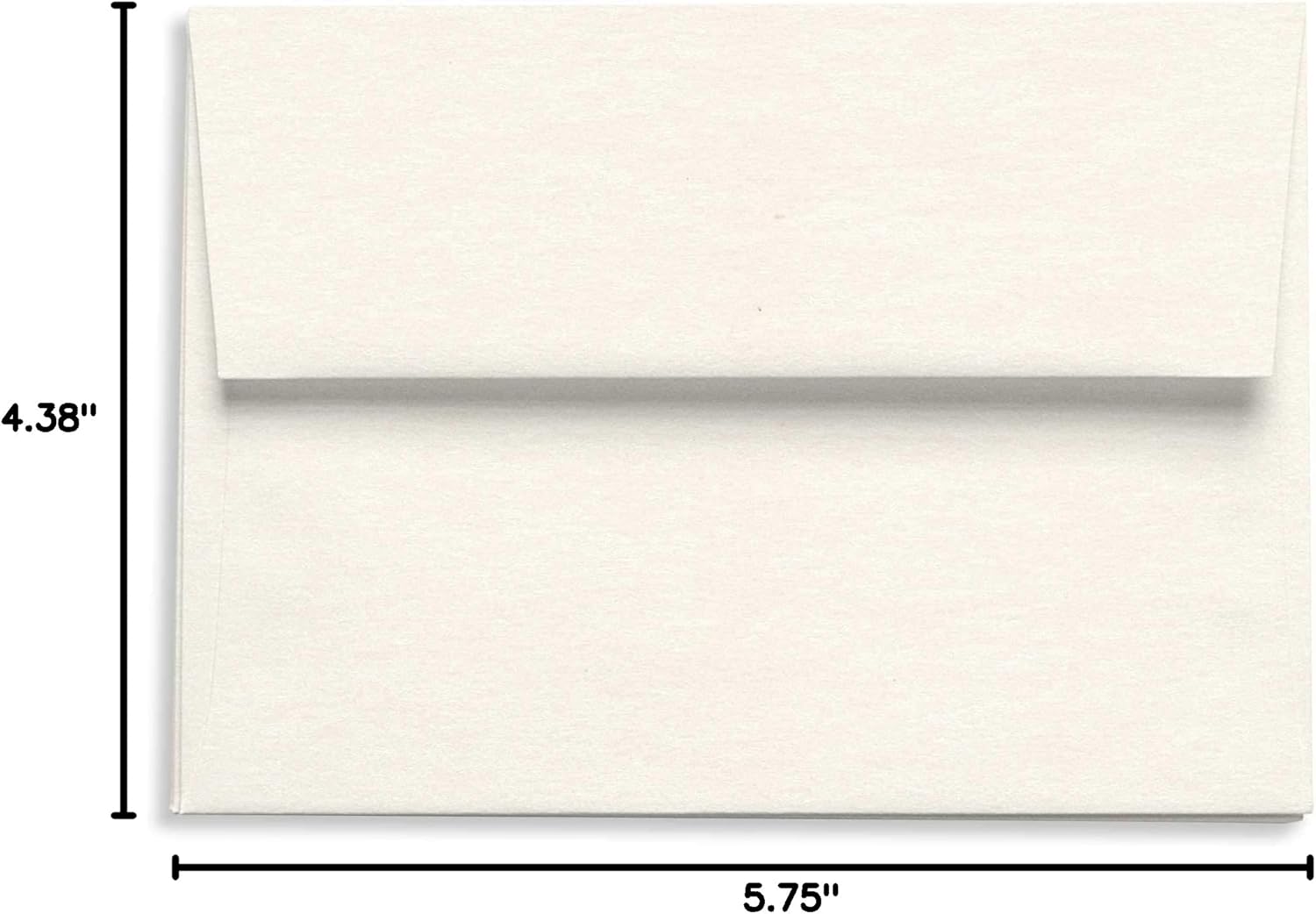
Figure 2: The Quartz Pearl White Envelope displaying its A2 dimensions (4 3/8 x 5 3/4 inches), crucial for ensuring proper fit for contents and mailing requirements.
Care and Storage
To preserve the quality and appearance of your Quartz Pearl White Envelopes, follow these storage guidelines:
- Store envelopes flat in their original packaging or a similar protective container.
- Keep them in a cool, dry place away from direct sunlight, excessive humidity, or extreme temperature fluctuations.
- Avoid storing heavy objects on top of the envelopes to prevent creasing or bending.
Troubleshooting Common Issues
| Issue | Possible Cause | Solution |
|---|---|---|
| Flap not sealing properly | Insufficient moisture; dust/debris on gummed strip; old stock. | Ensure adequate moisture is applied evenly. Check for obstructions. If envelopes are very old, the adhesive may have degraded. |
| Ink smudging on metallic surface | Ink not compatible with metallic paper; insufficient drying time. | Use quick-drying, permanent ink or a laser printer. Allow ample drying time before handling. |
| Envelopes jamming in printer | Incorrect printer settings; improper loading; paper thickness. | Verify printer settings match specialty paper. Load envelopes one by one or according to printer's specific instructions for thick media. |
Product Specifications
| Brand | LCI Paper |
| Model Number | SD2E-QUA |
| Color | Quartz Pearl White |
| Size | A2 (4 3/8 x 5 3/4 inches) |
| Closure Type | Gummed, Straight Flap |
| Material | Stardream Metallic Paper |
| Quantity | 25 envelopes per pack |
| Item Weight | 9 ounces (per pack) |
Warranty and Support
For any questions regarding the quality or performance of your LCI Paper Quartz Pearl White Envelopes, please contact LCI Paper customer service directly. Refer to your purchase receipt or the LCI Paper website for specific return policies or support contact information.
LCI Paper Official Website: www.lcipaper.com