Introduction
The Scholl Velvet Smooth Express Pedi is an electronic foot file designed to gently and effectively remove hard skin, leaving your feet feeling silky smooth. This manual provides essential information for the safe and proper use, setup, maintenance, and troubleshooting of your device.
Important Safety Information
Please read all instructions and warnings before using the device. Keep this manual for future reference.
- The roller locks in place for safety during operation.
- Do not use on broken, sore, or irritated skin.
- Consult a doctor before use if you have diabetes or poor blood circulation.
- Keep out of reach of children.
- For external use only.
- Do not immerse the device in water.
Setup
1. Battery Installation
- Twist the base of the handle counter-clockwise to open the battery compartment.
- Insert 4 AA batteries, ensuring correct polarity (+/-). The device requires 4 AA batteries, which are included.
- Twist the base clockwise to securely close the battery compartment.
2. Attaching the Roller Head
- Ensure the device is turned off.
- Align the roller head with the device and press it firmly until it clicks into place.

Image: The Scholl Velvet Smooth Express Pedi device, highlighting the roller head and the battery compartment at the base of the handle. This image illustrates the components involved in setup.
Operating Instructions
1. Turning On/Off
- To turn on, twist the silver ring on the device to the "I" position.
- To turn off, twist the silver ring to the "O" position.
2. Usage
- Ensure your feet are clean and dry.
- Gently roll the device over areas of hard skin, applying light to moderate pressure. Do not press too hard, as the device may stop.
- Move the device continuously over the skin. Do not hold it in one spot for more than 2-3 seconds.
- Continue until the hard skin is removed and your feet feel smooth.
- After use, wipe or rinse your feet to remove any dead skin particles.
- Apply a foot moisturizer for best results.

Image: A person demonstrating the use of the Scholl Velvet Smooth Express Pedi on their heel, showing the device gently removing hard skin. This illustrates the proper application technique.
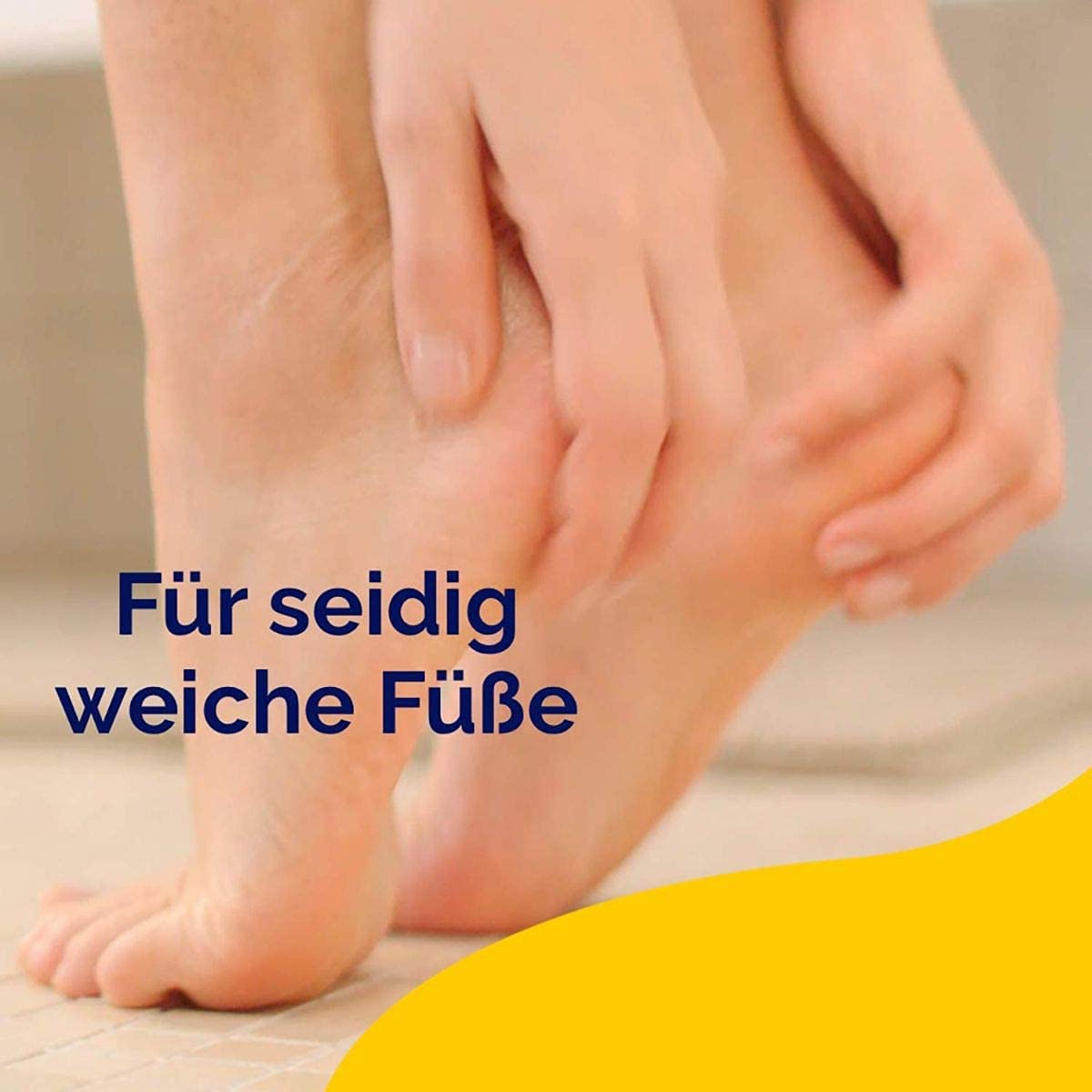
Image: A close-up view of a foot, indicating the desired smooth result after using the Scholl Velvet Smooth Express Pedi. This highlights the effectiveness of the device.
Maintenance
1. Cleaning the Device
- Ensure the device is turned off and the roller head is removed.
- Wipe the device body with a clean, damp cloth. Do not use harsh chemicals or abrasive cleaners.
- The roller head can be rinsed under running water. Ensure it is completely dry before reattaching or storing.
2. Replacing the Roller Head
- Press the release button on the side of the device and gently pull the used roller head away.
- Insert a new Scholl Velvet Smooth roller head, ensuring it clicks securely into place.
- Replace roller heads when they show signs of wear or become less effective.

Image: An illustration showing the Scholl Velvet Smooth Express Pedi with various types of roller heads, including those with diamond particles and marine minerals, indicating options for replacement and different exfoliation needs.
Troubleshooting
| Problem | Possible Cause | Solution |
|---|---|---|
| Device does not turn on. | Batteries are incorrectly inserted or depleted. | Check battery polarity. Replace with new AA batteries. |
| Roller head stops during use. | Too much pressure is being applied. | Reduce pressure. The device is designed to stop if too much force is applied to prevent injury. |
| Device is less effective. | Roller head is worn out or clogged. | Clean the roller head or replace it with a new one. |
Specifications
- Model Number: 5052197023350
- Power Source: 4 x AA Batteries (included)
- Dimensions (L x W x H): 3.94 x 2.76 x 5.91 inches
- Item Weight: 10 Grams (0.35 ounces)
- Brand: Scholl
- Manufacturer: Reckitt Benckiser
- Material: Velvet (referring to the smooth finish/feel)
- Color: Blue
Warranty and Support
For information regarding warranty coverage, please refer to the warranty card included with your product or visit the official Scholl website. For further assistance or support, please contact Scholl customer service through their official channels.
Official Scholl Website: www.scholl.com


