
Astra Depot M25-076 M25-077
Astra Depot Mini Bi-xenon HID Projector Lens Instruction Manual
Brand: Astra Depot | Model: M25-076 M25-077
1. Introduction
This manual provides detailed instructions for the installation, operation, and maintenance of your Astra Depot 2pcs Mini 2.5" LHD H1 Bi-xenon HID Projector Lens with Black Shrouds. These projector lenses are designed to upgrade your vehicle's headlamp system, offering improved light output and a distinct appearance. Please read this manual thoroughly before installation and use.
2. Package Contents
Each package includes the following components:
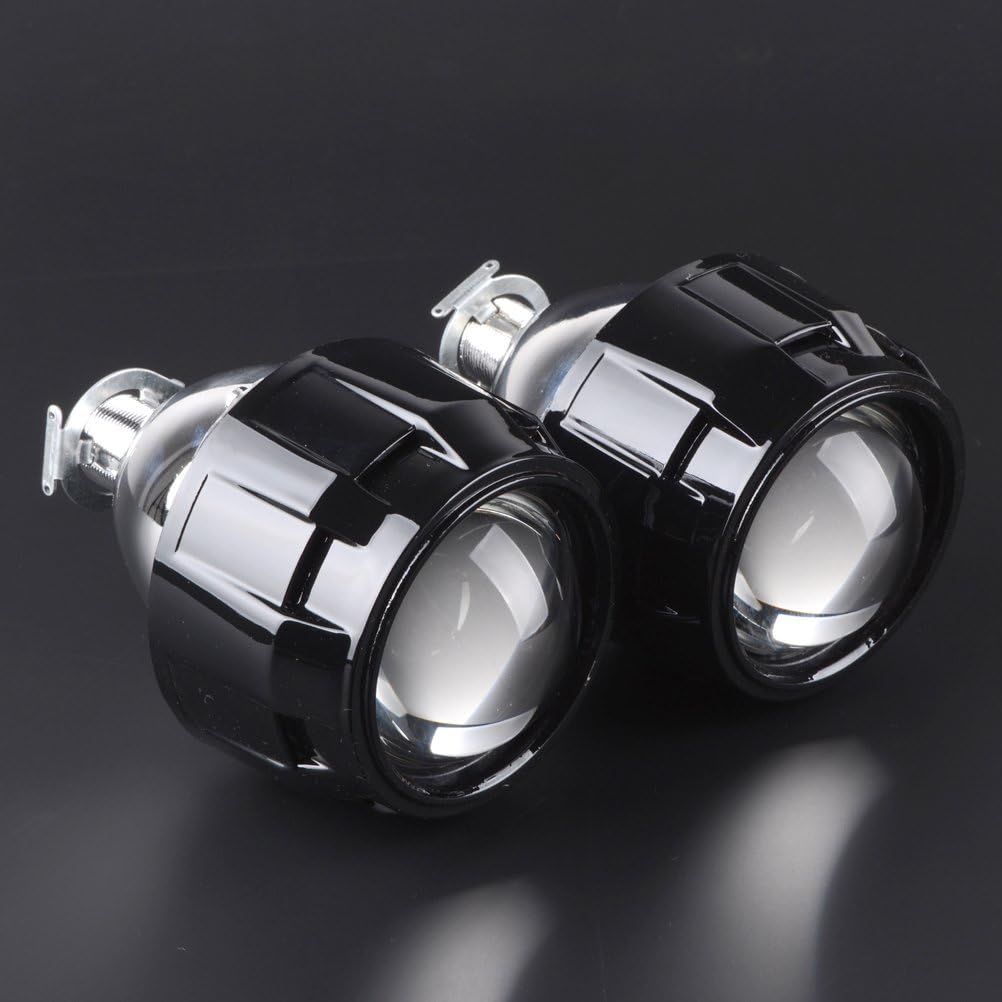
- 2x Mini Bi-xenon Projector Lenses (Low/High Beams)
- 2x Black Shrouds
- Set of Installation Accessories (including H4 / H7 Adapter Plates)


3. Product Features
- Bi-xenon Functionality: Features a magnetic cut-off line for seamless switching between low beam and high beam.
- Compatibility: Designed to fit in tight spaces for quad retrofits or fog lamp upgrades. Compatible with most H1, H4, H7, H11, 9005, 9006, 9007, and H13 headlight housings with necessary modifications.
- Design: Chrome housing with clear lens and black shrouds.
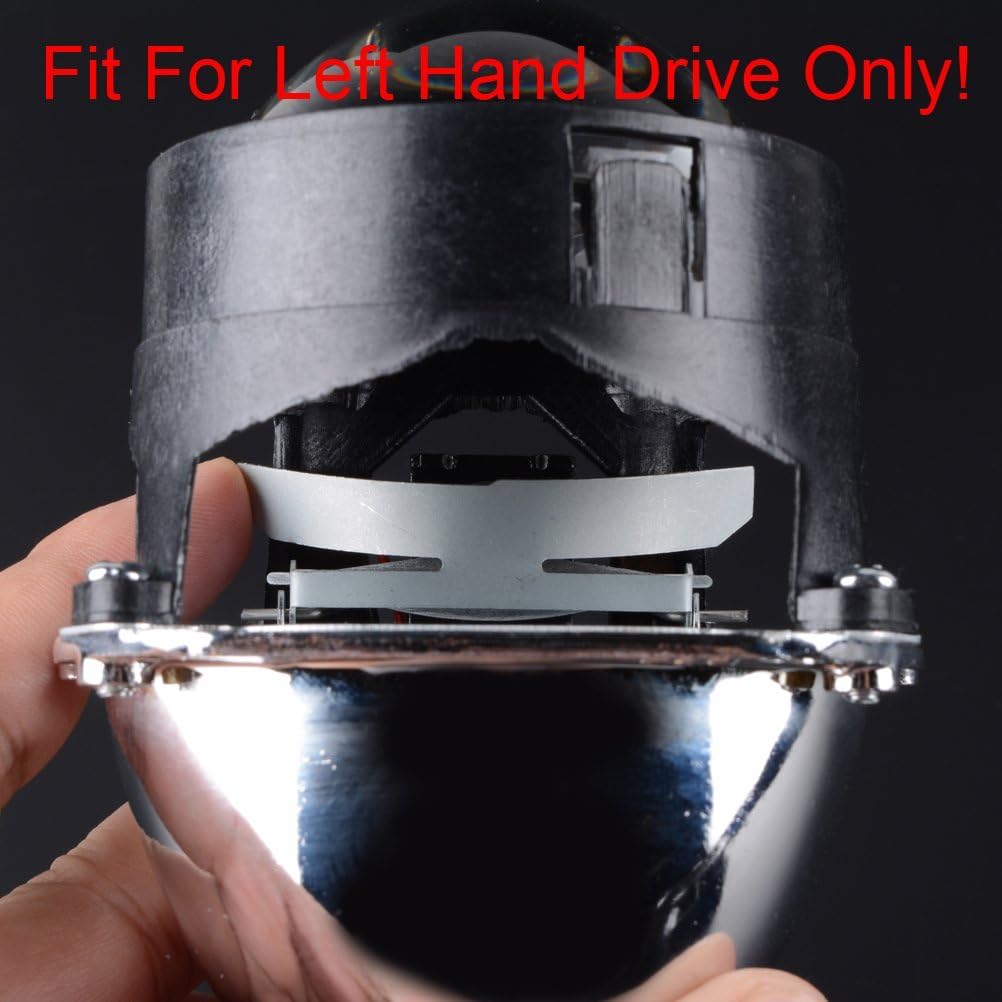
- Left Hand Drive (LHD) Only: Specifically designed for vehicles with left-hand drive configurations.
- Adapter Plates: Includes H4 and H7 adapter plates for versatile installation.

4. Setup and Installation
Installation of these projector lenses typically involves opening the existing headlight assembly and retrofitting the new components. Due to the custom nature of this product, modifications to your vehicle's headlight housing may be required. It is highly recommended to seek professional installation if you are not experienced with automotive electrical systems and headlight modifications.
4.1 General Installation Steps (Consult a professional for detailed vehicle-specific instructions):
- Remove the vehicle's headlight assembly.
- Carefully open the headlight housing (may require heating to soften sealant).
- Remove the original reflector or projector.
- Mount the Astra Depot Bi-xenon Projector Lens into the headlight housing, using the provided adapter plates (H4/H7) as needed. Ensure proper alignment for the LHD cut-off.
- Secure the black shroud over the projector lens.
- Connect the bi-xenon solenoid wires to your vehicle's high beam circuit.
- Seal the headlight housing securely to prevent moisture ingress.
- Reinstall the headlight assembly into the vehicle.
- Test the low and high beam functions.
Note: These projectors are primarily designed for use with H1 HID bulbs. While adapter plates are provided for various housing types, the bulb fitment itself is optimized for H1 HID bulbs. Some users have reported difficulties with 9007 bulb fitment.


5. Operating Instructions
Once installed, the Astra Depot Bi-xenon Projector Lens operates in conjunction with your vehicle's existing headlight controls. The integrated magnetic cut-off line allows for seamless switching between low beam and high beam functions. When the high beam is activated, the solenoid within the projector moves the cut-off shield, allowing the full light output to project forward, providing enhanced visibility.
- Low Beam: Provides a focused beam pattern with a sharp cut-off to prevent glare for oncoming traffic.
- High Beam: Activates the solenoid to lift the cut-off shield, providing maximum light output for extended visibility.
6. Maintenance
To ensure optimal performance and longevity of your Astra Depot Bi-xenon Projector Lenses, follow these general maintenance guidelines:
- Cleaning: Periodically clean the exterior of the headlight lenses with a soft cloth and mild cleaning solution to remove dirt and debris that may obstruct light output.
- Inspection: Regularly inspect the wiring connections for any signs of wear, corrosion, or looseness. Ensure the projector lenses are securely mounted within the headlight housing.
- Bulb Replacement: If using HID bulbs, replace them according to the manufacturer's recommendations or when a noticeable decrease in brightness or color shift occurs.
7. Troubleshooting
If you encounter issues with your Astra Depot Bi-xenon Projector Lenses, consider the following:
- No Light Output:
- Check all electrical connections to ensure they are secure and properly insulated.
- Verify the HID ballast and bulb are functioning correctly.
- Inspect fuses related to the headlight circuit.
- Improper Beam Pattern / Glare:
- Ensure the projector lens is correctly oriented and securely mounted for LHD vehicles.
- Verify the bulb is seated properly within the projector.
- Adjust headlight aim if necessary.
- High Beam Not Activating:
- Check the wiring to the bi-xenon solenoid. Ensure it is connected to the high beam circuit and receiving power.
- Inspect the solenoid for any obstructions or damage.
- Bulb Fitment Issues:
- While adapter plates are included for various housing types, these projectors are optimized for H1 HID bulbs. If using other bulb types (e.g., 9007), additional modifications may be required for proper fitment.
- Missing Hardware:
- If any installation accessories are missing upon arrival, please contact Astra Depot customer support.
8. Specifications
| Attribute | Detail |
|---|---|
| Brand | Astra Depot |
| Model Number | M25-076 M25-077 |
| Light Source Type | Xenon (optimized for H1 HID) |
| Item Package Quantity | 1 (contains 2 projector lenses) |
| Color | Chrome Housing + Clear Lens, Black Shrouds |
| Auto Part Position | Front |
| Item Weight | 1.54 pounds |
| Product Dimensions | 6.3 x 6.3 x 3.94 inches |
| Voltage | 12 Volts |
| Special Features | High Beam (Bi-xenon functionality) |
9. Visual Guide
9.1 Product Images

9.2 Official Product Video
Video: An official product video from Astra Depot demonstrating the Mini Bi-Xenon Projector Lens, showcasing its features and potentially its operation or installation process. This video is titled "Mini Bi-Xenon Projector for H1 H4 H7 Housing Headlamp Bulb".
Ask a question about this manual
Ask about setup, troubleshooting, compatibility, parts, safety, or missing instructions. Manuals+ will review the question and use this page’s manual context to help answer it.