
Product Overview
The MOMAX Bluetooth Selfie Stick is a versatile and extendable monopod designed for capturing photos and videos with your smartphone. It features a removable Bluetooth remote control for convenient operation and is compatible with a wide range of iPhone and Android devices.
Package Contents
- Selfie Stick (Selfie Hero Pod)
- Bluetooth Wireless Shutter
- Shutter Clip
- Carrying Bag
- Hand Strap
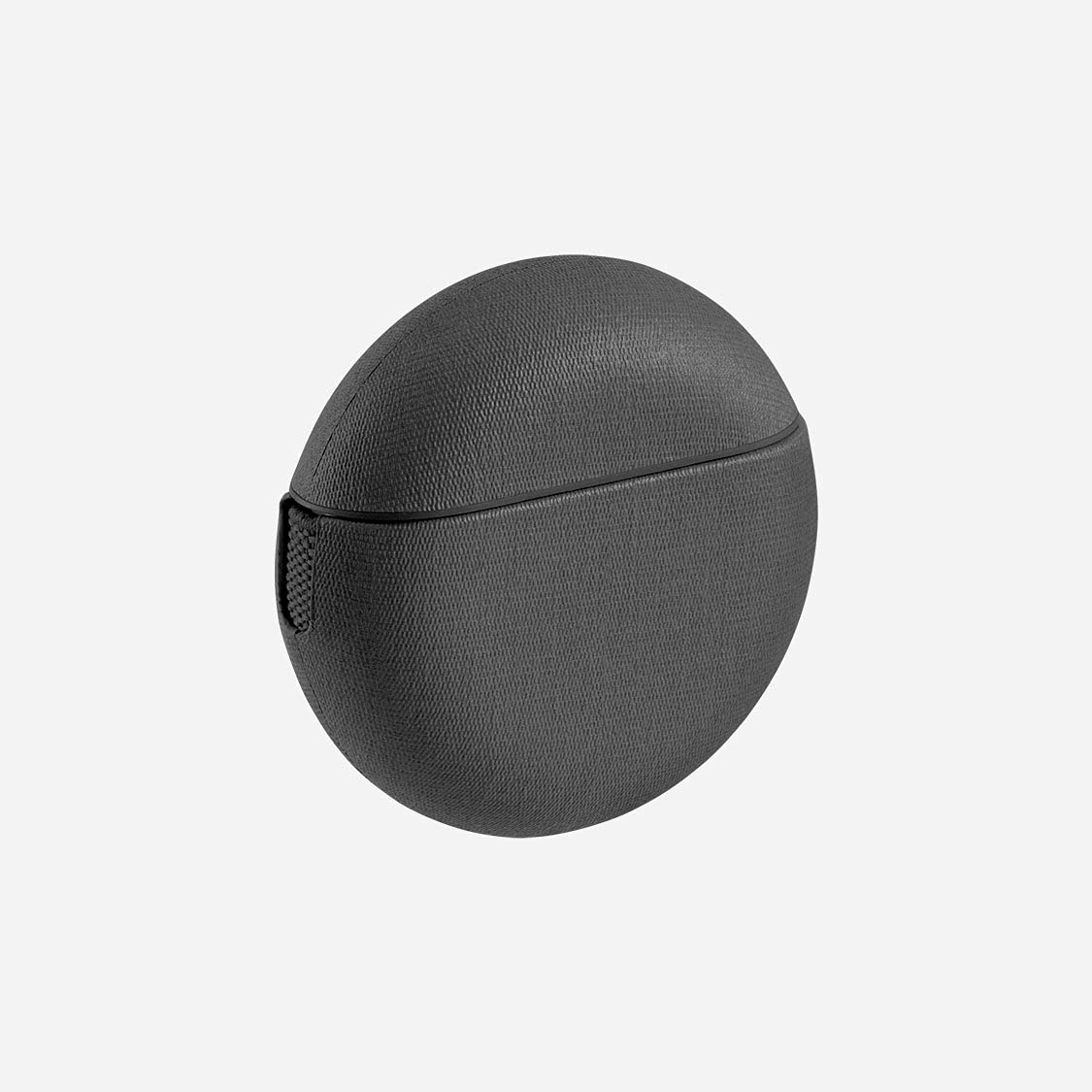
Image: The MOMAX Bluetooth Selfie Stick, shown extended with a smartphone holder at the top and a handle at the base.

Image: A pink cylindrical Bluetooth remote shutter, featuring a USB-C charging port on its side.
Setup Instructions
1. Attaching Your Smartphone
- Gently extend the phone holder clamps.
- Insert your smartphone into the holder, ensuring it is securely gripped. The holder accommodates phones between 2.2 and 3.3 inches wide.
- Adjust the angle of the phone holder as desired. The holder allows for 270° angle adjustment.
2. Pairing the Bluetooth Remote Shutter
- Ensure the Bluetooth remote shutter is charged.
- Turn on the Bluetooth remote shutter. An indicator light will typically flash, indicating it is in pairing mode.
- On your smartphone, go to Settings > Bluetooth.
- Enable Bluetooth and search for available devices.
- Select the device named "MOMAX" or similar from the list to pair.
- Once paired, the indicator light on the remote will stop flashing and remain solid, or turn off.
3. Installing the MOMAX Cam App (Optional)
For enhanced features like gesture control, download the "MOMAX cam" app from the App Store (for iOS 5.0 and above) or Google Play Store (for Android). This app allows for touchless shooting.
Operating Instructions
1. Extending and Retracting the Selfie Stick
- To extend: Hold the base and gently pull the stick upwards until it reaches the desired length.
- To retract: Push the stick downwards until it is fully collapsed.
2. Using the Bluetooth Remote Shutter
Once paired, the remote control can be used to:
- Capture Photos: Press the designated button on the remote to take a picture.
- Start/Stop Video Recording: Press the video button to begin or end recording.
- Switch Cameras: Toggle between your smartphone's front and rear cameras.
- Zoom In/Out: Adjust the zoom level for your photos or videos.
The remote operates effectively up to a distance of 10 meters from your smartphone.
3. Gesture Control (with MOMAX Cam App)
If you have the MOMAX cam app installed, you can use specific hand gestures to trigger the shutter without physically touching your phone or the remote.
Maintenance
- Keep the selfie stick and remote clean by wiping with a soft, dry cloth.
- Avoid exposing the device to extreme temperatures, moisture, or direct sunlight for prolonged periods.
- Store the selfie stick in its carrying bag when not in use to protect it from dust and scratches.
- Ensure the Bluetooth remote is charged regularly to maintain optimal performance.
Troubleshooting
Remote Not Pairing
- Ensure the remote is charged and turned on.
- Make sure Bluetooth is enabled on your smartphone.
- Try turning off and on your smartphone's Bluetooth, then re-attempt pairing.
- If previously paired, try "forgetting" the device in your phone's Bluetooth settings and pairing again.
- Ensure the remote is within 10 meters of your phone.
Remote Not Functioning After Pairing
- Check if the remote's battery is low.
- Ensure your phone's camera app is open and active.
- Some phone models or camera apps may have limited compatibility with certain remote functions (e.g., zoom).
Phone Not Secure in Holder
- Verify your phone's width is within the supported range of 2.2 to 3.3 inches.
- Ensure the phone is centered and firmly seated in the clamps.
Specifications
| Brand | MOMAX |
| Model Numbers | KMS5, KMS6, KMS7, KMS8 |
| Compatible Devices | Smartphones (iPhone, Android), Cameras, Tablets |
| Supported Phone Width | 2.2 to 3.3 inches |
| Bluetooth Range | Up to 10 meters |
| Angle Adjustment | 270° (phone holder) |
| Batteries | Required (Yes), Included (Yes) |
| Product Dimensions | 39.62 x 12.45 x 5.84 cm |
| Item Weight | 299.37 g (0.66 Pounds) |
| First Available Date | 4 May 2016 |
Warranty and Support
For warranty information, please refer to the terms provided at your point of purchase or contact the authorized MOMAX distributor from whom you acquired the product. MOMAX products sold online by overseas distributors typically carry the same warranty as those purchased offline.
For further support, product updates, or additional information, please visit the official MOMAX website or contact their customer service channels.


