
Inter Link 99800835
Inter Link Wall Display Cabinet for Collectibles - White, Model 99800835
Instruction Manual
1. Introduction
Thank you for choosing the Inter Link Wall Display Cabinet, Model 99800835. This cabinet is designed to showcase your valuable collectibles, miniatures, and other small items, protecting them from dust while providing an elegant display solution. This manual provides detailed instructions for safe assembly, installation, and proper use of your new display cabinet.
2. Safety Warnings
Important Safety Information:
- Do not expose the display cabinet to direct contact with water.
- Ensure the display cabinet is correctly and securely installed to prevent tipping or falling. Improper installation can lead to injury or damage.
- The maximum weight capacity per shelf is 500 grams. Do not exceed this limit to avoid structural damage or collapse.
- Keep small parts and assembly hardware away from children to prevent choking hazards.
3. Package Contents
Before beginning assembly, please verify that all components are present and undamaged. The package includes:
- Display cabinet frame components (MDF panels)
- Two sliding glass doors
- Four adjustable shelves
- Assembly hardware (screws, dowels, shelf pins, wall mounting brackets)
- Detailed and illustrated assembly instructions
If any parts are missing or damaged, please contact Inter Link customer support.
4. Setup and Assembly Instructions
Assembly of the Inter Link Wall Display Cabinet requires basic tools (e.g., screwdriver, hammer, level, drill for wall mounting). Follow the included detailed and illustrated assembly instructions step-by-step for proper construction and installation.
- Unpack Components: Carefully remove all parts from the packaging and lay them out on a clean, soft surface to prevent scratches.
- Assemble Frame: Follow the diagrams in the separate instruction manual to connect the MDF panels to form the cabinet frame. Ensure all connections are secure.
- Install Shelf Pins: Insert the shelf pins into the desired holes on the interior sides of the cabinet. The cabinet features multiple pre-drilled holes for individual shelf positioning.
- Insert Shelves: Place the four adjustable shelves onto the installed shelf pins. Ensure they are level and stable.
- Install Sliding Glass Doors: Carefully insert the two glass doors into the top and bottom tracks. The doors are designed to slide smoothly in both directions.
- Wall Mounting:
- Choose a suitable wall location, ensuring it can support the weight of the cabinet and its contents.
- Use a level to mark the drilling points for the wall mounting brackets.
- Drill holes and insert appropriate wall anchors (not always included, depending on wall type).
- Securely attach the cabinet to the wall using the provided mounting hardware. Verify stability before placing items inside.

Image 1: The Inter Link Wall Display Cabinet (Model 99800835) in white, shown empty with its four adjustable shelves and two sliding glass doors. This image illustrates the cabinet's overall appearance and design before items are placed inside.
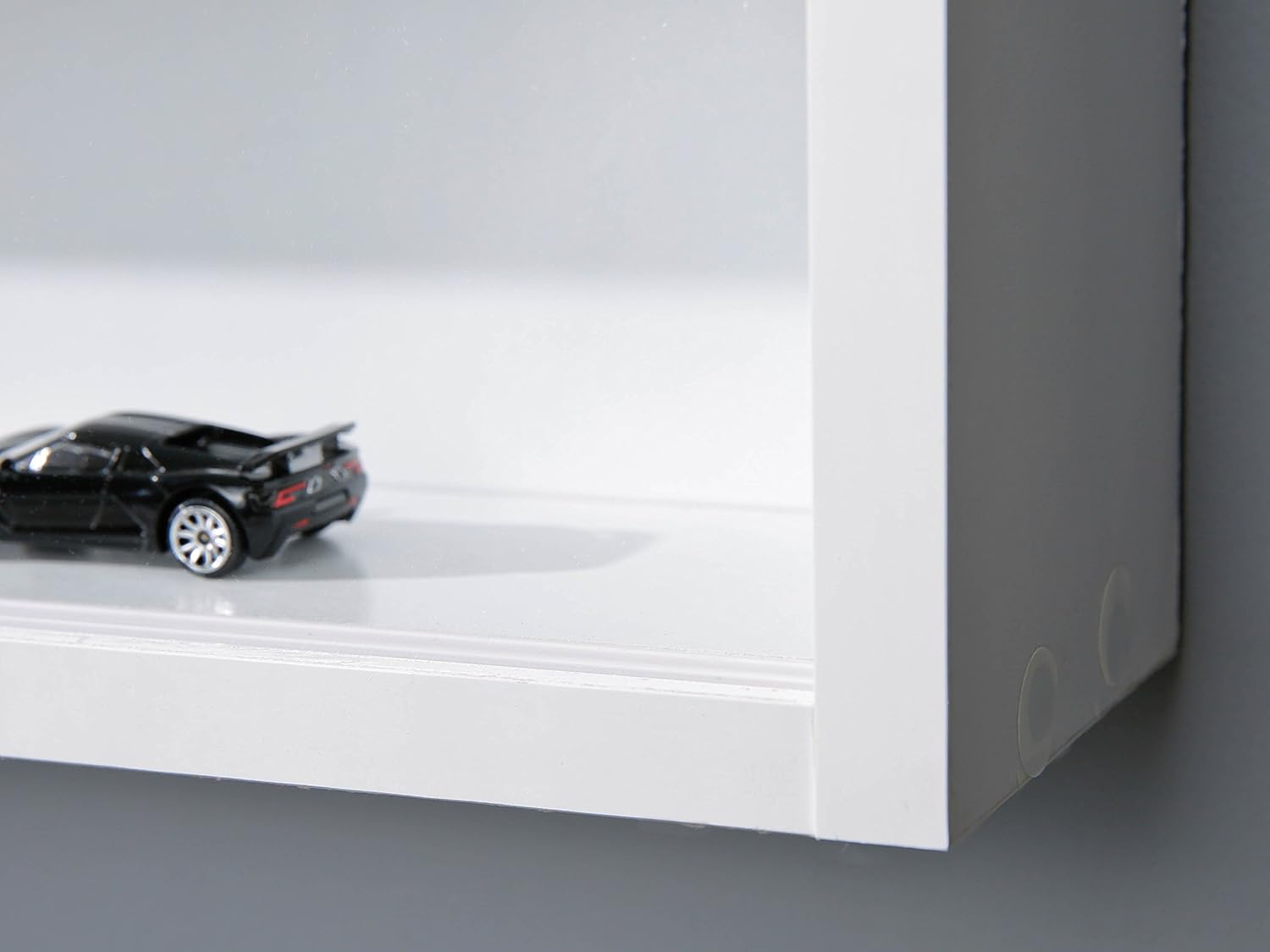
Image 2: A close-up view of the interior side panel of the display cabinet, highlighting the pre-drilled holes for inserting shelf pins. These holes allow for flexible adjustment of shelf heights to accommodate various collectible sizes.
5. Operating Instructions
The Inter Link Wall Display Cabinet is designed for simple and secure operation.
- Sliding Glass Doors: The two glass doors slide smoothly along their tracks, allowing access to any section of the cabinet. Gently push the doors to open or close them.
- Adjusting Shelves: To adjust the height of a shelf, carefully remove all items from the shelf. Lift the shelf slightly, remove the shelf pins, reposition the pins into the desired holes, and then place the shelf back onto the pins. Ensure all four pins are securely seated before placing items back on the shelf.
- Loading Items: Place your collectibles and miniatures carefully onto the shelves. Distribute weight evenly and do not exceed the maximum weight capacity of 500 grams per shelf.

Image 3: A detailed close-up of the top track and the edge of one of the sliding glass doors. This image demonstrates the smooth mechanism that allows the doors to glide horizontally, providing easy access to the cabinet's contents while keeping them protected.
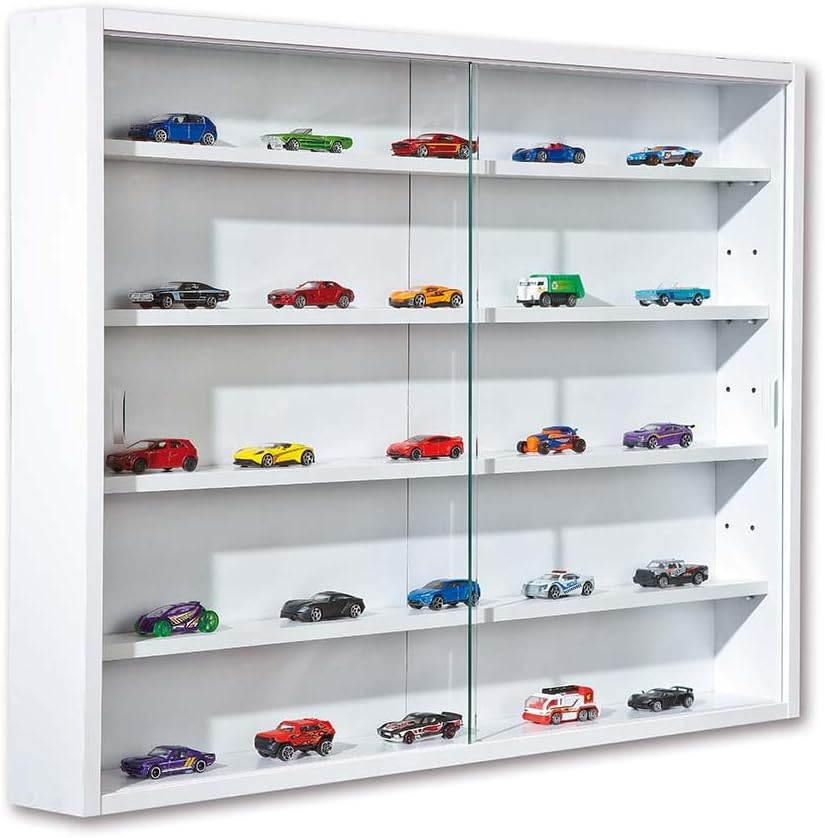
Image 4: The Inter Link Wall Display Cabinet (Model 99800835) in white, showcasing a collection of miniature cars on its adjustable shelves. This image illustrates how the cabinet can be effectively used to display various types of collectibles.
6. Maintenance
Proper maintenance will ensure the longevity and appearance of your display cabinet.
- Cleaning the Cabinet: Wipe the MDF surfaces with a soft, damp cloth. Avoid abrasive cleaners or harsh chemicals, as these can damage the finish.
- Cleaning Glass Doors: Use a standard glass cleaner and a soft, lint-free cloth to clean the glass doors. Spray cleaner onto the cloth, not directly onto the glass, to prevent liquid from seeping into the frame.
- Dusting: Regularly dust the interior and exterior of the cabinet to keep your collectibles and the cabinet itself looking pristine.
- Check Stability: Periodically check the wall mounting and all assembly connections to ensure they remain secure. Tighten any loose screws if necessary.
7. Troubleshooting
If you encounter any issues with your Inter Link Wall Display Cabinet, consider the following common solutions:
- Doors not sliding smoothly: Check the tracks for any debris or obstructions. Clean the tracks with a soft brush or cloth. Ensure the doors are properly seated in both the top and bottom tracks.
- Cabinet feels unstable: Re-check all assembly screws and wall mounting points. Ensure the cabinet is securely fastened to the wall according to the installation instructions. If necessary, reinforce wall anchors or use stronger mounting hardware suitable for your wall type.
- Shelves are not level: Ensure all four shelf pins are fully inserted into the corresponding holes and that the shelf is resting evenly on them.
For further assistance, please refer to the contact information provided in the Warranty and Support section.
8. Specifications
| Feature | Specification |
|---|---|
| Brand | Inter Link |
| Model Number | 99800835 |
| Color | White |
| Material | Engineered Wood (MDF) |
| Product Dimensions (L x W x H) | 80 x 9.5 x 60 cm (31.5 x 3.7 x 23.6 inches) |
| Item Weight | 9.5 Kilograms (20.9 lbs) |
| Maximum Weight Capacity per Shelf | 500 grams (1.1 lbs) |
| Number of Shelves | 4 (adjustable) |
| Door Type | 2 Sliding Glass Doors |
| Mounting Type | Wall Mount |
| Special Feature | Water-resistant (refer to safety warnings for direct water contact) |
9. Warranty and Support
Inter Link products are manufactured to high European quality standards. For any questions, concerns, or assistance with assembly or product issues, please contact the manufacturer directly. Contact information can typically be found on the packaging or through the retailer where the product was purchased. A contact form may also be included with your delivery.
Please retain your proof of purchase for warranty purposes.
Ask a question about this manual
Ask about setup, troubleshooting, compatibility, parts, safety, or missing instructions. Manuals+ will review the question and use this page’s manual context to help answer it.