
1. Introduction
The Iwata Universal Spray Out Pot is a versatile and portable table-top cleaning station designed to simplify the airbrush cleaning process. It effectively contains overspray, ensuring a cleaner workspace and an easy-to-clean container. This manual provides detailed instructions for the setup, operation, and maintenance of your Iwata Universal Spray Out Pot CL 300.
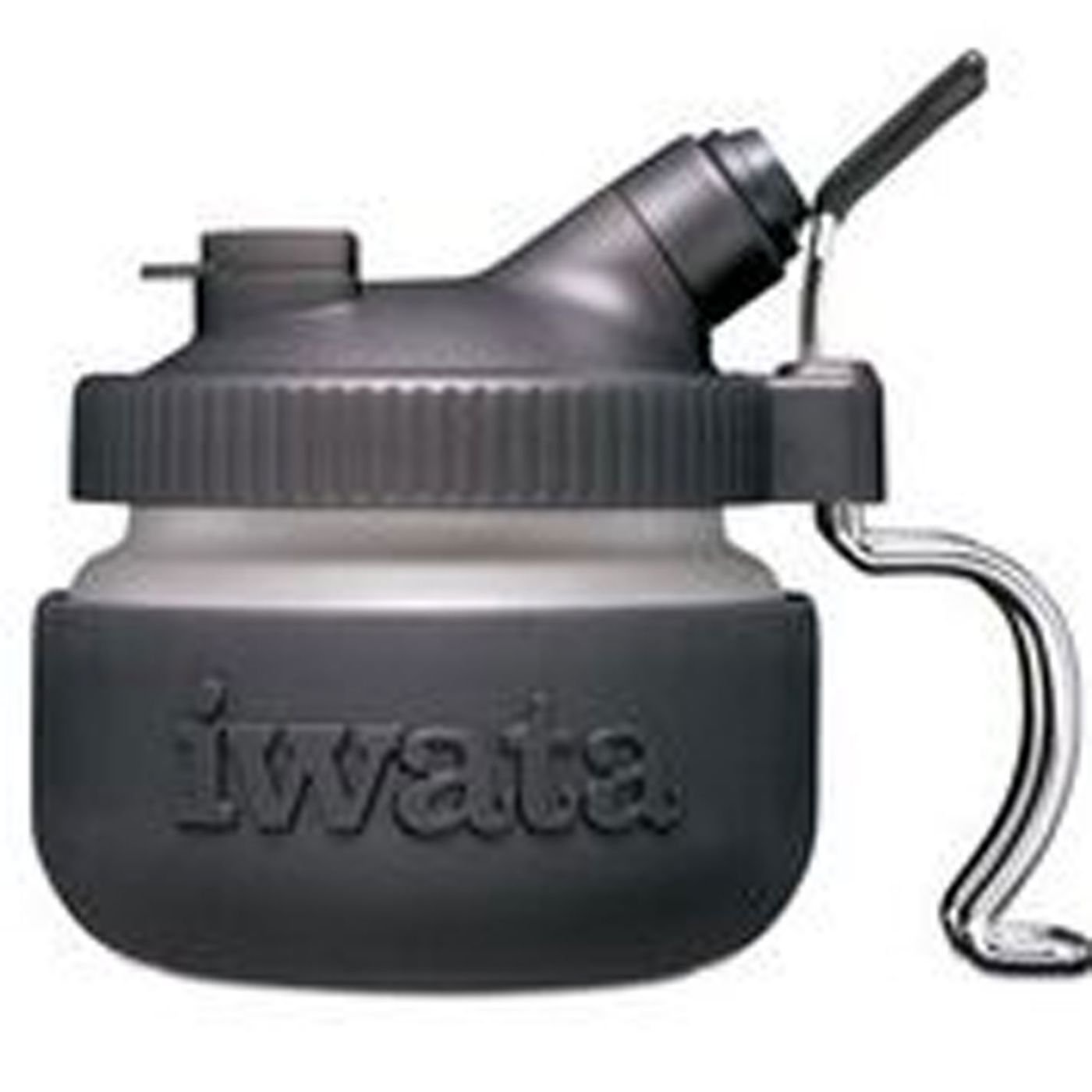
Image: The Iwata Universal Spray Out Pot, featuring its frosted glass pot, black lid with filter, and metal airbrush holder, with an airbrush securely placed.
2. Product Features
- Universal Fit: Designed to fit most airbrush models and doubles as an airbrush holder.
- Easy to Clean: The container is easy to clean and is top-rack dishwasher safe.
- Portable Solution: Offers a convenient and portable solution for your painting needs.
- No Overspray: Effectively prevents overspray while cleaning your airbrush.
- Replaceable Filter: Comes with an easy-to-change filter for continuous efficient operation.
3. Components
The Iwata Universal Spray Out Pot CL 300 includes the following components:
- 1 x Frosted Glass Pot with Rubber Sleeve
- 1 x Lid with Airbrush Holder and Filter Cap
- 1 x Metal Pot Holder (for stability)
- 1 x Airbrush Hanger
- Multiple Replacement Filters
- Instruction Manual
The main materials used are glass for the pot and rubber for the protective sleeve and lid components.
4. Setup
Follow these steps to set up your Iwata Universal Spray Out Pot:
- Unpack all components from the box.
- Ensure the filter is correctly seated in the filter cap on the lid.
- Attach the metal pot holder to the base of the glass pot for enhanced stability.
- Insert the airbrush hanger into the designated slot on the lid.
- Securely screw the lid onto the glass pot.
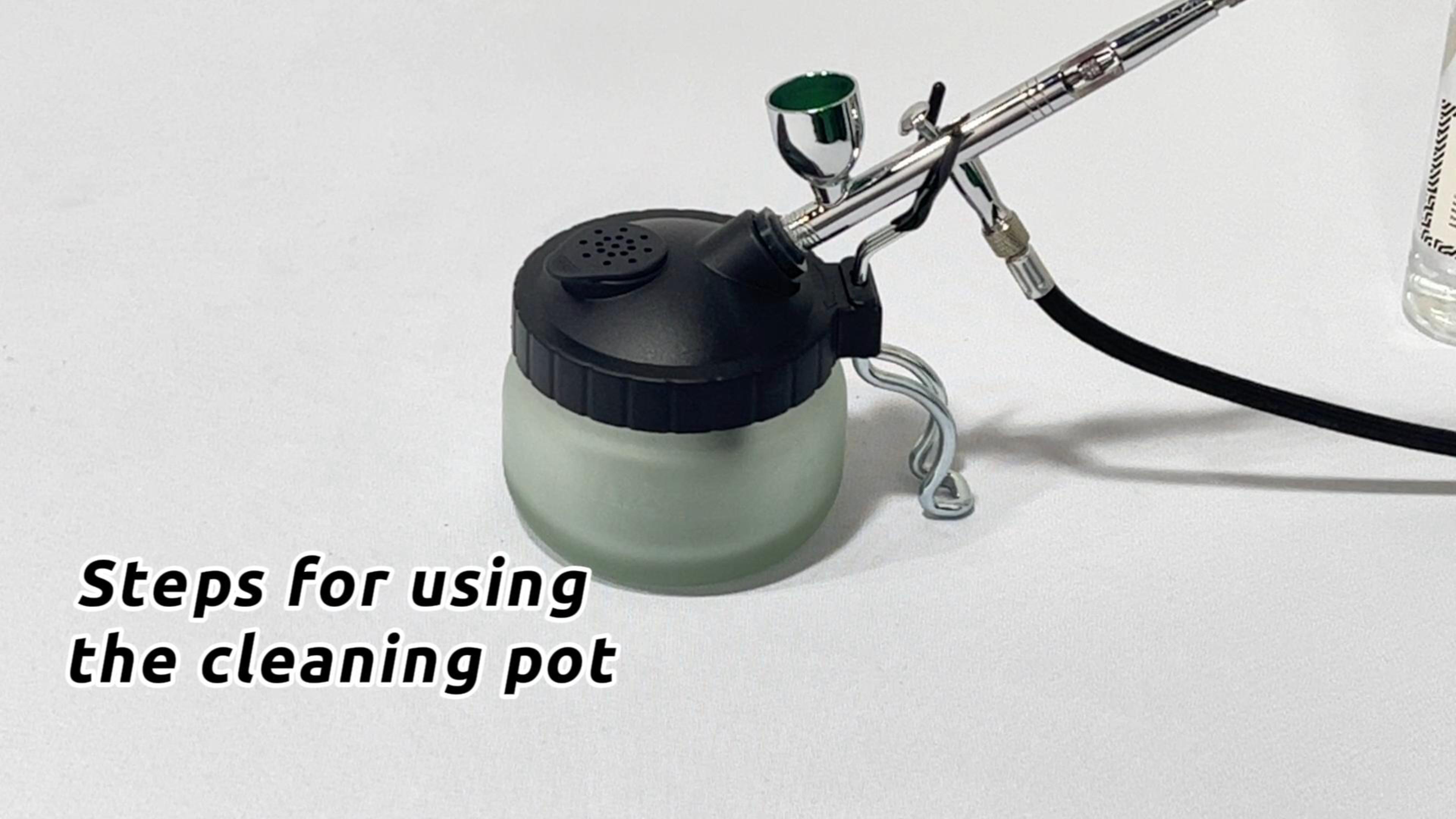
Image: Disassembled components of the Iwata Universal Spray Out Pot, including the frosted glass pot, black lid, metal holder, and filters, ready for assembly.
5. Operating Instructions
Use the following steps to effectively clean your airbrush with the spray out pot:
- Remove the airbrush from its hanger.
- Place the airbrush into the designated opening on the pot's lid.
- Connect the pot to the Iwata Universal Airbrush Holder (if using, with the bracket supplied with the universal holder).
- Clean the airbrush by running cleaning solution through it, spraying directly into the pot.
- Once cleaned, remove the airbrush from the pot.
- Hang the airbrush back on the hanger.
Instructional Video: How to Use the Cleaning Pot
Video: A demonstration showing the assembly of the airbrush cleaning pot, including attaching the handle and airbrush holder, and then demonstrating how to place an airbrush into the pot for cleaning. The video highlights the secure fit and ease of use.
6. Maintenance
Regular maintenance ensures the longevity and optimal performance of your spray out pot:
- Cleaning the Pot: Clean the glass pot and filter cap as needed. The glass pot is top-rack dishwasher safe.
- Filter Replacement: If necessary, replace the filter with one of the spares provided. To replace, gently remove the filter cap, take out the old filter, insert a new one, and secure the cap.
7. Specifications
| Attribute | Value |
|---|---|
| Brand Name | Iwata |
| Model Number | CL 300 |
| Material Type | Glass, Rubber |
| Item Dimensions | 4 x 4 x 4 inches |
| Item Weight | 1 Pounds |
| Operation Mode | Manual |
| Is Assembly Required | No |
| Included Components | Spray Pot |
8. Warranty and Support
This product comes with No Warranty from the manufacturer. For any product inquiries or support, please refer to the official Iwata-Medea Inc. resources or contact your retailer.