
Introduction
This manual provides comprehensive instructions for the Silhouette Studio Designer Edition Plus Software. This software upgrade enhances your Silhouette crafting experience with advanced design tools, embroidery file import capabilities, and specialized rhinestone features. It is designed for crafters seeking greater creative control and precision in their projects.
System Requirements
- Operating System: Windows 10/11 or macOS 12-14
- Internet Connection: Required for software activation and updates.
- Compatible Devices: Silhouette cutting machines.
Setup and Installation
The Silhouette Studio Designer Edition Plus Software is provided as an upgrade via a physical license key card. Follow these steps to install and activate your software:
- Ensure you have the basic Silhouette Studio software installed on your computer. If not, download the latest version from the official Silhouette America website.
- Locate the license key card included with your purchase. Carefully scratch off the panel to reveal your unique license code.
- Open the Silhouette Studio program on your computer.
- Navigate to the Help menu within the software.
- Select Upgrade Silhouette Studio.
- Enter your Silhouette account username and password when prompted.
- Input the license code from your card into the designated field.
- Click Submit. The upgrade process is typically instant.
The software can be installed and activated on up to three computers, allowing for flexible access across multiple devices.

Image: Silhouette Studio Designer Edition Plus software interface, showing key features and the upgrade process.
Operating the Software: Key Features
Designer Edition Plus unlocks a range of advanced functionalities to enhance your crafting projects.
Embroidery File Import
Import major embroidery file types such as .PES, .DST, .EXP, .JEF, and .XXX. The software converts these files into cut lines, making them suitable for fabric cutting with your Silhouette machine. This feature is ideal for integrating embroidery designs into your cutting projects.
Advanced Rhinestone Features
Create intricate rhinestone designs with specialized tools. The software includes a photo-realistic preview function, allowing you to visualize your rhinestone layout before cutting, ensuring precise and flawless application.
Enhanced Design Tools
Access a full suite of design tools for tracing, warping, and welding. These tools provide greater flexibility and control over your creative process, whether you are a beginner or an experienced designer.
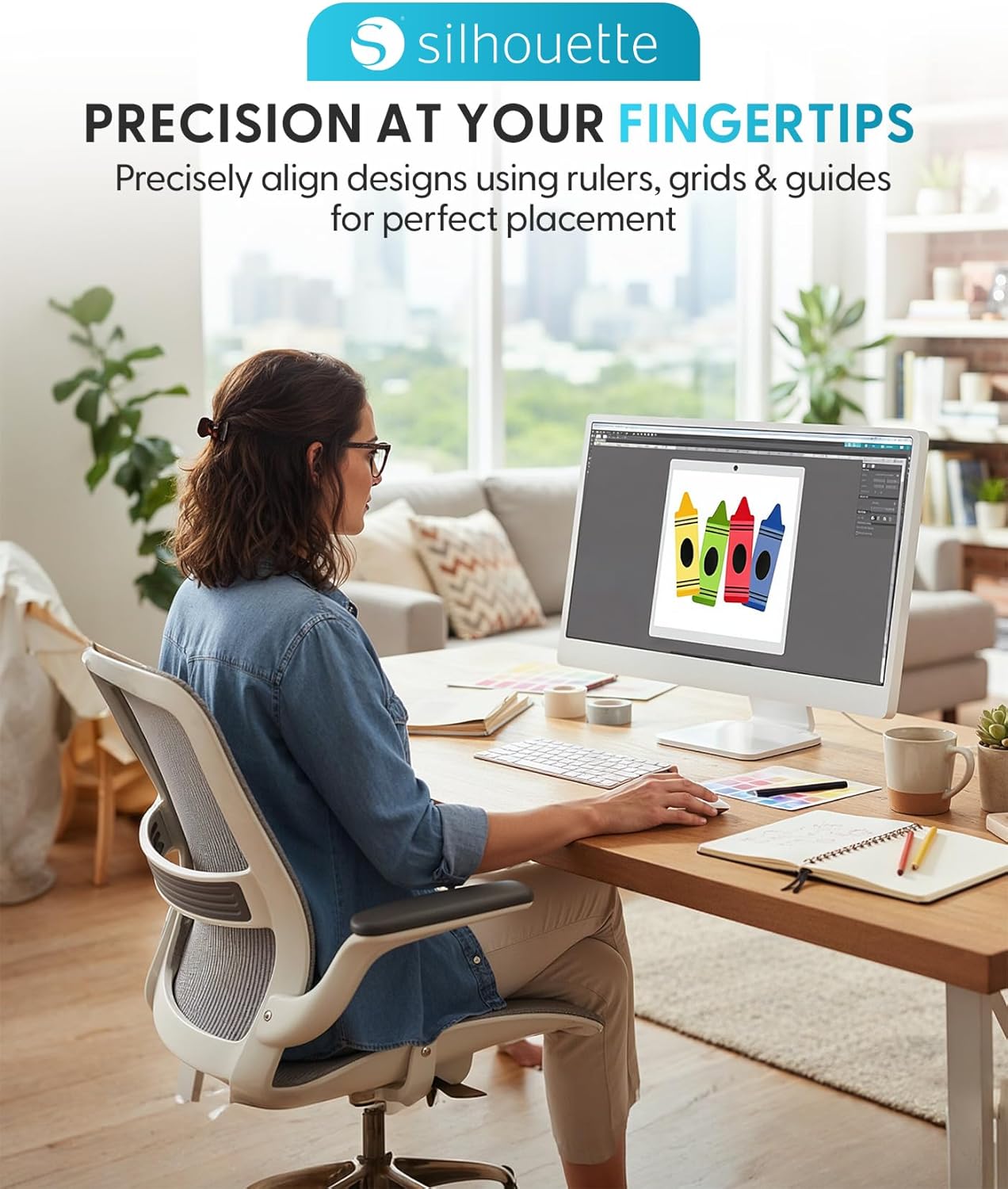
Image: Precision design capabilities within Silhouette Studio Designer Edition Plus.
Seamless Cutting Integration
The software is optimized for seamless integration with Silhouette cutting machines, ensuring that your designs are cut with precision every time. This connection facilitates an efficient workflow from design to physical creation.
Material Optimization (Nesting)
Utilize features like nesting to automatically arrange shapes on your digital mat. This helps to maximize material usage and minimize waste, making your crafting more efficient.
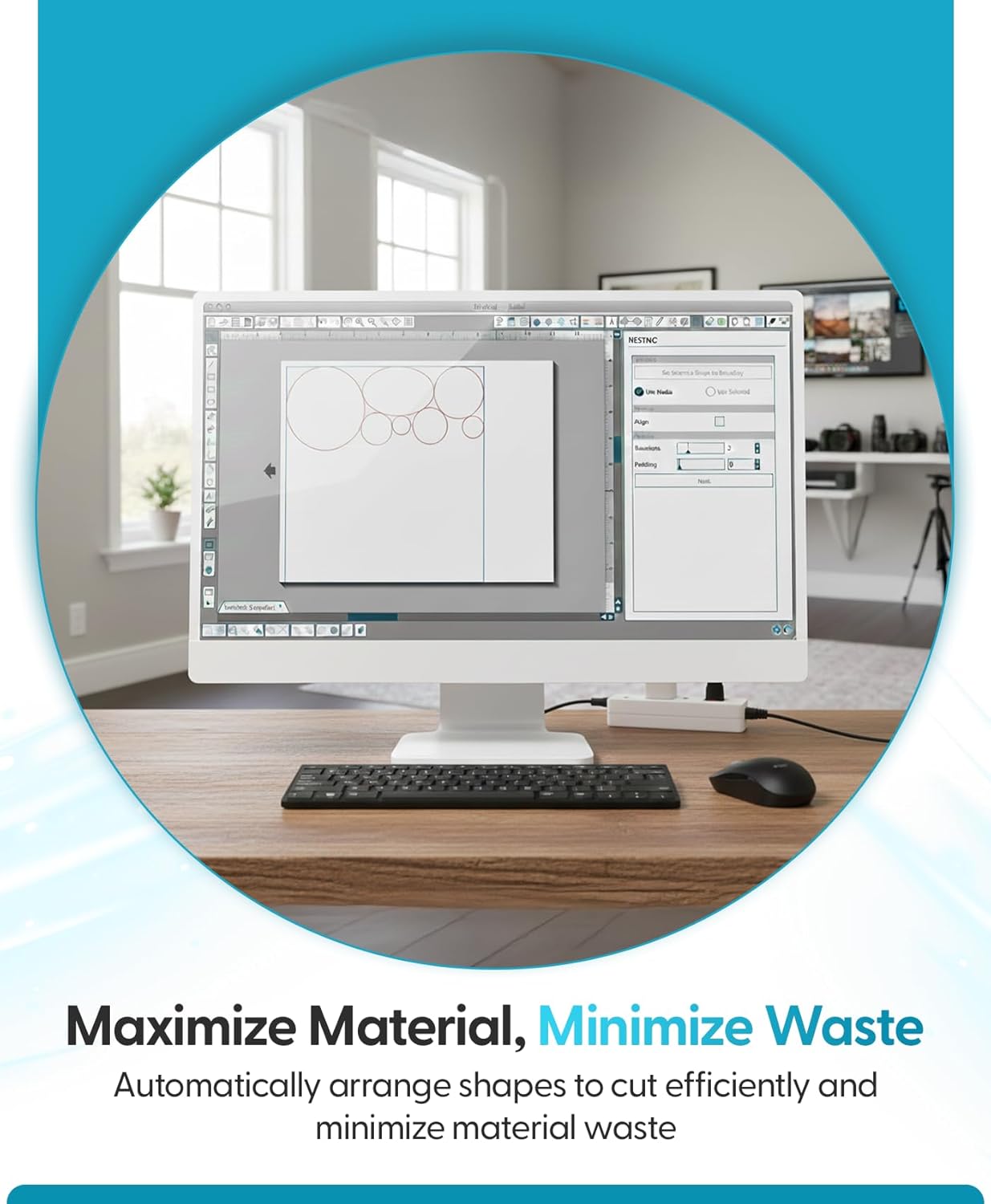
Image: Material optimization through the nesting feature in Silhouette Studio.
Additional Features
- Conical Wrap Panel: Allows for warping images to fit onto rounded surfaces, useful for custom designs on items like bottles or mugs.
- Flexishapes: Enables the creation of flexible shapes that can be adjusted to fit various design needs.
- Puzzle Generator: Assists in creating intricate puzzle designs for personalized gifts or projects.
- SVG & PDF File Support: Work seamlessly with SVG and PDF files.
- Artwork Import: Import artwork from programs like Adobe Illustrator and CorelDRAW.
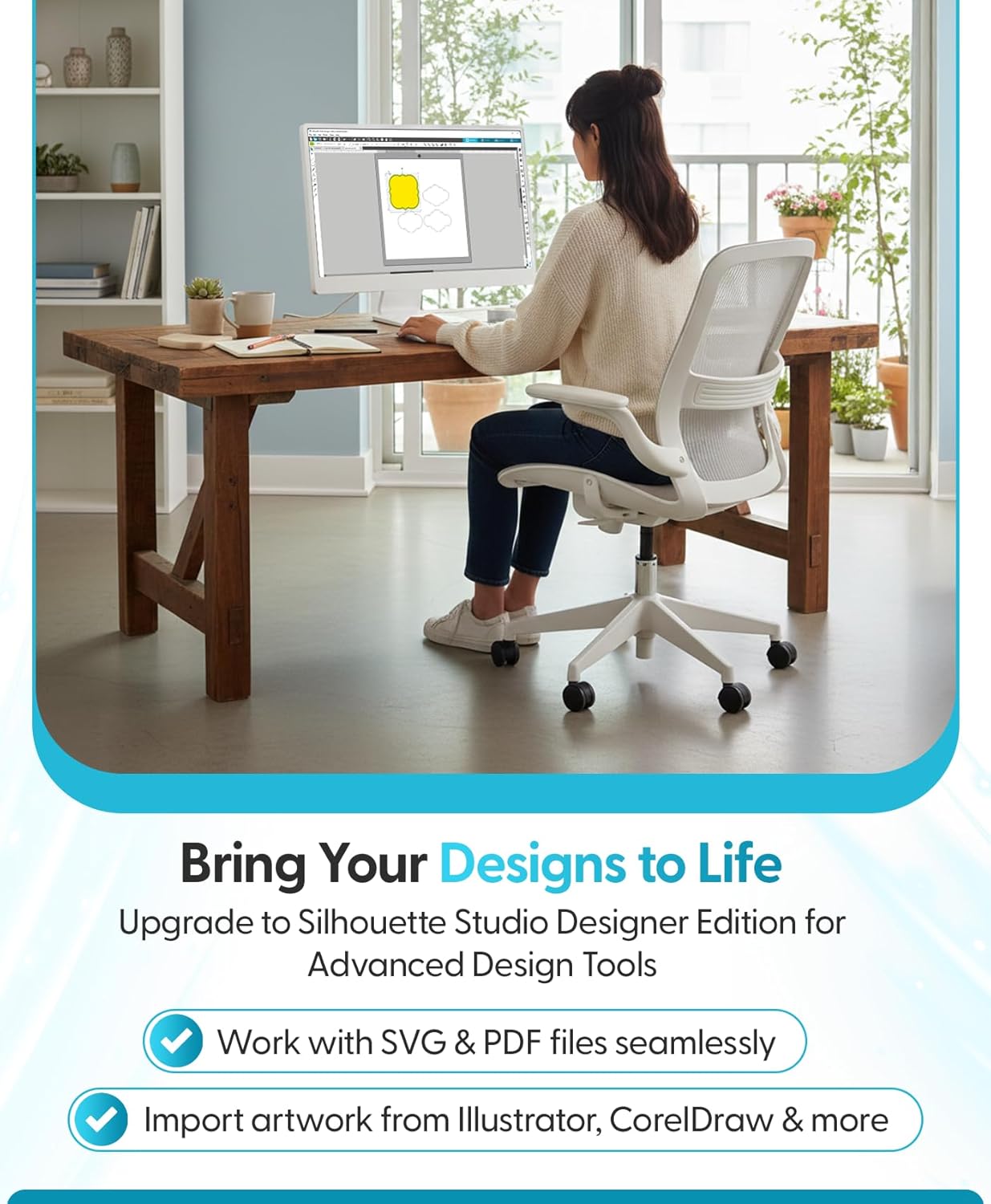
Image: Bringing designs to life with Silhouette Studio's import capabilities.
Feature Comparison
The Designer Edition Plus offers significant enhancements over the Basic and Designer Editions. Below is a summary of features across different Silhouette Studio versions:
| Feature | Basic | Designer | Designer + | Business |
|---|---|---|---|---|
| Create Designs & Send to Silhouette | ✓ | ✓ | ✓ | ✓ |
| Basic Design & Text Tools | ✓ | ✓ | ✓ | ✓ |
| Manipulation Tools: move, rotate, scale, align, replicate | ✓ | ✓ | ✓ | ✓ |
| Pop-up Creator (Advanced) | ✓ | ✓ | ✓ | ✓ |
| Ability to Import Custom Patterns | ✓ | ✓ | ✓ | |
| Lasso Selection | ✓ | ✓ | ✓ | |
| Warp Templates | ✓ | ✓ | ✓ | |
| Advanced Rhinestone Features | ✓ | ✓ | ||
| Import Embroidery Files (PES, DST, EXP, JEF, & XXX) | ✓ | ✓ | ||
| Flexishapes | ✓ | ✓ | ||
| Puzzle Generator | ✓ | ✓ | ||
| Advanced Warp (Conical, Perspective) | ✓ | ✓ | ||
| Import AI/CDR/EPS Files | ✓ | |||
| Weed Line Feature | ✓ | |||
| Multi-Cutter Support | ✓ |
Table: Comparison of features across Silhouette Studio software editions.
Maintenance
To ensure optimal performance and access to the latest features, regularly update your Silhouette Studio software. The Ultimate Silhouette E-Guide, often associated with this software, provides ongoing updates and support resources.
Troubleshooting
- Activation Issues: If you encounter problems activating the software, double-check the license code for accuracy. Ensure your computer has an active internet connection. If issues persist, contact Silhouette America support.
- Software Performance: For slow performance or crashes, ensure your operating system meets the minimum requirements and that your graphics drivers are up to date. Close unnecessary applications running in the background.
- Understanding Features: If you find certain features daunting, numerous online tutorials and communities (e.g., Silhouette School Blog, YouTube channels) offer detailed guides and project ideas.
- File Import Errors: Ensure embroidery files are in supported formats (.PES, .DST, .EXP, .JEF, .XXX). For other file types like SVG or PDF, verify they are correctly formatted.
Specifications
- Brand: Silhouette America
- Product Name: Silhouette Studio Designer Edition Plus Software
- Model Number: 35420296
- UPC: 814792017562
- Compatibility: Windows 10/11, macOS 12-14
- Installation: License key card for digital upgrade
- Multi-Device Use: Installable on up to 3 computers
- Key Features: Advanced Rhinestone Features, Embroidery File Import (.PES, .DST, .EXP, .JEF, .XXX), Conical Wrap Panel, Flexishapes, Puzzle Generator, SVG & PDF import.
Support
For further assistance, technical support, or to access additional resources, please visit the official Silhouette America website. You can find FAQs, tutorials, and contact information for customer service there.
Website: www.silhouetteamerica.com