
1. Introduction
The travel inspira TIEL01 Digital Luggage Scale is designed to provide accurate and convenient weight measurements for your luggage and other items. Its compact and portable design makes it an essential travel accessory, helping you avoid unexpected overweight baggage fees. This manual provides detailed instructions for the proper setup, operation, and maintenance of your digital luggage scale.
2. Product Features
- High Capacity: Measures up to 110 lbs (50 kg) with a graduation of 0.1 lb (50 g).
- Backlit LCD Display: Easy-to-read display in various lighting conditions.
- Unit Conversion: Easily switch between pounds (lb) and kilograms (kg).
- Tare Function: Allows you to weigh items in a container by subtracting the container's weight.
- Data Lock Function: Holds the weight reading on the display for easy viewing.
- Auto-Off: Preserves battery life by automatically turning off after a period of inactivity.
- Indicators: Low battery and overload indications for user convenience.
- Ergonomic Design: Rubberized handle for a comfortable and secure grip.
- Temperature Sensor: Displays ambient temperature in Fahrenheit or Celsius.

Figure 1: Digital display showing various functions like Tare, Auto-Off, Low Battery, Temperature, Overload, and Data Hold.

Figure 2: The travel inspira luggage scale attached to a suitcase, highlighting its 110 lb / 50 kg capacity and 0.1 lb / 50 g graduation.
3. Setup
3.1 Battery Installation
The travel inspira TIEL01 luggage scale comes with a CR2032 battery included. Before first use, the isolation tag must be removed from the battery case.
- Locate the battery compartment on the back of the scale.
- Use the included mini screwdriver to loosen the screw on the battery cover (3-5 turns).
- Lift off the battery cover.
- Remove the plastic isolation tag from the battery.
- Place the battery cover back on and tighten the screw with the screwdriver.
Video 1: This video demonstrates the process of removing the battery cover on the travel inspira TIEL01 luggage scale using the included mini screwdriver, and then replacing it.
4. Operating Instructions
4.1 Power On/Off
- To power on, press the power button (usually marked with ⏻ or Z/T). The display will light up and show '0.0' or '0.00'.
- To power off, press and hold the power button for a few seconds, or the scale will automatically turn off after a period of inactivity (Auto-Off feature).
4.2 Unit Conversion
To switch between measurement units (pounds (lb) and kilograms (kg)), press the 'UNIT' button while the scale is powered on and displaying '0.0'. The selected unit will be shown on the display.
4.3 Weighing Procedure
- Ensure the scale is powered on and displaying '0.0'.
- Attach the strap of the scale to the handle of the item you wish to weigh.
- Lift the scale and the item steadily off the ground. Hold it still until the weight reading stabilizes and locks on the display.
- Read the weight displayed on the LCD screen. The data lock function will hold the reading for easier viewing.
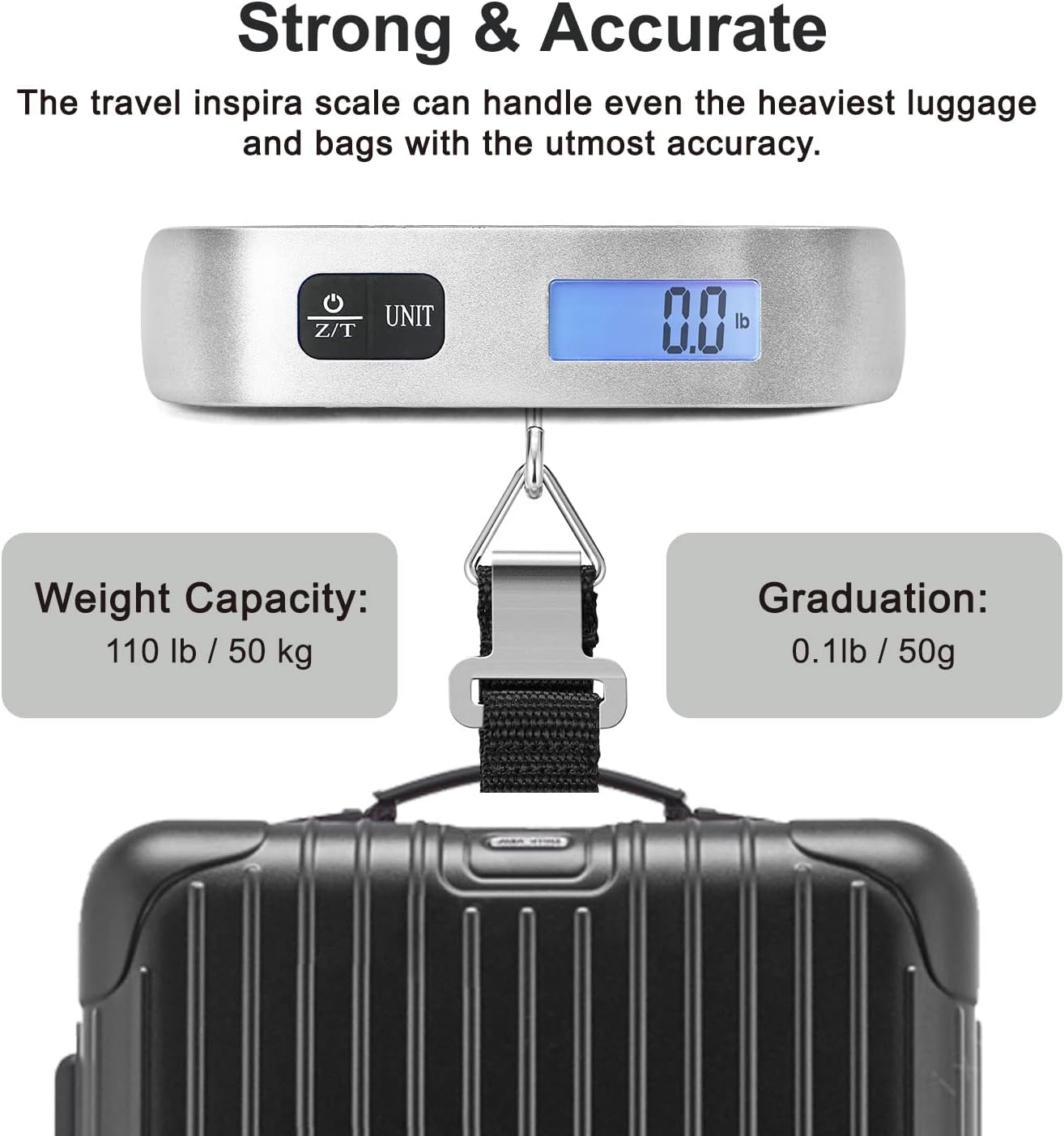
Figure 3: Person holding the digital luggage scale, displaying a weight of 4.62 kg, demonstrating its accuracy and ease of use.
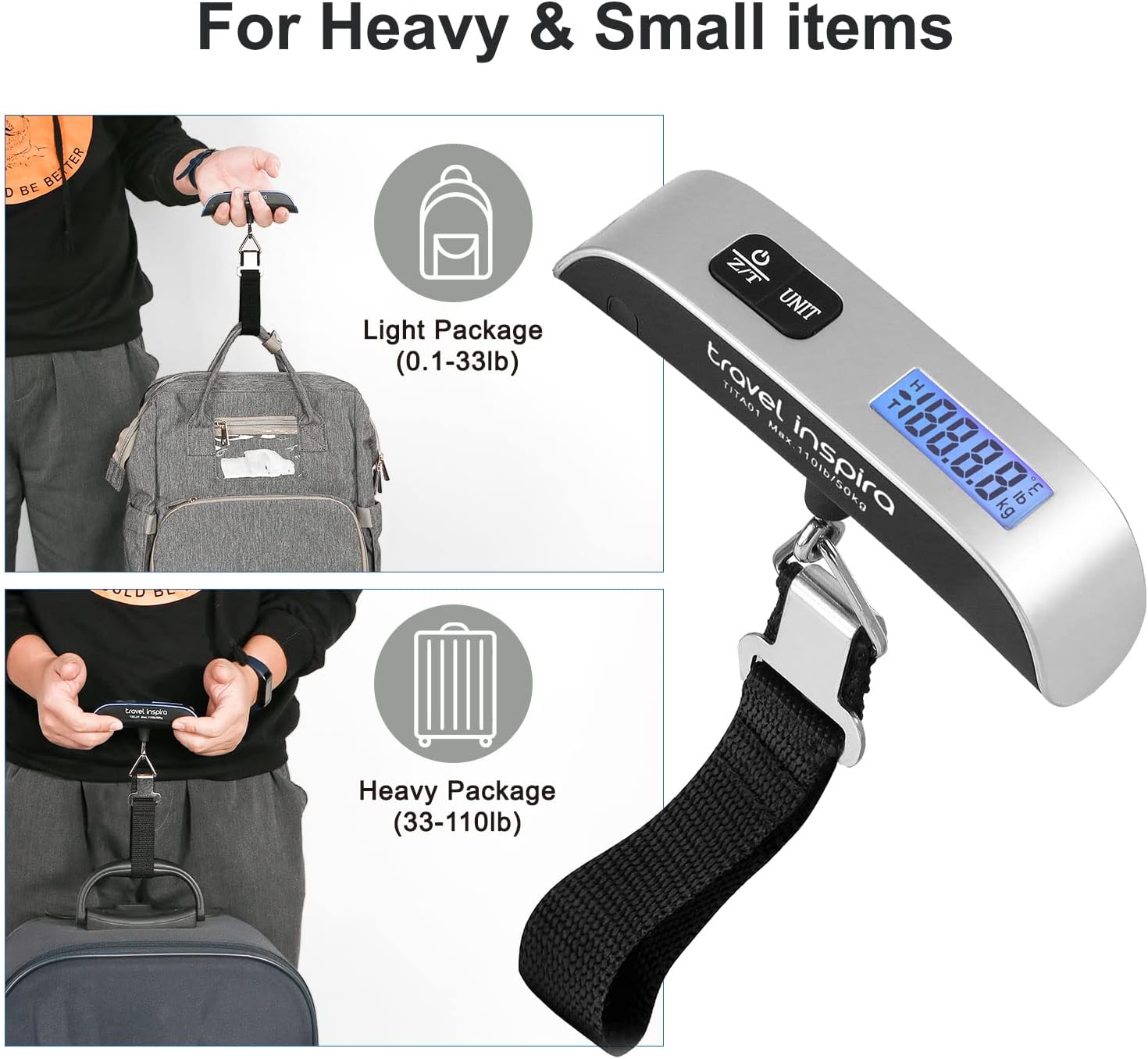
Figure 4: Illustrates the versatility of the scale for weighing both light packages (0.1-33lb) and heavy suitcases (33-110lb).
4.4 Tare Function
The Tare function allows you to subtract the weight of a container to get the net weight of its contents.
- Hang the empty container on the scale.
- Wait for the weight to stabilize.
- Press the 'Z/T' button. The display will reset to '0.0'.
- Place the items you want to weigh into the container. The display will show the net weight of the items.
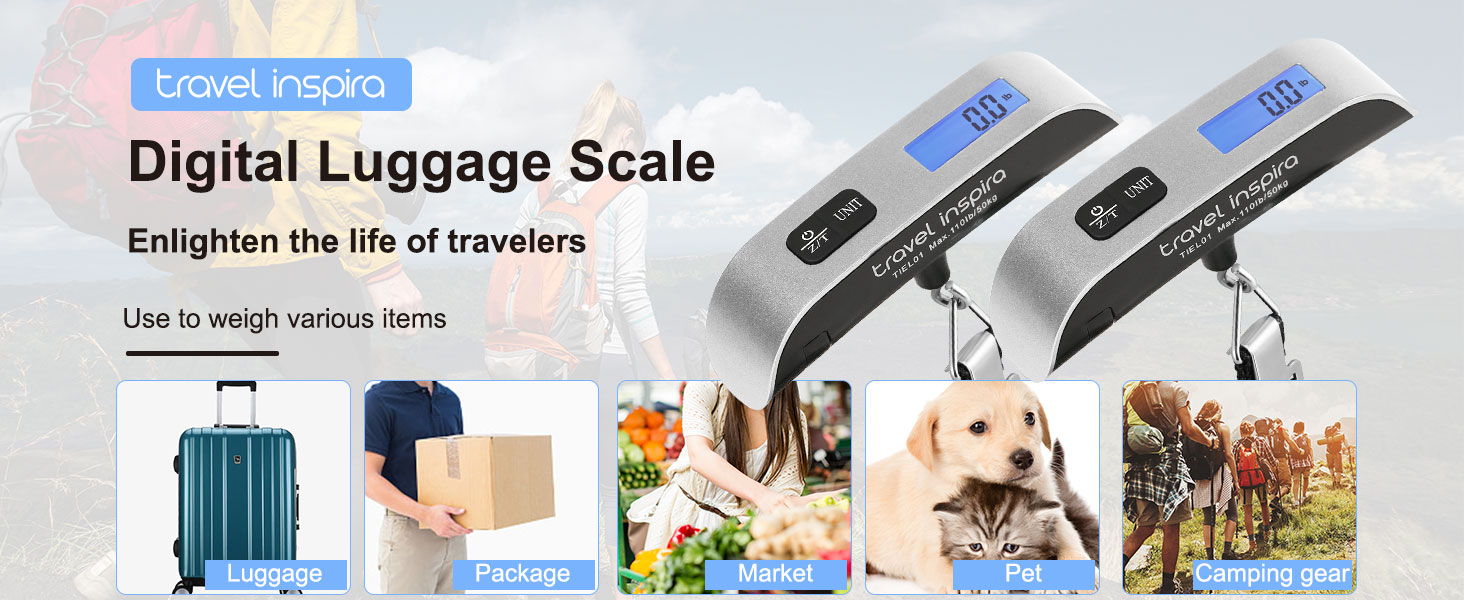
Figure 5: Demonstration of the tare function, showing the scale zeroed out with an empty basket and then displaying the weight of eggs added to the basket.
4.5 Temperature Measurement
The scale can also display the ambient temperature. To switch between Fahrenheit and Celsius, press the 'UNIT' button repeatedly until the desired temperature unit appears.
Video 2: This video shows a user demonstrating how to use the travel inspira digital luggage scale to weigh a suitcase, highlighting its ease of use and accuracy for avoiding overweight baggage fees.
5. Maintenance
- Clean the scale with a soft, damp cloth. Do not use abrasive cleaners or immerse the scale in water.
- Store the scale in a dry place when not in use.
- If the low battery indicator appears, replace the CR2032 battery promptly to ensure accurate readings.
6. Troubleshooting
| Problem | Possible Cause | Solution |
|---|---|---|
| Display shows 'Lo' | Low battery. | Replace the CR2032 battery. |
| Display shows 'O_Ld' | Overload. The item being weighed exceeds the scale's maximum capacity. | Remove the item immediately to prevent damage. Do not weigh items over 110 lbs (50 kg). |
| Inaccurate readings | Scale not held steadily; battery low; uneven surface. | Ensure the scale is held steady and the item is not swinging. Replace battery if low. Ensure you are lifting the item from a stable position. |
| Display not turning on | Battery not installed correctly; battery dead. | Check battery installation and ensure the isolation tag is removed. Replace battery if necessary. |
7. Specifications
| Feature | Detail |
|---|---|
| Brand | travel inspira |
| Model Number | TIEL01 |
| Product Dimensions | 5.31 x 1.3 x 1.3 inches |
| Item Weight | 3.2 ounces |
| Batteries | 1 CR2032 battery required (included) |
| Weight Capacity Maximum | 110 Pounds (50 kg) |
| Readout Accuracy | 0.1 Pounds (50 g) |
| Display Type | LCD with Backlight |
| Form Factor | Handheld Suspension Scale |
| Material Type | Rubber |
| Special Features | Data Lock Function, Backlit Display, Tare Function, Temperature Sensor, Auto-Off, Low Battery & Overload Indicators |
8. Warranty and Support
The travel inspira TIEL01 Digital Luggage Scale comes with a 2-Year Limited Warranty from travel inspira. For warranty claims or technical support, please refer to the contact information provided with your product packaging or visit the official travel inspira website.