
Bushnell 886520
Bushnell Trophy Xtreme Spotting Scope 20-60x65mm Instruction Manual
Model: 886520
Introduction
Thank you for choosing the Bushnell Trophy Xtreme Spotting Scope. This manual provides detailed instructions for the proper setup, operation, and maintenance of your 20-60x65mm spotting scope, ensuring optimal performance and longevity. Please read this manual thoroughly before using your device.

Image: The Bushnell Trophy Xtreme Spotting Scope, 20-60x65mm, in green, mounted on its included tripod. The objective lens cap is open, and the eyepiece is visible.
What's in the Box
Upon unpacking, please verify that all items listed below are present:
- Bushnell Trophy Xtreme Spotting Scope
- Hard Case
- Soft Case
- Instruction Manual (this document)
- Tripod
Parts of Your Spotting Scope
Familiarize yourself with the main components of your Bushnell Trophy Xtreme Spotting Scope:
- Objective Lens: The large lens at the front of the scope that gathers light.
- Eyepiece: The part you look through, containing the ocular lens.
- Zoom Adjustment Ring: Rotates to change magnification.
- Focus Knob: Adjusts the clarity of the image.
- Tripod Mounting Collar: Allows attachment to a tripod.
- Eyecup: Can be twisted or folded for comfortable viewing, especially for eyeglass wearers.
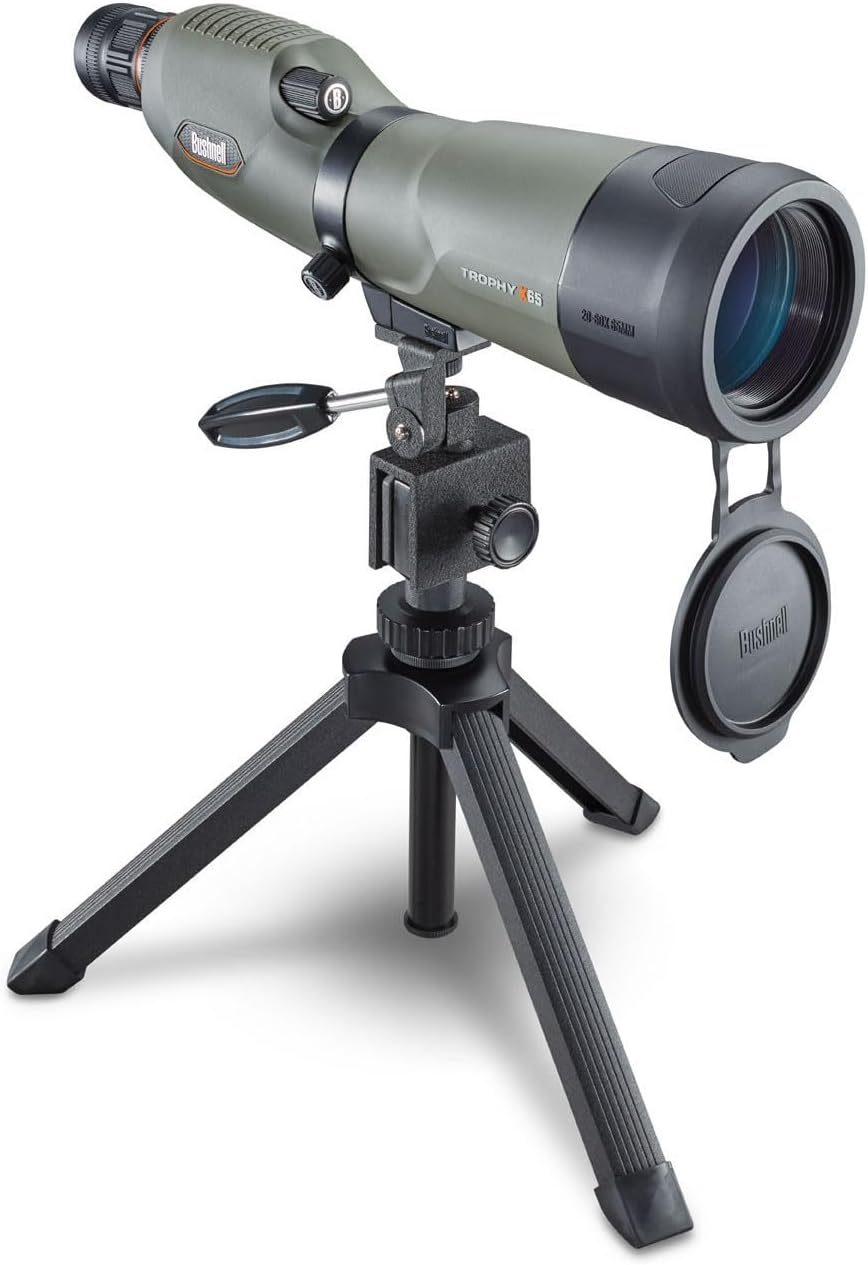
Image: A detailed side view of the Bushnell Trophy Xtreme Spotting Scope, showing the objective lens, main body, and eyepiece. This image helps identify the various parts of the scope.
Setup
Follow these steps to set up your spotting scope for initial use:
- Attach the Tripod:
Unfold the legs of the included tripod. Securely attach the spotting scope to the tripod mounting plate using the threaded screw on the tripod. Ensure the scope is stable and level.

Image: The Bushnell Trophy Xtreme Spotting Scope mounted on its compact tripod, ready for use. This illustrates the correct attachment of the scope to the tripod.
- Remove Lens Caps:
Carefully remove the protective caps from both the objective lens (front) and the eyepiece (rear) before use. Store them in a safe place to prevent loss or damage.
- Adjust Eyecup:
Twist or fold down the eyecup on the eyepiece for comfortable viewing. If you wear eyeglasses, you may prefer to keep the eyecup folded down to see the full field of view.
Operating Instructions
To achieve the best viewing experience with your Bushnell Trophy Xtreme Spotting Scope, follow these operational guidelines:
- Aiming the Scope:
Point the spotting scope towards your desired target. Use the tripod's pan and tilt adjustments to fine-tune the aiming.
- Adjusting Magnification (Zoom):
Rotate the zoom adjustment ring on the eyepiece to change the magnification from 20x to 60x. Start with lower magnification (20x) to locate your target, then increase as needed for more detail.

Image: A user observing through the Bushnell Trophy Xtreme Spotting Scope, demonstrating typical operation during use. The user is wearing ear protection and a cap, suggesting an outdoor shooting range environment.
- Focusing the Image:
Once you have selected your desired magnification, slowly turn the focus knob until the image appears sharp and clear. For optimal clarity, refocus slightly each time you change the magnification.
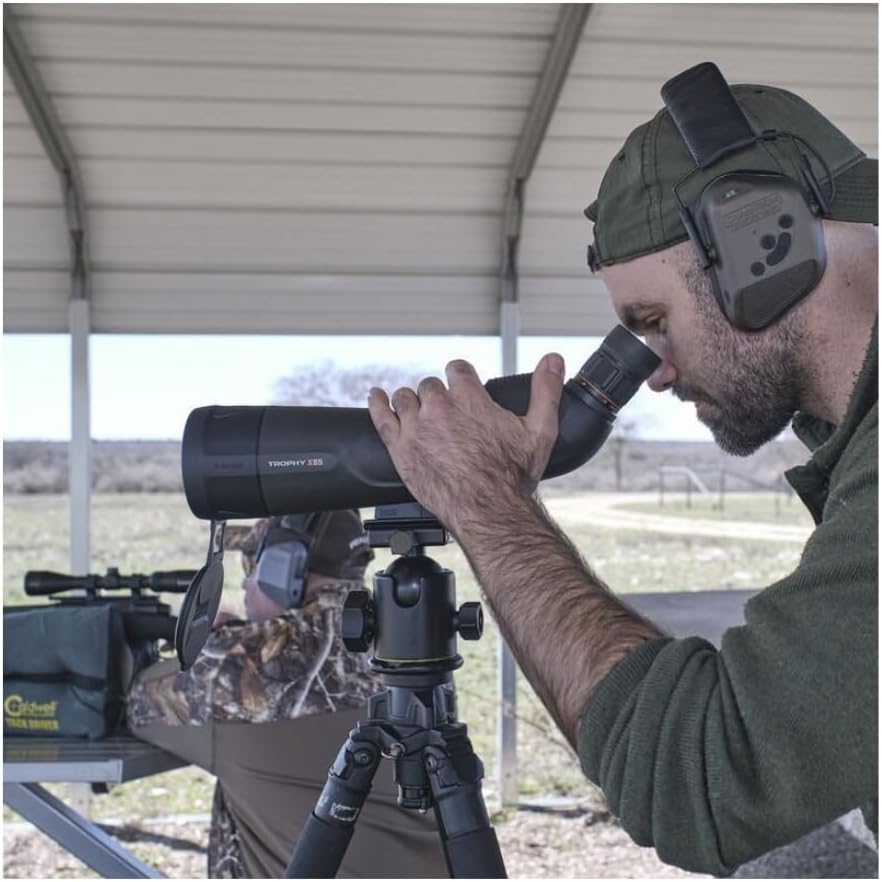
Image: A close-up view of a person's eye at the eyepiece of the Bushnell Trophy Xtreme Spotting Scope, illustrating the viewing position and the focus knob area.
Maintenance and Care
Proper care will ensure your spotting scope provides years of reliable service:
- Cleaning Lenses:
Use only a soft, lint-free cloth specifically designed for optical lenses. Gently wipe the lens surface. For stubborn smudges, a small amount of optical lens cleaning fluid can be applied to the cloth, not directly to the lens. Avoid abrasive materials or excessive rubbing.
- Cleaning Body:
Wipe the body of the scope with a soft, clean cloth. For dirt or grime, a slightly damp cloth can be used, followed by drying with a clean cloth.
- Storage:
When not in use, store the spotting scope in its hard case or soft case in a cool, dry place, away from direct sunlight and extreme temperatures. Ensure lens caps are in place to protect the optics.
- Waterproof Feature:
The Bushnell Trophy Xtreme Spotting Scope features 100% waterproof construction. While it is designed to withstand exposure to moisture, it is not intended for submersion. After exposure to water, wipe the scope dry before storing.
Troubleshooting
If you encounter issues with your spotting scope, refer to the following common problems and solutions:
| Problem | Possible Cause | Solution |
|---|---|---|
| Image is blurry or out of focus. | Focus knob not adjusted correctly. | Rotate the focus knob slowly until the image becomes sharp. Refocus after changing magnification. |
| Dark image or no image visible. | Lens caps still on. Eyepiece or objective lens obstructed. | Ensure both objective and eyepiece lens caps are removed. Check for any obstructions on the lenses. |
| Limited field of view. | Eyecup not adjusted for eyeglasses. | If wearing eyeglasses, ensure the eyecup is twisted down or folded to its lowest position. |
Specifications
| Model Name | Trophy Xtreme |
| Model Number | 886520 |
| Objective Lens Diameter | 65 mm |
| Magnification (Zoom Ratio) | 20x - 60x |
| Field of View | 1.7 Degrees |
| Exit Pupil Diameter | 3.1 mm |
| Lens Coating | Fully Multi-Coated |
| Prism Type | Porro Prism |
| Mount Type | Tripod Mount |
| Product Features | Waterproof |
| Product Dimensions (L x W x H) | 38.1 x 12.7 x 16.5 cm |
| Weight | 1 kg |
| Compatible Devices | Tripod, car window mount, scope glove |
| Power Source | AC/DC (Note: This specification may refer to compatible accessories or specific models with electronic features not standard on all units. The core optical scope does not require external power.) |
| Batteries | 4 AA (Note: This specification may refer to compatible accessories or specific models with electronic features not standard on all units. The core optical scope does not require batteries.) |
Warranty Information
Bushnell products are manufactured to the highest standards and are designed to provide reliable performance. For specific warranty details, including coverage period and terms, please refer to the warranty card included with your product or visit the official Bushnell website. Keep your proof of purchase for any warranty claims.
Customer Support
If you have any questions, require technical assistance, or need to report a problem with your Bushnell Trophy Xtreme Spotting Scope, please contact Bushnell customer support. Contact information can typically be found on the official Bushnell website or on the packaging of your product.
Online Resources: www.bushnell.com
Related documents886520


Ask a question about this manual
Ask about setup, troubleshooting, compatibility, parts, safety, or missing instructions. Manuals+ will review the question and use this page’s manual context to help answer it.