
1. Introduction
Thank you for purchasing the Bushnell Trophy Laser Rangefinder Model 202640. This device is designed to provide accurate distance measurements for various outdoor activities, including hunting and target practice. Its compact design, 4x magnification, and advanced targeting capabilities ensure reliable performance in diverse conditions. Please read this manual thoroughly before using your rangefinder to ensure proper operation and to maximize its lifespan.
2. What's in the Box
Upon opening your Bushnell Trophy Laser Rangefinder package, please verify that all the following items are included:
- Bushnell Trophy Laser Rangefinder (Model 202640)
- Carrying Case
- Wrist Strap
- CR2 Battery (Alkaline)
- Instruction Manual (this document)

Image 1: Close-up view of the Bushnell Trophy Laser Rangefinder, highlighting the 'Trophy' text and the textured grip for secure handling.
3. Setup
3.1. Battery Installation
- Locate the battery compartment on the side or bottom of the rangefinder.
- Open the battery compartment cover by twisting or sliding it according to the markings.
- Insert the provided CR2 battery, ensuring the positive (+) and negative (-) terminals are aligned correctly as indicated inside the compartment.
- Close the battery compartment cover securely to maintain the device's rainproof integrity.
3.2. Attaching the Wrist Strap
Thread the wrist strap through the designated loop on the rangefinder. Secure it firmly to prevent accidental drops during use.
4. Operating Instructions
4.1. Powering On/Off
To power on the rangefinder, press the power button (usually located on the top of the device). The reticle and distance display will appear in the eyepiece. The device will automatically power off after approximately 10 seconds of inactivity to conserve battery life.
4.2. Taking a Measurement
- Look through the eyepiece and aim the reticle at your desired target.
- Press and release the power button once. The distance to the target will be displayed in yards.
- For continuous scanning, press and hold the power button. The display will update distances as you pan across multiple targets. Release the button to stop scanning.
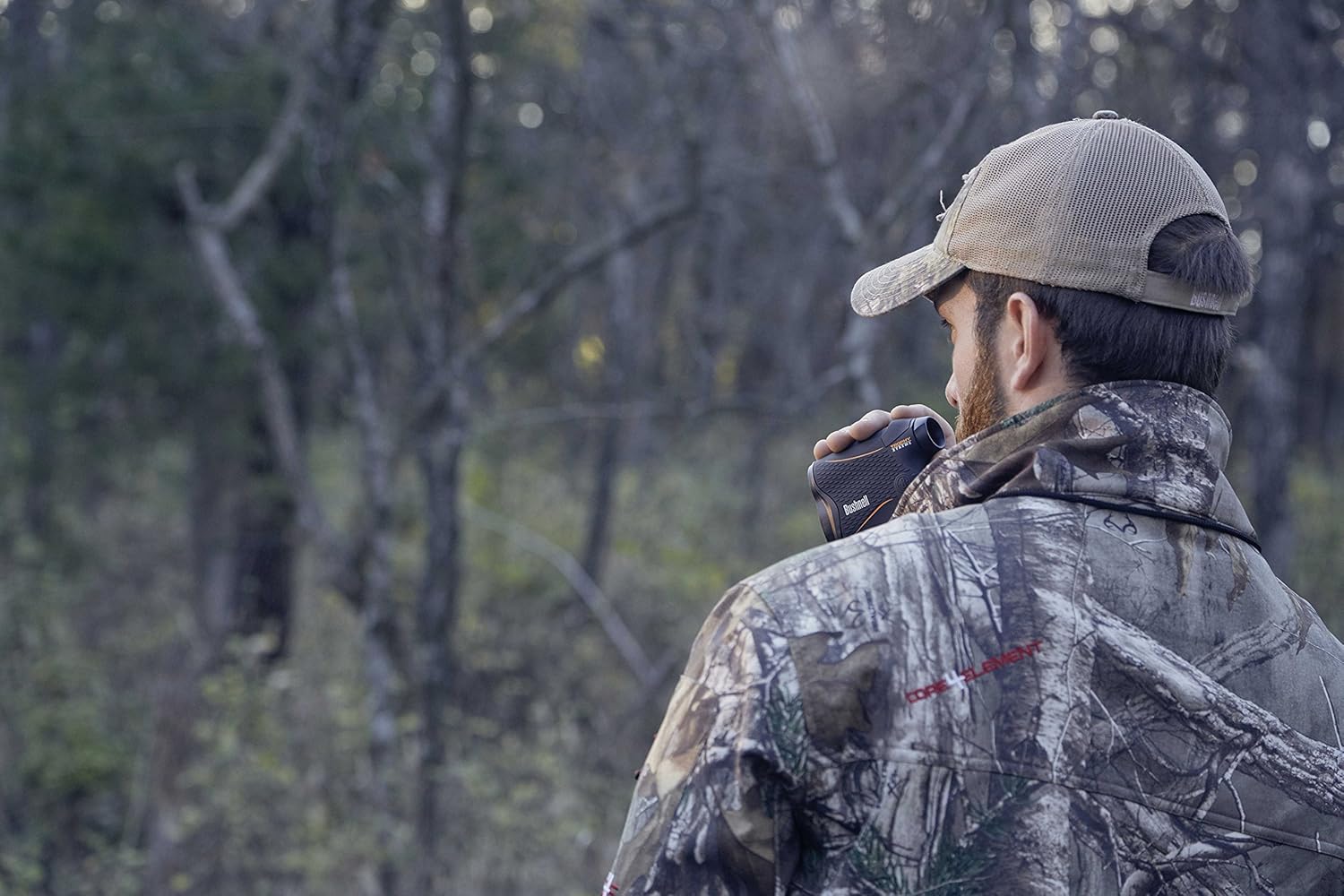
Image 2: A person in camouflage clothing using the Bushnell Trophy Laser Rangefinder to measure distance in a forest setting.
4.3. Full Spectrum Targeting
The Bushnell Trophy Laser Rangefinder features Full Spectrum Targeting, which enhances its ability to acquire distances to dark, non-reflective objects and targets in shaded areas. This technology ensures more consistent and reliable readings across various environmental conditions.
4.4. Magnification
The rangefinder provides 4x magnification, allowing for clear viewing and precise targeting of distant objects.
5. Maintenance
5.1. Cleaning the Lenses
Gently wipe the lenses with a soft, clean microfiber cloth. For stubborn dirt or smudges, use a lens cleaning solution specifically designed for optics. Avoid using abrasive cloths or harsh chemicals, as these can scratch the lens coatings.
5.2. Storage
When not in use, store the rangefinder in its protective carrying case in a cool, dry place. Remove the battery if the device will not be used for an extended period to prevent battery leakage.
5.3. Water Resistance
The Bushnell Trophy Laser Rangefinder is designed to be rainproof. While it can withstand light rain and splashes, it is not intended for submersion in water. Ensure the battery compartment is securely closed to maintain its water resistance.
6. Troubleshooting
| Problem | Possible Cause | Solution |
|---|---|---|
| No display/Device won't turn on | Dead or incorrectly installed battery | Check battery orientation. Replace with a fresh CR2 battery. |
| Inaccurate readings or no reading | Target too far, too small, or non-reflective; environmental conditions (fog, heavy rain) | Ensure target is within the 7-850 yard range. Aim at a larger, more reflective surface if possible. Wait for clearer weather conditions. |
| Display is dim or flickering | Low battery | Replace the battery. |
7. Specifications
- Model: 202640
- Magnification: 4x
- Measuring Range: 7 to 850 yards
- Accuracy: +/- 1 yard
- Laser Type: Class 1, <0.5mW average power output
- Battery Type: 1x CR2 (Alkaline)
- Water Resistance: Rainproof (IP54)
- Weight: Approximately 0.33 lbs (0.15 kg)
- Features: Full Spectrum Targeting, Anti-slip Sure-Grip Finish, Battery Life Indicator
8. Warranty and Support
For warranty information, product registration, or technical support, please visit the official Bushnell website or contact their customer service department. Keep your purchase receipt as proof of purchase for any warranty claims.
Important: This product contains a Class 1 laser. Do not stare directly into the laser beam or view directly with optical instruments. Misuse may result in eye damage.


