Product Overview
The SadoTech Wireless Doorbell (Model C) offers a convenient and reliable solution for your home or business. This 2-pack system includes one push button and one receiver, designed for easy installation and long-lasting performance. With a remarkable 1000-foot wireless range, 52 selectable chimes, and 4 adjustable volume levels, you can customize your doorbell experience to suit your needs. The push button is waterproof and built to withstand various weather conditions, ensuring consistent operation.
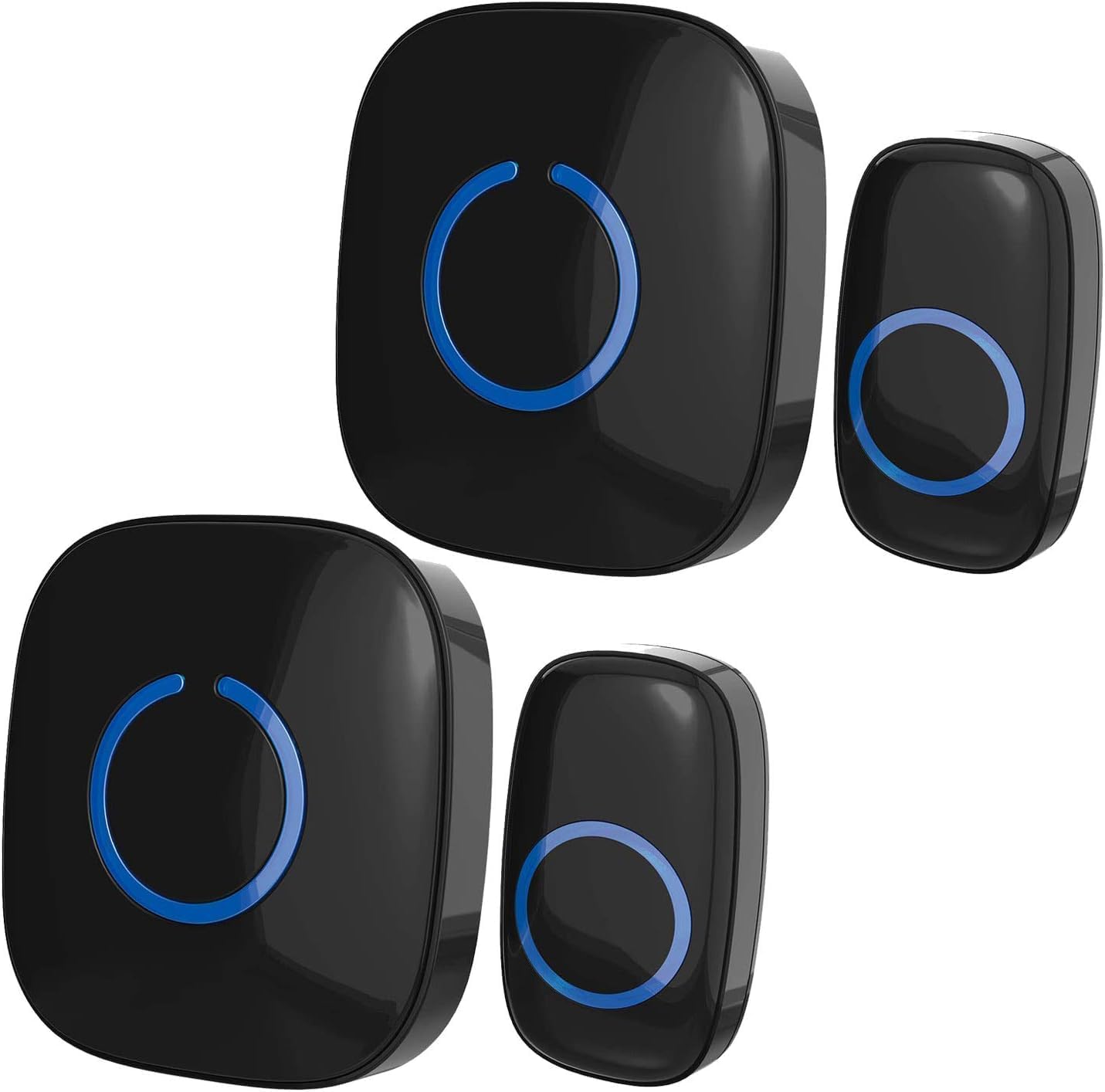
Image: The SadoTech Wireless Doorbell system, featuring two black push buttons and two black plug-in receivers. Each component has a central blue illuminated ring.
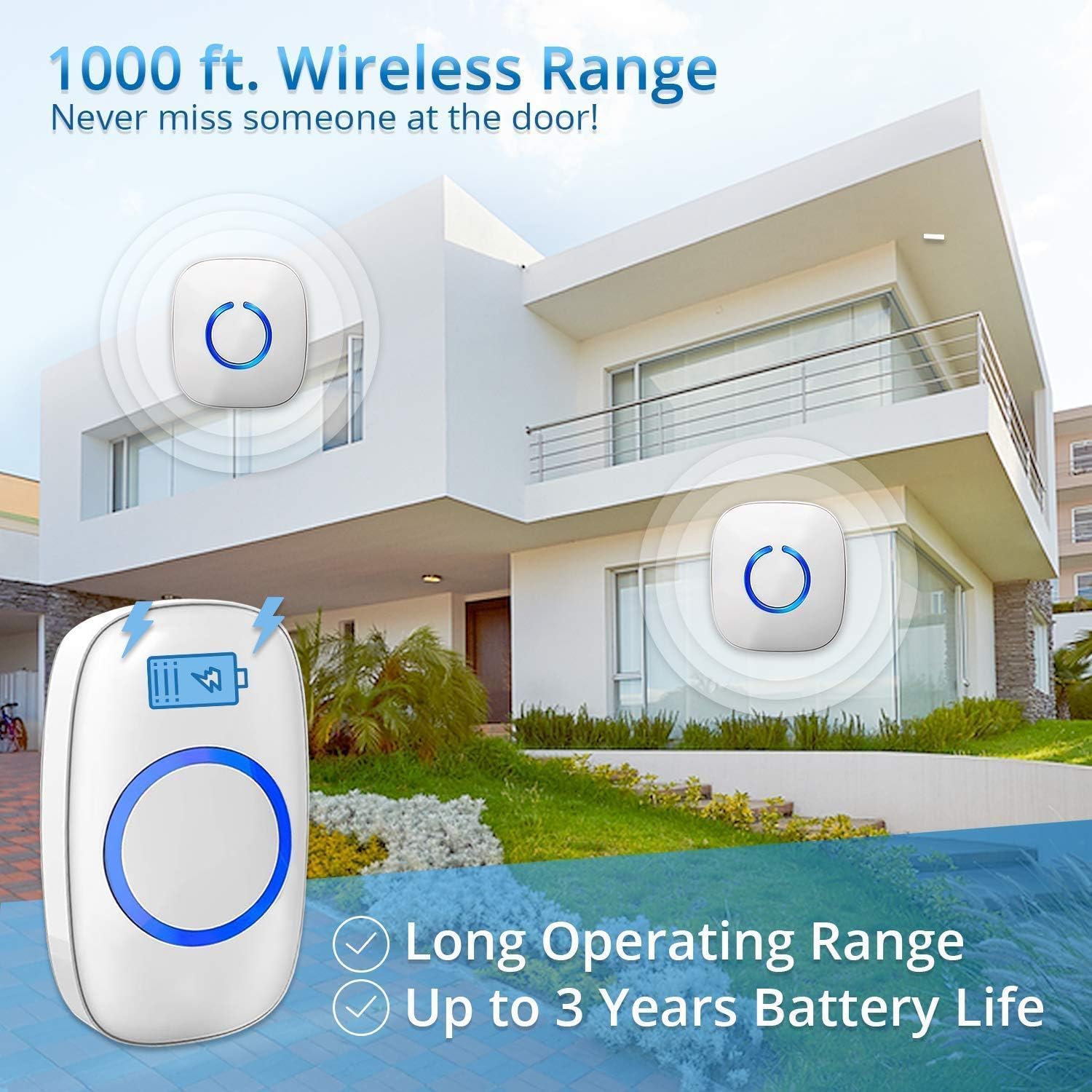
Image: An illustration highlighting the 1000 ft wireless range of the SadoTech doorbell, showing a push button outside a house and two receivers placed inside, indicating broad coverage. It also notes a 3-year battery life for the push button.
Setup and Installation
The SadoTech Wireless Doorbell is designed for quick and easy installation without the need for complex wiring.
Receiver Setup:
- Locate a convenient electrical outlet indoors where you wish to hear the chime.
- Plug the receiver directly into the electrical outlet. The receiver will power on and be ready for use.
Push Button Installation:
The push button can be installed using either the included double-sided adhesive tape or screws and anchors for a more permanent fixture.

Image: A visual guide demonstrating two installation methods for the push button. Method 1 shows applying double-sided tape to the back of the button and then adhering it to a surface. Method 2 illustrates opening the button casing to reveal screw holes, then securing it with screws and anchors.
Method 1: Self-adhesive Tape
- Clean the surface where you intend to mount the push button to ensure it is free of dust and debris.
- Peel off one side of the protective film from the double-sided adhesive tape and firmly press it onto the back of the push button.
- Peel off the remaining protective film and firmly press the push button onto the desired mounting surface (e.g., door frame, wall). Hold for a few seconds to ensure a secure bond.
Method 2: Screws and Anchors (Permanent Installation)
- Open the casing of the push button to reveal the screw holes.
- Mark the desired mounting location on the wall or door frame.
- Drill pilot holes if necessary and insert the provided anchors.
- Align the push button with the holes and secure it using the provided screws.
- Close the casing of the push button.
The push button is designed to be waterproof, making it suitable for outdoor use in various weather conditions, including temperatures from -4°F to 140°F.
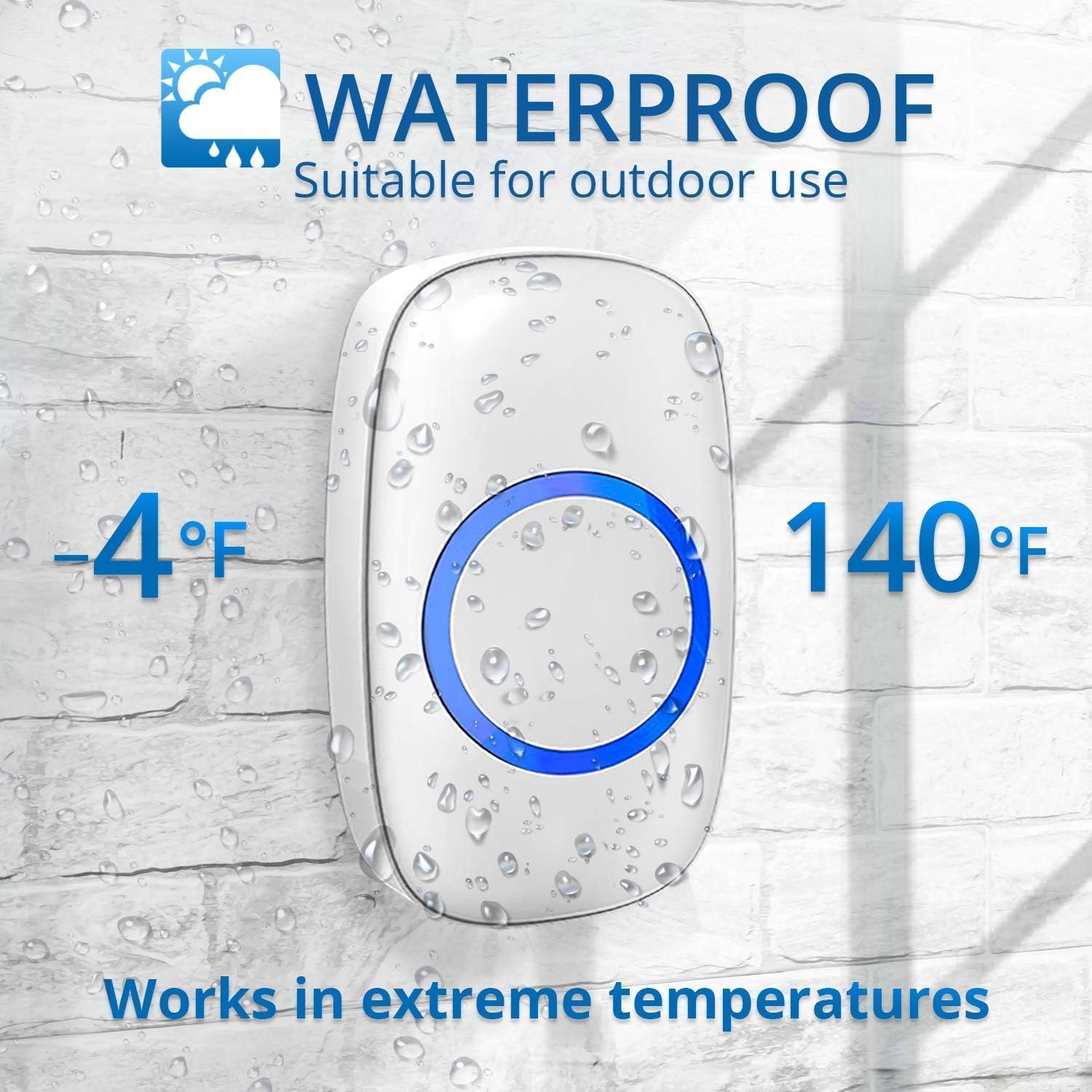
Image: A white doorbell push button covered in water droplets, with text indicating "WATERPROOF Suitable for outdoor use" and temperature range " -4°F to 140°F Works in extreme temperatures."
Operating Instructions
Selecting Chimes:
Your SadoTech Wireless Doorbell offers 52 different chimes and 17 sounds to choose from. To change the chime:
- Press the "Music" button on the side of the receiver to cycle through the available melodies.
- Once you hear a chime you like, stop pressing the button. The receiver will automatically save your selection.
Adjusting Volume:
The doorbell has 4 adjustable volume levels, including a quiet mode. To adjust the volume:
- Press the "Volume" button on the side of the receiver to cycle through the volume levels.
- Stop at your desired volume. The receiver will remember this setting.

Image: A SadoTech doorbell receiver plugged into a wall outlet, with musical notes floating around it. Text highlights "52 USA Mastered Chimes," "4 Volume Levels," and "Quiet Level" options.
Pairing Additional Components (if applicable):
The SadoTech Wireless Doorbell system is expandable. You can add more push buttons or receivers to your existing setup. Refer to the specific instructions provided with your additional components for pairing procedures.

Image: A graphic illustrating the "Smart Features" of the doorbell, including a "Memory Function" that retains settings during power outages and "Expandable with Accessories" showing various compatible sensors and additional doorbell components.
Maintenance
- Battery Replacement: The push button is designed for a long battery life of up to 3 years. When the battery needs replacement, open the push button casing and replace the A23 12V battery.
- Cleaning: Wipe the doorbell and receiver with a soft, dry cloth. Do not use abrasive cleaners or solvents.
- Weather Resistance: The push button is waterproof. However, for optimal longevity, avoid prolonged submersion in water.
Troubleshooting
- No Chime Sound:
- Ensure the receiver is properly plugged into a working electrical outlet.
- Check the volume level on the receiver. Increase if set to quiet mode or minimum volume.
- Verify the push button battery. Replace if necessary.
- Re-pair the push button with the receiver if connection is lost (refer to pairing instructions, usually involves holding a button on the receiver and pressing the push button).
- Short Range:
- Ensure there are no large metal objects or thick walls directly between the push button and the receiver that could interfere with the signal.
- Relocate the receiver to a more central location if possible.
- Interference:
- If experiencing interference from other wireless devices, try changing the chime melody, as this may also change the operating frequency.
Specifications
| Feature | Detail |
|---|---|
| Brand | SadoTech |
| Model Number | ST-FX-C-BL |
| Item Weight | 4 ounces |
| Product Dimensions | 3.25 x 1.5 x 3.5 inches |
| Batteries Required | 1 A23 12V battery (for push button) |
| Color | Gloss Black |
| Material | ABS Plastic |
| Installation Method | Self-adhesive tape or anchors/screw (included) |
| Number Of Pieces | 2 (1 push button + 1 receiver) |
| Wireless Range | Up to 1000 feet |
| Chime Options | 52 melodies |
| Volume Levels | 4 levels |
| Weatherproof | Yes (for push button) |
Warranty and Support
For warranty information or technical support, please visit the official SadoTech website or contact their customer service directly. You can also visit the SadoTech Store on Amazon for more product details and support resources.


