
Product Overview
The Marantec M13-631 Wireless Keyless Entry system operates on a 315MHz frequency, offering convenient and secure access to your garage. This model was released in February 2014 as a replacement for the older M3-631 Keyless Entry and is compatible with various Marantec garage door openers.

Figure 1: Marantec M13-631 Wireless Keyless Entry Keypad, showing the keypad, batteries, and mounting screws.
Setup and Installation
Follow these steps to install and program your Marantec M13-631 Wireless Keyless Entry.
1. Battery Installation
The keypad requires two AAA batteries for operation. Ensure correct polarity when inserting the batteries.

Figure 2: Rear view of the keypad with the battery cover removed, revealing the compartment for two AAA batteries.
2. Mounting the Keypad
Select a suitable location outside your garage, typically on the door frame, within easy reach. Use the provided mounting screws and anchors to secure the back plate to the surface. Then, slide the keypad onto the mounted back plate.
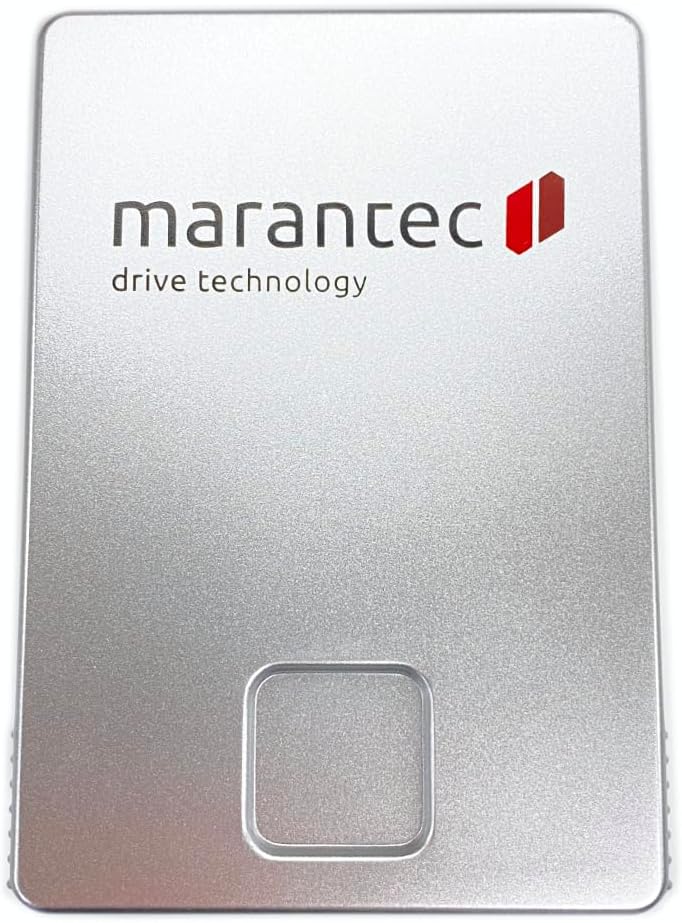
Figure 3: The mounting back plate for the keypad, showing screw holes for secure installation.
3. Programming the Keypad
Programming involves setting a personal identification number (PIN) and linking it to your garage door opener. The exact steps may vary slightly depending on your specific Marantec opener model. Generally, you will need to:
- Locate the "Learn" button on your garage door opener motor head. This button is often purple, red, or yellow.
- Press and release the "Learn" button on your garage door opener. The indicator light will illuminate.
- Within 30 seconds, enter your desired 4-digit PIN on the M13-631 keypad.
- Press the "Enter" button on the keypad. The garage door opener light should flash or click, indicating successful programming.
- Test the new PIN by entering it and pressing "Enter". The garage door should activate.
For a visual guide on programming, refer to the videos below:
Video 1: A tutorial demonstrating how to change an existing PIN on a garage door opener with a purple learn button, applicable to programming the M13-631.
Video 2: A review of the Marantec Garage Door Opener, which includes programming instructions for the keypad.
Operating Instructions
Once programmed, operating your M13-631 keypad is straightforward:
- To Open/Close: Enter your 4-digit PIN and press the Enter button. The garage door will activate.
- Temporary Guest PIN: The keypad supports temporary PINs for limited access. Refer to your full product manual for detailed instructions on setting up and managing temporary PINs.
- Close All Feature: Some models may include a feature to close all programmed garage doors with a single button press. Consult your specific opener's manual for compatibility and instructions.
Maintenance
Battery Replacement
The M13-631 keypad is powered by two AAA batteries. When the keypad lights dim or it becomes unresponsive, it's time to replace the batteries.
- Slide the keypad cover up to access the battery compartment.
- Remove the old AAA batteries.
- Insert two new AAA batteries, ensuring correct polarity (+/-).
- Replace the keypad cover.
Cleaning
Wipe the keypad surface with a soft, damp cloth. Avoid using abrasive cleaners or solvents, as these can damage the finish or electronic components.
Troubleshooting
- Keypad Not Responding: Check the batteries. Replace them if they are low or depleted.
- Garage Door Not Activating: Re-verify the programming steps. Ensure the keypad is within range of the garage door opener. Check for any obstructions in the path of the garage door sensors.
- Incorrect PIN Entry: If you enter an incorrect PIN, the keypad may not respond or may flash an error indicator. Re-enter the correct PIN.
Specifications
| Feature | Detail |
|---|---|
| Model | M13-631 |
| Frequency | 315MHz |
| Power Source | 2 AAA batteries (required) |
| Item Weight | 8.4 ounces |
| Package Dimensions | 4.96 x 3.46 x 2.91 inches |
Warranty and Support
For warranty information or technical support, please refer to the documentation included with your product or contact Marantec customer service directly. Keep your purchase receipt for warranty claims.
