
Introduction
This manual provides essential instructions for the setup, operation, and maintenance of your HCDZ replacement remote control. This remote is designed to be compatible with various Insignia LCD LED HDTV models, offering a direct replacement for your original remote without the need for complex programming.
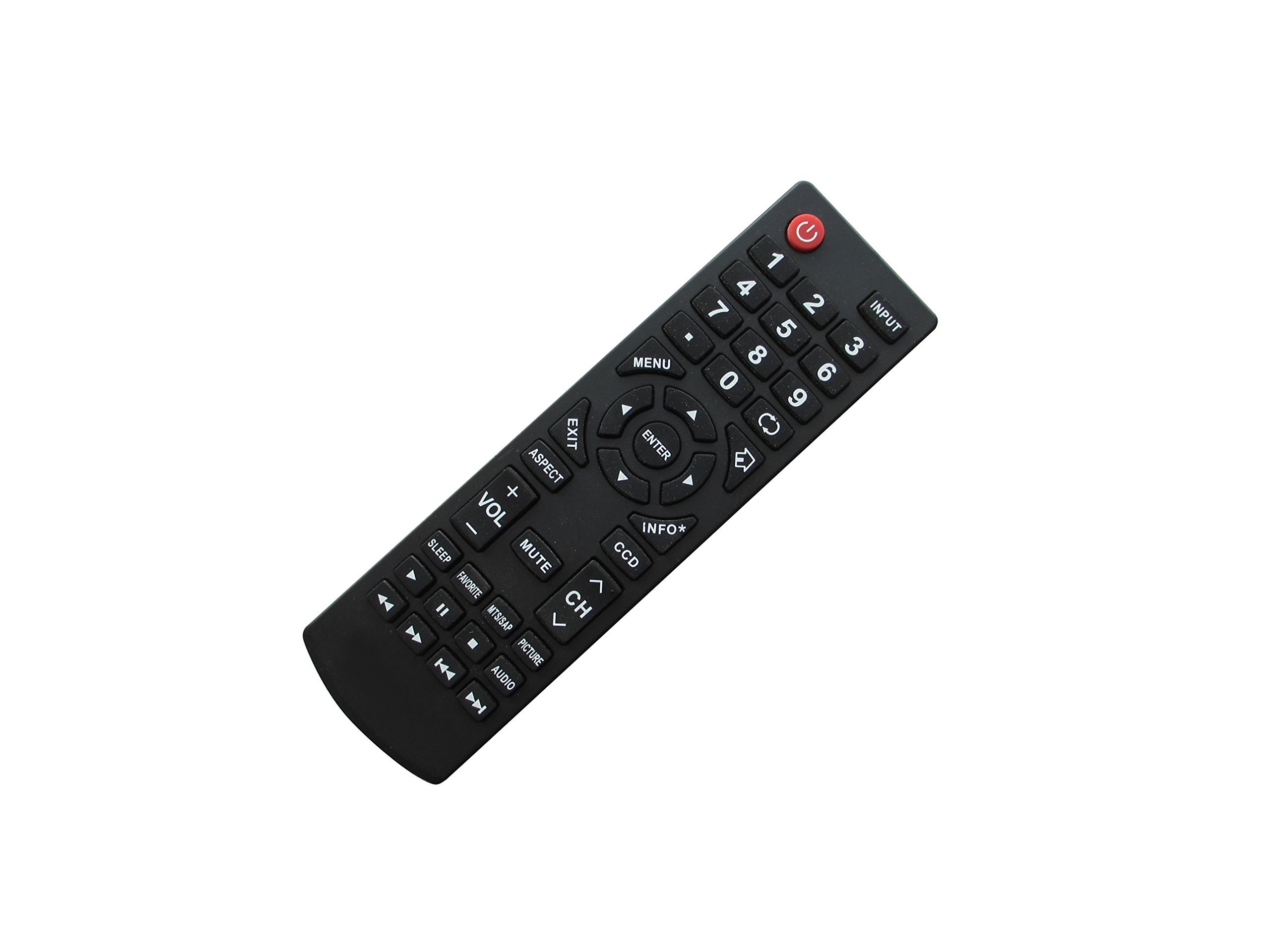
Image: Front view of the HCDZ replacement remote control. This image displays the full layout of buttons on the remote.
Setup
The HCDZ replacement remote control requires no programming. Simply install two fresh AAA batteries (not included) to begin operation.
- Locate the battery compartment on the back of the remote control.
- Slide the battery compartment cover downwards or outwards to open it.
- Insert two new AAA batteries, ensuring the positive (+) and negative (-) terminals align correctly with the markings inside the compartment.
- Slide the battery compartment cover back into place until it clicks securely.
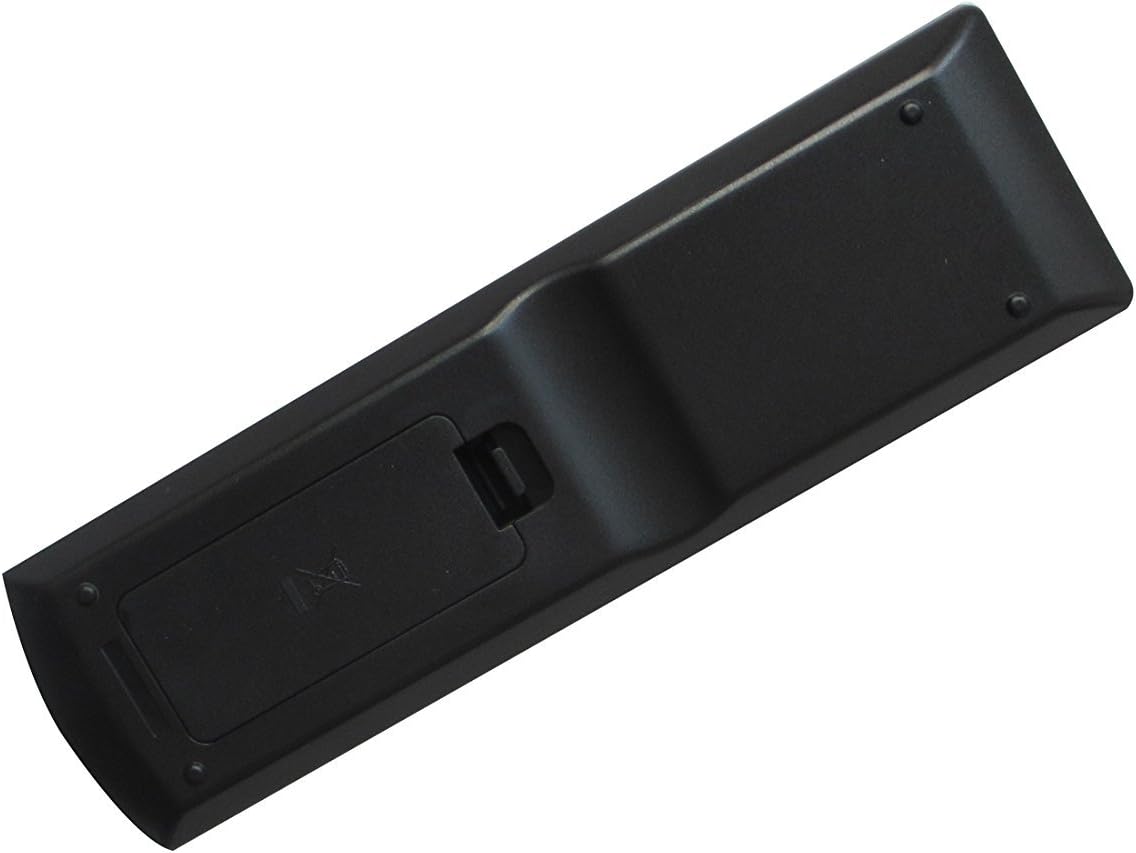
Image: Back view of the HCDZ remote control with the battery cover closed. This shows the location of the battery compartment.

Image: Back view of the HCDZ remote control with the battery compartment open, showing two AAA batteries correctly inserted.
Operating Instructions
Once batteries are installed, the remote control is ready for immediate use with your compatible Insignia TV. Point the remote directly at the TV's infrared (IR) receiver.
- Power Button: Press to turn the TV on or off.
- Channel Buttons: Use to change channels up or down.
- Volume Buttons: Adjust the TV's volume level.
- Number Pad: Enter channel numbers directly.
- Input/Source Button: Select different input sources (e.g., HDMI, AV).
- Menu Button: Access the TV's on-screen menu.
- Navigation Buttons (Arrows/OK): Navigate through menus and confirm selections.
Refer to your Insignia TV's original user manual for specific functions of each button if you are unfamiliar with the layout.
Maintenance
- Cleaning: Wipe the remote control with a soft, dry cloth. Do not use liquid cleaners or abrasive materials.
- Battery Replacement: Replace batteries when the remote's response becomes sluggish or stops working. Always replace both batteries at the same time.
- Storage: If the remote will not be used for an extended period, remove the batteries to prevent leakage and potential damage.
- Environment: Keep the remote away from extreme temperatures, direct sunlight, and moisture.
Troubleshooting
- Remote not working:
- Ensure batteries are inserted correctly with the correct polarity (+/-).
- Replace old batteries with fresh ones.
- Check for any obstructions between the remote and the TV's IR receiver.
- Ensure you are pointing the remote directly at the TV.
- Intermittent operation:
- Batteries may be low; replace them.
- Ensure no strong light sources (like direct sunlight or bright fluorescent lights) are interfering with the IR signal.
- Remote does not control all TV functions:
- This remote is a replacement for standard functions. Some advanced or smart TV features might require the original remote or specific TV settings.
- Verify your TV model is listed as compatible.
Specifications
| Model Number | HCDZ-X17983 |
| Brand | HCDZ |
| Compatible Devices | Insignia LCD LED HDTVs (Specific models: NS-39D400NA14-A, NS-39D40SNA14, NS-46L780A12, NS-55E790A12, NS-24E730A12, NS-32D311MX17, NS-40D420MX18, NS-40D420NA18) |
| Special Feature | Universal (for specified Insignia models) |
| Color | Black |
| Max Number of Supported Devices | 1 |
| Item Weight | 3.2 ounces |
| Package Dimensions | 7.09 x 3.15 x 0.79 inches |
Warranty and Support
Specific warranty information for this HCDZ replacement remote control is not provided in the product data. For details regarding warranty coverage or technical support, please refer to the seller's information on the purchase platform or contact HCDZ directly through their official channels.
You may also visit the HCDZ Store on Amazon for additional product information or to contact the seller.