
1. Overview
The iLive ISB65B Bluetooth Portable Speaker offers a convenient way to enjoy your music on the go. Its lightweight design, built-in handle, and rechargeable battery make it ideal for various settings. This manual provides essential information for setting up, operating, and maintaining your speaker.
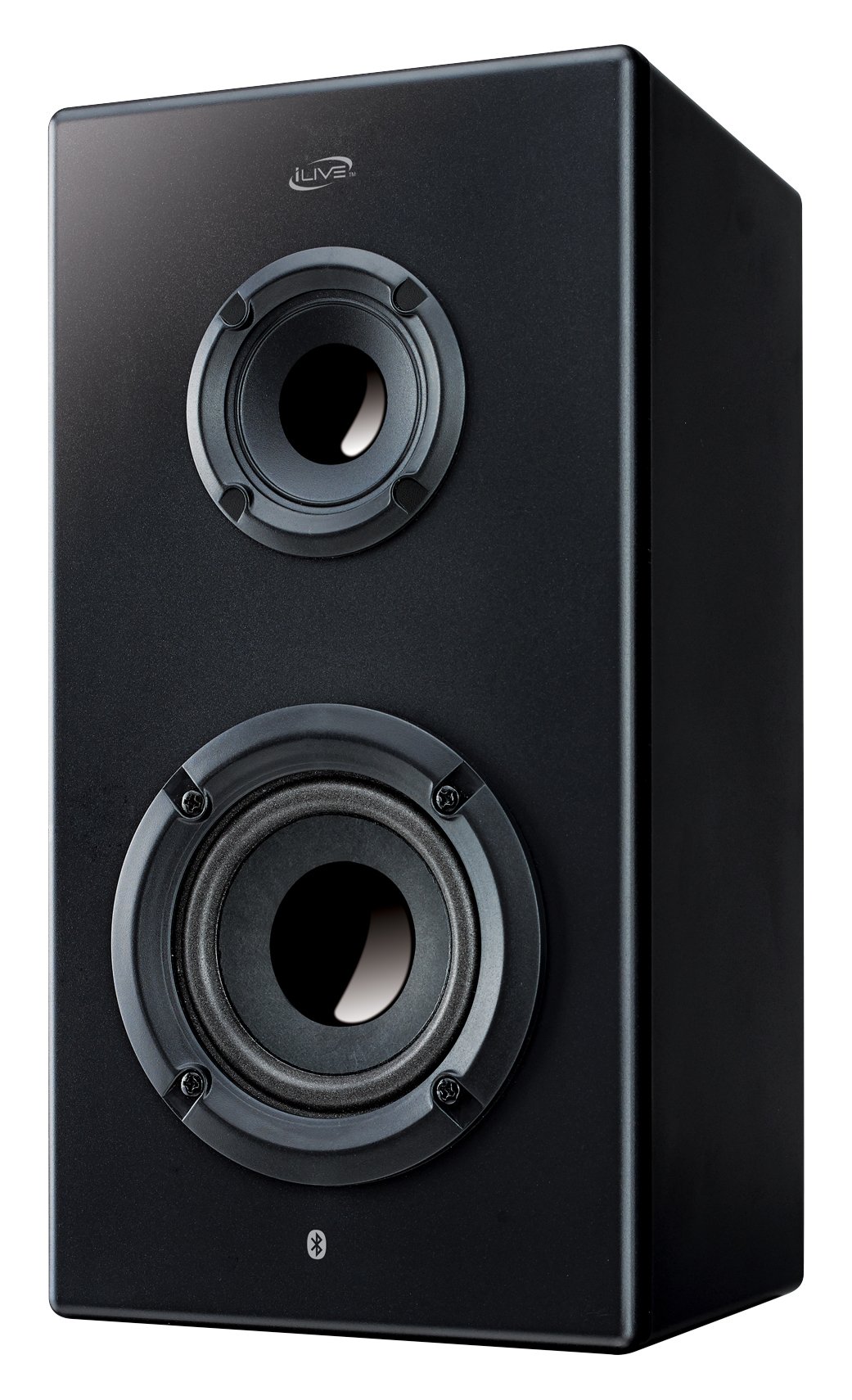
Figure 1: iLive ISB65B Bluetooth Portable Speaker
2. What's in the Box
- iLive ISB65B Bluetooth Portable Speaker (Black)
3. Product Features
- Wireless Connectivity: Bluetooth technology for seamless audio streaming.
- Portable Design: Lightweight with a built-in handle for easy transport.
- Rechargeable Battery: Integrated battery for extended playback.
- Touch Controls: Intuitive touch controls for easy operation.
- Stereo Audio Output: Delivers clear stereo sound.
- Versatile Compatibility: Connects with laptops, smartphones, tablets, and televisions.
4. Setup
4.1 Charging the Speaker
Before first use, fully charge the speaker's built-in rechargeable battery. Connect the provided charging cable to the speaker's charging port and then to a suitable power source (e.g., USB wall adapter, computer USB port). The charging indicator light will show the charging status.
4.2 Powering On/Off
- To power on: Press and hold the Power button until the indicator light illuminates.
- To power off: Press and hold the Power button until the indicator light turns off.
4.3 Bluetooth Pairing
- Ensure the speaker is powered on and in Bluetooth pairing mode (usually indicated by a flashing Bluetooth light).
- On your device (smartphone, tablet, etc.), enable Bluetooth and search for available devices.
- Select "iLive ISB65B" from the list of found devices.
- Once paired, the speaker will emit an audible confirmation, and the Bluetooth indicator light will become solid.
5. Operating Instructions
5.1 Playing Audio
After successful Bluetooth pairing, you can play audio from your connected device. Use your device's media player controls or the speaker's touch controls for playback functions.
5.2 Controls
- Power Button: Press and hold to turn on/off.
- Bluetooth Button: Press to enter pairing mode or disconnect.
- Play/Pause Button: Press to play or pause audio.
- Volume Up (+): Press to increase volume.
- Volume Down (-): Press to decrease volume.
- Next Track: Press and hold the Volume Up (+) button.
- Previous Track: Press and hold the Volume Down (-) button.
6. Maintenance
- Cleaning: Wipe the speaker with a soft, dry cloth. Do not use liquid cleaners or aerosols.
- Storage: Store the speaker in a cool, dry place away from extreme temperatures and direct sunlight.
- Battery Care: To prolong battery life, avoid fully discharging the battery frequently. Recharge it regularly, even if not in use for extended periods.
- Water Exposure: This speaker is NOT waterproof. Avoid exposure to water or moisture to prevent damage.
7. Troubleshooting
| Problem | Solution |
|---|---|
| Speaker does not turn on | Ensure the battery is charged. Connect to a power source and try again. |
| Cannot pair via Bluetooth | Make sure the speaker is in pairing mode. Check that Bluetooth is enabled on your device and it's within range. Forget the device on your phone and re-pair. |
| No sound | Check volume levels on both the speaker and your connected device. Ensure the device is properly paired. |
| Poor sound quality | Move your device closer to the speaker to reduce interference. Ensure there are no obstructions between the devices. |
8. Specifications
- Model: ISB65B
- Brand: iLive Electronics
- Speaker Type: Wireless
- Special Feature: Portable
- Recommended Uses: Music
- Compatible Devices: Laptop, Smartphone, Tablet, Television
- Surround Sound Channel Configuration: 2.0
- Color: Black
- Included Components: Bluetooth Portable Speaker (black)
- Is Waterproof: FALSE
- Control Method: Touch
- Wireless Communication Technology: Bluetooth
- Power Source: Battery Powered
- Audio Driver Type: Dynamic Driver
- Speaker Maximum Output Power: 10 Watts
- Audio Output Mode: Stereo
- Mounting Type: Freestanding
- Product Dimensions: 10.8 x 5.8 x 5.3 inches
- Item Weight: 1.4 pounds
- UPC: 047323864001
9. Warranty and Support
For warranty information and customer support, please refer to the documentation included with your product or visit the official iLive Electronics website. Keep your proof of purchase for warranty claims.


