
Introduction
This manual provides instructions for the setup, operation, and maintenance of your PECHAM Extended Gaming Mouse Pad, Model MPad-XXL. This product is designed to provide a comfortable and stable surface for your keyboard and mouse, enhancing your gaming or work experience.
Product Overview
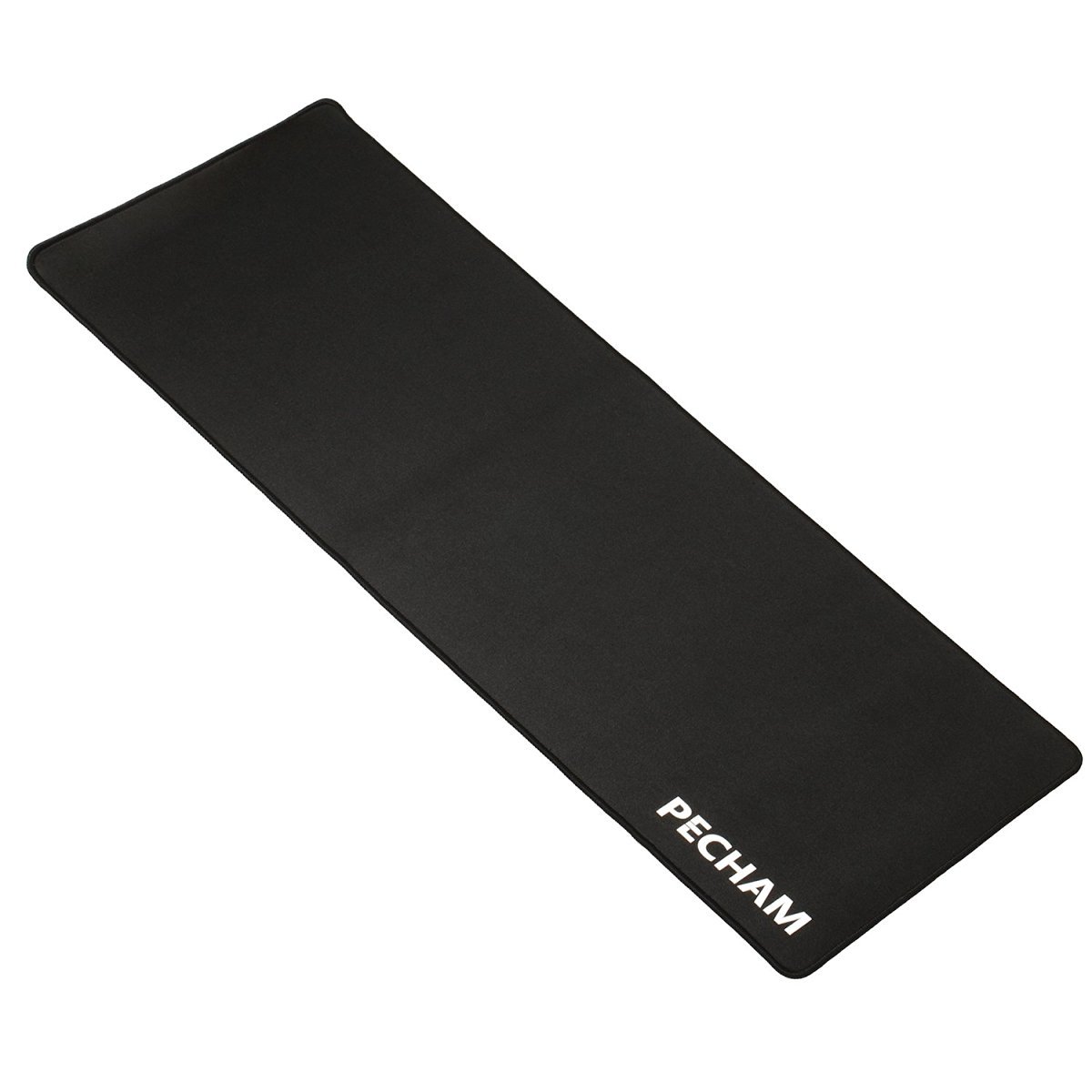
The PECHAM Extended Gaming Mouse Pad is a large, rectangular mat made from rubber, fabric, and lycra. It features a non-slip base, stitched edges for durability, and a water-resistant surface. Its generous size accommodates both a keyboard and mouse, providing ample space for movement.
Setup
- Unpack the Mouse Pad: Carefully remove the mouse pad from its packaging. It may be rolled up.
- Flatten the Pad: Unroll the mouse pad and lay it flat on your desk surface. Due to packaging, it may have some initial ripples. These typically flatten out within 24-48 hours. For faster flattening, you can place heavy, flat objects (like books) on the corners overnight.
- Address Initial Odor: A slight rubber odor may be present upon unboxing. This is normal and will dissipate over a few days in a well-ventilated area.
- Positioning: Place your keyboard and mouse on the pad as desired. The non-slip rubber base will help keep the pad securely in place.
Operating Instructions
The PECHAM Extended Gaming Mouse Pad is designed for straightforward use. Simply place your keyboard and mouse on its surface. The smooth fabric top provides precise tracking for optical and laser mice, while the large area allows for extensive mouse movements without lifting.

This image shows the mouse pad in a typical gaming setup, demonstrating its ample size for both keyboard and mouse. The black surface provides a clean aesthetic for any desk.
Maintenance
- Cleaning: The mouse pad is water-resistant and washable. For minor spills, wipe immediately with a damp cloth. For deeper cleaning, hand wash with mild soap and cold water. Avoid harsh detergents or machine washing.
- Drying: Air dry the mouse pad completely before reuse. Do not tumble dry or expose to direct sunlight for extended periods.
- Storage: If storing, roll the mouse pad loosely to prevent creasing.
Troubleshooting
| Problem | Solution |
|---|---|
| Mouse pad has ripples or isn't flat. | Allow 24-48 hours for the pad to naturally flatten. Placing heavy, flat objects on it overnight can expedite the process. |
| Strong rubber smell. | This is common with new rubber products. The smell will dissipate within a few days in a well-ventilated room. |
| Mouse tracking issues. | Ensure the mouse pad surface is clean and free of debris. Check your mouse's sensor for obstructions. |
Specifications
- Brand: PECHAM
- Model Number: MPad-XXL
- Color: Black
- Material: Rubber, fabric, lycra
- Dimensions (L x W): 30.7 inches x 11.8 inches (780mm x 300mm)
- Thickness: 3 Millimeters
- Special Features: Non-slip, Washable, Waterproof
- Recommended Use: Gaming
- Item Weight: 430 Grams
Warranty and Support
The PECHAM Extended Gaming Mouse Pad comes with a 1-Year Warranty from the date of purchase, covering manufacturing defects. For warranty claims, technical support, or any product-related inquiries, please contact PECHAM customer service through the retailer's platform or the official PECHAM website.
Please retain your proof of purchase for warranty validation.