
1. Introduction
This manual provides instructions for the H2O Smart SIM Starter Kit 3-in-1 GSM SIM Card. This SIM card is designed to provide wireless communication services, including voice calls, text messages, and mobile data, on the H2O Wireless network. It is compatible with unlocked GSM-enabled mobile phones.
2. What's in the Box
- H2O Smart SIM Starter Kit 3-in-1 GSM SIM Card
3. Setup and Activation
3.1. SIM Card Installation
The H2O Smart SIM is a triple-cut SIM card, meaning it can be adapted to Standard, Micro, or Nano SIM sizes. Carefully select the correct size for your device.

Image Description: A yellow H2O Smart SIM card, indicating 4G LTE compatibility and its 3-in-1 design (Standard, Micro, Nano). The card features the H2O Wireless logo and the website H2OWirelessNow.com.
- Power off your mobile phone.
- Locate the SIM card slot on your device. This may be under the battery, on the side of the phone, or accessible via a SIM tray tool.
- Gently push out the appropriate SIM card size (Standard, Micro, or Nano) from the larger card.
- Insert the H2O Smart SIM card into your phone's SIM card slot. Ensure it is correctly oriented.
- Power on your mobile phone.
3.2. Service Activation
To activate your H2O Wireless service, choose one of the following methods:
- Visit the official H2O Wireless website: h2owirelessnow.com and follow the activation prompts.
- Dial 1-800-643-4926 from any phone and follow the automated instructions.
During activation, you will select your desired service plan.
4. Operating Instructions
4.1. Plan Selection
H2O Wireless offers various service plans, including Monthly Unlimited and Pay-As-You-Go options.
- Monthly Unlimited Plans: These plans typically include unlimited talk, text, MMS, and a specified amount of data, along with international talk credit. Plans start from $30 per month.
- Pay-As-You-Go Plans: These plans allow you to pay for services as you use them, with various denominations available from $10. These plans often include international long-distance calling to over 50 countries.
For detailed plan information and current offerings, please visit the H2O Wireless website.
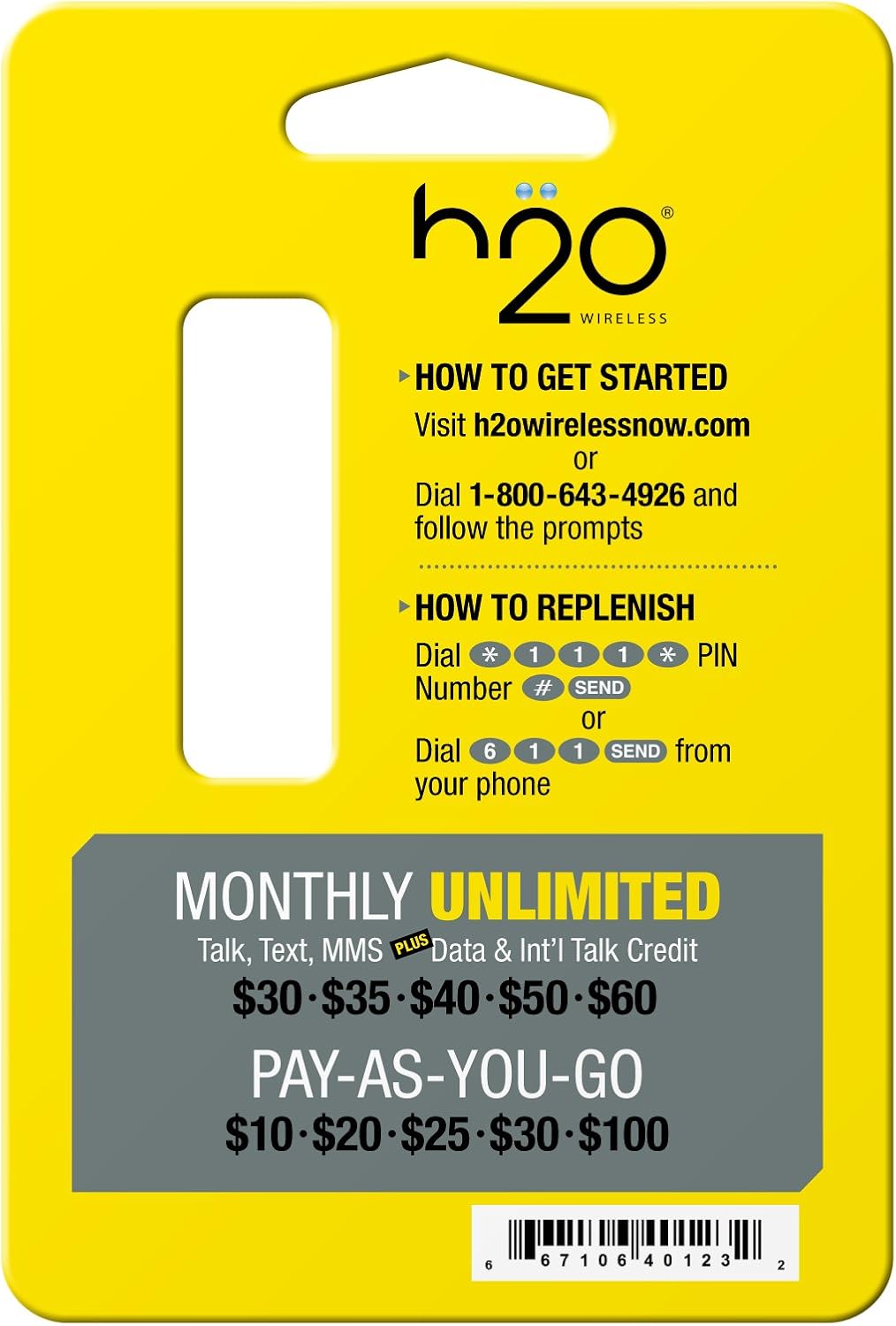
Image Description: The back of the H2O Smart SIM Starter Kit packaging. It displays instructions for "HOW TO GET STARTED" (visit h2owirelessnow.com or dial 1-800-643-4926) and "HOW TO REPLENISH" (dial *111*1*PIN# SEND or 611 SEND). Below these instructions, it lists "MONTHLY UNLIMITED" plan options ($30-$60) and "PAY-AS-YOU-GO" options ($10-$100).
4.2. International Calling
Many H2O Wireless plans include international calling benefits. Refer to your specific plan details for included countries and minutes.
4.3. Data Usage
Data speeds and allowances depend on your selected plan. If you exceed your high-speed data allowance on certain plans, your data speed may be reduced for the remainder of your billing cycle without additional charges.
5. Maintenance
5.1. Recharging Your Account
To add funds or renew your service plan, use one of the following methods:
- Online: Visit h2owirelessnow.com/recharge.
- Phone: Dial *111*1*PIN Number# SEND from your H2O Wireless phone.
- Customer Service: Dial 611 SEND from your H2O Wireless phone to speak with customer service for assistance with recharging.
5.2. Auto Recharge
H2O Wireless offers an Auto Recharge feature to automatically renew your plan, ensuring continuous service. Details on setting up Auto Recharge are available on the H2O Wireless website.
6. Troubleshooting
6.1. Common Issues and Solutions
- No Service/Signal:
- Ensure your phone is unlocked and compatible with GSM networks.
- Verify the SIM card is correctly inserted.
- Restart your phone.
- Check network settings (APN settings may need to be configured; refer to H2O Wireless support for specific APN details).
- Cannot Make Calls/Send Texts:
- Confirm your account has an active plan or sufficient balance.
- Check for network outages in your area.
- Data Not Working:
- Ensure mobile data is enabled in your phone's settings.
- Verify APN settings are correct.
- Check your plan's data allowance and usage.
6.2. Contact Support
If you experience persistent issues, please contact H2O Wireless Customer Support:
- Phone: Dial 611 from your H2O Wireless phone or 1-800-643-4926 from any phone.
- Website: Visit h2owirelessnow.com/contact-us for online support options.
7. Specifications
| Feature | Detail |
|---|---|
| Brand | H2O |
| Model Number | G&D63750TRIPLESIMLTE |
| Form Factor | Triple-cut (Standard, Micro, Nano) |
| Cellular Technology | GSM |
| Service Provider | H2O Wireless |
| Product Dimensions | 3.25 x 2 x 1 inches |
| Item Weight | 0.16 ounces |
| UPC | 627404154179, 667106401102, 667106401201, 661239388224, 715120486763, 667106401249, 667106401218, 126987423943, 757901945946, 676764038841, 045923391897, 661239387333, 661239387555, 661239387395, 661239387593, 661239388217, 667106401232, 627404162938, 885784868820, 661239388231, 799705493438, 610214628435, 799705493414, 661239387586, 676764082523, 676764086422, 661239387562 |
8. Warranty and Support
8.1. Warranty Information
For specific warranty details regarding the H2O Smart SIM Starter Kit and H2O Wireless services, please refer to the terms and conditions provided by H2O Wireless at the time of purchase or visit their official website. SIM cards typically do not carry a separate manufacturer's warranty beyond initial functionality.
8.2. Customer Support
For any questions, technical assistance, or service inquiries, please contact H2O Wireless Customer Support:
- Phone: Dial 611 from your H2O Wireless phone or 1-800-643-4926 from any phone.
- Website: h2owirelessnow.com
- Online Chat/FAQ: Check the H2O Wireless website for available online chat services and frequently asked questions.
