
Sunbeam TSL8TS-R783-31A00
Sunbeam Heated Throw Blanket User Manual
Model: TSL8TS-R783-31A00
Introduction
This manual provides important information for the safe and effective use of your Sunbeam LoftTec Heated Throw Blanket. Please read all instructions carefully before use and retain for future reference.
The Sunbeam LoftTec Heated Throw Blanket is designed to provide warmth and comfort. It features three heat settings, an easy-to-use controller, and ThermoFine technology for consistent heat distribution. For safety, it includes a 3-hour auto-shutoff feature.
Important Safety Instructions
- Do not use with infants, children, incapacitated persons, or anyone insensitive to heat.
- Do not use if wet.
- Do not use with a damaged cord or plug.
- Do not use with alcohol, narcotics, or other medications that may cause drowsiness.
- Do not use with other heating appliances.
- Do not use folded, bunched, or tucked in.
- Always disconnect from power outlet when not in use.
- Keep controller away from drafts or moisture.
- Do not dry clean. Dry cleaning solvents may damage the insulation.
- Do not iron.
- Do not use pins or other metallic objects with this blanket.
Setup
Before first use, carefully unroll the heated throw blanket and lay it flat. Ensure there are no kinks or folds in the heating wires. Inspect the blanket, cord, and controller for any signs of damage.

Image: The Sunbeam LoftTec Heated Throw Blanket in Sand color, unfolded, with its attached controller and power cord visible. This shows the overall product and its main components.
Connecting the Controller
- Locate the connector on the blanket and the corresponding plug on the controller cord.
- Firmly push the controller plug into the blanket connector until it clicks securely into place.
- Plug the power cord into a 120V AC electrical outlet.
Ensure the controller is placed on a flat, stable surface and not covered by the blanket or other items during operation to prevent overheating.
Operating Instructions
Your Sunbeam Heated Throw Blanket features an easy-to-use EliteStyle controller with multiple heat settings and an automatic shut-off function.

Image: Close-up of the Sunbeam controller, highlighting the "High", "Med", "Low" heat settings and the "3-hour auto-off" feature. This illustrates the primary controls for the blanket.
Heat Settings
- The controller offers three heat settings: Low, Medium, and High.
- To turn on the blanket, press the power button on the controller. The indicator light will illuminate.
- Press the heat setting button repeatedly to cycle through the desired heat levels.
- Allow a few minutes for the blanket to reach the selected temperature.

Image: Graphic illustrating "ThermoFine® technology auto-adjusts for consistent heat". This highlights a key feature ensuring even warmth across the blanket.
Auto-Shutoff Feature
For your safety and energy conservation, the blanket is equipped with a 3-hour auto-shutoff feature. After approximately three hours of continuous operation, the blanket will automatically turn off. To resume heating, simply press the power button on the controller again.
Turning Off the Blanket
To turn off the blanket manually, press and hold the power button on the controller until the indicator light turns off. Always unplug the blanket from the wall outlet when not in use.
Maintenance and Care
Proper care will extend the life of your Sunbeam Heated Throw Blanket. Always follow these instructions carefully.

Image: Graphic indicating "Machine washable". This visually confirms the blanket's ease of cleaning.
Washing Instructions
- Before Washing: Disconnect the controller from the blanket and unplug the power cord from the wall outlet. Ensure all cords are completely detached.
- Pre-soak (Optional): For best results, pre-soak the blanket for 15 minutes in cold water with a mild detergent.
- Machine Wash: Wash on the "delicate" or "gentle" cycle in a washing machine with cold water (maximum 86°F / 30°C). Use a small amount of mild detergent. Do not use bleach.
- Rinse: Rinse on the "normal" cycle.
- Spin Dry: Spin dry on the "fast" cycle to remove excess water.
Drying Instructions
- Tumble Dry: Tumble dry on a low heat setting (delicate cycle) for a maximum of 5 minutes.
- Line Dry: Remove the blanket from the dryer while still damp and drape it over a clothesline or shower rod to air dry completely. Do not use clothespins that might pinch the wires.
- Ensure the blanket is completely dry before reconnecting the controller and plugging it back into an outlet.
- Do not iron the blanket.
- Do not dry clean.
Troubleshooting
If your heated throw blanket is not operating correctly, please refer to the following common issues and solutions before contacting customer support.
| Problem | Possible Cause | Solution |
|---|---|---|
| Blanket is not heating. | Power cord not securely plugged in. Controller not connected properly. Auto-shutoff activated. Power outage. | Ensure power cord is fully inserted into the wall outlet. Reconnect the controller firmly to the blanket. Press the power button on the controller to restart. Check household circuit breaker. |
| Controller light is flashing. | System error or malfunction. | Unplug the blanket from the wall outlet for a few minutes, then plug it back in. If the issue persists, contact customer support. |
| Blanket feels too hot or not warm enough. | Incorrect heat setting. Blanket is folded or bunched. | Adjust the heat setting on the controller. Ensure the blanket is spread out flat and not folded or bunched during use. |
Specifications
- Model Number: TSL8TS-R783-31A00
- Material: 100% Polyester (Microplush)
- Color: Sand
- Dimensions: Approximately 50" x 60" (Throw Size)
- Heat Settings: 3
- Auto-Shutoff: 3 Hours
- Technology: ThermoFine®
- Care: Machine Washable and Dryer Safe
- Power: 120V AC
- Item Weight: 3.19 pounds
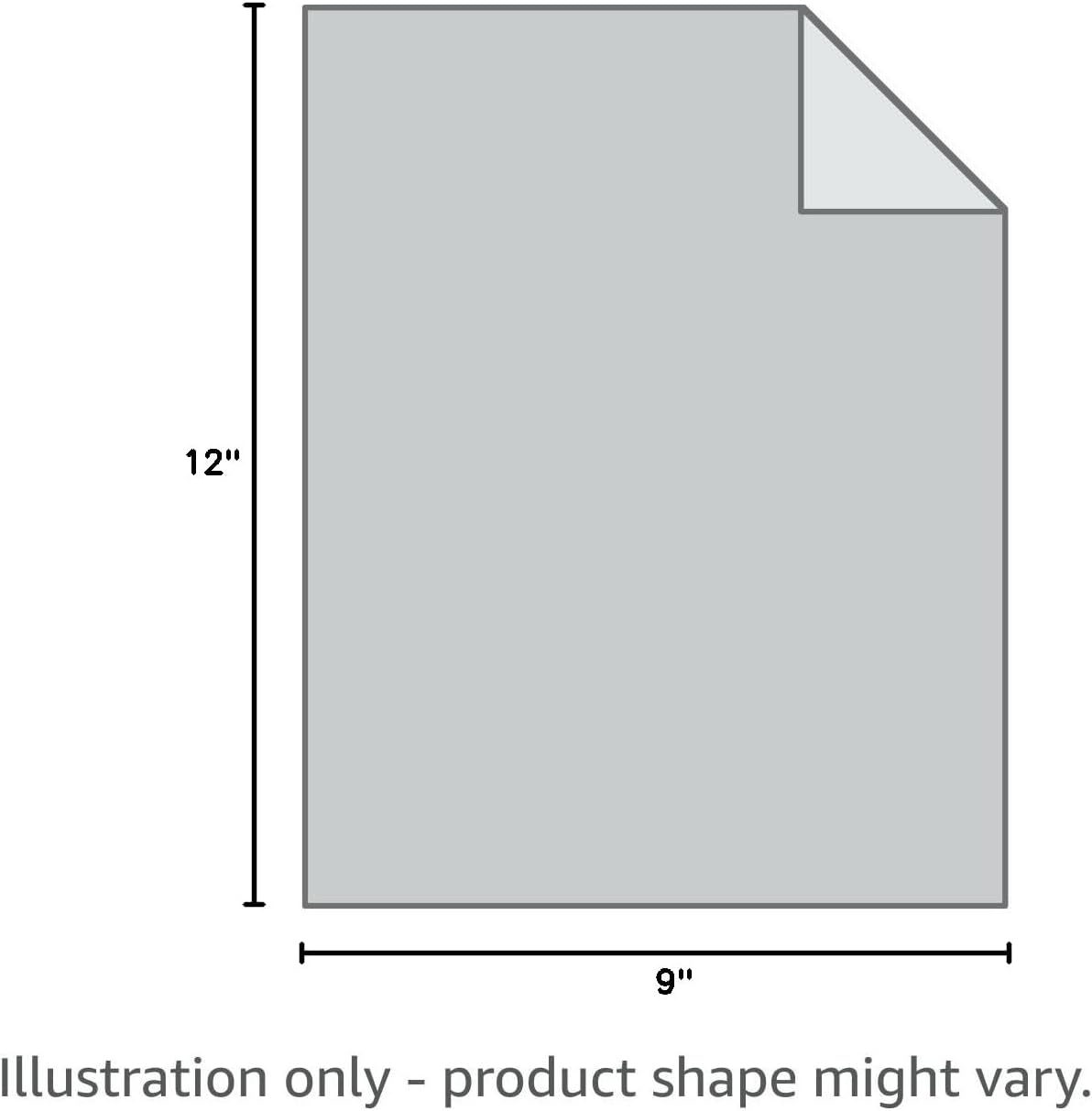
Image: An illustration showing generic product dimensions of 12"L x 9"W, indicating that product shape might vary. For this throw blanket, the actual dimensions are 50" x 60".

Image: A bedding size guide table, showing various blanket, mattress pad, and throw sizes. The "Throw" size is listed as 50" x 60", which applies to this product.
Warranty Information
This Sunbeam Heated Throw Blanket is covered by a 5-year limited warranty from the manufacturer. This warranty covers defects in material and workmanship under normal household use. Please retain your proof of purchase for warranty claims.
For detailed warranty terms and conditions, please refer to the official Sunbeam website or contact customer support.
Customer Support
If you have any questions, require assistance, or need to make a warranty claim, please contact Sunbeam Customer Service:
- Website: www.sunbeam.com
- Phone: Refer to the Sunbeam website for regional contact numbers.
Please have your model number (TSL8TS-R783-31A00) and proof of purchase ready when contacting support.
Related documentsTSL8TS-R783-31A00

Ask a question about this manual
Ask about setup, troubleshooting, compatibility, parts, safety, or missing instructions. Manuals+ will review the question and use this page’s manual context to help answer it.