
Sangean ATS-405
Sangean ATS-405 FM-Stereo/AM/Short Wave World Band Receiver User Manual
Model: ATS-405
Introduction
This manual provides detailed instructions for the operation, setup, and maintenance of your Sangean ATS-405 FM-Stereo/AM/Short Wave World Band Receiver. Please read this manual thoroughly before using the device to ensure proper function and longevity.
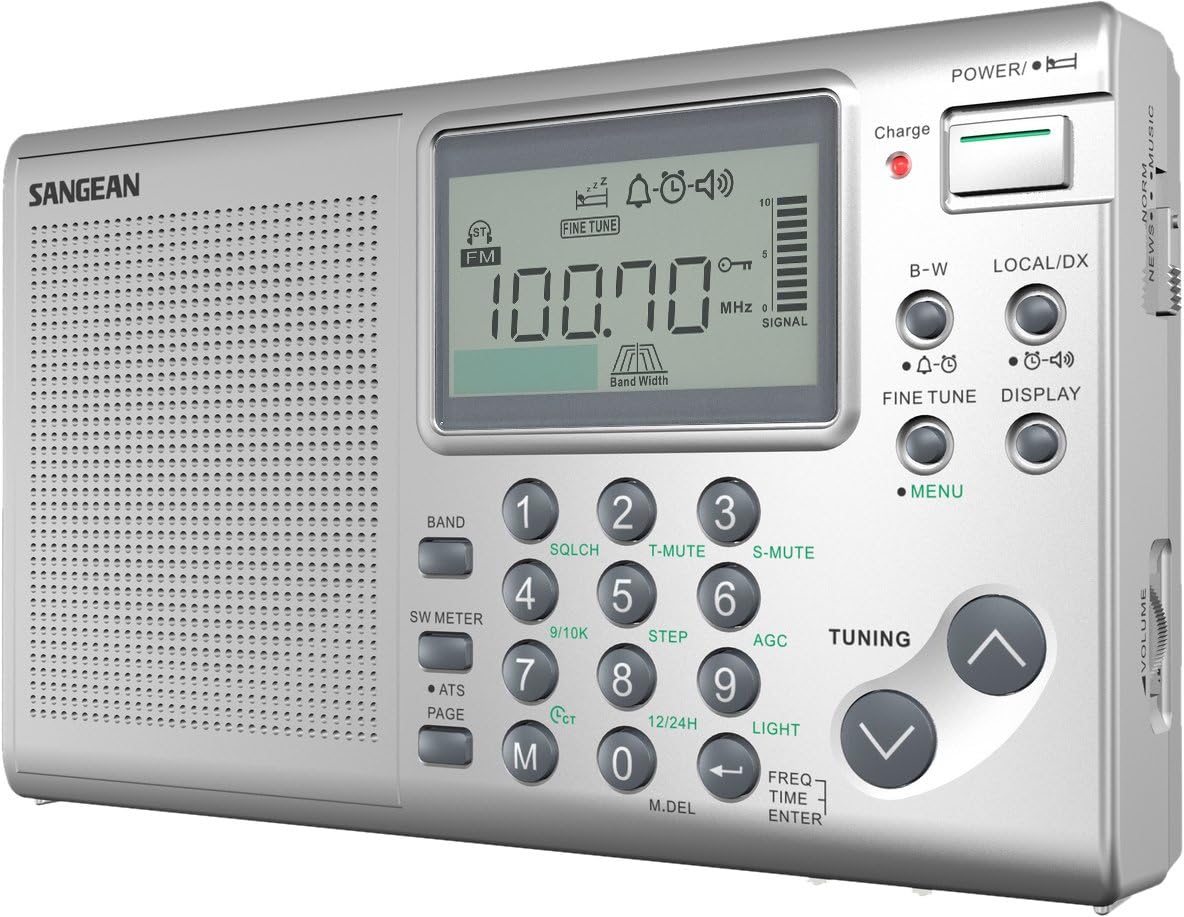
Image: Front view of the Sangean ATS-405 receiver, showcasing its silver finish, large digital display, and control buttons.
Package Contents
Verify that all items listed below are included in your package:
- Sangean ATS-405 FM/MW/SW Stereo World Receiver
- Power Adapter
- Carrying Pouch
- Earbuds

Image: The Sangean ATS-405 receiver partially visible inside its black carrying pouch, demonstrating portability.
Setup
Battery Installation
The ATS-405 operates on 4 AA batteries (not included). For optimal performance and to utilize the built-in charger, rechargeable NiMH batteries are recommended.
- Locate the battery compartment on the rear of the unit.
- Open the battery compartment cover.
- Insert 4 AA batteries, ensuring correct polarity (+/-) as indicated inside the compartment.
- Close the battery compartment cover securely.
- Ensure the internal battery switch is set correctly for the type of batteries installed (rechargeable NiMH or alkaline). This switch is located inside the battery compartment.
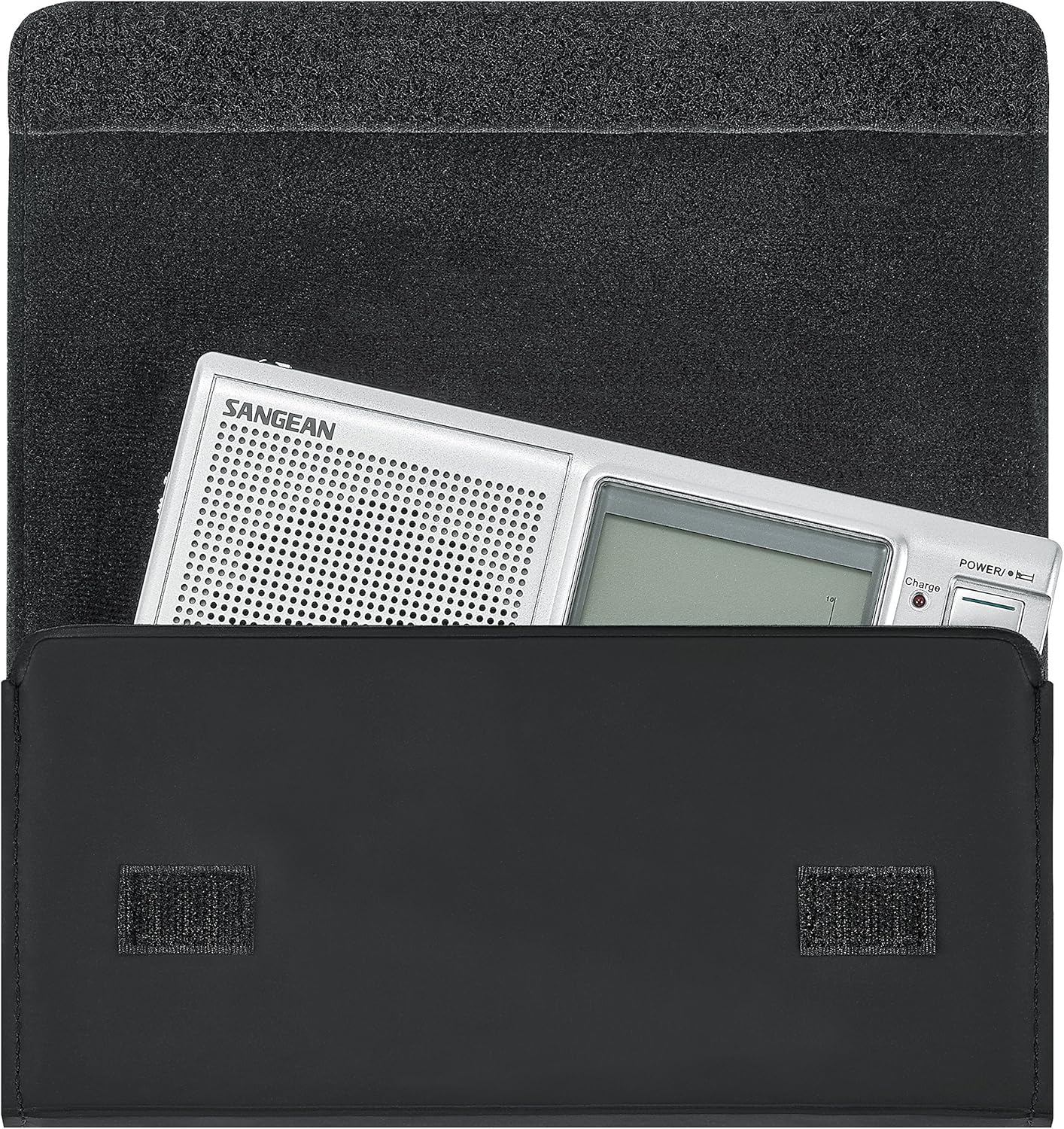
Image: Rear view of the Sangean ATS-405, highlighting the battery compartment and the Universal Time Coordinate (UTC) map for time zone reference.
Connecting to Power
To power the unit or charge rechargeable batteries, connect the included AC adapter to the DC IN port on the side of the radio and plug it into a standard wall outlet.
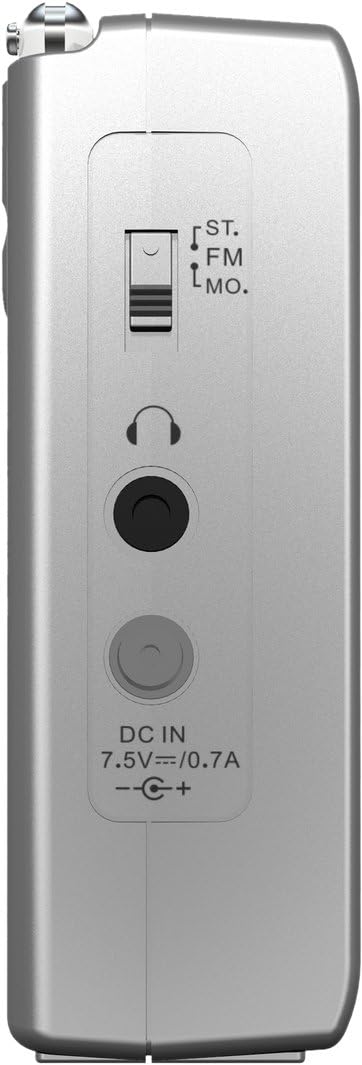
Image: Side view of the Sangean ATS-405, displaying the headphone jack, DC IN port for power adapter, and FM/Stereo/Mono switch.
Operating Instructions
Power On/Off
Press the POWER button located on the top right of the radio to turn the unit on or off.
Band Selection
Press the BAND button to cycle through available frequency bands: FM, AM (MW), and Shortwave (SW).
Tuning Methods
The ATS-405 offers five primary tuning methods:
- 10 Key Pad Direct Frequency Access: Enter the desired frequency directly using the numeric keypad. Press FREQ/TIME ENTER to confirm.
- Auto Scan (ATS): Press the ATS button to automatically scan and store strong stations into memory.
- Manual Tuning: Use the TUNING up/down arrow buttons to manually adjust the frequency.
- Memory Recall: Press the M button, then use the numeric keypad or tuning arrows to recall stored stations. The radio supports 108 presets (36 FM, 36 AM, 36 SW).
- Rotary Tuning: Use the TUNING up/down arrow buttons for incremental frequency changes.
Fine Tuning
Press the FINE TUNE button to enable 1 kHz step tuning for precise frequency adjustment, especially useful for shortwave reception.
Squelch Function
The SQLCH button activates the squelch function, which can be adjusted to eliminate weak transmissions and background noise, providing clearer audio for stronger signals.
Audio Settings
The radio features a switch for three audio settings: Music, Normal, and News. Adjust this switch on the side of the unit to optimize sound quality for different content types.

Image: Detailed view of the Sangean ATS-405's front panel, showing the digital display, numeric keypad, tuning buttons, and function keys like BAND, SQLCH, and FINE TUNE.
Maintenance
Cleaning
Wipe the radio with a soft, dry cloth. Do not use abrasive cleaners or solvents, as they may damage the finish.
Battery Care
If the radio will not be used for an extended period, remove the batteries to prevent leakage and potential damage to the unit.
Storage
Store the radio in a cool, dry place, away from direct sunlight and extreme temperatures. The included carrying pouch can protect the unit during storage and transport.
Troubleshooting
No Power
- Ensure batteries are correctly installed with proper polarity.
- Check if batteries are depleted and replace them or recharge if using NiMH.
- If using the AC adapter, ensure it is securely plugged into both the radio and a working power outlet.
- Verify the internal battery switch is set correctly.
Poor Reception
- Extend the telescopic antenna fully for FM and Shortwave reception.
- For AM reception, rotate the radio for best signal.
- Move the radio away from electronic devices that may cause interference (e.g., computers, TVs, fluorescent lights).
- Adjust the squelch function to reduce background noise for weak signals.
- Try different tuning methods or fine-tuning for better signal lock.
Sound Distortion
- Adjust the volume level.
- Check the audio setting switch (Music, Normal, News) and select the appropriate mode.
- If using headphones, ensure they are fully plugged in and functioning correctly.
Specifications
| Feature | Detail |
|---|---|
| Model Number | ATS-405 |
| Product Dimensions (L x W x H) | 9.6 x 8.7 x 3.1 inches (24.4 x 22.1 x 7.9 cm) |
| Item Weight | 12.8 ounces (0.36 kg) |
| Tuner Technology | FM, AM (MW), Shortwave (SW) |
| Frequency Coverage |
|
| Presets | 108 (36 FM / 36 AM / 36 SW) |
| Power Source | 4 AA Batteries (not included) or AC Adapter (included) |
| Special Feature | Built-in Battery Charger with LED Indicator |
| Included Components | FM/MW/SW Stereo World Receiver, Earbuds, Power Adapter, Carrying Pouch |
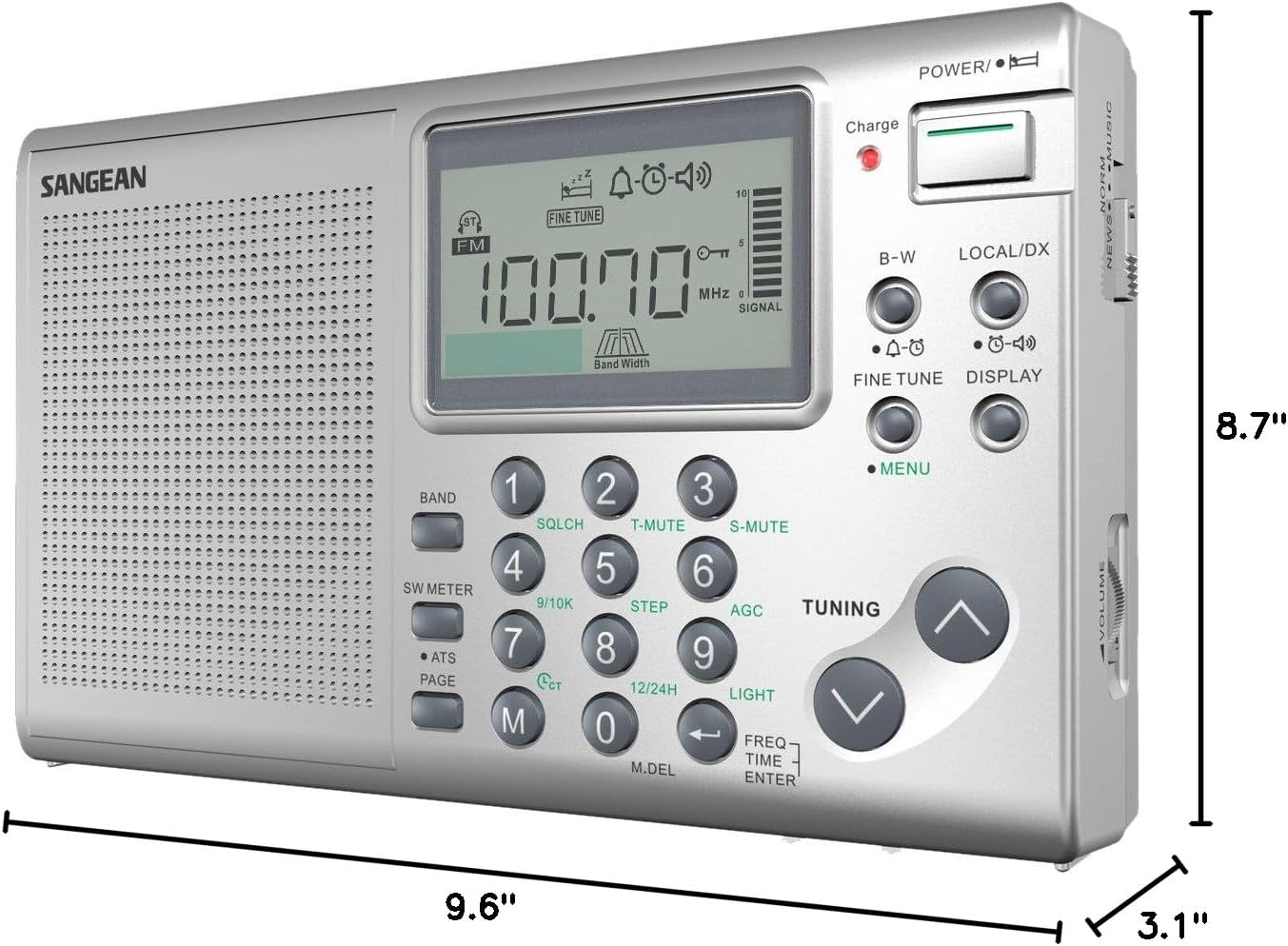
Image: The Sangean ATS-405 receiver with its key dimensions (length, width, height) indicated, providing a visual reference for its size.
Warranty Information
For warranty details and service, please refer to the warranty card included with your product or visit the official Sangean website. Keep your purchase receipt as proof of purchase.
Support
For further assistance, technical support, or to inquire about replacement parts, please contact Sangean customer service. Contact information can typically be found on the Sangean website or on the product packaging.
Note: This product contains chemicals known to the State of California to cause cancer and birth defects or other reproductive harm.