
Introduction
This manual provides essential instructions for the proper installation, operation, and maintenance of your Homelite Toro Trimmer Replacement Bump Knob, part number 518803003. Please read this manual thoroughly before attempting any procedures to ensure safe and effective use.
Product Overview
The Homelite 518803003 Bump Knob is a genuine replacement part designed for specific Homelite and Toro string trimmer models. This component is crucial for the automatic feeding of trimmer line during operation. It is constructed from durable plastic to withstand regular use in outdoor conditions.
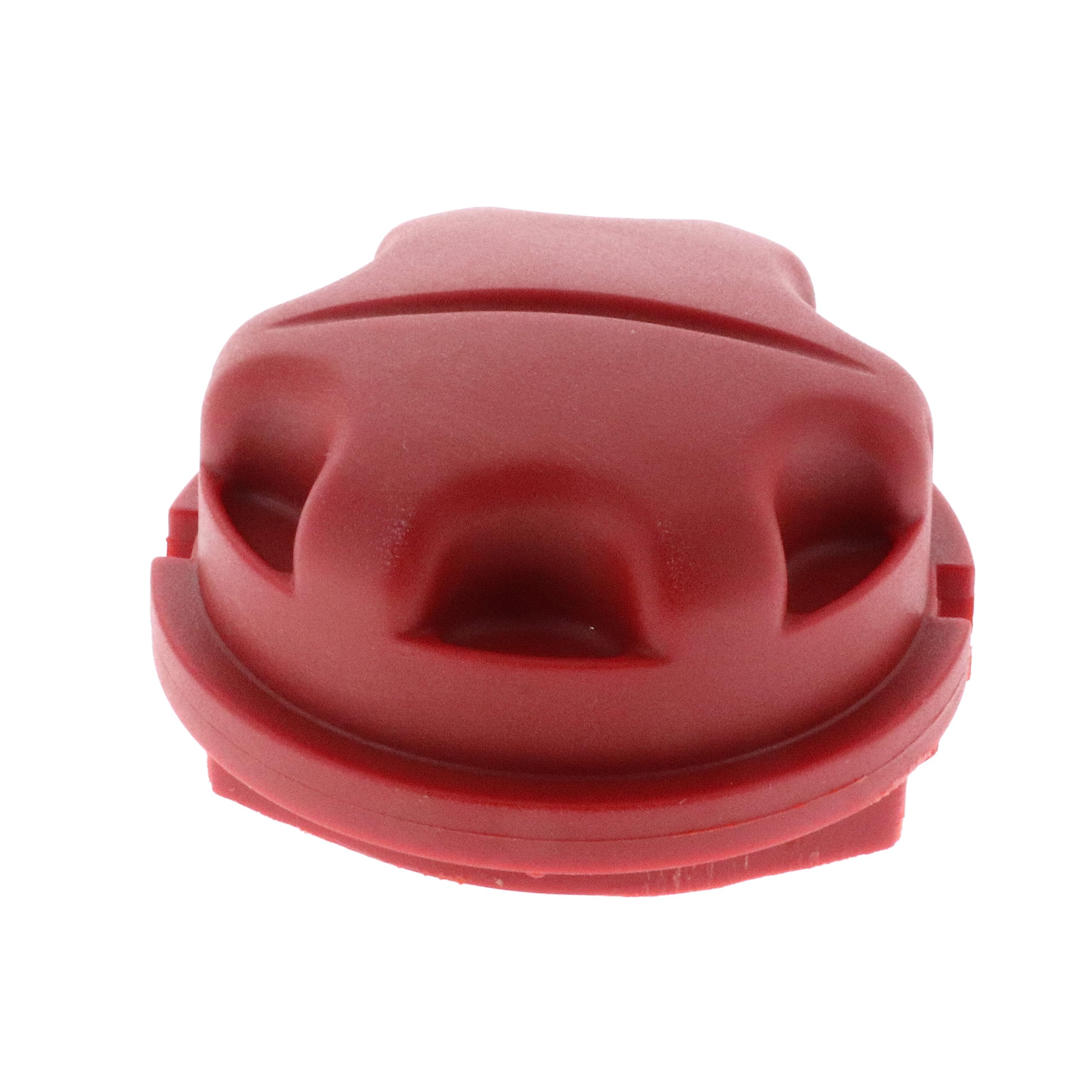
Image: The Homelite Toro Trimmer Replacement Bump Knob, part number 518803003, shown in its original packaging.
Setup and Installation
Follow these steps to replace the bump knob on your string trimmer:
- Safety First: Ensure the string trimmer is turned off and disconnected from its power source (unplugged or battery removed) before beginning any installation.
- Access the Trimmer Head: Locate the existing bump knob on the trimmer head. Depending on your trimmer model, you may need to remove the trimmer head cap or cover.
- Remove Old Knob: Carefully pull or pry out the old bump knob. It is often held in place by a simple snap mechanism.
- Install New Knob: Align the new Homelite 518803003 bump knob with the opening on the trimmer head. Press firmly until it snaps securely into place. You should hear or feel a click indicating it is seated correctly.
- Reassemble: If you removed a trimmer head cap, reattach it securely.
- Verify Installation: Gently tug on the new bump knob to ensure it is firmly attached and does not easily come loose.
Operating the Bump Knob
The bump knob facilitates the automatic feeding of trimmer line. To advance the trimmer line:
- Start the trimmer and allow it to reach full operating speed.
- Gently tap the bump knob on a firm, non-abrasive surface, such as the ground or a concrete path.
- The centrifugal force will cause the trimmer line to feed out. Avoid excessive force when bumping.
- Repeat as necessary to maintain the desired line length.
Maintenance
To ensure the longevity and proper function of your bump knob:
- Regular Inspection: Periodically inspect the bump knob for signs of wear, cracks, or damage. A worn knob may not feed line effectively.
- Cleaning: Keep the bump knob and the surrounding trimmer head area free from grass clippings, dirt, and other debris. Accumulated debris can hinder its operation.
- Replacement: If the bump knob shows significant wear, becomes loose, or no longer feeds line reliably, replace it with a genuine Homelite part to maintain optimal performance.
Troubleshooting
If you encounter issues with your bump knob, consider the following:
- Line Not Feeding:
- Ensure the bump knob is securely installed.
- Check for any debris or grass clippings obstructing the line exit or the knob mechanism.
- Verify that the trimmer line is properly spooled and not tangled inside the trimmer head.
- Inspect the bump knob for excessive wear; a severely worn knob may not engage correctly.
- Knob Feels Loose:
- Re-check the installation steps to ensure it is snapped into place correctly.
- If the knob continues to feel loose after proper installation, it may be damaged and require replacement.
Specifications
| Model Number | 518803003 |
| Brand | Homelite |
| Material | Plastic |
| Product Dimensions (L x W) | 2.5" x 2.5" |
| Item Weight | 22.68 g |
| Additional Features | Easy to Install |
Warranty Information
Specific warranty details for this replacement part may vary. Please refer to the original product documentation provided with your Homelite or Toro string trimmer, or contact the manufacturer or authorized seller directly for current warranty terms and conditions.
Support and Contact
For further assistance, technical support, or to inquire about other genuine replacement parts, please contact Homelite customer service or your authorized Homelite/Toro dealer. Contact information can typically be found on the manufacturer's official website or in your trimmer's original user manual.