
1. Introduction
Welcome to the user manual for your Philips Hair Clipper Series 9000, model HC9450/15. This advanced hair clipper is designed to provide absolute precision and control over your haircut. Featuring digital touch control, motorized combs, a memory function, and powerful cutting unit with titanium blades, this device consistently delivers professional results. Please read this manual carefully before first use to ensure safe and optimal performance.
2. Safety Information
Important Safety Warnings:
- Keep the product away from water. Do not use it near bathtubs, showers, basins, or other vessels containing water.
- Do not use on infants or very young children.
- Ensure the battery is fully charged before initial use to maximize performance and battery life.
- Only use the charger supplied with the appliance.
- Do not use the appliance if it is damaged in any way, especially the cord or the blades.
- This appliance can be used by children aged from 8 years and above and persons with reduced physical, sensory or mental capabilities or lack of experience and knowledge if they have been given supervision or instruction concerning use of the appliance in a safe way and understand the hazards involved.
- Cleaning and user maintenance shall not be made by children without supervision.
3. Package Contents
Upon opening your Philips Hair Clipper Series 9000, please verify that all the following items are included in the package:
- 1 x Hair Clipper Unit (HC9450/15)
- 3 x Adjustable Comb Attachments (for lengths 1-7mm, 7-24mm, and 24-42mm)
- 1 x Titanium Blade Set (pre-installed)
- 1 x Power Adapter/Charger
- 1 x Cleaning Brush
- 1 x User Manual

4. Product Features
The Philips Hair Clipper Series 9000 is engineered with advanced features for a superior grooming experience:
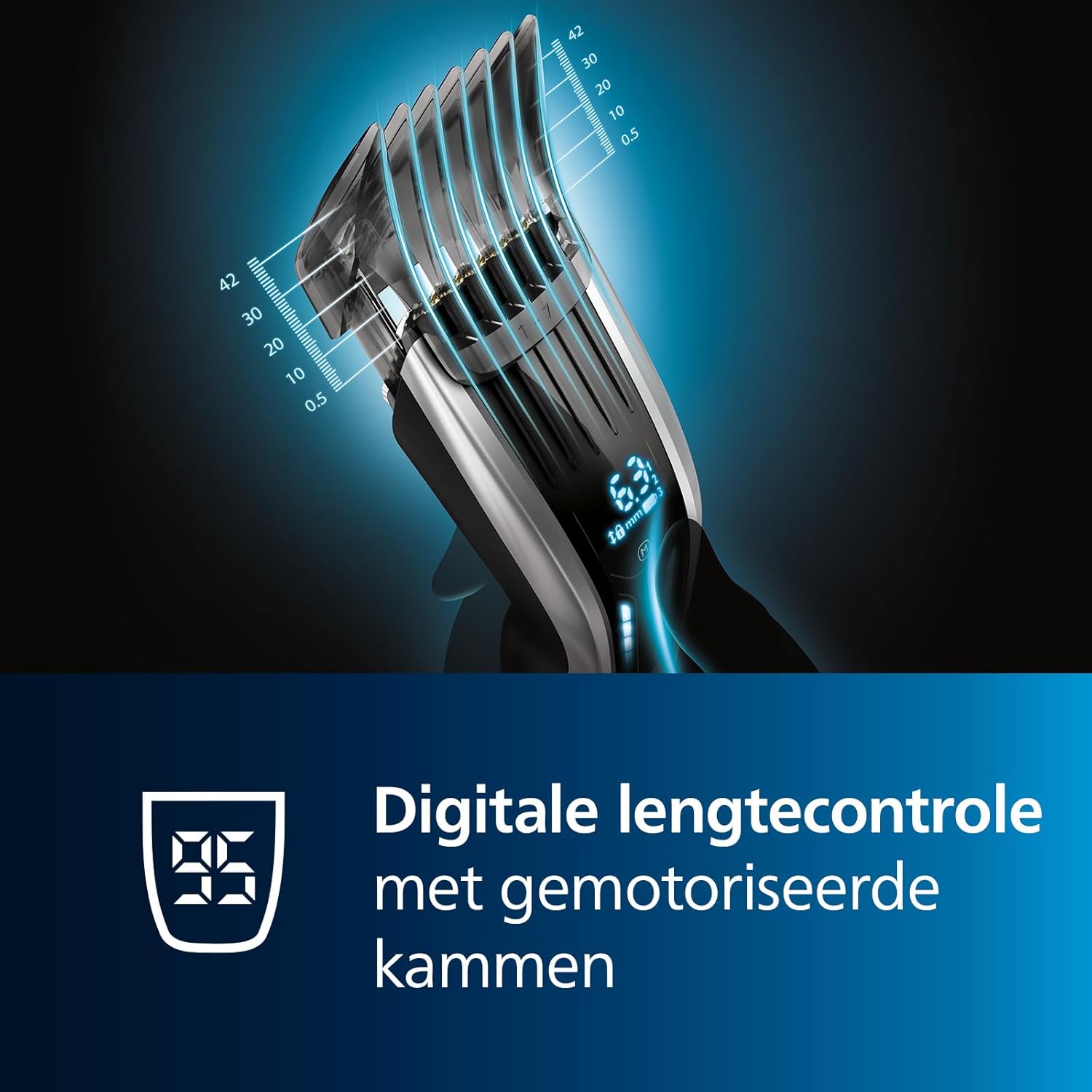
- Digital Touch Control with Motorized Combs: Easily select and lock in your desired length with precise digital feedback. The motorized combs automatically adjust to over 400 length settings, ranging from 0.5 mm (without comb) to 42 mm, with 0.1 mm precision between each length.
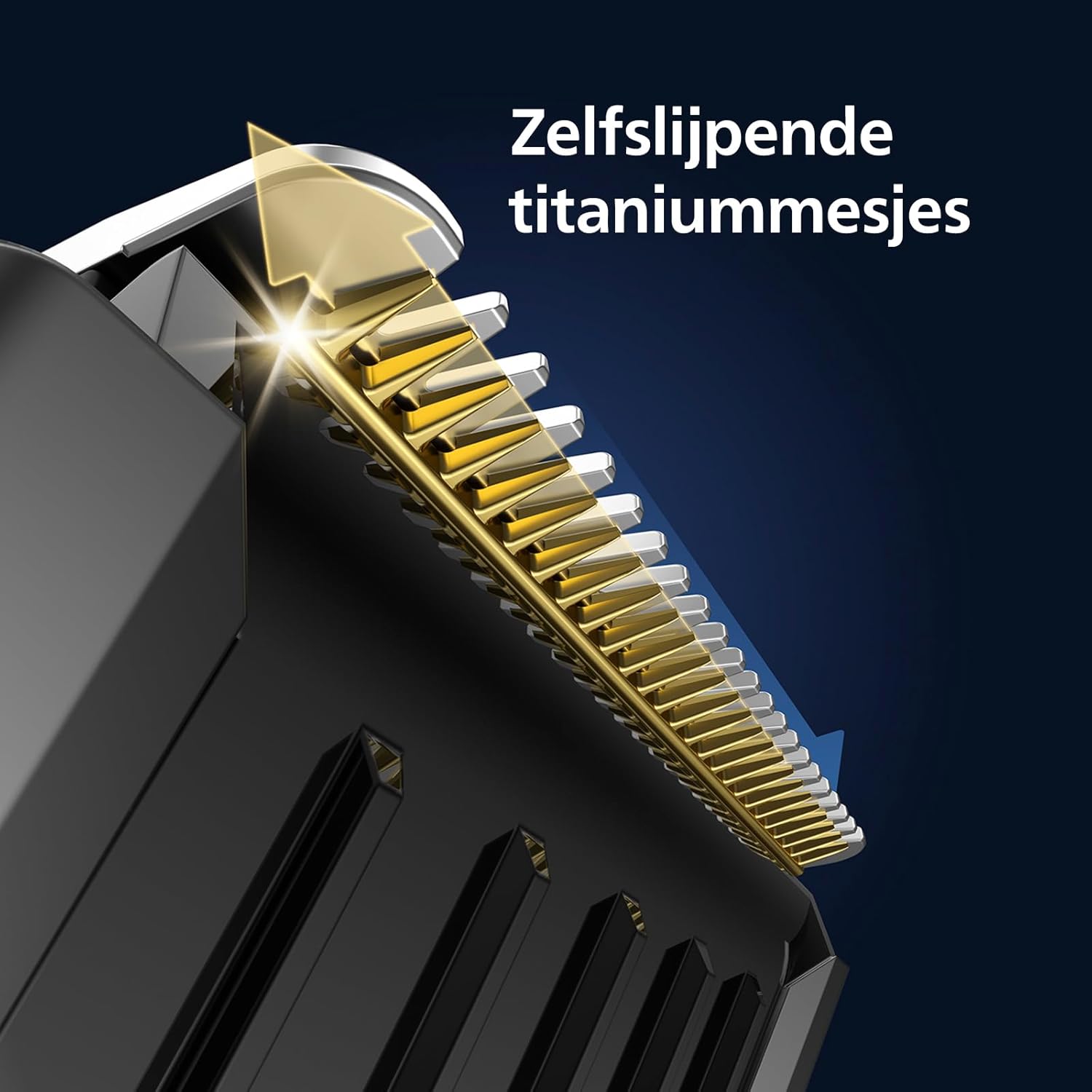
- Self-Sharpening Titanium Blades: The advanced titanium blades are harder than steel and designed to remain sharp and efficient over time without the need for oiling, ensuring lasting performance and a precise cut every time.
- PowerAdapt Sensor: This intelligent sensor automatically increases the motor speed when encountering thicker hair, ensuring consistent cutting performance and an effortless trim, even through dense hair.
- Memory Function: The clipper can save your last used cutting length. Additionally, you can store up to 3 preferred cutting length settings per comb attachment for quick recall.
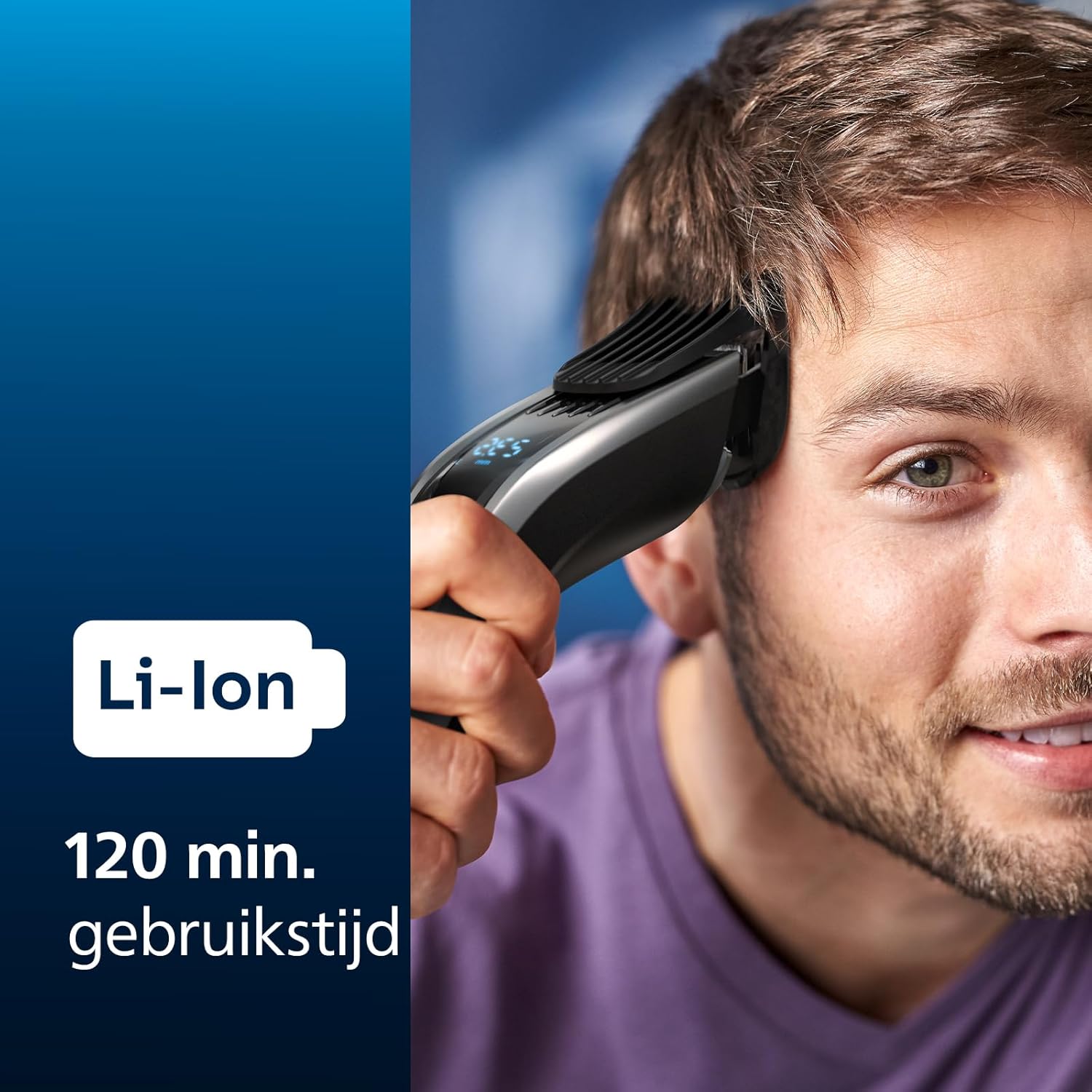
- Long-Lasting Li-ion Battery: A powerful lithium-ion battery provides up to 120 minutes of cordless operation after a full charge. A quick 5-minute charge offers enough power for one full trim. The battery indicator allows you to monitor the charge status at a glance.
- Corded and Cordless Use: Enjoy the flexibility of using the clipper cordlessly for maximum maneuverability or plugged in for continuous power.


5. Setup
5.1 Charging the Appliance
- Before first use, fully charge the hair clipper. Connect the power adapter to the clipper and plug it into a wall outlet.
- The battery indicator on the digital display will show the charging progress. A full charge takes approximately 1 hour.
- Once fully charged, the battery indicator will show a full battery icon. You can then disconnect the clipper from the power supply.
5.2 Attaching and Detaching Comb Attachments
- To attach a comb, align the grooves on the comb with the guides on the clipper head and slide it on until it clicks into place.
- To detach a comb, gently pull it away from the clipper head.
- Ensure the comb is securely attached before operating the clipper.
6. Operating Instructions
6.1 Turning On/Off
- To turn on the clipper, press the power button once. The digital display will light up.
- To turn off the clipper, press and hold the power button for a few seconds until the display turns off.
6.2 Adjusting Cutting Length
- With a comb attachment installed, use the digital touch control buttons (up/down arrows) to adjust the desired cutting length. The selected length will be displayed on the screen.
- The motorized combs will automatically move to the selected position.
- For a 0.5 mm trim, remove all comb attachments.
6.3 Using the Memory Function
- To save a current length setting: Adjust to your desired length, then press and hold the 'M' (Memory) button until the display indicates the setting is saved. You can save up to 3 settings per comb.
- To recall a saved setting: Press the 'M' button repeatedly to cycle through your saved settings. The clipper will automatically adjust to the recalled length.
6.4 Using the Turbo Function
The PowerAdapt sensor automatically activates the turbo function when it detects thicker hair, increasing motor speed for an effortless cut. No manual activation is required for this feature.

7. Maintenance
7.1 Cleaning the Clipper
- After each use, turn off the clipper and detach the comb attachment.
- Use the supplied cleaning brush to remove any hair clippings from the blades and the inside of the comb attachment.
- The blades can be rinsed under running water for thorough cleaning. Ensure the clipper unit itself is not submerged unless specified as fully washable (refer to product specifications for water resistance).
- Allow all parts to air dry completely before reassembling or storing the clipper.
7.2 Blade Care
The Philips Hair Clipper Series 9000 features self-sharpening titanium blades, which means they do not require regular oiling. This ensures consistent cutting performance without additional maintenance.
8. Troubleshooting
If you encounter any issues with your Philips Hair Clipper Series 9000, please refer to the following common solutions:
- Clipper not turning on: Ensure the battery is charged. If using corded, check the power connection.
- Poor cutting performance: Clean the blades thoroughly to remove any trapped hair. Ensure the comb attachment is correctly seated. If the issue persists, the blades may need professional inspection or replacement.
- Battery not charging: Check if the power adapter is properly connected to both the clipper and the wall outlet. Ensure the outlet is functional.
- Unusual noise or vibration: Turn off the clipper immediately. Check for any foreign objects or damage to the blades or motor. Do not attempt to repair yourself.
For issues not listed here, or if troubleshooting steps do not resolve the problem, please contact Philips Customer Support.
9. Technical Specifications
| Specification | Detail |
|---|---|
| Product Name | HC9450/15 H.CLIPPER RC/AC CLOSED BOX |
| Model Number | Regolacapelli series 9000 (HC9450/15) |
| Brand | PHILIPS |
| Blade Material | Titanium |
| Length Settings | 400 (0.5 mm - 42 mm with 0.1 mm precision) |
| Battery Type | Lithium Ion |
| Cordless Operation Time | Up to 120 minutes |
| Charging Time | Approx. 1 hour (5-minute quick charge for one trim) |
| Power Source | Corded and Cordless |
| Product Dimensions | 7 x 18 x 24.5 cm |
| Product Weight | 500 grams |
| Country of Origin | China |
10. Warranty and Support
Philips provides a manufacturer's warranty for this product. Please refer to the warranty card included in your package for specific terms and conditions, including warranty period and coverage details. Keep your proof of purchase for warranty claims.
For further assistance, product registration, or to find answers to frequently asked questions, please visit the official Philips support website or contact their customer service line. Contact information can typically be found on the Philips website or in the product packaging.
This manual is intended for informational purposes only. Philips reserves the right to make changes to the product without prior notice.


