1. Introduction
This manual provides essential instructions for the safe installation, operation, and maintenance of the Schneider Electric HOMFP single-pole circuit breaker. The HOMFP is designed to protect electrical circuits from overcurrents and short circuits, ensuring the safety of your electrical system. Please read this manual thoroughly before installation or use and retain it for future reference.
2. Safety Information
WARNING: Risk of Electric Shock or Fire.
- Installation and servicing of this equipment must be performed by qualified electrical personnel only.
- Always turn off the main power supply at the service panel before working on electrical circuits or installing/removing circuit breakers.
- Use appropriate personal protective equipment (PPE), including insulated gloves and safety glasses.
- Verify that the circuit breaker rating matches the circuit requirements and the load center specifications.
- Do not use this product if it appears damaged.
- Follow all local and national electrical codes.
3. Product Overview
The Schneider Electric HOMFP is a compact, single-pole circuit breaker designed for use in compatible Schneider Electric Homeline load centers. It provides reliable overcurrent protection for residential and light commercial applications. This product is typically supplied in a pack of five units.
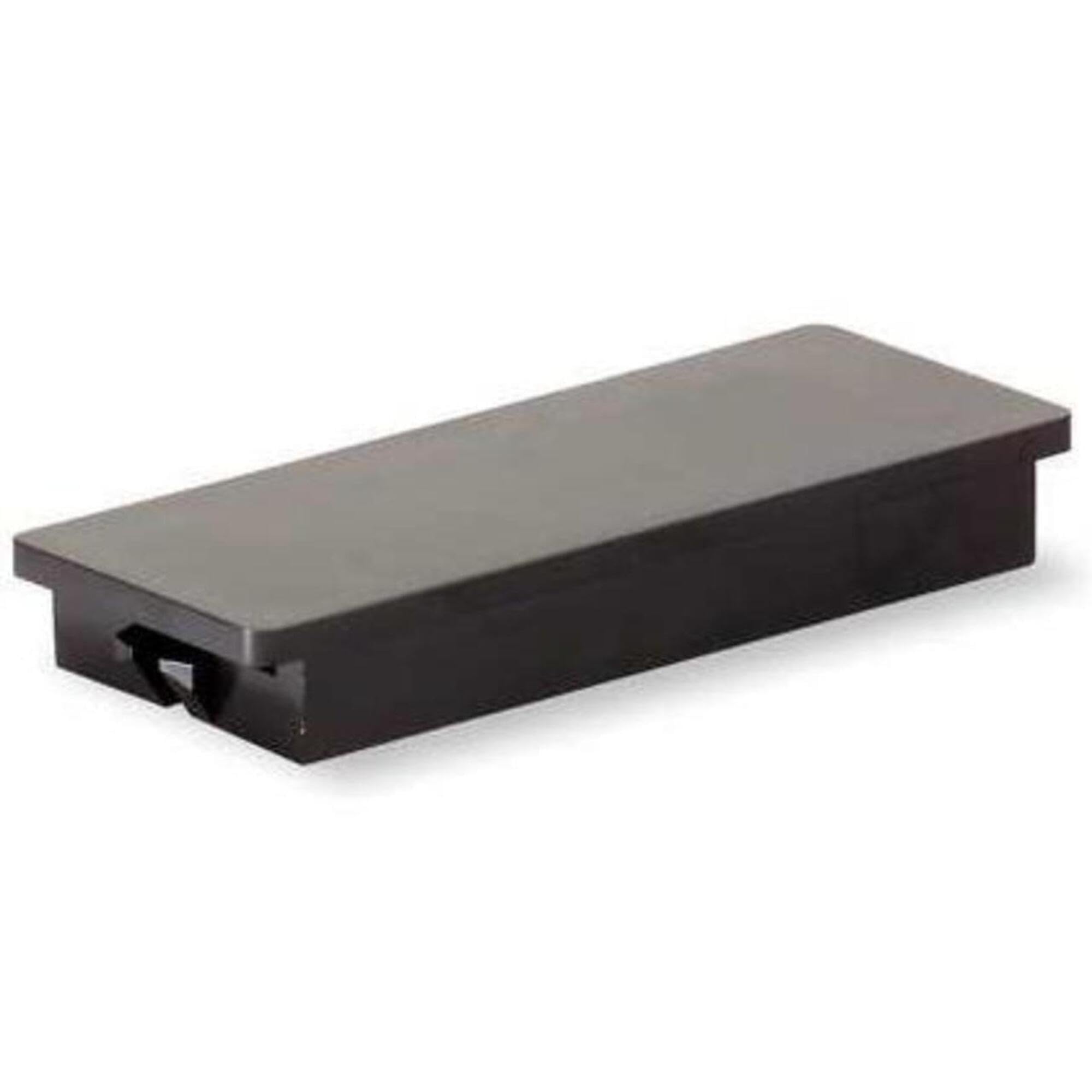
Image: A single Schneider Electric HOMFP circuit breaker, black in color, showing its compact design and connection terminals.
4. Setup and Installation
Follow these steps for safe installation of the HOMFP circuit breaker:
- Turn Off Power: Locate the main service panel and turn off the main circuit breaker to de-energize the entire electrical system. Verify power is off using a voltage tester.
- Remove Panel Cover: Carefully remove the cover of the load center, exposing the bus bar and wiring area.
- Identify Slot: Select an available slot on the load center's bus bar for the new circuit breaker.
- Install Breaker: Hook the circuit breaker onto the retaining clip on the load center's bus bar. Press firmly until the breaker snaps securely into place.
- Connect Wire: Connect the circuit wire (typically black or red) to the terminal screw on the circuit breaker. Ensure the wire is stripped to the correct length and the screw is tightened to the manufacturer's specified torque.
- Replace Panel Cover: Once all connections are secure and verified, replace the load center cover.
- Restore Power: Turn the main circuit breaker back on at the service panel.
If you are unsure about any step, consult a qualified electrician.
5. Operating Instructions
The HOMFP circuit breaker operates automatically to protect your circuit. In normal operation, the breaker handle will be in the 'ON' position.
- Turning ON/OFF: To manually turn off a circuit, push the breaker handle to the 'OFF' position. To turn it back on, push the handle to the 'ON' position.
- Resetting a Tripped Breaker: If an overload or short circuit occurs, the breaker will 'trip' to the center position (between 'ON' and 'OFF'). To reset it, first push the handle firmly to the 'OFF' position, then push it to the 'ON' position. If the breaker trips immediately again, there is still a fault in the circuit that needs to be addressed.
6. Maintenance
The HOMFP circuit breaker requires minimal maintenance. However, periodic checks are recommended:
- Visual Inspection: Annually, with power off, inspect the breaker and its connections for any signs of damage, discoloration, or loose wires.
- Dust Removal: Keep the load center interior clean and free of dust and debris, which can impede proper operation and heat dissipation.
- Professional Check: Consider having a qualified electrician inspect your electrical system periodically, especially if you experience frequent tripping.
7. Troubleshooting
If you encounter issues with your HOMFP circuit breaker, consider the following:
- Breaker Trips Frequently: This usually indicates an overload or a short circuit on the protected circuit. Unplug or turn off appliances on the circuit, then try resetting the breaker. If it still trips, there may be a wiring fault or a faulty appliance.
- No Power to Circuit After Reset: Ensure the breaker is fully pushed to the 'ON' position. If there is still no power, check the main breaker in the service panel. If the issue persists, contact a qualified electrician.
- Breaker is Hot to Touch: A warm breaker can be normal, but a hot breaker may indicate an overload or a loose connection. Immediately turn off the circuit and have it inspected by an electrician.
8. Specifications
| Brand | Schneider Electric |
| Model Number | HOMFP |
| Part Number | HOMFP |
| Material | Metal |
| Phase Type | Single Phase |
| Color | Black |
| Item Weight | 0.32 ounces |
| Product Dimensions | 2.5 x 1 x 0.4 inches |
| Batteries Required? | No |
| UPC | 785901076551 |
9. Warranty Information
This Schneider Electric HOMFP circuit breaker is covered by a 1-year manufacturer's warranty from the date of purchase. This warranty covers defects in materials and workmanship under normal use. For specific terms and conditions, please refer to the official Schneider Electric warranty documentation or contact customer support.
10. Support and Contact
For technical assistance, warranty claims, or further information regarding your Schneider Electric HOMFP circuit breaker, please visit the official Schneider Electric website or contact their customer support. Always provide the model number (HOMFP) when seeking support.
Schneider Electric Official Website: www.se.com/us/en/


