
BLACK+DECKER J312B
BLACK+DECKER J312B Portable Jump Starter User Manual
Model: J312B
Introduction
The BLACK+DECKER J312B Portable Jump Starter is a versatile device designed to provide jump-starting power for vehicles and portable power for electronic devices. It delivers 700 peak amps and 300 instant starting amps, suitable for jump-starting cars, trucks, SUVs, motorcycles, boats, RVs, ATVs, and tractors without the need for another vehicle.
What's in the Box
- BLACK+DECKER J312B Portable Jump Starter
- Metal Powder Coated Clamps
Note: A standard household extension cord is required for charging and is not included.
Safety Information
Always read and understand all safety warnings and instructions before using this product. Failure to follow the warnings and instructions may result in electric shock, fire, and/or serious injury.
Important Safety Warnings
- Proposition 65 Warning: This product can expose you to chemicals including lead, which is known to the State of California to cause cancer and birth defects or other reproductive harm. For more information go to www.P65Warnings.ca.gov.
- Ensure proper ventilation when charging or operating.
- Do not expose the unit to rain or wet conditions.
- Keep out of reach of children.
- Avoid short-circuiting the battery clamps.
- Do not attempt to jump start a frozen battery.
Setup and Initial Charging
Before first use, the jump starter must be fully charged. It is recommended to charge the unit for at least 36 hours initially to ensure optimal battery life and performance.
- Locate the integrated charging cube on the unit.
- Connect a standard household extension cord (not included) to the charging cube.
- Plug the other end of the extension cord into a standard 120V AC wall outlet.
- Allow the unit to charge until the battery status indicator shows a full charge. The green LED will illuminate when fully charged.

Figure 1: Integrated charging cube for standard extension cord.
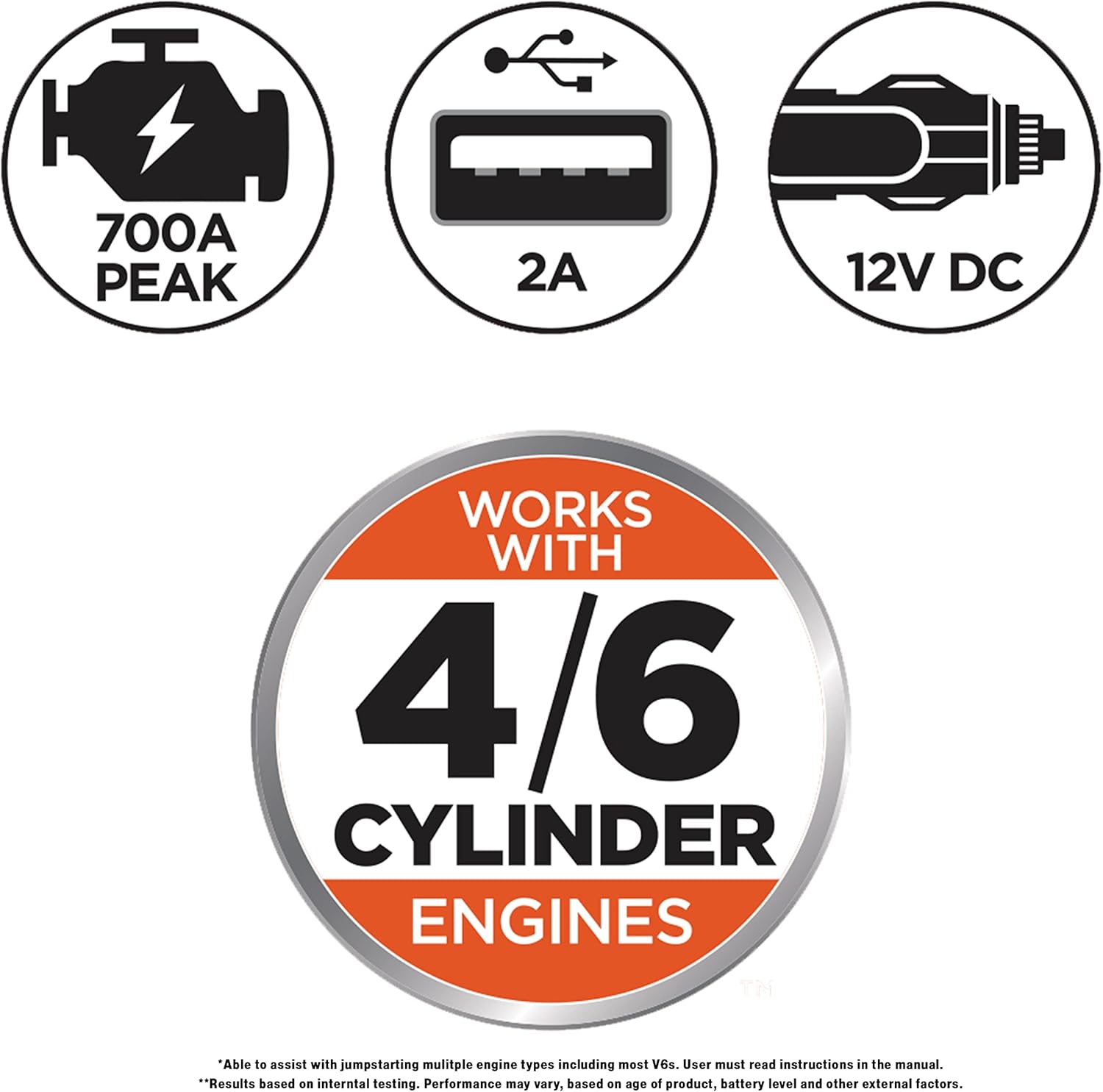
Figure 2: Battery status indicator lights. Press the Battery Status button to check charge level.
Operating Instructions
Jump Starting a Vehicle
The J312B jump starter provides 700 peak amps, suitable for jump-starting most vehicles up to V6 engines.
- Ensure the vehicle's ignition and all accessories are turned off.
- Connect the red (positive, +) clamp to the positive terminal of the vehicle's battery.
- Connect the black (negative, -) clamp to a non-moving metal part of the vehicle's chassis, away from the battery and fuel lines. Do not connect to the negative battery terminal directly.
- If the reverse polarity alarm sounds, immediately disconnect the clamps and re-connect them correctly.
- Turn the jump starter's power switch to the "On" position.
- Attempt to start the vehicle. If it does not start after 5-6 seconds, wait at least 3 minutes before trying again.
- Once the vehicle starts, turn the jump starter's power switch to the "Off" position.
- Disconnect the black (negative) clamp first, then the red (positive) clamp.
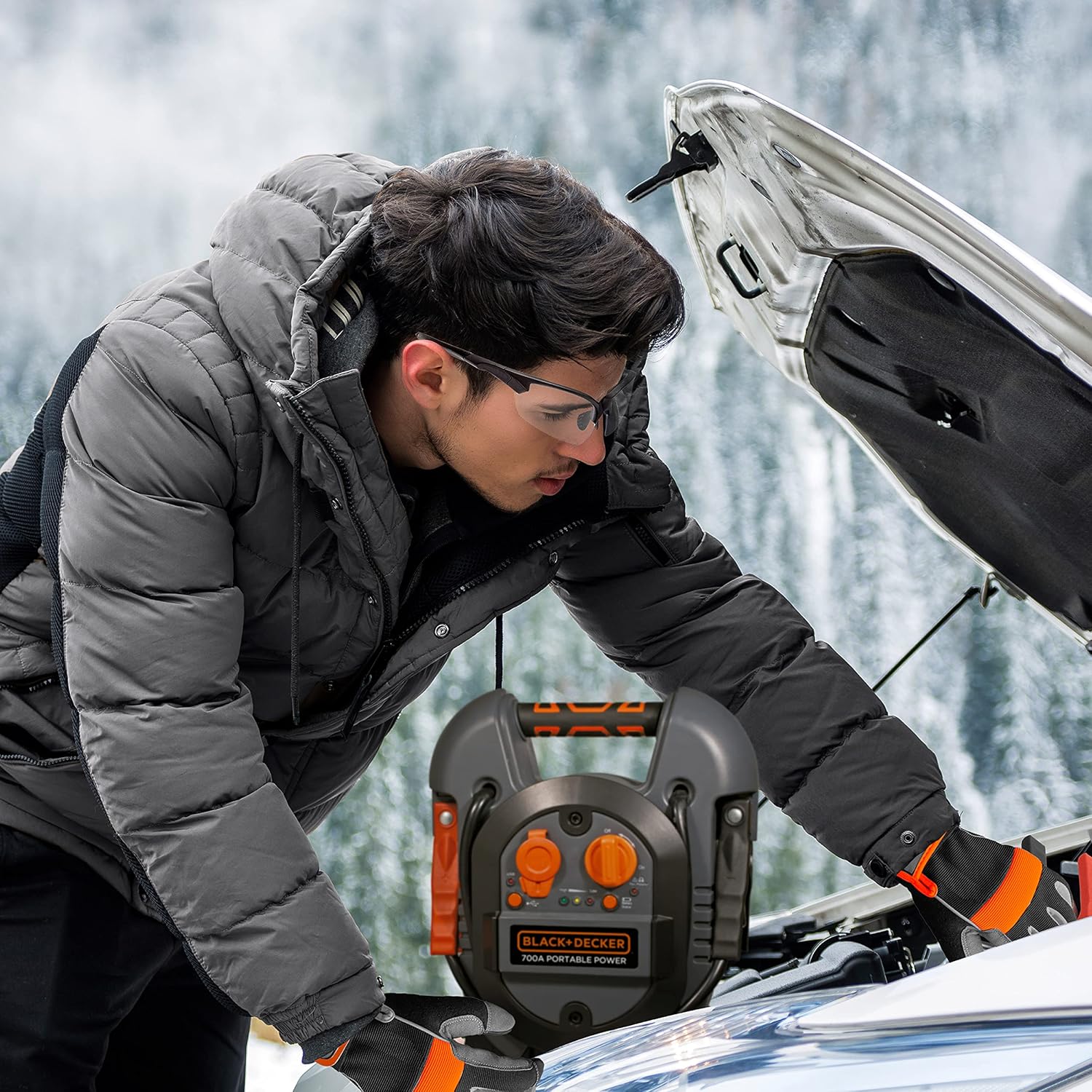
Figure 3: Connecting the jump starter to a vehicle battery.

Figure 4: Overview of the jump starter's control panel.
Video 1: A short demonstration of the BLACK+DECKER Jump Starter's features and operation.
Using the USB Port
The built-in USB port provides portable power for charging electronic devices such as smartphones and tablets.
- Connect your USB device's charging cable to the USB port on the jump starter.
- The device should begin charging automatically.
- Disconnect your device once charging is complete.
Figure 5: The USB port is located on the control panel for convenient device charging.
Maintenance
Proper maintenance ensures the longevity and reliability of your jump starter.
Recharging the Unit
- Recharge the unit immediately after each use.
- If not used, recharge the unit every 30 days to maintain the internal battery's health.
- Follow the "Setup and Initial Charging" steps for recharging.
Storage
- Store the jump starter in a cool, dry place.
- Ensure the power switch is in the "Off" position when storing.
- Keep the battery clamps clean and free of corrosion.
Troubleshooting
If you encounter issues with your BLACK+DECKER J312B Jump Starter, refer to the following common problems and solutions:
| Problem | Possible Cause | Solution |
|---|---|---|
| Unit does not turn on or charge. | Internal battery is deeply discharged or faulty. | Ensure the unit is plugged into a working 120V AC outlet with a functional extension cord. Charge for at least 36 hours. If it still doesn't charge, the internal battery may need service. |
| Vehicle does not jump start. | Incorrect clamp connection; Jump starter battery low; Vehicle battery severely drained; Vehicle issue not battery related. | Check clamp connections for correct polarity (red to positive, black to chassis). Ensure jump starter is fully charged. Allow the jump starter to rest for 3 minutes between attempts. If the vehicle still doesn't start, consult a mechanic. |
| Reverse polarity alarm sounds. | Clamps are connected incorrectly. | Immediately disconnect clamps and re-connect them with correct polarity: red (positive) to positive battery terminal, black (negative) to vehicle chassis. |
| USB port not charging devices. | Jump starter battery low; USB cable faulty; Device not compatible. | Ensure the jump starter is adequately charged. Try a different USB cable or device to rule out cable/device issues. |
Specifications
| Feature | Detail |
|---|---|
| Brand | BLACK+DECKER |
| Model | J312B |
| Peak Output Current | 700 Amps |
| Instant Starting Amps | 300 Amps |
| USB Port Output | 2A |
| Product Dimensions | 9.5"D x 5.1"W x 11"H |
| Item Weight | 8.25 pounds |
| Battery Type | 12V (AGM, Gel & Wet compatible) |
| Charging Method | Standard household extension cord (120V AC) |
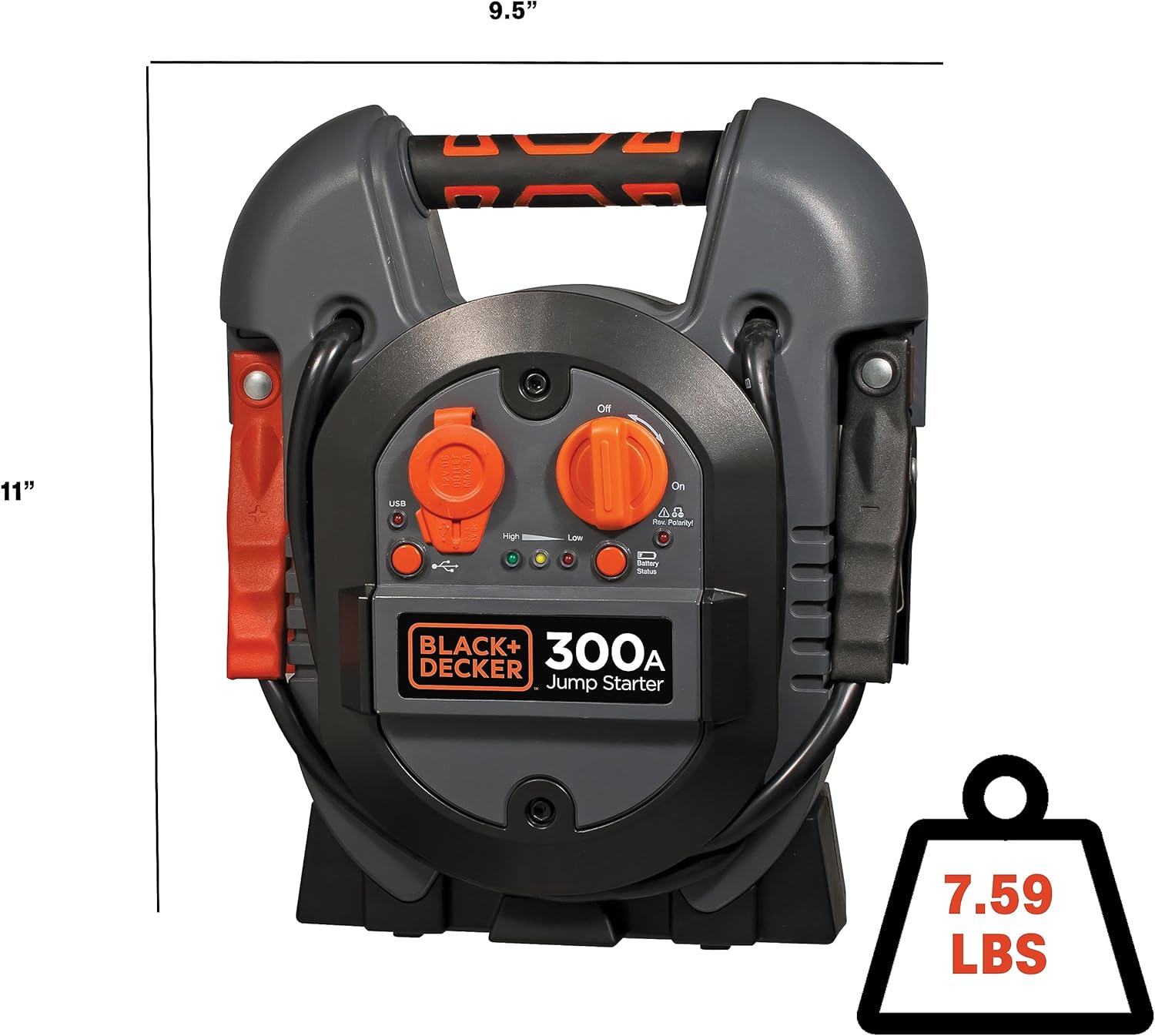
Figure 6: Product dimensions and weight.

Figure 7: Key specification: 700 Amps Peak Jump Starter.
Warranty and Support
The BLACK+DECKER J312B Portable Jump Starter comes with a limited 1-year warranty. For warranty claims or technical support, please refer to the contact information provided in your product packaging or visit the official BLACK+DECKER website.

Figure 8: Limited 1-Year Warranty information.
Ask a question about this manual
Ask about setup, troubleshooting, compatibility, parts, safety, or missing instructions. Manuals+ will review the question and use this page’s manual context to help answer it.