
Introduction
This manual provides detailed instructions for the proper use and care of your Nautica NAI16501G Analog Men's Watch. Please read this manual thoroughly to ensure optimal performance and longevity of your timepiece.
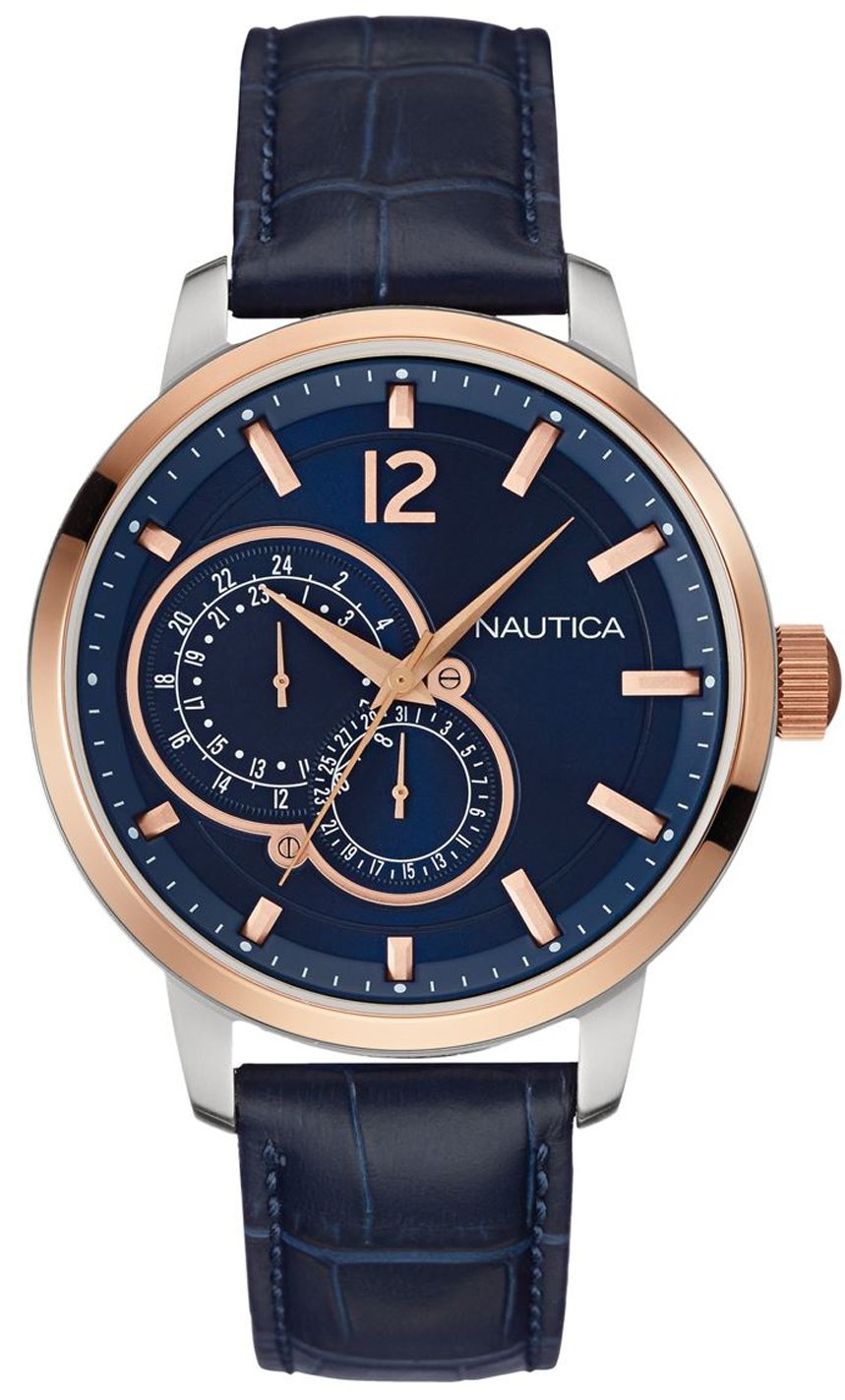
Image: Nautica NAI16501G Analog Men's Watch. This image displays the watch with its blue leather strap, round stainless steel case, and blue dial with bar and Arabic numeral markers.
Setup
1. Unboxing and Inspection
Carefully remove the watch from its packaging. Inspect the watch for any visible damage. Ensure all protective films are removed from the crystal and case back.
2. Setting the Time
- Pull out the crown: Locate the crown on the right side of the watch case. Gently pull the crown out to the first position.
- Adjust the time: Rotate the crown clockwise or counter-clockwise to set the hour and minute hands to the correct time.
- Push in the crown: Once the time is set, push the crown back into its normal operating position. This will start the watch movement.
Operating the Watch
Reading the Time
Your Nautica NAI16501G watch features a classic analog display with three hands: an hour hand, a minute hand, and a second hand. The time is read by observing the position of these hands relative to the markers on the dial.
Water Resistance
This watch is water-resistant up to 1 ATM (10 meters). This means it is suitable for incidental contact with water, such as splashes or rain. It is not suitable for showering, bathing, swimming, snorkeling, or diving. Avoid operating the crown when the watch is wet to prevent water intrusion.
Maintenance
Cleaning Your Watch
To maintain the appearance of your watch, wipe the case and crystal with a soft, dry cloth. For the leather strap, avoid prolonged exposure to water, direct sunlight, and harsh chemicals, as these can cause damage or discoloration. If the leather gets wet, gently blot it dry and allow it to air dry naturally.
Battery Replacement
The watch is powered by a quartz movement requiring a battery. When the watch stops running, the battery may need replacement. Battery replacement should be performed by a qualified watch technician to ensure proper sealing and maintain water resistance. Attempting to replace the battery yourself may void the warranty and damage the watch.
Storage
When not in use, store your watch in a cool, dry place away from direct sunlight and strong magnetic fields. Magnetic fields can affect the accuracy of quartz movements.
Troubleshooting
- Watch is not running:
- Ensure the crown is fully pushed in.
- The battery may need replacement. Contact a qualified watch technician.
- Time is inaccurate:
- Check if the time was set correctly.
- Exposure to strong magnetic fields can affect accuracy. Keep the watch away from magnets.
- If the issue persists, the movement may require servicing.
- Condensation under the crystal:
- This indicates moisture has entered the watch. Immediately take the watch to a qualified technician for inspection and repair to prevent further damage.
Specifications
| Feature | Detail |
|---|---|
| Model Number | NAI16501G |
| Movement Type | Quartz (Miyota 3-hand) |
| Display Type | Analog |
| Case Material | Stainless Steel |
| Case Diameter | 44 mm |
| Case Thickness | 7 mm |
| Crystal Material | Mineral |
| Strap Material | Leather |
| Strap Color | Blue |
| Dial Color | Blue |
| Water Resistance | 1 ATM (10 Meters) |
| Clasp Type | Buckle |
| Product Weight | 90 Grams |
Warranty & Support
Warranty Information
This Nautica watch is covered by a manufacturer's warranty. Please refer to the warranty card included with your purchase for specific terms, conditions, and duration of coverage. The warranty typically covers manufacturing defects but does not cover damage resulting from improper use, accidents, or unauthorized repairs.
Customer Support
For any questions, service, or repair needs not covered in this manual, please contact Nautica customer support or an authorized service center. Contact information can usually be found on the official Nautica website or on your warranty documentation.