
Introduction
This manual provides instructions for the Neopack 1BK1 2.5-inch Hard Drive Case. This product is designed to offer robust protection for your 2.5-inch hard disk drive (HDD) against physical damage and environmental factors. Its hard shell construction and water-resistant properties ensure the safety of your valuable data during transport and storage.
Product Overview
The Neopack 1BK1 case features a durable exterior and a soft interior lining. It includes an elastic band to secure the HDD and a separate mesh pocket for accessories.
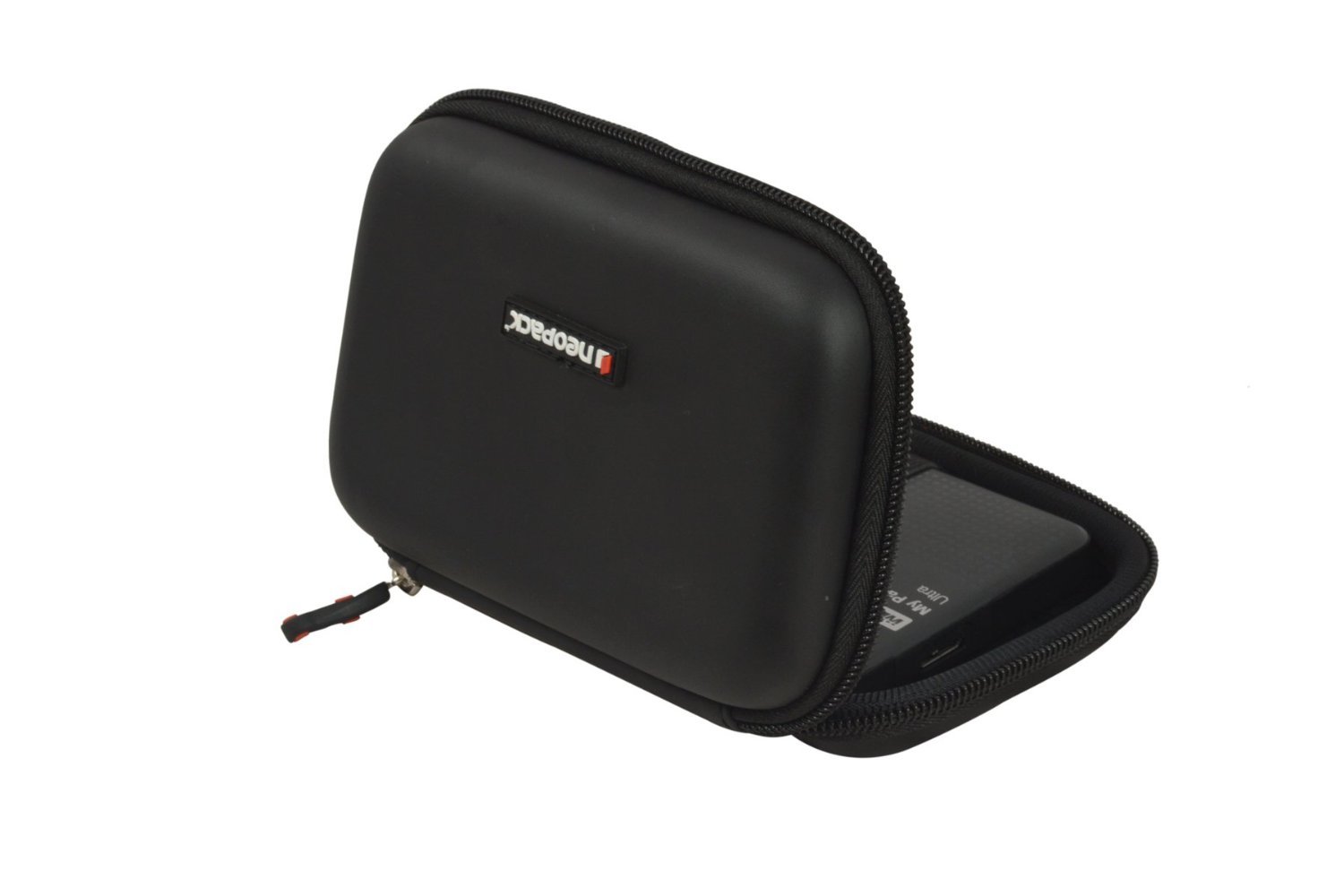
Figure 1: The Neopack 1BK1 2.5-inch Hard Drive Case in its closed state, showcasing its compact and protective design.
Setup and Installation
- Open the Case: Unzip the Neopack 1BK1 case completely to reveal the interior compartments.
- Insert Hard Drive: Carefully place your 2.5-inch hard disk drive into the main compartment. Ensure it fits snugly.
- Secure the Drive: Use the elastic band provided within the case to securely fasten the HDD, preventing movement during transit.
- Store Accessories: Utilize the separate mesh pocket to store USB cables, flash drives, or other small accessories.
- Close the Case: Zip the case securely to ensure full protection.

Figure 2: Interior view of the Neopack 1BK1 case, showing a 2.5-inch hard drive secured by the elastic band and a USB drive in the mesh pocket.
Operating Instructions
The Neopack 1BK1 case is designed for straightforward use:
- Transport: Carry the case by hand or place it inside a larger bag. Its hard shell provides protection against impacts.
- Weather Protection: The water-resistant design helps protect your HDD from light splashes or rain. Avoid submerging the case in water.
- Accessing Drive: To access your hard drive, simply unzip the case.
Maintenance and Care
- Cleaning: Wipe the exterior of the case with a soft, damp cloth. Do not use harsh chemicals or abrasive cleaners.
- Drying: If the case gets wet, allow it to air dry completely before storing any electronic devices inside.
- Storage: Store the case in a cool, dry place away from direct sunlight when not in use.
Troubleshooting
This product is a passive protective case and typically does not require troubleshooting. However, consider the following:
- Drive Not Fitting: Ensure your hard drive is a standard 2.5-inch model. Larger drives will not fit.
- Damage After Impact: While designed for shock resistance, extreme impacts can still cause damage. Inspect your HDD for functionality after severe drops.
- Water Exposure: If the case has been exposed to significant water, open it and allow both the case and any contents to dry thoroughly before use.
Specifications
| Feature | Detail |
|---|---|
| Model Number | Neopack-2.5-Inch-HDD-Case |
| Compatibility | 2.5-inch HDDs, External Hard Drives, Laptops (for storage of accessories) |
| Material | Neoprene (Enclosure Material), Hard Shell |
| Dimensions (L x W x H) | 17.6 x 12.2 x 4.2 cm |
| Weight | 0.29 Pounds |
| Features | Water-resistant, Shock-resistant, Elastic band for HDD, Mesh pocket for cables |
| Color | Black |
Warranty and Support
For information regarding warranty coverage or product support, please refer to the official Neopack website or contact Neopack customer service directly. Keep your purchase receipt as proof of purchase.