
1. Introduction
The Sony ZX Series Wired On-Ear Headphones (MDR-ZX110) are designed to provide a clear and rhythmic audio experience. Built for comfort and portability, these headphones are suitable for various uses, including travel and daily listening. This manual provides essential information for setup, operation, maintenance, and troubleshooting.
2. Product Features
- Lightweight Design: Equipped with 1.38-inch neodymium dynamic drivers for powerful sound without added bulk.
- Portable Swivel Earcups: Earcups swivel flat for easy storage and enhanced portability, ideal for travel.
- Comfortable Earpads: Cushioned earpads ensure total comfort during extended listening sessions, with an enfolding closed-back design that helps seal in sound.
- Wide Frequency Range: Delivers deep bass, rich midrange, and clear highs across a frequency range of 12 Hz to 22 kHz.
- Durable Cable: Features a 3.94 ft (1.2m) L-shaped stereo mini plug (3.5mm) cable, designed for durability.

3. Setup and Connection
These headphones utilize a standard 3.5mm audio jack for connection. No batteries or charging are required for operation.
- Identify the Audio Port: Locate the 3.5mm audio output port on your device (smartphone, tablet, laptop, MP3 player, etc.).
- Connect the Headphones: Insert the L-shaped 3.5mm stereo mini plug from the headphones firmly into your device's audio port.
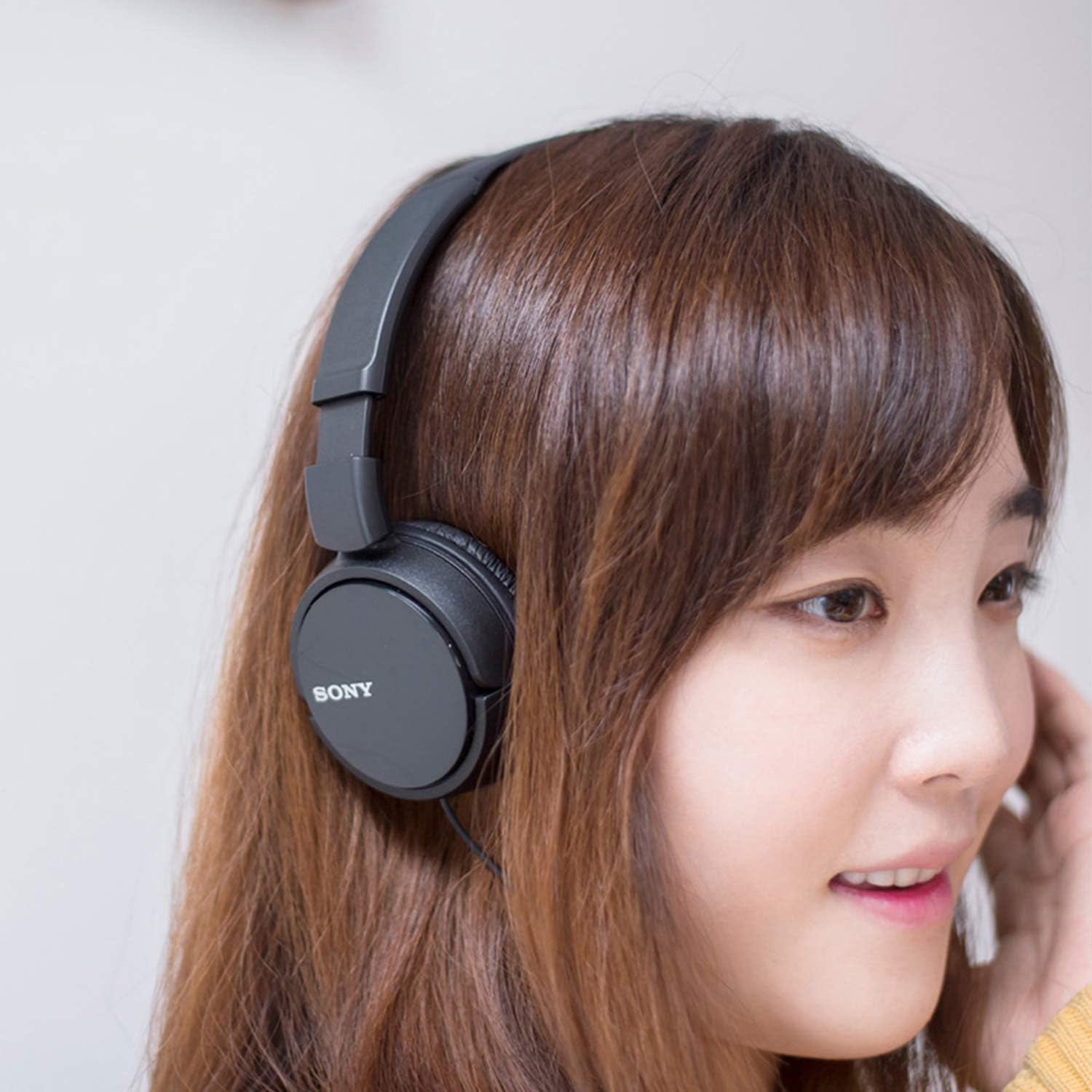
- Adjust for Comfort: Place the headphones on your head and adjust the headband to ensure a comfortable fit. The earcups are designed to sit on your ears.
Note: For devices without a 3.5mm jack (e.g., newer smartphones with USB-C or Lightning ports), an appropriate adapter (not included) will be required.
4. Operating Your Headphones
Once connected, the headphones will output audio from your device. The MDR-ZX110 model does not include an inline microphone or remote control for media playback or calls. All audio control (volume, play/pause, track selection) must be managed directly from your connected device.
For models with an inline remote (MDR-ZX110AP), the remote allows for basic media control (play/pause) and call management (answer/end calls) on compatible devices. Voice control features like Siri or Google Assistant may also be accessible via the remote button.
5. Care and Maintenance
- Cleaning: Wipe the earcups and headband with a soft, dry cloth. Avoid using harsh chemicals or abrasive materials.
- Storage: When not in use, fold the earcups flat to reduce their footprint and store them in a safe place to prevent damage.
- Cable Care: Avoid sharply bending or twisting the cable, especially near the connectors, to prolong its lifespan.
- Environmental Conditions: Do not expose the headphones to extreme temperatures, humidity, or direct sunlight. They are not water-resistant.

6. Troubleshooting
| Problem | Possible Cause | Solution |
|---|---|---|
| No sound or low volume | 1. Cable not fully inserted. 2. Device volume too low or muted. 3. Incorrect audio output selected on device. | 1. Ensure the 3.5mm jack is fully inserted. 2. Increase device volume and check mute settings. 3. Verify audio output settings on your device. |
| Sound distortion or poor quality | 1. Damaged cable or connector. 2. Audio source quality is low. 3. Device audio settings. | 1. Try with another audio source/device. If issue persists, cable may be damaged. 2. Use a high-quality audio file or streaming service. 3. Check device equalizer or sound enhancement settings. |
| Headphones are uncomfortable | Improper headband adjustment. | Adjust the headband length until the earcups sit comfortably on your ears without excessive pressure. |
7. Technical Specifications
| Feature | Specification |
|---|---|
| Model Name | MDRZX110/BLK ZX |
| Connectivity Technology | Wired (3.5mm Audio Jack) |
| Driver Unit | 1.38 inch (30mm) Neodymium Dynamic Drivers |
| Frequency Response | 12 Hz - 22 kHz |
| Impedance | 24 Ohm (1KHz) |
| Sensitivity | 98 dB |
| Cable Length | 3.94 ft (1.2m) |
| Plug Type | L-shaped stereo mini plug (3.5mm) |
| Item Weight | 4.8 ounces (135 grams) |
| Material | Faux Leather, Plastic |
| Color | Black |
8. Warranty and Support
This product is manufactured by Sony. For specific warranty information and customer support, please refer to the documentation included with your purchase or visit the official Sony support website. Warranties may vary by region and retailer.
Legal Disclaimer: Warranties may no longer be valid depending on purchase date and region. Please check your product's specific warranty terms.