
Introduction
Thank you for choosing the PlayGo Airplane Building Set. This manual provides essential information for the safe and correct assembly and operation of your toy. Please read it thoroughly before use and retain it for future reference.
Important Safety Information: This instruction manual contains important safety information and must be kept for future reference.
Product Components
The PlayGo Airplane Building Set includes the following components:
- Airplane body parts (multi-colored plastic components)
- Screwdriver (included for assembly)
- Various screws for assembly
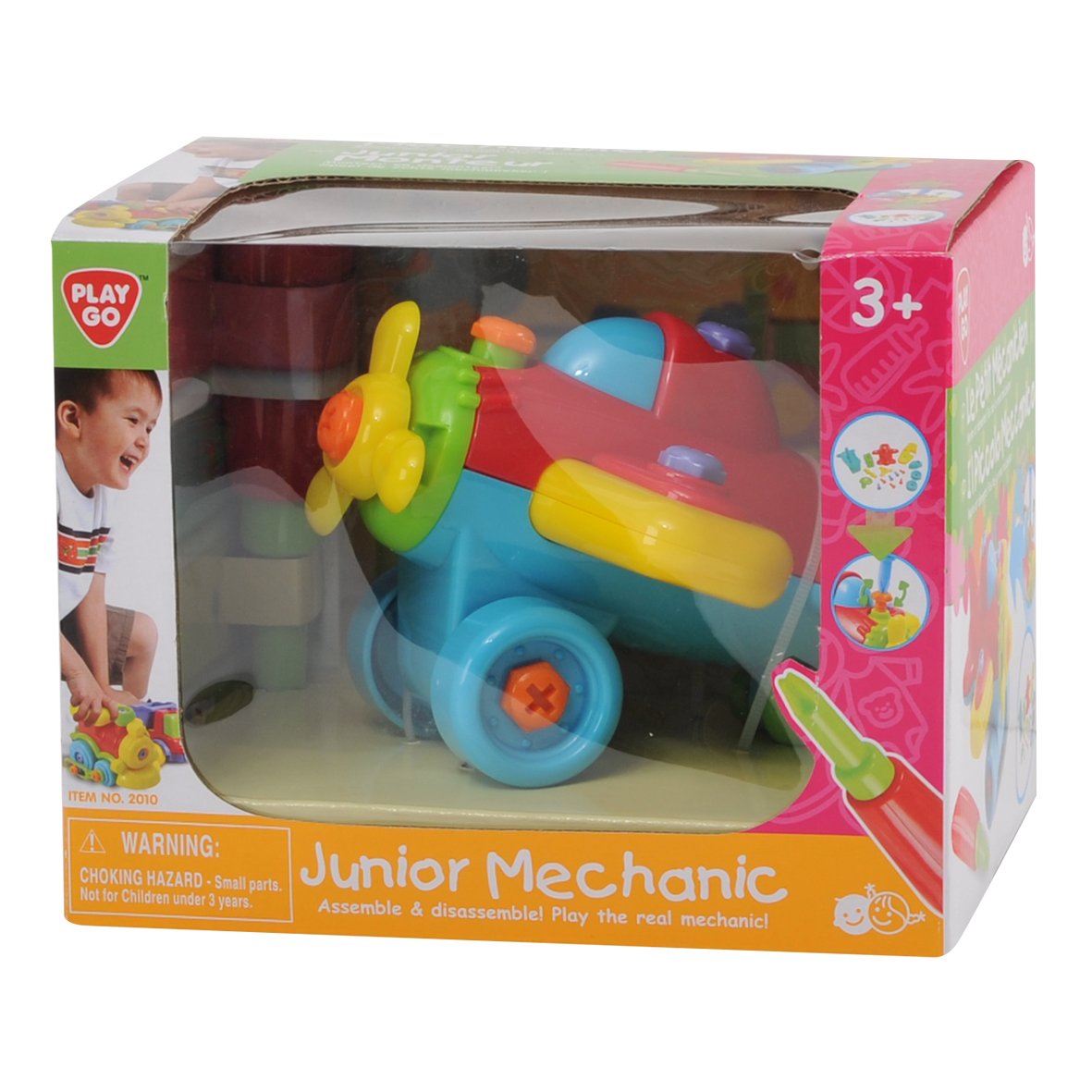
Image: The PlayGo Airplane Building Set, showing the disassembled multi-colored airplane parts and the included red and green screwdriver.
Setup and Assembly Instructions
This product requires assembly. Follow these steps to assemble your PlayGo Airplane:
- Identify Components: Lay out all airplane body parts and screws. Ensure all pieces are present.
- Attach Wings: Securely attach the yellow wing pieces to the main red airplane body using the appropriate screws and the provided screwdriver.
- Assemble Landing Gear: Connect the blue landing gear section, including the wheels, to the underside of the airplane body. Use screws to fasten it firmly.
- Install Propeller: Attach the yellow propeller to the front of the airplane. Ensure it can spin freely.
- Secure Tail Fin: Fasten the red tail fin to the rear of the airplane body.
- Final Check: Verify that all screws are tightened and all parts are securely attached. The airplane should be stable and ready for play.

Image: The fully assembled PlayGo Airplane, showing its multi-colored plastic construction and the accompanying screwdriver.
Operating Instructions
The PlayGo Airplane Building Set is designed for manual play and developing motor skills.
- Play: Once assembled, the airplane can be played with by pushing it along surfaces or pretending to fly it.
- Disassembly: Use the included screwdriver to unscrew the components and take the airplane apart. This allows for repeated assembly and disassembly, enhancing fine motor skills.
- Motor Skill Development: The act of screwing and unscrewing parts helps children develop hand-eye coordination and fine motor skills.
Maintenance
To ensure the longevity of your PlayGo Airplane Building Set, follow these simple maintenance guidelines:
- Cleaning: Wipe the plastic parts with a damp cloth. Do not immerse in water. Avoid harsh chemicals.
- Storage: Store the toy in a clean, dry place away from direct sunlight and extreme temperatures.
- Inspection: Periodically check all screws and connections to ensure they are tight. Retighten if necessary.
Troubleshooting
| Problem | Solution |
|---|---|
| Parts do not fit together | Ensure you are using the correct parts for each step as shown in the assembly instructions. Do not force parts. |
| Screws are loose | Use the provided screwdriver to gently tighten all screws. Avoid over-tightening. |
| Missing a part | Check the packaging thoroughly. If a part is genuinely missing, contact PlayGo customer support. |
Specifications
- Brand: PlayGo
- Model Number: 2010
- Material: Plastic
- Color: Multi-color
- Item Dimensions (L x W x H): Approximately 14 x 10 x 9 cm
- Item Weight: 290 grams
- Age Recommendation: 3 years and above
- Educational Objective: Motor Skills
- Operation Mode: Manual
- Batteries Required: No
- Country of Origin: China
Warranty and Support
This product comes without a warranty as per manufacturer specifications. For any questions or support regarding the PlayGo Airplane Building Set, please contact your retailer or visit the official PlayGo website for assistance.
Manufacturer: PlayGo
Part Number: 2010
Global Trade Item Number (GTIN): 04892401020109