
Lightahead la-7550
Lightahead® LA-7550 Clear Document Folder User Manual
Premium Quality Poly Envelope with Snap Button
1. Product Overview
The Lightahead® LA-7550 Clear Document Folders are designed for organizing and protecting your documents. Made from durable polypropylene, these envelopes feature a convenient snap button closure to secure contents. This set includes 12 folders in 6 assorted vibrant colors, suitable for US Letter and A4 size papers.
Key Features:
- Material: 0.25 mm premium high-quality polypropylene (PP) plastic.
- Closure: Secure snap button.
- Size Compatibility: US Letter / A4 size documents.
- Quantity: Set of 12 folders.
- Colors: 6 assorted bright colors (Blue, Green, Orange, Yellow, Purple, Maroon).
- Design: Professional and modern clear poly envelope.

Figure 1.1: A collection of Lightahead LA-7550 clear document folders in assorted colors, including blue, green, orange, yellow, purple, and maroon, arranged in a fanned pattern. Each folder features a white snap button closure.
2. Setup and Initial Use
The Lightahead LA-7550 document folders require no complex setup. They are ready for immediate use upon unboxing.
Steps for Initial Use:
- Unpack: Carefully remove the folders from their packaging.
- Open: Press the snap button to release the flap and open the folder.
- Insert Documents: Place your US Letter or A4 size documents inside the folder. Ensure documents are neatly stacked to prevent creasing.
- Close: Fold the flap over the documents and press the snap button firmly until it clicks, securing the contents.
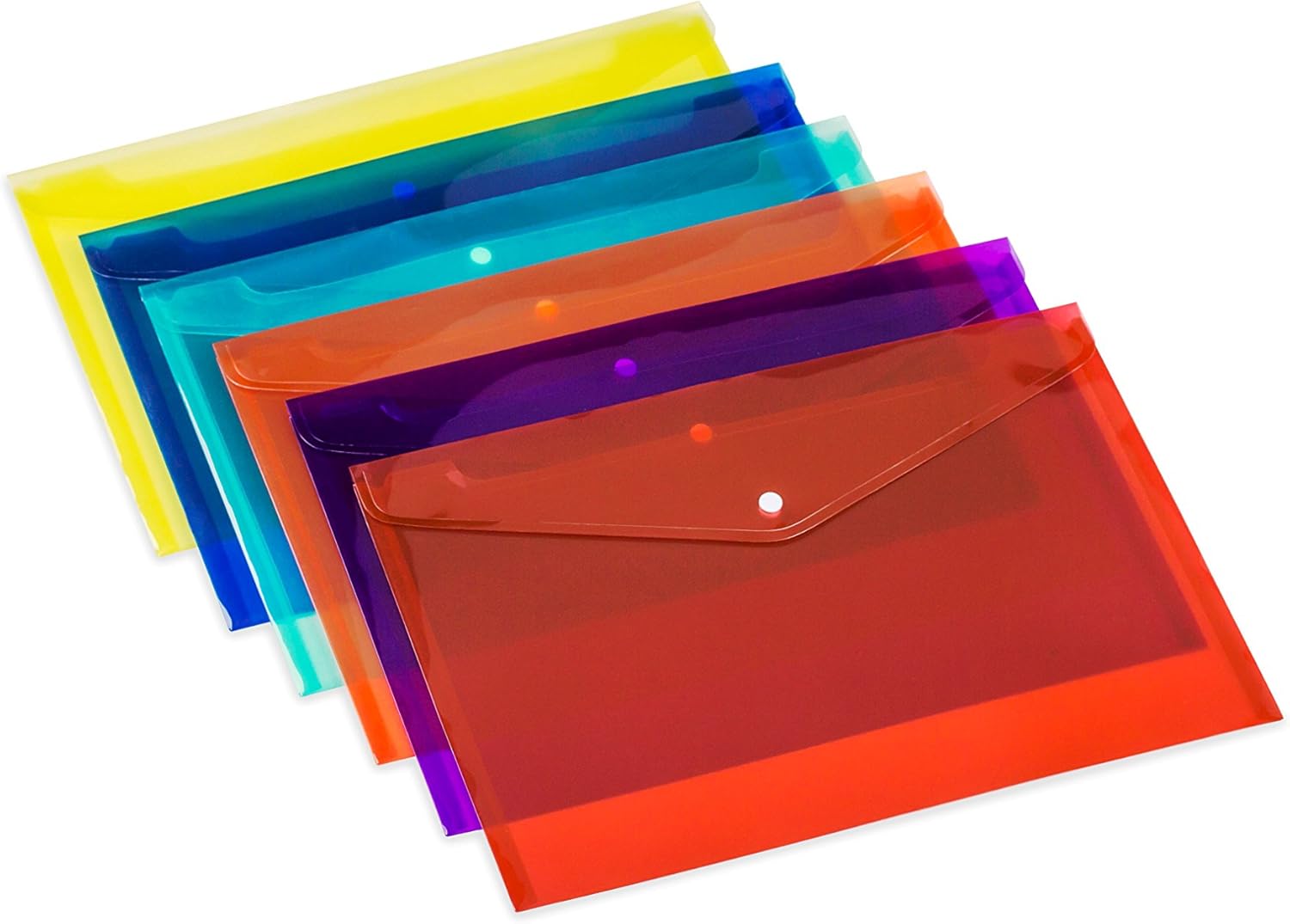
Figure 2.1: A stack of Lightahead LA-7550 clear document folders, showcasing their vibrant colors and the prominent snap button closure on each. The folders are designed for easy access and secure storage.
3. Operating Instructions
These document folders are designed for straightforward operation, providing a simple and effective way to manage your papers.
Daily Use:
- Document Storage: Use the folders to store and categorize various documents such as reports, presentations, invoices, or school assignments.
- Portability: The durable polypropylene material makes these folders ideal for transporting documents between home, office, or school.
- Color-Coding: Utilize the assorted colors to create a color-coded filing system for different subjects, projects, or categories, enhancing organization.

Figure 3.1: Lightahead LA-7550 document folders are visible on a desk in an active office or classroom environment, illustrating their practical application in organizing documents during work or study.
4. Maintenance and Care
To ensure the longevity and appearance of your Lightahead LA-7550 document folders, follow these simple maintenance guidelines:
- Cleaning: Wipe the folders with a soft, damp cloth to remove dust or light smudges. Avoid abrasive cleaners or harsh chemicals, as these may damage the polypropylene material.
- Drying: Allow the folders to air dry completely before storing documents inside to prevent moisture damage to papers.
- Storage: Store folders in a cool, dry place away from direct sunlight or extreme temperatures to prevent material degradation or warping.
- Avoid Overfilling: Do not overfill the folders beyond their capacity, as this can strain the snap button closure and potentially damage the seams.
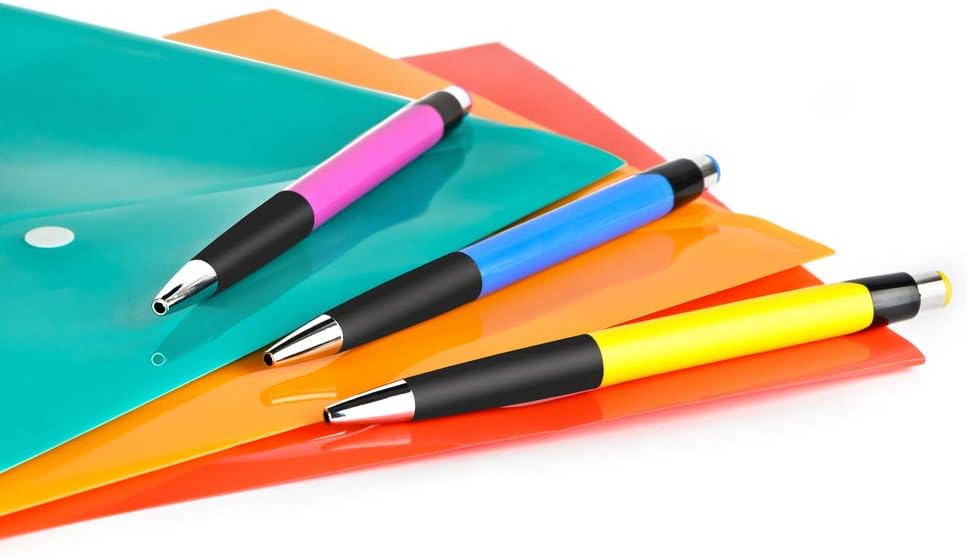
Figure 4.1: Lightahead LA-7550 document folders are shown alongside writing instruments, highlighting their utility in organizing not just documents but also related office or school supplies.
5. Troubleshooting
The Lightahead LA-7550 document folders are designed for durability and simplicity. Should you encounter any minor issues, consider the following:
| Problem | Possible Cause | Solution |
|---|---|---|
| Snap button does not close securely. | Folder is overfilled. | Reduce the number of documents inside the folder. Ensure the flap aligns correctly with the button. |
| Folder appears warped or creased. | Improper storage (e.g., heavy objects on top, extreme heat). | Store folders flat or upright in a stable environment. Avoid placing heavy items on top. |
| Surface is dirty or smudged. | Accumulation of dust or handling marks. | Wipe with a soft, damp cloth. For stubborn marks, use a mild soap solution and dry thoroughly. |
6. Specifications
| Attribute | Detail |
|---|---|
| Brand | Lightahead |
| Model Number | LA-7550 |
| Material | 0.25 mm Premium Polypropylene (PP) |
| Closure Type | Snap Button |
| Sheet Size Compatibility | US Letter / A4 |
| Quantity per Set | 12 folders |
| Assorted Colors | Blue, Green, Orange, Yellow, Purple, Maroon (6 colors, 2 of each) |
| Tab Cut | Straight Cut |
| UPC | 616906996219, 739197548988 |
7. Warranty and Support
Lightahead products are manufactured to high-quality standards. For specific warranty information or support inquiries regarding your LA-7550 Clear Document Folders, please refer to the packaging or contact Lightahead customer service directly.
While these folders are designed for durability, normal wear and tear are not covered. Please ensure proper use and care as outlined in this manual.
Contact Information:
For assistance, please visit the official Lightahead website or refer to the contact details provided with your purchase.
- Manufacturer: Lightahead
- Website: www.lightahead.com (Note: This is a placeholder URL as no specific support URL was provided. Users should check product packaging for official contact details.)
Ask a question about this manual
Ask about setup, troubleshooting, compatibility, parts, safety, or missing instructions. Manuals+ will review the question and use this page’s manual context to help answer it.