1. Introduction
This manual provides essential instructions for the setup, operation, and maintenance of your Sigel artetempus® Design Wall Clock, Model WU131 kada. Please read this manual thoroughly before use and retain it for future reference.
The Sigel artetempus® "kada" wall clock features a modern design with a matt black finish, red hands, and a silent quartz movement. Its dimensions are 35 x 35 x 4.5 cm (13.78"W x 13.78"H).

Image 1: Front view of the Sigel artetempus Design Wall Clock, Model kada, in black, featuring red hands and a central grey dot.
2. Safety Information
- Keep the clock away from direct sunlight and extreme temperatures.
- Avoid exposing the clock to water or high humidity.
- Do not attempt to disassemble or repair the clock yourself. Refer to qualified personnel for service.
- Dispose of used batteries responsibly according to local regulations.
3. Package Contents
Verify that all items are present in the package:
- Sigel artetempus Design Wall Clock, Model kada, black
- Instruction Manual (this document)
- Anchors and screws for solid walls (for mounting)
4. Setup
4.1. Battery Installation
- Locate the battery compartment on the back of the clock.
- Insert one (1) 1.5V AA battery (not included), ensuring correct polarity (+/-).
- Close the battery compartment cover securely.

Image 2: Rear view of the clock, highlighting the enclosed back and keyhole cut-out for mounting. The battery compartment is visible.
4.2. Mounting the Clock
The clock is designed for wall mounting. It features a completely enclosed back with a keyhole cut-out for simple and secure installation.
- Choose a suitable location on a solid wall.
- Using the provided anchors and screws, securely fasten a screw into the wall, leaving a small portion protruding.
- Align the keyhole cut-out on the back of the clock with the screw head and slide the clock down to secure it.
- Ensure the clock is stable and level before releasing.

Image 3: The Sigel artetempus wall clock displayed in a modern living space, mounted on a white wall above a light-colored sofa.
5. Operation
5.1. Setting the Time
- Once the battery is installed, the silent quartz movement will begin operating.
- To set the time, locate the time-setting knob on the back of the clock, usually near the battery compartment.
- Gently turn the knob in either direction until the hands display the correct time.
- Avoid forcing the hands directly. Always use the setting knob.
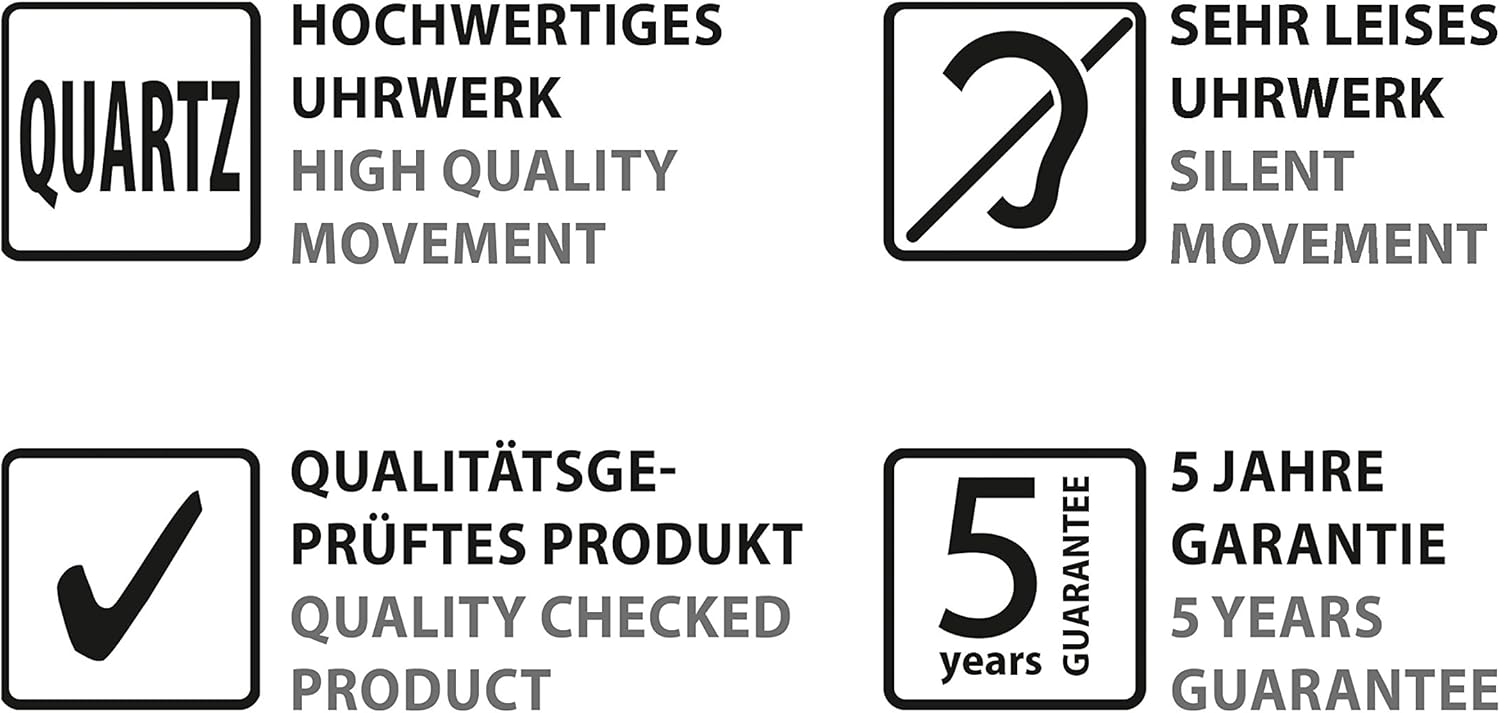
Image 4: A detailed view of the clock face, showing the red hour and minute hands and the subtle curving line design.
6. Maintenance
6.1. Cleaning
- Wipe the clock's surface with a soft, dry cloth.
- Do not use abrasive cleaners, solvents, or chemical sprays, as these may damage the finish.
6.2. Battery Replacement
- Replace the AA battery annually or when the clock begins to lose time.
- Follow the battery installation steps outlined in Section 4.1.
7. Troubleshooting
- Clock is not running:
- Check if the battery is inserted correctly with the correct polarity.
- Replace the battery with a new 1.5V AA battery.
- Clock is losing or gaining time:
- Replace the battery with a new 1.5V AA battery. A weak battery can affect accuracy.
- Ensure the clock is not exposed to extreme temperature fluctuations.
8. Specifications
| Feature | Detail |
|---|---|
| Brand | Sigel |
| Model Number | WU131 |
| Product Name | artetempus® Design Wall Clock, Model kada |
| Color | Black |
| Display Type | Analog |
| Special Feature | Silent Clock |
| Product Dimensions | 35 x 35 x 4.5 cm (13.78"W x 13.78"H) |
| Power Source | Battery Powered |
| Battery Requirement | 1 x 1.5V AA battery (not included) |
| Material | High-quality ABS plastic |
| Movement | Quality-tested silent quartz movement |
9. Warranty and Support
9.1. Product Guarantee
The Sigel artetempus® Design Wall Clock comes with a 5-year product guarantee, covering defects in materials and workmanship under normal use.
9.2. Customer Support
For technical assistance, warranty claims, or further inquiries, please contact Sigel customer support through their official website or the retailer where the product was purchased.
Visit the Sigel Store on Amazon for more information.


